Танилцуулга
This manual provides essential information for the proper setup, operation, and maintenance of your Schubert Preludio 88-Key Digital Piano. Please read this manual thoroughly before using the instrument to ensure optimal performance and longevity. Keep this manual for future reference.
Аюулгүй ажиллагааны зааварчилгаа
- Тэжээлийн адаптерийн хэмжээг баталгаажуулна ууtage нь таны орон нутгийн цахилгаан хангамжтай таарч байна.
- Do not expose the instrument to rain, moisture, or extreme temperatures.
- Avoid placing the instrument near heat sources or in direct sunlight.
- c-г нээж болохгүйasing; бүх үйлчилгээг мэргэшсэн боловсон хүчинд шилжүүлэх.
- Осол гэмтлээс урьдчилан сэргийлэхийн тулд бага насны хүүхдээс хол байлга.
- Disconnect power during thunderstorms or when not in use for extended periods.
Тохиргоо
Савлах, угсрах
Carefully remove all components from the packaging. Ensure all items listed in the "Included in Delivery" section are present.
- Place the keyboard on a stable, flat surface or a compatible keyboard stand.
- Attach the music stand to the designated slot on the keyboard.
- Connect the sustain pedal to the "PEDAL" input on the rear panel of the keyboard.
- Connect the power adapter to the "DC 12V" input and then to a power outlet.

Зураг 1: Дагалдах хэрэгсэлд багтсан. The image displays the Schubert Preludio keyboard's accessories, including the music stand, sustain pedal, power adapter, and various USB cables for connectivity.

Figure 2: Connection Options. This image shows the various input/output ports on the rear of the keyboard, including Audio In, Audio Out, USB, pedal input, and two 6.3mm headphone jacks.
Ашиглалтын заавар
Асаах/унтраах
дээр дарна уу ХҮЧ гарыг асаах эсвэл унтраах товчлуур.
Дууны хяналт
ашиглан мастер дууны түвшинг тохируулна уу Мастер боть knob. Individual volumes for Upper and Lower voices can be adjusted via the VOL+ болон VOL- buttons in Function mode.
Selecting Voices (Sounds)
The Schubert Preludio offers 140 different voices. To select a voice:
- дээр дарна уу ДУГААР товч.
- Тооны товчлуурыг ашиглах эсвэл +/- buttons to select the desired voice number. The selected voice number will be displayed on the LED screen.

Figure 3: Control Panel and Voice Selection. The image highlights the control panel with buttons for voice selection, layering, splitting, and reverb, along with categories like Piano, Organ, Guitar, and Strings.
Layer and Split Functions
- Давхарга: дээр дарна уу LAYER button to combine two voices simultaneously. Select the second voice using the voice selection method.
- Хуваах: дээр дарна уу САЛГАХ button to divide the keyboard into two sections, each with a different voice. The split point can be adjusted. This is useful for teaching or playing duets.
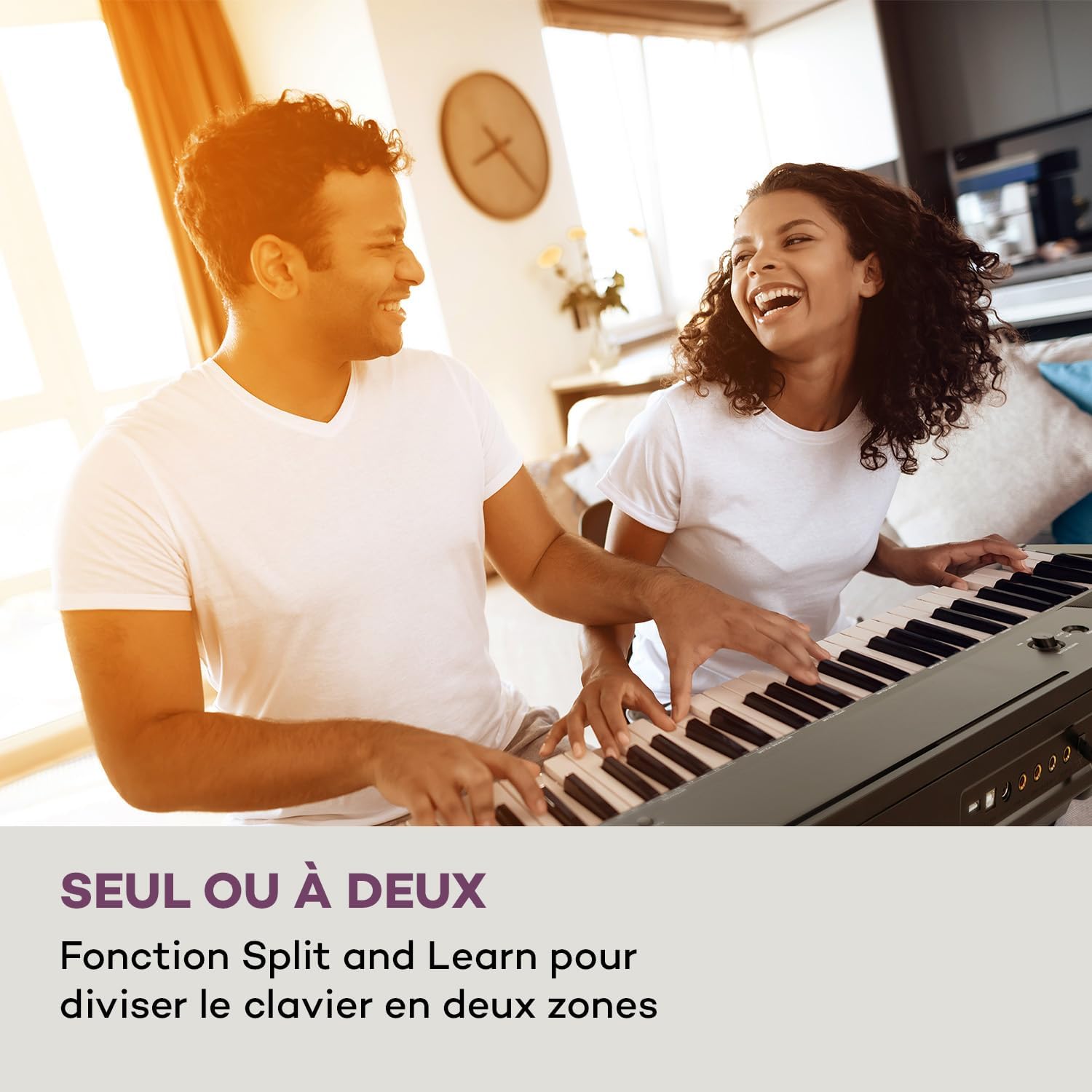
Figure 4: Split and Learn Function. This image shows two individuals playing the keyboard simultaneously, demonstrating the Split function which divides the keyboard into two playable zones.
Метроном ба Темп
Activate the metronome by pressing the МЕТРО button. Adjust the tempo using the ТЕМПО товчлуурууд.
Бичлэг хийх, тоглуулах
The keyboard features a recording function:
- дээр дарна уу БИЧЛЭГ button to start recording your performance.
- дарна уу ТОГЛОХ to listen to your recorded track.
USB холболт
The integrated USB port allows for MP3 playback and MIDI connectivity:
- MP3 тоглуулах: MP3 агуулсан USB дискийг оруулна уу files into the USB port. Use the ДУУ buttons to navigate and play tracks.
- USB-MIDI: Connect the keyboard to a computer using the provided USB-MIDI cable for use with educational and recording software.

Figure 5: Recording and USB Playback. The image depicts the keyboard's capability for recording performances and playing MP3 files via its integrated USB port, enhanced by its 5-watt RMS speakers.
Засвар үйлчилгээ
- Цэвэрлэгээ: Гарны гадаргууг цэвэрлэхийн тулд зөөлөн, хуурай даавуу ашиглаарай. Зүлгүүрийн цэвэрлэгч эсвэл уусгагч хэрэглэж болохгүй.
- Хадгалах: When not in use, store the keyboard in a dry, dust-free environment. If storing for a long period, disconnect the power adapter.
- Гол арчилгаа: Avoid excessive force on the keys. Clean keys gently with a slightly damp шаардлагатай бол даавуугаар арчиж, дараа нь нэн даруй хатаана.
Алдааг олж засварлах
| Асуудал | Боломжит шалтгаан | Шийдэл |
|---|---|---|
| Дуу алга | Power not connected, volume too low, headphones connected. | Check power connection, increase master volume, disconnect headphones. |
| Түлхүүрүүд хариу өгөхгүй байна | Function mode active, internal error. | Exit Function mode, power cycle the instrument. |
| Тогтвортой дөрөө ажиллахгүй байна | Pedal not fully inserted, pedal polarity issue. | Ensure pedal is firmly connected. Some pedals require the keyboard to be powered on with the pedal already pressed to set polarity. |
| USB тоглуулахтай холбоотой асуудлууд | Дэмжигдээгүй file format, corrupted USB drive. | Баталгаажуулах files are MP3 format. Try a different USB drive or reformat the current one. |
Үзүүлэлтүүд
- Загварын нэр: Preludio
- Түлхүүрийн тоо: 88
- Түлхүүрийн төрөл: Full-size, touch-sensitive (3 levels)
- Sounds (Voices): 140
- Демо дуунууд: 16
- Чиг үүрэг: Sustain, Vibrato, Transposition, Octave, Split, Layer, Metronome, Record, Playback, Learning Function
- Холболт: 1 x 6.3 mm Audio In, 1 x 6.3 mm Audio Out, 2 x 6.3 mm Headphone Outputs, 1 x USB (Type A for MP3), 1 x USB-MIDI (Type B)
- Эрчим хүчний хангамж: AC adapter (220-240 V~ | 50/60 Hz)
- Хэмжээ (L x H x D): Ойролцоогоор 130 x 29 x 35 см (51.2 x 11.4 x 13.8 инч)
- Жин: Ойролцоогоор 6.2 кг (13.7 фунт)
- Материал: Хуванцар

Зураг 6: Бүтээгдэхүүний хэмжээс. A visual representation of the keyboard's length, height, and depth measurements.
Баталгаат болон дэмжлэг
For detailed warranty information and technical support, please refer to the warranty card included with your product or visit the official Schubert webсайт. Аливаа баталгаат нэхэмжлэлийн хувьд худалдан авалтаа нотлох баримтаа хадгалаарай.
Бүтээгдэхүүний видео
Sustain Pedal Overview
Энэ видео нь ойроос харуулсан зураг юм view and demonstration of the M-Audio SP-2 sustain pedal, which is compatible with digital pianos like the Schubert Preludio. It shows how the pedal functions to extend notes, similar to an acoustic piano.
Keyboard Features Overview
This video offers a detailed close-up view of the digital piano, showcasing its keys, control panel, and various functions. It provides a visual guide to the instrument's design and user interface.


