Танилцуулга
The Trust Primo Touch Bluetooth True Wireless Earphones offer a truly wireless audio experience with intuitive touch controls. Designed for freedom and convenience, these earphones provide up to 10 hours of playtime on the go, thanks to their compact charging case.
- Truly wireless earphones for ultimate freedom (10 meter range).
- Stylish and on-trend design.
- Comfort fit ear shell pods that keep you alert for nearby sounds.
Бүтээгдэхүүн дууссанview

The Trust Primo Touch True Wireless Earbuds are shown in their open charging case, with both earbuds upright and ready for use or charging.

A detailed close-up of the Trust Primo Touch True Wireless Earbuds, showcasing their sleek design and the subtle Trust branding.

A user enjoying music outdoors with the Trust Primo Touch Earbuds, demonstrating the freedom of movement provided by the wireless design.
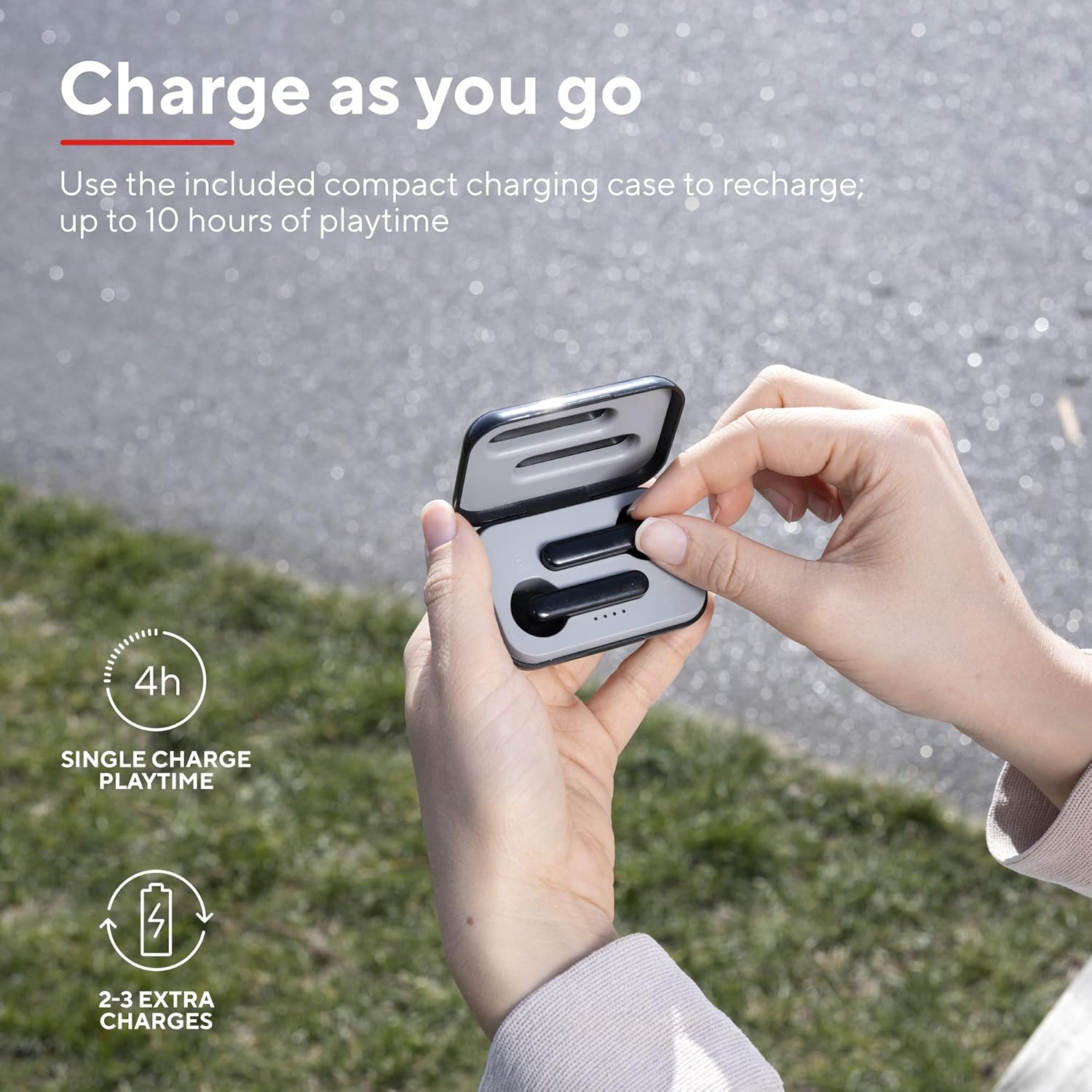
A user placing an earbud into the compact charging case, highlighting the convenience of recharging on the go for extended playtime.

Ойрын зураг view of the earbuds, showcasing their modern, minimalist design and emphasizing their clear sound quality.

A user interacting with the touch controls on an earbud, illustrating the ease of managing audio playback and calls without reaching for a device.

Хажуу талын мэргэжилтэнfile of a person wearing one of the earbuds, demonstrating its ergonomic design for a comfortable and secure fit.
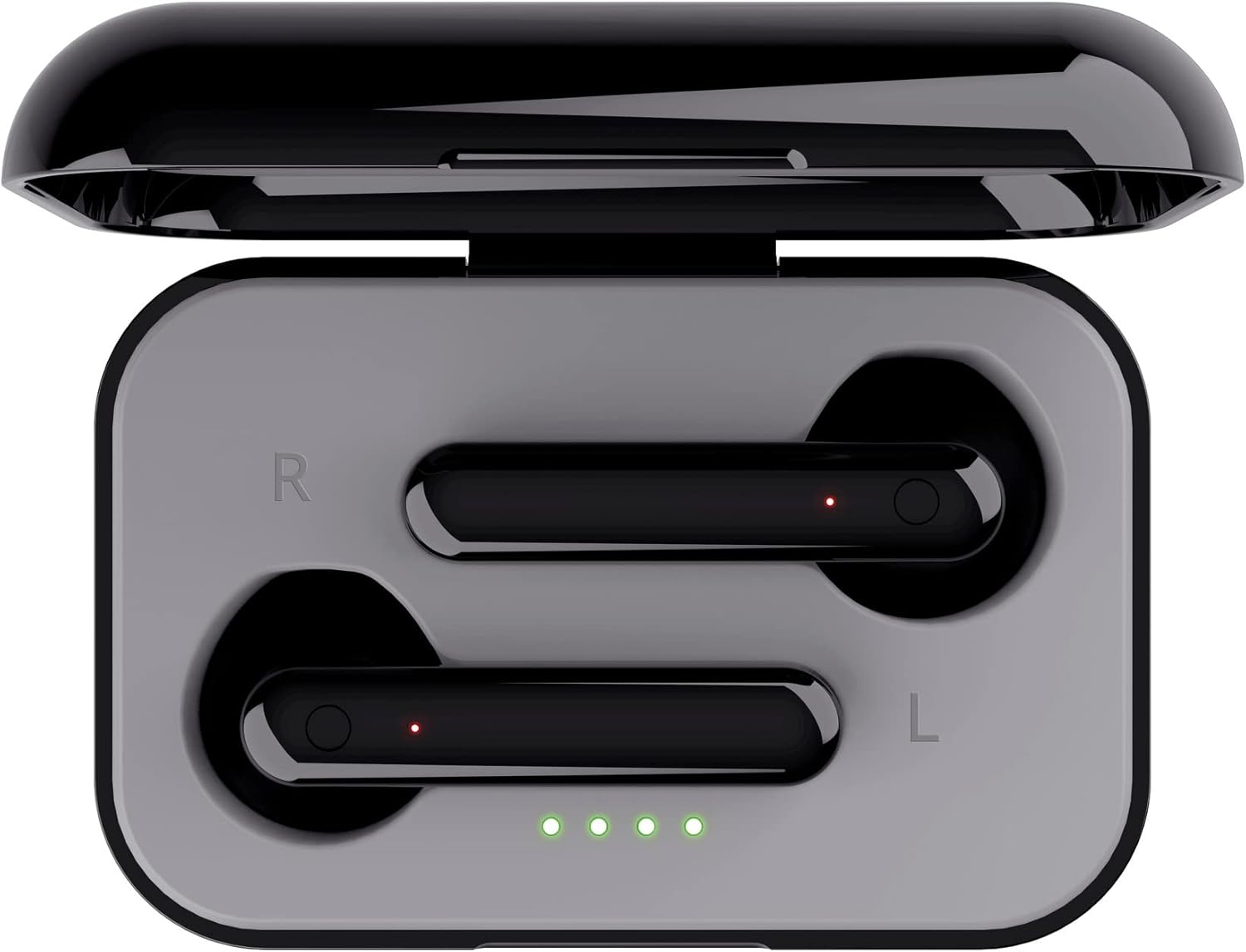
Дээрээс доош view of the open charging case with the earbuds inside, clearly showing the LED charging indicators.

Дээрээс доош view of the closed charging case, featuring the Trust brand logo on its sleek black surface.

The Trust Primo Touch Earbuds are displayed alongside their open charging case, providing a complete view бүтээгдэхүүний бүрэлдэхүүн хэсгүүдийн .
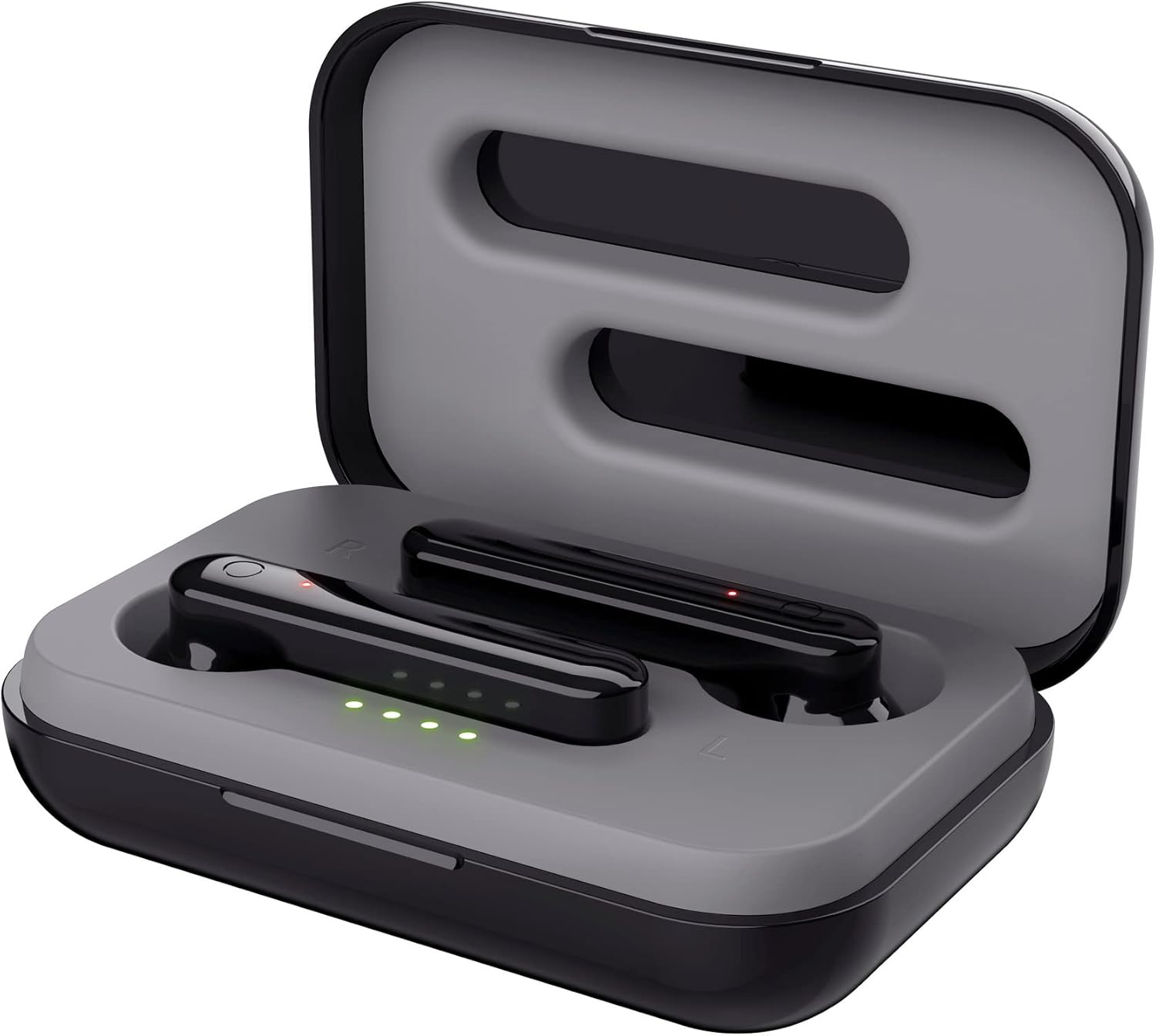
An angled top view of the earbuds nestled within their open charging case, showing the precise fit and charging contacts.

The retail packaging for the Trust Primo Touch Wireless Earphones, showcasing key features and design elements.
Тохиргоо
1. Чихэвч болон гэрийг цэнэглэж байна
Before first use, fully charge the earphones and the charging case. Place the earbuds into the charging case. Connect the charging case to a USB power source using the provided cable. The LED indicators on the case will show the charging status. A full charge provides up to 4 hours of playtime for the earbuds, with the case offering 2-3 additional charges.
2. Таны төхөөрөмжтэй хослуулах
- Чихэвч цэнэглэгдсэн эсэхийг шалгаарай.
- Open the charging case. The earphones will automatically enter pairing mode (indicated by flashing LEDs on the earbuds).
- Төхөөрөмж дээрээ (ухаалаг утас, таблет гэх мэт) Bluetooth тохиргоо руу очоод Bluetooth-г асаана уу.
- хайх available devices and select "Trust Primo Touch" from the list.
- Once connected, the earbud LEDs will stop flashing, indicating successful pairing.
Ажиллаж байна
Удирдлагад хүрнэ үү
The Trust Primo Touch earphones feature intuitive touch controls on each earbud. Refer to the following for common functions:
| Үйлдэл | Чиг үүрэг |
|---|---|
| Нэг товшилт (Зүүн/Баруун чихэвч) | Хөгжим тоглуулах/түр зогсоох, Дуудлагад хариулах/ дуусгах |
| Давхар товшилт (баруун чихэвч) | Дараагийн дуу |
| Давхар товшилт (Зүүн чихэвч) | Өмнөх зам |
| Удаан дарах (Зүүн/Баруун чихэвч) | Дуут туслахыг идэвхжүүлэх (Siri, Google Assistant) |
| Long Press (during incoming call) | Дуудлагаас татгалзах |
Асаах/унтраах
- Асаах: Цэнэглэгчийн гэрийг нээ эсвэл чихэвч гэрээсээ гарч, салгагдсан бол хоёр чихэвчний хүрэх хэсгийг хэдэн секундын турш удаан дарна уу.
- Унтраах: Place the earbuds back into the charging case and close the lid, or long-press the touch area on both earbuds for a few seconds until the indicator light turns off.
Засвар үйлчилгээ
Цэвэрлэгээ
- Чихэвч болон цэнэглэгчийн хайрцгийг зөөлөн, хуурай, хөвөнгүй даавуугаар тогтмол цэвэрлэ.
- Зүлгүүрийн цэвэрлэгч, архи, химийн уусгагчийг бүү ашигла.
- Зөв цэнэглэхийг баталгаажуулахын тулд чихэвч болон хайрцаг дээрх цэнэглэх контактуудыг зөөлөн цэвэрлэ.
Хадгалах
Ашиглаагүй үед чихэвчийг тоос шороо, эвдрэлээс хамгаалахын тулд цэнэглэх хайрцагт нь хадгалаарай. Хэт их температураас хол, сэрүүн, хуурай газар хадгална.
Алдааг олж засварлах
Earbuds Not Pairing with Each Other or Device
- Чихэвч хоёулаа цэнэглэгдсэн эсэхийг шалгаарай.
- Хоёр чихэвчээ цэнэглэгч хайрцагт буцааж хийж, тагийг нь хаагаад хэдэн секунд хүлээгээд дахин нээнэ үү.
- On your device, forget or unpair "Trust Primo Touch" from your Bluetooth settings.
- Restart your device and attempt the pairing process again.
Дуу байхгүй эсвэл дуу багатай
- Төхөөрөмж болон чихэвчний дууны түвшинг шалгана уу.
- Чихэвч таны төхөөрөмжид зөв холбогдсон эсэхийг шалгаарай.
- Чихэвчний чанга яригчийн сараалж дээрх хог хаягдлыг цэвэрлэ.
Микрофоны асуудал
- Чихэвчээ зөв холбосон бөгөөд утсан дээрээ аудио оролтын төхөөрөмж болгон сонгосон эсэхийг шалгаарай.
- Check for any obstructions near the microphone opening on the earbuds.
Үзүүлэлтүүд
| Онцлог | Дэлгэрэнгүй |
|---|---|
| Брэнд | Итгэл |
| Загварын дугаар | 23712 |
| Өнгө | Хар |
| Чихний байрлал | Чихэнд |
| Form Factor | Чихэнд |
| Дуу чимээний хяналт | Дуу тусгаарлагч |
| Бүтээгдэхүүний хэмжээс | 150 x 5 x 5 см; 40 гр |
| Батерей | 1 А зай шаардлагатай (дагсан) |
| Үйлдвэрлэгч | Итгэл |
| Эхний боломжтой огноо | 14 оны долдугаар сарын 2020 |
Баталгаат болон дэмжлэг
Баталгаат хугацаа болон техникийн дэмжлэг авахыг хүсвэл албан ёсны Итгэлцлийн сантай холбогдоно уу website or contact Trust customer service directly. Keep your proof of purchase for any warranty claims.
Та ихэвчлэн үйлдвэрлэгчийн албан ёсны вэбсайтаас дэмжлэг үзүүлэх эх сурвалж, байнга асуудаг асуултууд болон холбоо барих мэдээллийг олж болно. webсайт:


