1. Танилцуулга
Welcome to the user manual for your new Taurus Homeland Laser Robot Vacuum Cleaner. This intelligent cleaning device is designed to provide efficient and thorough cleaning for your home, utilizing advanced ElegantLaser technology for precise navigation and mapping. Please read this manual carefully before using the product to ensure proper operation, maintenance, and safety.
Аюулгүй байдлын мэдээлэл
Дараах аюулгүй байдлын удирдамжийг үргэлж дагаж мөрдөөрэй.
- Do not allow children to operate the robot vacuum cleaner.
- Ensure the charging base is placed on a flat, stable surface against a wall, with no obstacles within 1 meter in front and 0.5 meters on either side.
- Keep the robot away from water or wet surfaces to prevent electric shock.
- Do not use the robot to clean liquids, burning objects, or large, sharp debris.
- Regularly check and clean the brushes and sensors to maintain optimal performance.
- Only use the original power adapter and charging base provided with the product.
- Хэрэв цахилгааны утас гэмтсэн бол түүнийг үйлдвэрлэгч эсвэл мэргэшсэн үйлчилгээний ажилтан солих шаардлагатай.
2. Бүтээгдэхүүн дууссанview
Familiarize yourself with the components of your Taurus Homeland Laser Robot Vacuum Cleaner.
Багцын агуулга
- Taurus Homeland Laser Robot Vacuum Cleaner
- Цэнэглэх суурь
- Эрчим хүчний адаптер
- Алсын удирдлага
- Хажуугийн сойз (2 хос)
- Үндсэн сойз
- Тоосгон
- Шүүрний даавуутай усны сав
- Цэвэрлэх хэрэгсэл
- Хэрэглэгчийн гарын авлага
Роботын бүрэлдэхүүн хэсгүүд


3. Тохиргоо
Сав баглаа боодол, анхны байршуулалт
- Сав баглаа боодолоос бүх бүрэлдэхүүн хэсгүүдийг болгоомжтой арилгана.
- Choose a suitable location for the charging base. It should be placed against a wall on a hard, level surface. Ensure there are no obstacles within 1 meter (3.3 feet) in front of the base and 0.5 meters (1.6 feet) on either side to allow the robot to dock easily.
- Connect the power adapter to the charging base and plug it into a wall outlet. Ensure the indicator light on the charging base illuminates.
Хажуугийн сойз суурилуулах
Turn the robot over. Align the side brushes with the corresponding slots (L and R) on the bottom of the robot and press them down until they click into place.
Анхны цэнэглэлт
Place the robot onto the charging base, ensuring the charging contacts on the robot align with those on the base. The robot will begin charging automatically. For first-time use, it is recommended to fully charge the robot before its initial cleaning cycle (approximately 4-5 hours).
App Setup and Wi-Fi Connection
To unlock the full potential of your robot, download the dedicated mobile application.

- хайх the 'Taurus Homeland' app in your smartphone's app store (Google Play Store for Android or Apple App Store for iOS).
- Програмыг татаж аваад суулгана уу.
- Follow the in-app instructions to create an account and connect your robot vacuum cleaner to your home Wi-Fi network. Ensure your Wi-Fi network is 2.4GHz.
- Холбогдсоны дараа та роботыг удирдах, цэвэрлэгээ хийх хуваарь болон view cleaning maps from your smartphone.
4. Ашиглалтын заавар
Асаах/унтраах
- Асаах: Press and hold the power button on the robot or the remote control until the indicator lights illuminate.
- Унтраах: Press and hold the power button on the robot or the remote control until the indicator lights turn off.
Цэвэрлэгээний мөчлөгийг эхлүүлэх
Press the power button on the robot or the 'Clean' button on the remote control/app to start an automatic cleaning cycle. The robot will begin mapping and cleaning your home using its ElegantLaser navigation.


Цэвэрлэх горимууд
The robot offers 10 different cleaning modes, accessible via the remote control or the mobile app:
- Автомат: Standard cleaning mode, the robot intelligently navigates and cleans the entire area.
- Select Room: Clean specific rooms identified on the app's map.
- Периметр: Хана болон тавилганы ирмэгийн дагуу цэвэрлэнэ.
- Спираль: Төвлөрсөн хэсгийг спираль хэлбэрээр цэвэрлэнэ.
- Гарын авлага: Control the robot's movement manually using the remote control or app.
- Гэртээ буцах: Robot returns to the charging base.
- Хамгийн их хүч: Increases suction power for deeper cleaning.
- Restricted Zone: Define areas on the app map that the robot should avoid.
- Restricted Wall: Create virtual walls on the app map to block off areas.
- Толбо цэвэрлэх: Тодорхой жижиг талбайг эрчимтэй цэвэрлэнэ.
Гар утасны програм ашиглах
The app provides comprehensive control and customization options:

- Газрын зураг: The robot creates a real-time map of your home, which is displayed in the app.
- Zone Restriction: Draw virtual boundaries or no-go zones on the map to prevent the robot from entering certain areas.
- Хуваарь: Set daily or weekly cleaning schedules for automated cleaning.
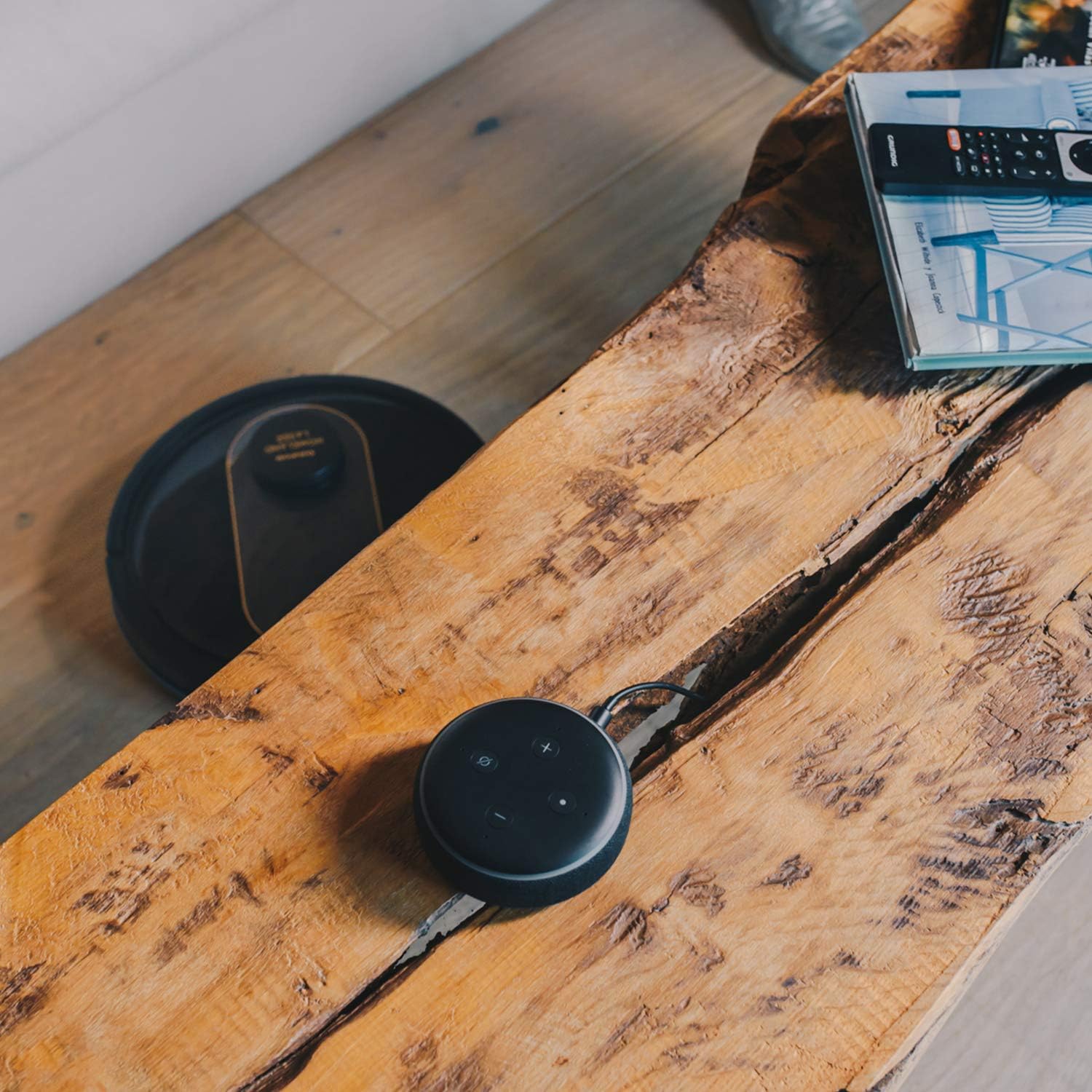
- Дуут удирдлага: Compatible with Alexa and Google Assistant for convenient voice commands (e.g., "Alexa, start cleaning").
Зөөвөрлөх функц
To use the mopping function, fill the water tank with clean water and attach the mop cloth. Insert the water tank into the robot. The robot will then vacuum and mop simultaneously. Do not use detergents or harsh chemicals in the water tank.
5. Засвар үйлчилгээ
Тогтмол засвар үйлчилгээ нь таны робот тоос сорогчийн ашиглалтын хугацааг уртасгаж, оновчтой гүйцэтгэлийг баталгаажуулдаг.
Хогийн савыг хоослох
The dustbin should be emptied after each cleaning cycle or when the 'dustbin full' indicator (if available) illuminates. Press the dustbin release button, pull out the dustbin, open its lid, and discard the debris.
Шүүлтүүрийг цэвэрлэх
The HEPA filter should be cleaned weekly. Remove the filter from the dustbin and tap it gently over a trash can to remove dust. Do not wash the HEPA filter with water; if it becomes heavily soiled, replace it.
Цэвэрлэх сойз
- Үндсэн сойз: Remove the main brush cover and lift out the main brush. Use the provided cleaning tool to remove hair and debris tangled around the brush. Clean the brush compartment.
- Хажуугийн сойз: Periodically check the side brushes for tangled hair or debris. If necessary, remove them and clean them. Replace worn or damaged side brushes.
Мэдрэгч болон цэнэглэх контактуудыг цэвэрлэх
Wipe the cliff sensors (located on the bottom of the robot), wall sensors (on the front bumper), and charging contacts (on the robot and charging base) with a clean, dry cloth. This ensures proper navigation and charging.
Усны сав болон шүүр цэвэрлэх
After mopping, empty any remaining water from the tank. Remove the mop cloth and wash it thoroughly. Allow both the tank and cloth to air dry completely before reassembling.
6. Алдаа засах
Хэрэв та робот тоос сорогчтой холбоотой асуудалтай тулгарвал дараах нийтлэг асуудал болон шийдлүүдийг үзнэ үү.
| Асуудал | Боломжит шалтгаан | Шийдэл |
|---|---|---|
| Робот асахгүй байна. | Батерей бага; Цахилгаан товчийг зөв дараагүй байна. | Роботыг цэнэглэгч суурь дээр байрлуул; Асаах товчийг хэдэн секундын турш удаан дар. |
| Робот цэнэглэдэггүй. | Цэнэглэх контактууд бохирдсон; Цахилгаан адаптер холбогдоогүй байна. | Clean charging contacts on robot and base; Ensure power adapter is securely plugged in. |
| Робот байнга гацдаг. | Хэт их саад бэрхшээл; Хадан хясааны мэдрэгч бохирдсон байна. | Цэвэрлэх замаас саад тотгорыг арилгах; Хадны мэдрэгчийг цэвэрлэх. |
| Цэвэрлэгээний гүйцэтгэл муу. | Хогийн сав дүүрсэн; Сойз орооцолдсон; Шүүлтүүр бөглөрсөн. | Хогийн савыг хоослох; Үндсэн болон хажуугийн сойзыг цэвэрлэх; Шүүлтүүрийг цэвэрлэх эсвэл солих. |
| Апп холболтын асуудал. | Wi-Fi нууц үг буруу байна; Чиглүүлэгч хэт хол байна; 5GHz Wi-Fi сүлжээ. | Re-enter Wi-Fi password; Move robot closer to router; Ensure 2.4GHz Wi-Fi is used. |
| Робот ер бусын чимээ гаргадаг. | Сойз эсвэл дугуйн дахь хог хаягдал; Сэнсний бөглөрөл. | Inspect and clean main brush, side brushes, and wheels; Check for obstructions in the suction path. |
If the problem persists after trying these solutions, please contact Taurus customer support.
7. Техникийн үзүүлэлтүүд
Key technical specifications for the Taurus Homeland Laser Robot Vacuum Cleaner:
| Онцлог | Тодорхойлолт |
|---|---|
| Брэнд | Үхрийн орд |
| Загварын нэр | Homeland Laser |
| Загварын дугаар | 948895000 |
| Өнгө | Хар/Алт |
| Хэмжээ (L x W x H) | 32L x 32W x 10H cm (approx. 7.6 cm height for cleaning under furniture) |
| Зүйлийн жин | 2.7 кг |
| Ботьtage | 240 вольт |
| Материал | Хуванцар |
| Сорох хүч | 1800 PA |
| Зайны төрөл | Лити-ион |
| Зайны ашиглалт | 120 минут хүртэл |
| Шүүлтүүрийн төрөл | HEPA |
| Холболт | Wi-Fi (2.4GHz), Smartphone App, Alexa & Google Assistant compatible |
| Цэвэрлэх горимууд | 10 (Auto, Select Room, Perimeter, Spiral, Manual, Return to Home, Max Power, Restricted Zone, Restricted Wall, Spot Cleaning) |
8. Баталгаат хугацаа ба дэмжлэг
Your Taurus Homeland Laser Robot Vacuum Cleaner comes with a manufacturer's warranty. Please refer to the warranty card included in your product packaging for specific terms and conditions, including the warranty period and coverage details.
Хэрэглэгчийн дэмжлэг
For technical assistance, troubleshooting beyond this manual, or warranty claims, please contact Taurus customer support. Contact information can typically be found on the official Taurus webсайт эсвэл таны бүтээгдэхүүний сав баглаа боодол дээр.
We recommend registering your product on the Taurus webшинэчлэлт, дэмжлэг авах сайт.


