Танилцуулга
This manual provides comprehensive instructions for the beyerdynamic FOX Professional USB Studio Microphone and its accompanying Microphone Suspension Boom Scissor Arm. It covers essential information regarding product setup, operation, maintenance, and troubleshooting to ensure optimal performance and longevity of your equipment. Please read this manual thoroughly before using the product.
Аюулгүй байдлын мэдээлэл
Please observe the following safety instructions to prevent damage to the device, injury to yourself, or damage to other property:
- Do not expose the microphone to moisture, rain, or extreme temperatures.
- Микрофоныг унагаах эсвэл хүчтэй цохилтод өртөхөөс зайлсхий.
- Микрофоныг задлах эсвэл өөрчлөх гэж бүү оролдоорой. Бүх засвар үйлчилгээг мэргэшсэн ажилтнуудад даатга.
- Keep the microphone and boom arm away from strong magnetic fields.
- Ensure the boom arm is securely clamped to a stable surface to prevent accidental falls.
- Use only the specified power source (USB connection) for the microphone.
Багцын агуулга
Доор жагсаасан бүх зүйл таны багцад байгаа эсэхийг шалгаарай.
- beyerdynamic FOX Professional USB Studio Microphone
- Microphone Suspension Boom Scissor Arm with 3/8-Inch-16 Threading (Black)
- USB кабель
- Desk Stand (for microphone)
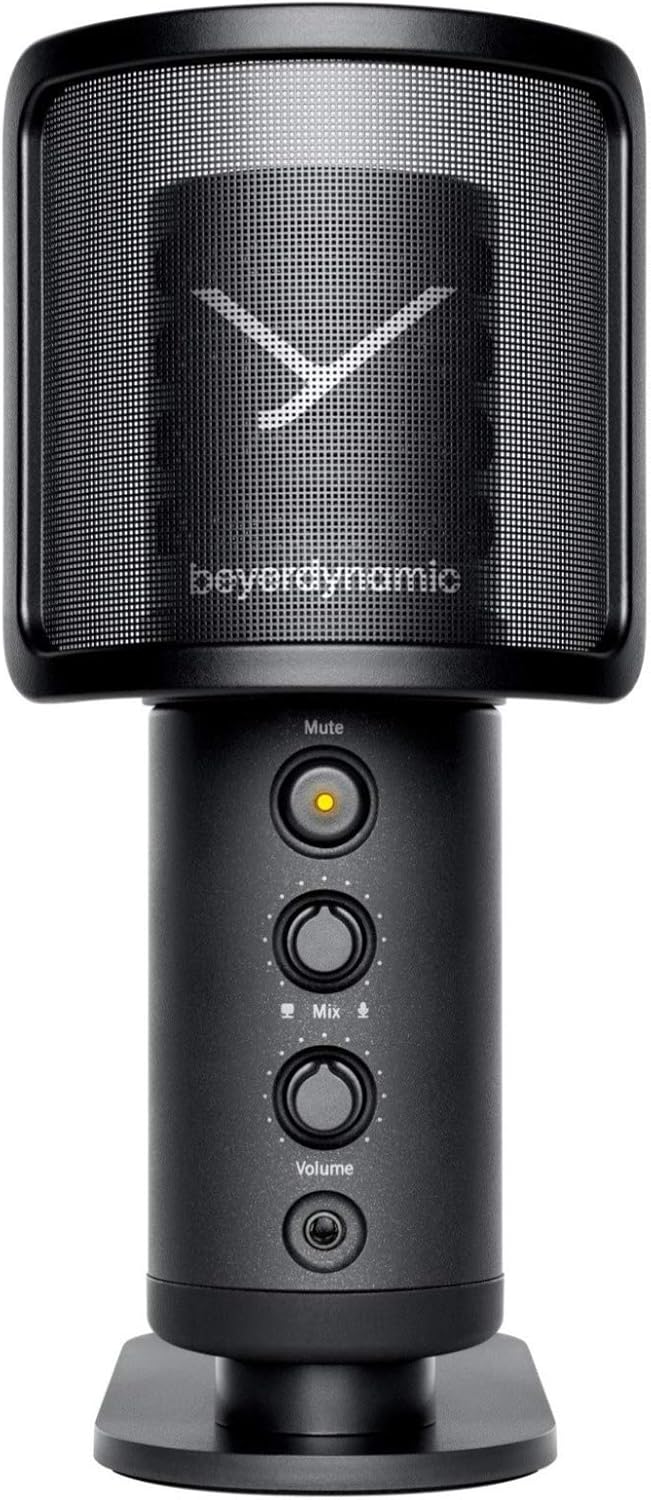
Image: The beyerdynamic FOX USB Studio Microphone and the included boom arm, showcasing бүрэн багц.
Бүтээгдэхүүн дууссанview
Гол онцлогууд:
- Өндөр нягтралтай аудио: 24-bit / 96 kHz studio-grade quality for professional recordings.
- Large Condenser Capsule: Ensures accurate signal conversion and low inherent noise.
- Кардиоидын туйлын загвар: Focuses on sound directly in front of the microphone, reducing unwanted background noise.
- Тэг хоцролттой хяналт: Integrated headphone output allows real-time monitoring of your audio.
- Дууг хаах товч: Instantly mutes the microphone for privacy or to prevent unwanted sounds from being recorded.
- Өсгөгч: Adjustable gain for recording various sound sources, including loud instruments.
- USB холболт: Simple plug-and-play connection to PC, Mac, or compatible smartphones/tablets.
Microphone Components:
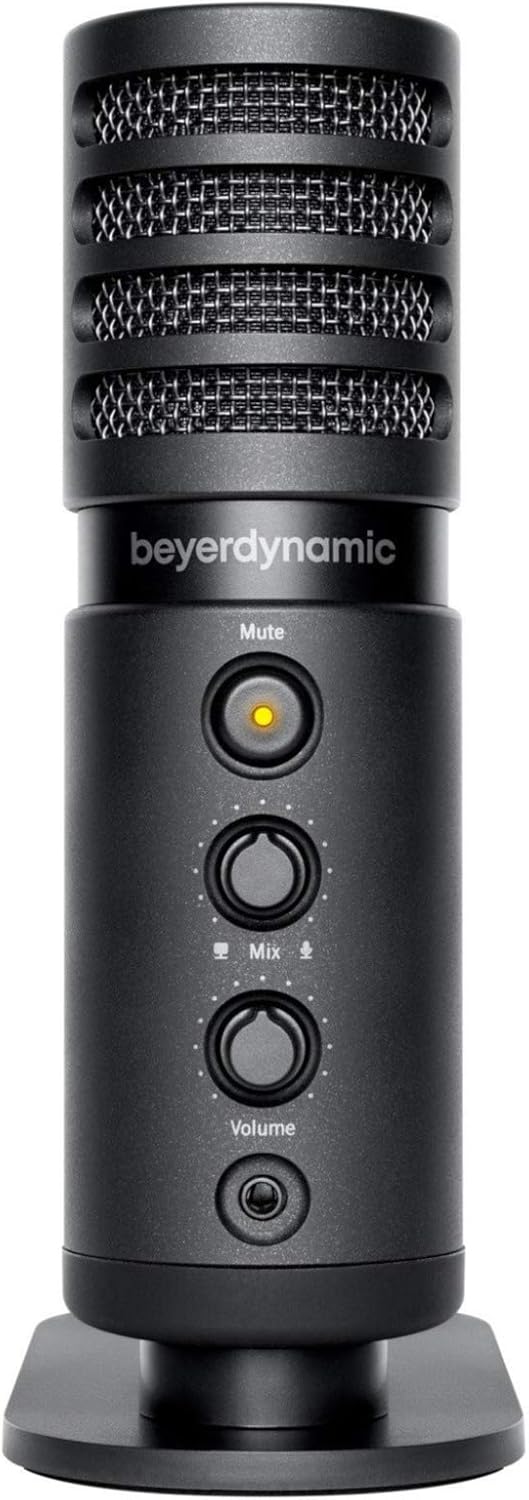
Зураг: Урд view of the beyerdynamic FOX microphone, highlighting the mute button, mix control, and volume knob.
- Микрофоны тор: Protects the condenser capsule.
- Дууг хаах товч: Press to mute/unmute the microphone. An indicator light will show status.
- Холимог хяналт: Adjusts the balance between microphone input and computer playback in your headphones.
- Эзлэхүүний товчлуур: Controls the headphone output volume.
- Чихэвчний залгуур (3.5 мм): For connecting monitoring headphones.
- USB-C порт: For connecting the microphone to your computer or mobile device.
- Урсгалтай бэхэлгээ: For attaching to the desk stand or boom arm.
Тохиргоо
1. Assembling the Boom Arm:
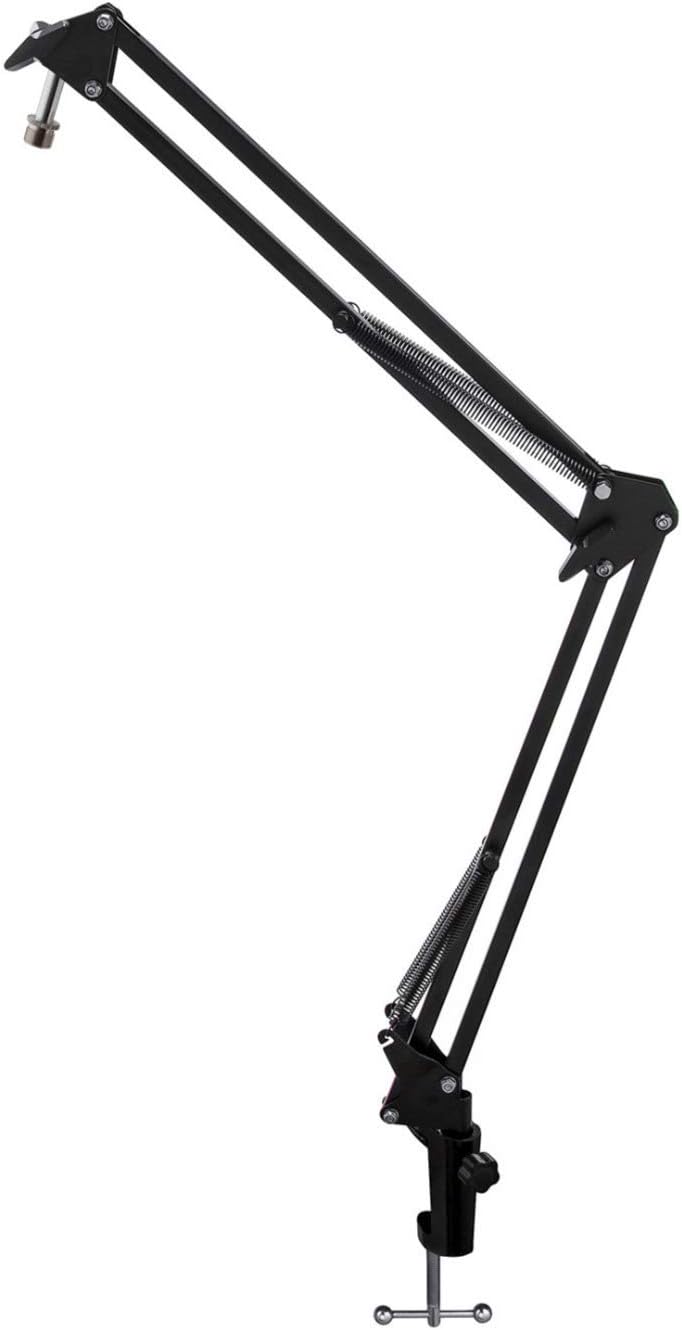
Image: The Microphone Suspension Boom Scissor Arm, showing its adjustable joints and desk clamp.
- Ширээ Cl-г хавсаргаamp: Securely fasten the desk clamp to the edge of a sturdy desk or table. Ensure it is tight to prevent movement.
- Хөшүүргийн гар оруулах: Ширээний нүхэнд хөшүүргийн хөшүүргийн суурийг оруулна ууamp. Tighten the locking screw on the clamp to hold the arm in place.
- Байршил тохируулах: Adjust the boom arm to your desired height and reach. The springs will help balance the microphone's weight.
2. Attaching the Microphone:
- To Boom Arm: Screw the beyerdynamic FOX microphone onto the 3/8-inch-16 threaded mount at the end of the boom arm. Ensure it is finger-tight.
- Using Desk Stand (Optional): If not using the boom arm, screw the microphone onto its included desk stand.
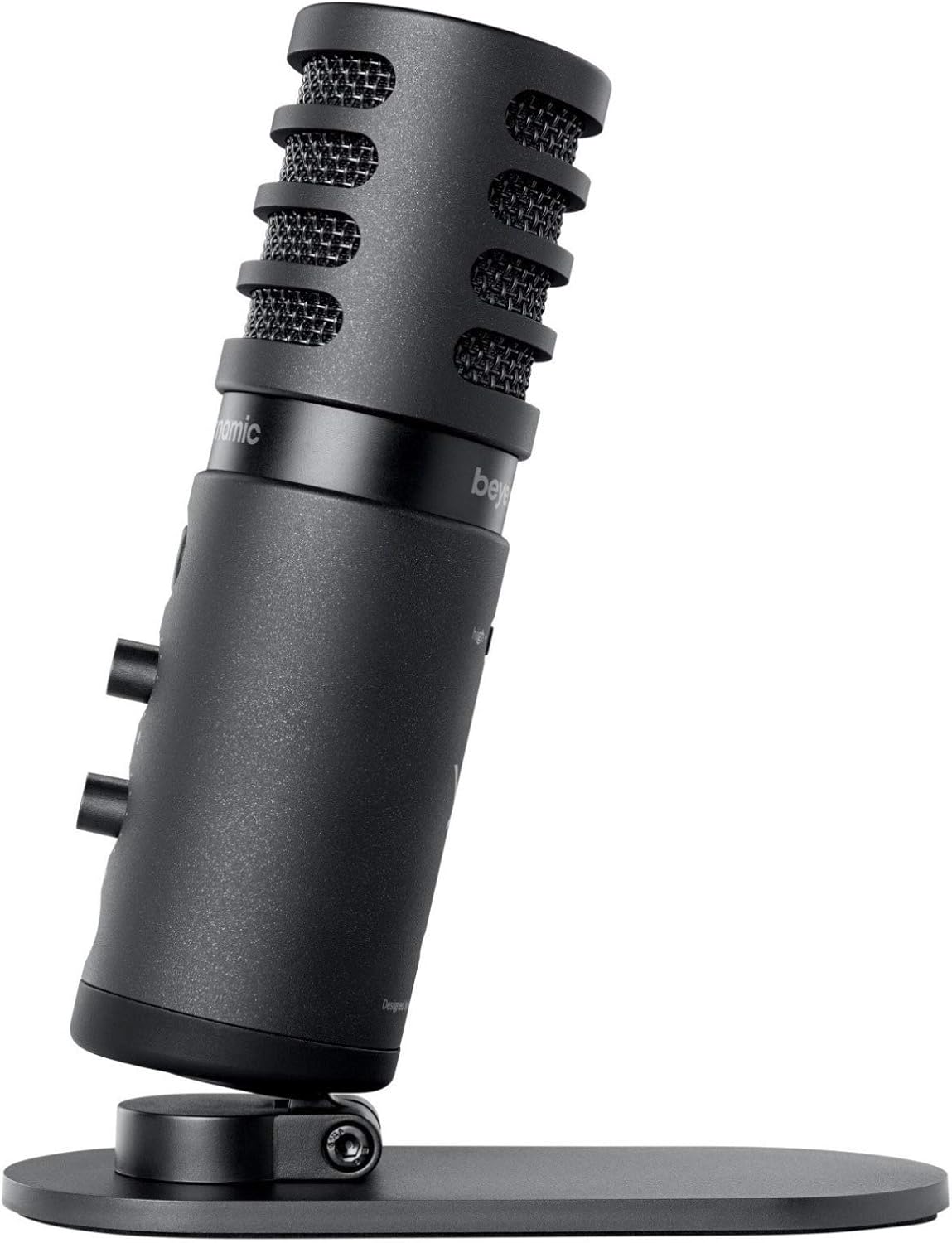
Image: The beyerdynamic FOX microphone mounted on its compact desk stand, ready for use.
3. Таны төхөөрөмжид холбогдох:
- Connect the supplied USB cable to the USB-C port on the microphone.
- Connect the other end of the USB cable to an available USB port on your computer (PC/Mac) or compatible smartphone/tablet (adapter may be required for some mobile devices).
- Микрофон нь залгаад тоглодог бөгөөд таны үйлдлийн систем автоматаар танигдах ёстой.
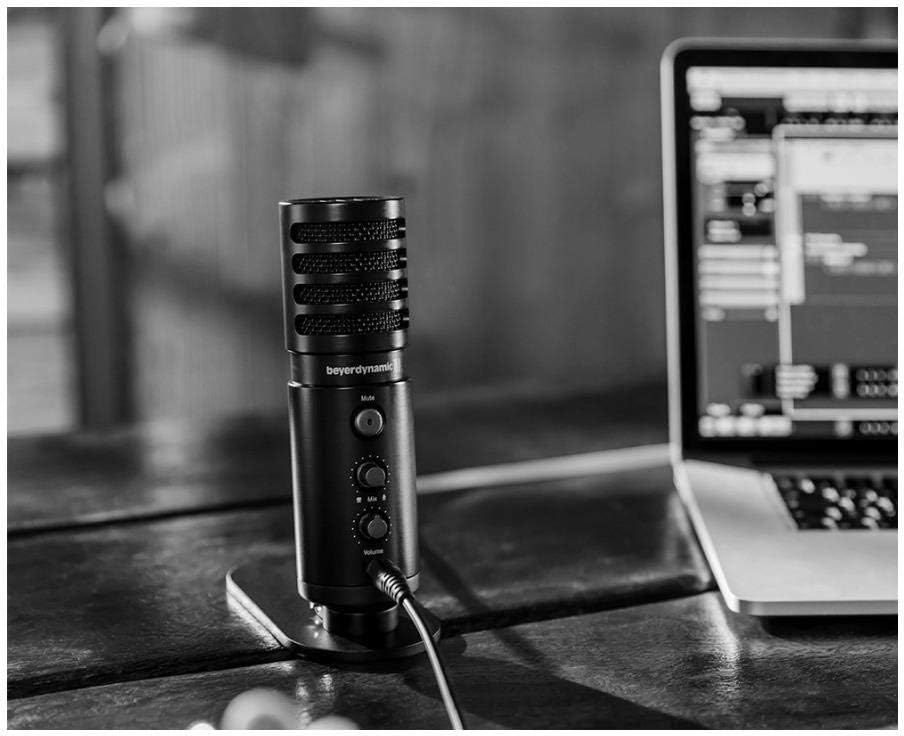
Image: The beyerdynamic FOX microphone in use, connected via USB to a laptop on a wooden desk.
Ашиглалтын заавар
1. System Recognition:
- Once connected, your operating system (Windows, macOS, Android, iOS) should automatically detect the beyerdynamic FOX as an audio input and output device.
- You may need to select "beyerdynamic FOX" as your default input/output device in your system's sound settings or within your recording software.
2. Using the Mute Button:
- дээр дарна уу Дууг хаах button on the front of the microphone to toggle between active and muted states.
- An indicator light will typically show the microphone's status (e.g., green for active, red/orange for muted).
3. Adjusting Gain (Input Level):
- The FOX microphone features a gain switch (often labeled "Gain" or represented by a symbol like a microphone with a "+" or "-").
- Use this switch to adjust the microphone's sensitivity. For quiet sources (e.g., soft vocals), use a higher gain setting. For loud sources (e.g., instruments, loud speaking), use a lower gain setting to prevent distortion.
- Monitor your recording software's input levels to ensure they are not peaking (clipping).
4. Zero-Latency Monitoring:
- Connect headphones to the 3.5mm headphone jack on the microphone.
- -г ашиглана уу Эзлэхүүн knob to adjust the headphone listening level.
- The Холих control allows you to blend the microphone's direct input with the audio playback from your computer. Turn towards the microphone icon to hear more of your live input, and towards the speaker icon to hear more of your computer's audio.
- This feature allows you to hear your voice or instrument in real-time without delay, which is crucial for accurate performance.
Засвар үйлчилгээ
- Цэвэрлэгээ: Use a soft, dry cloth to clean the microphone's exterior. Do not use liquid cleaners or solvents.
- Хадгалах: Ашиглаагүй үед микрофоныг хуурай, тоосгүй орчинд хадгална уу.
- Boom Arm: Periodically check the boom arm's clamps and joints for tightness. Lubricate moving parts if necessary with a small amount of silicone-based lubricant.
- Кабель арчилгаа: Avoid sharp bends or kinks in the USB cable. Store it neatly to prevent damage.
Алдааг олж засварлах
| Асуудал | Боломжит шалтгаан | Шийдэл |
|---|---|---|
| Микрофоноос дуу гарахгүй |
|
|
| Distorted or clipping sound |
|
|
| Чихэвчэнд дуу гарахгүй |
|
|
| Boom arm is unstable |
|
|
Үзүүлэлтүүд
| Онцлог | Дэлгэрэнгүй |
|---|---|
| Загварын дугаар | FOXUSBMIC_K5 |
| Микрофоны хэлбэр хүчин зүйл | Table Array (with included desk stand) |
| Холболтын технологи | USB |
| Холбогч төрөл | USB |
| Туйлын загвар | Нэг чиглэлтэй (кардиоид) |
| Шийдвэр | 24 бит / 96 кГц |
| Дуу шуугианы харьцаа | 78 дБ |
| Техник хангамжийн платформ | Компьютер, ухаалаг утас |
| Тохиромжтой төхөөрөмжүүд | Headphone, Personal Computer, Smartphone |
| Эрчим хүчний эх үүсвэр | Утастай цахилгаан (USB) |
| Item Weight (Microphone) | 16 унц (1 фунт) |
| Бүтээгдэхүүний хэмжээс | 16.2 x 8.3 x 6.8 inches (overall bundle dimensions) |
| Өнгө | Хар |
| UPC | 040962932483 |
Баталгаат болон дэмжлэг
For warranty information and technical support, please refer to the official beyerdynamic webсайт эсвэл харилцагчийн үйлчилгээтэй шууд холбогдоно уу. Баталгаат нэхэмжлэл гаргахын тулд худалдан авалтаа нотлох баримтаа хадгалаарай.
Албан ёсны Webсайт: www.beyerdynamic.com