Танилцуулга
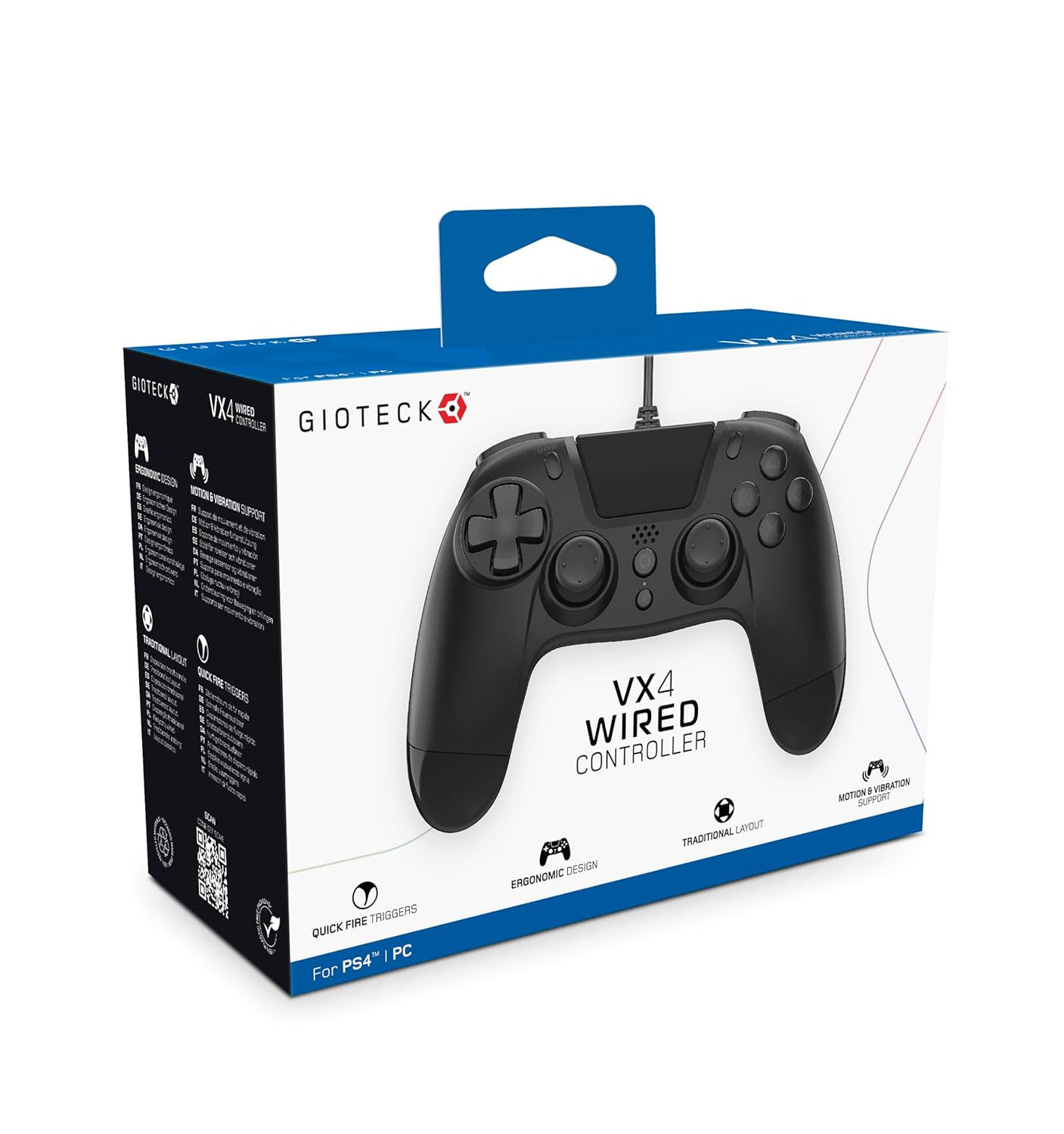
The Gioteck VX-4 Wired Controller is designed for PlayStation 4 and PC, offering a comfortable and responsive gaming experience. It features quick-fire triggers, a precision D-pad, and anti-slip rubber thumb sticks for enhanced performance, providing a next-level immersive gaming experience.
Гол онцлогууд:
- Quick Fire triggers
- Эргономик дизайн
- Traditional PlayStation layout
Багцын агуулга:
- Gioteck VX-4 Wired Controller
- Хэрэглэгчийн гарын авлага (энэ баримт бичиг)
Бүтээгдэхүүн дууссанview:
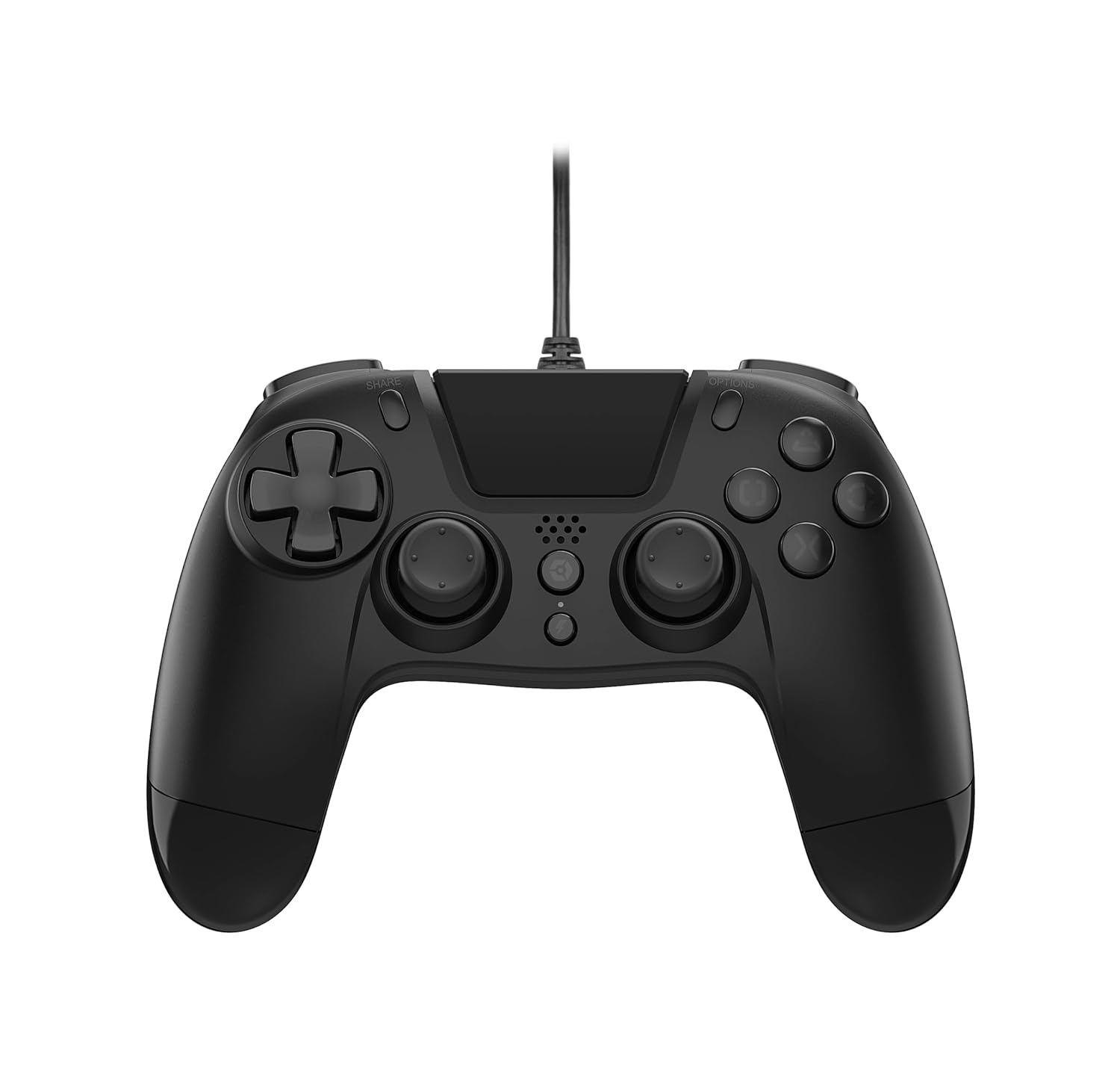
Тохиргоо
Connecting to PlayStation 4:
- PlayStation 4 консолоо асаалттай байгаа эсэхийг шалгаарай.
- Insert the USB connector of the VX-4 Wired Controller into an available USB port on your PlayStation 4 console.
- The controller should be automatically recognized and ready for use.
Компьютерт холбогдож байна:
- Таны компьютер асаалттай байгаа эсэхийг шалгаарай.
- Insert the USB connector of the VX-4 Wired Controller into an available USB port on your PC.
- The PC operating system should automatically install the necessary drivers. If prompted, allow the driver installation to complete.
- The controller will be ready for use with compatible PC games.

Ашиглалтын заавар
Товчлуурын байршил:
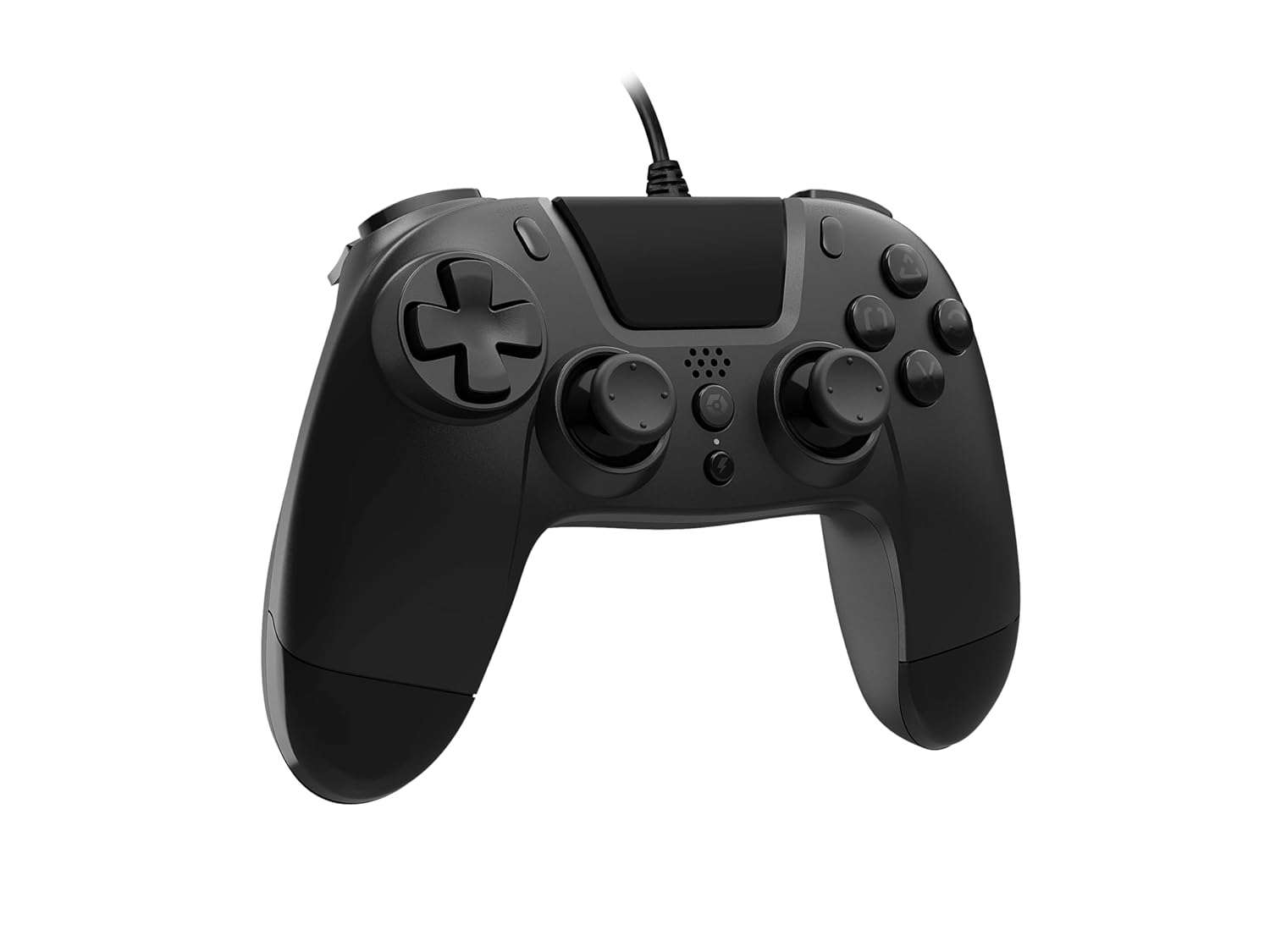
The VX-4 Wired Controller features a traditional PlayStation layout:
- Чиглэлийн дэвсгэр (D-Pad): Нарийвчлалтай чиглэлтэй оролтын хувьд.
- Зүүн аналог зөөгч: Хөдөлгөөний анхдагч хяналт.
- Баруун аналог зөөгч: Камер эсвэл чиглүүлэгчийн удирдлага.
- Үйлдлийн товчлуурууд (Гурвалжин, Тойрог, Загалмай, Дөрвөлжин): Context-sensitive actions in games.
- ХУВААЛЦАХ Товч: Share gameplay moments (PS4 only).
- СОНГОЛТУУД Товч: Access in-game menus or pause (PS4 only).
- PS товч: Access the PlayStation Home screen or power on/off the console (PS4 only).
- L1/R1 товчлуурууд: Shoulder buttons, typically for quick actions.
- L2/R2 өдөөгч: Analog triggers for precise input, such as acceleration or firing.
Хянагчийг ашиглах:
Once connected, the controller functions similarly to a standard PlayStation 4 controller for compatible games. For PC, ensure the game supports XInput or DirectInput controllers for optimal performance.
Засвар үйлчилгээ
Цэвэрлэгээ:
Хянагчийг цэвэрлэхийн тулд зөөлөн, хуурай даавуу ашиглаарай. Зөрүүд бохирдсон тохиолдолд бага зэрэг арчина.amp cloth can be used, but ensure no moisture enters the controller's internal components. Do not use harsh chemicals or abrasive cleaners, as these may damage the finish or internal electronics.
Хадгалах:
Store the controller in a cool, dry place away from direct sunlight and extreme temperatures. Avoid placing heavy objects on the controller to prevent damage to the cable or buttons.
Кабель арчилгаа:
Do not sharply bend, twist, or pull on the controller cable. Always grasp the plug, not the cable, when connecting or disconnecting it from your console or PC to prevent internal wire damage.
Алдааг олж засварлах
Хянагч хариу өгөхгүй байна:
- USB кабелийг хянагч болон консол/компьютер хоёуланд нь найдвартай залгасан эсэхийг шалгаарай.
- Try plugging the controller into a different USB port on your console/PC.
- Консол эсвэл компьютерээ дахин ачаална уу.
- If on PC, check Device Manager to ensure the controller is recognized and drivers are installed correctly.
Товчлуур эсвэл саваа зөв ажиллахгүй байна:
- Check for any physical obstructions or debris around the buttons or analog sticks.
- Ensure the controller is clean (refer to Maintenance section).
- Асуудал нь зөвхөн нэг програмд хамааралтай эсэхийг тодорхойлохын тулд хянагчийг өөр тоглоом эсвэл програмаар туршиж үзээрэй.
Чичиргээ ажиллахгүй байна:
- Verify that the game or application you are playing supports vibration feedback.
- Чичиргээ идэвхжсэн эсэхийг шалгахын тулд тоглоомын доторх тохиргоог шалгана уу.
Үзүүлэлтүүд
| Онцлог | Дэлгэрэнгүй |
|---|---|
| Загварын дугаар | SWIAGJC |
| Холболт | Утастай USB |
| Тохиромжтой байдал | PlayStation 4, PC |
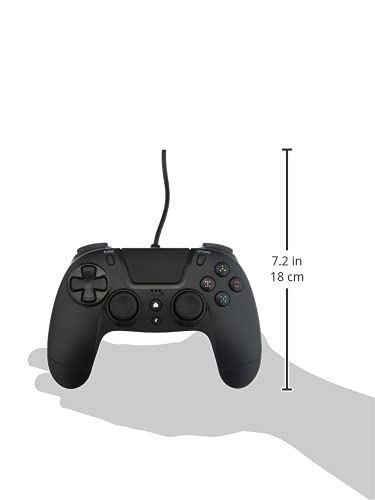
| Product Dimensions (Controller) | Approximately 7.2 inches (18 cm) in height |
| Зүйлийн жин | 7.41 унц (210 грамм) |
| Үйлдвэрлэгч | Гиотек |
Баталгаат болон дэмжлэг
For warranty information and technical support regarding your Gioteck VX-4 Wired Controller, please refer to the official Gioteck webсайтаас авах эсвэл тэдний харилцагчийн үйлчилгээтэй шууд холбогдоно уу. Баталгаат хугацааны нэхэмжлэлийн хувьд худалдан авалтын баримтаа хадгалахыг зөвлөж байна.
Manufacturer: Gioteck
Анх худалдаанд гарсан огноо: 2020 оны 9-р сарын 10


