1. Танилцуулга
Thank you for choosing the Yimaut IR Remote Control. This remote is designed to provide seamless control for your Roku Built-in TV. It operates using infrared (IR) technology and does not require pairing or complex setup for basic Roku TV functions. This package includes two remote controls, one black silicone cover, and one pink glow-in-the-dark silicone cover, along with wrist straps.
Багцын агуулга
- 2 x Yimaut IR Remote Controls
- 1 x Black Silicone Remote Cover
- 1 x Pink Glow-in-the-Dark Silicone Remote Cover
- 2 х бугуйн оосор
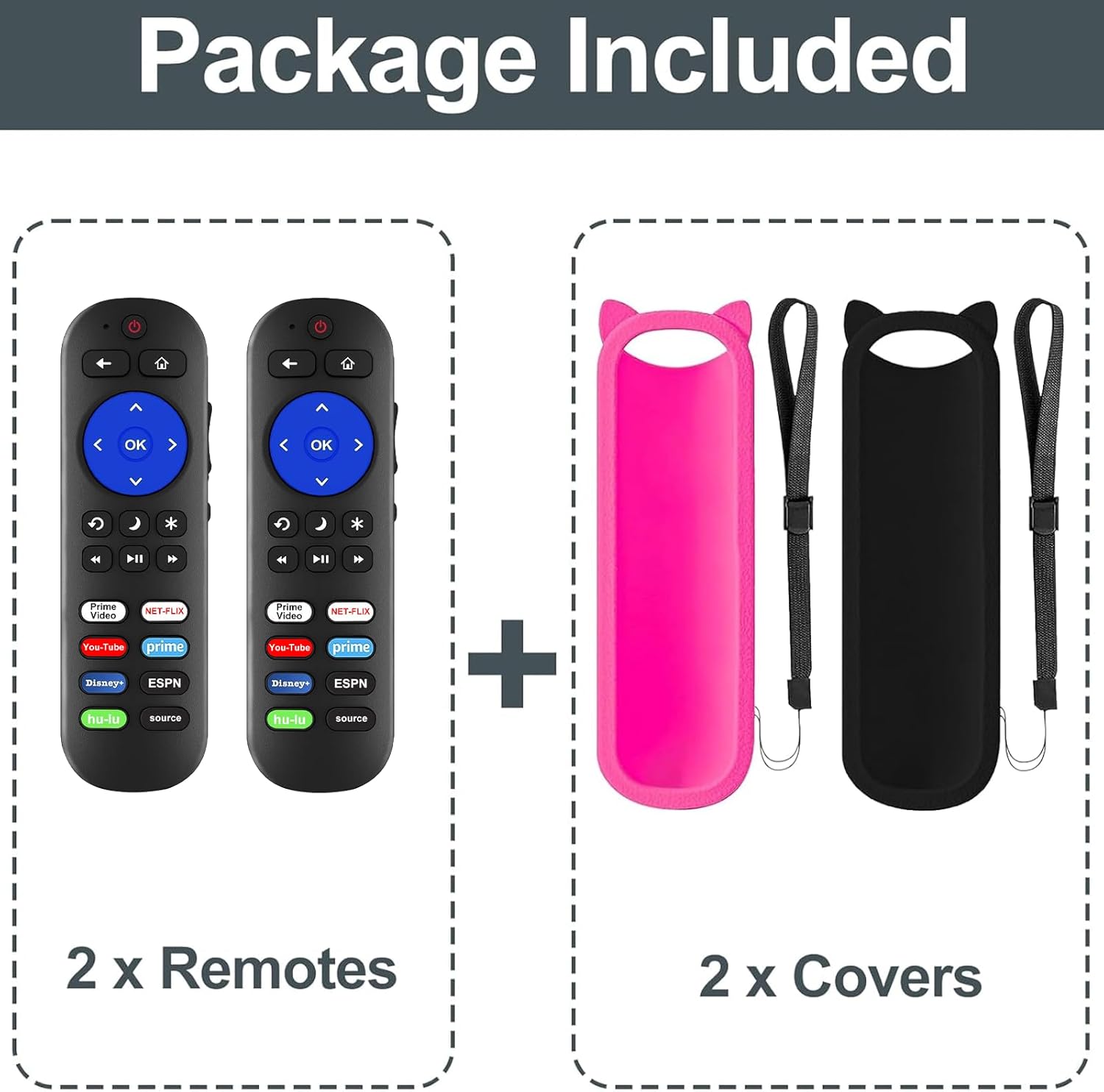
Зураг 1: Багцын агуулга
Тохиромжтой байдал
This remote control is compatible with all Roku Built-in TVs. It is not compatible with Roku Stick or Roku Streaming Stick devices. It does not support RF, Wi-Fi, Bluetooth, voice control, or headphone jack functions.
Supported TV brands include:
- TCL Roku телевиз
- Hisense Roku телевиз
- Onn Roku TV
- Sharp Roku TV
- Haier Roku TV
- Insignia Roku ТВ
- Sanyo Roku TV
- Hitachi Roku TV
- RCA Roku TV
- Philips Roku телевиз
- Року ТВ-ийн элемент
- LG Roku TV
- JVC Roku ТВ
- Magnavox Roku TV
- Westinghouse Roku телевиз

Figure 2: Compatibility Overview
2. Тохиргоо
Батерей суурилуулах
The remote control requires two (2) AAA batteries (not included) for operation.
- Алсын удирдлагын арын хэсэгт байрлах зай тасалгааны тагийг онгойлгоно уу.
- Хоёр AAA батерейг оруулаад эерэг (+) ба сөрөг (-) терминалууд тасалгааны доторх тэмдэглэгээтэй зөв таарч байгаа эсэхийг шалгаарай.
- Зайны тасалгааны тагийг сайтар хаа.

Figure 3: Remote Control (Batteries not shown installed)
Анхны хэрэглээ
For Roku Built-in TVs, no pairing or programming is required. Once batteries are installed, the remote is ready for immediate use. Simply point the remote directly at your Roku TV.
3. Ашиглалтын заавар
Үндсэн функцууд
- Цахилгаан товч: Таны зурагтыг асаах эсвэл унтраана.
- Дууны хэмжээг нэмэгдүүлэх/доошруулах: ТВ-ийн дууны хэмжээг тохируулна.
- Дууг хаах товч: ТВ-ийн дууг хаадаг эсвэл нээдэг.
- Directional Pad (Up, Down, Left, Right) and OK Button: Цэс рүү шилжиж, сонголтуудыг сонгоно.
- Нүүр хуудас товч: Roku-н үндсэн дэлгэц рүү буцна.
- Буцах товчлуур: Өмнөх дэлгэц эсвэл цэс рүү буцна.
- Дахин тоглуулах удирдлага (Ураах, тоглуулах/түр зогсоох, хурдан урагшлуулах): Медиа тоглуулалтыг хянадаг.
Товчлолын товчлуурууд
The remote features dedicated shortcut buttons for quick access to popular streaming services:
- Netflix
- Хулу
- Disney+
- Amazon Prime видео
- YouTube-ийн
- ESPN+
- Source Button (to change input source)
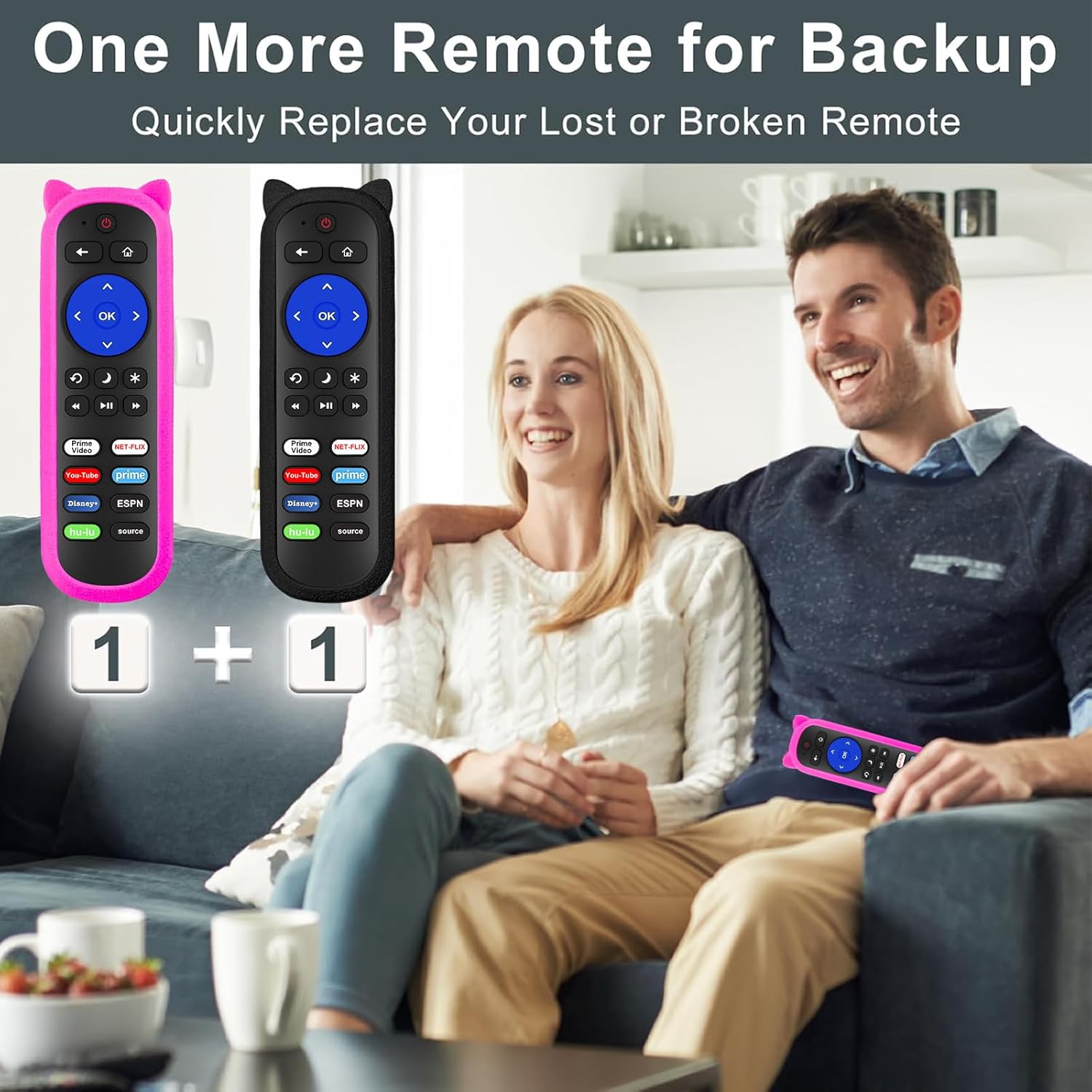
Figure 4: Remote Control Layout with Shortcut Buttons

Figure 5: 8 Channel Shortcut Keys Design
Infrared (IR) Operation
This remote operates via infrared signal. Ensure a clear line of sight between the remote control and your TV's IR receiver. Obstructions can interfere with the signal. The remote has a transmitting distance of up to 12 meters (40 feet).

Figure 6: Farther Transmitting Distance
4. Засвар үйлчилгээ
Silicone Remote Covers
The included silicone covers protect your remote from drops and scratches. The pink cover features a glow-in-the-dark material, making it easier to locate in low-light conditions.
- Цэвэрлэгээ: The silicone covers are washable. Remove the remote from the cover, wash the cover with mild soap and water, rinse thoroughly, and allow it to air dry completely before reinserting the remote.
- Anti-Lost Feature: Use the included wrist strap with the silicone cover to prevent accidental drops or misplacement.
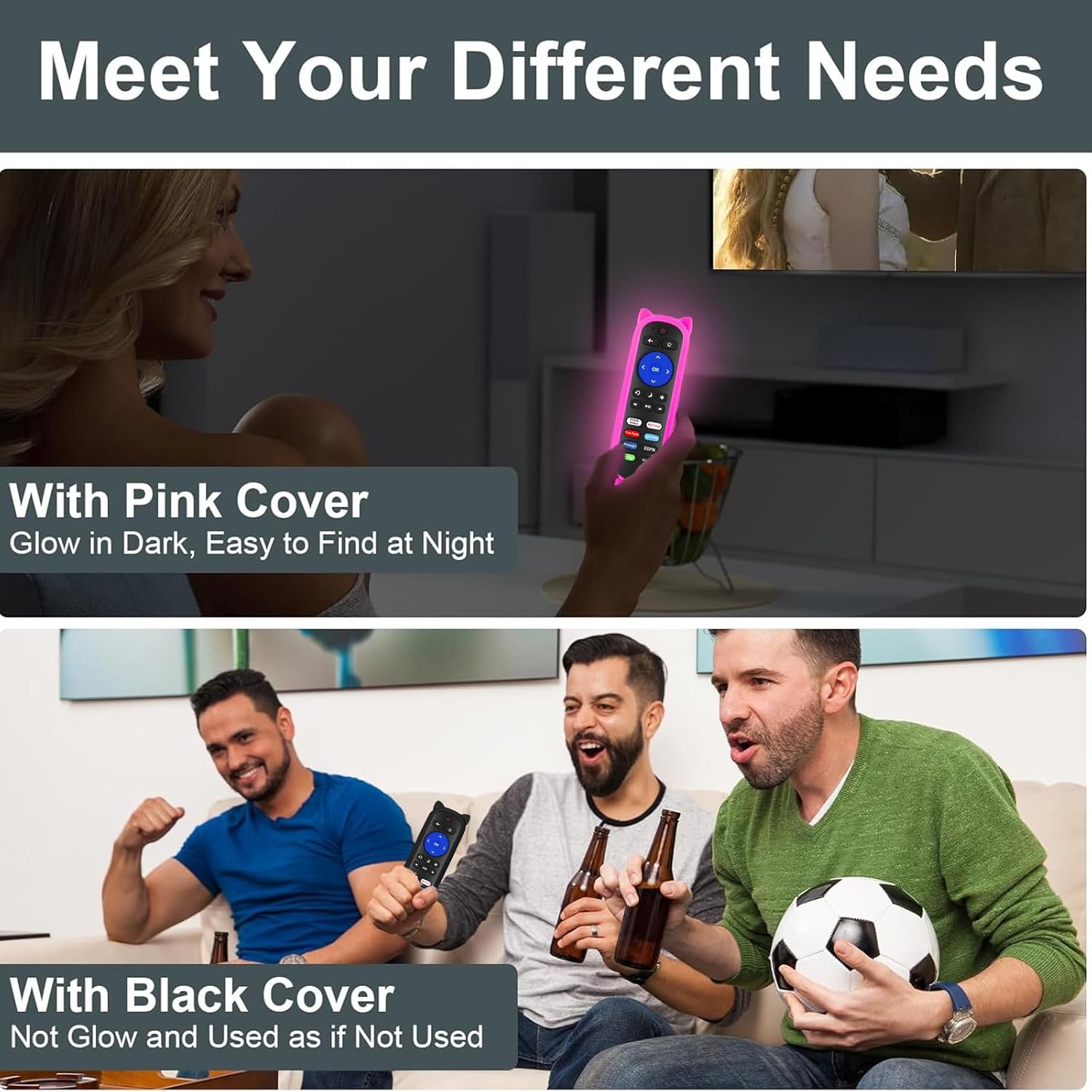
Figure 7: Remote with Pink Glow-in-the-Dark Cover

Figure 8: Detail of Silicone Remote Cover
Зай солих
Replace batteries when the remote's response becomes sluggish or stops working. Always use fresh AAA batteries and dispose of old batteries responsibly.
5. Алдаа засах
Алсын удирдлага хариу өгөхгүй байна
- Батерейг шалгах: Ensure batteries are inserted correctly with the correct polarity and are not depleted. Replace if necessary.
- Харааны шугам: Verify there are no obstructions between the remote and your TV's IR receiver. Aim the remote directly at the TV.
- хөндлөнгийн оролцоо: Avoid pointing the remote at glossy surfaces, as this can cause signal reflection issues. Keep the remote's path clear of bright LED light sources, which can interfere with the IR signal.
- Зай: Ensure you are within the effective operating range (up to 12 meters / 40 feet).

Figure 9: Troubleshooting for Connection Failure
Programming TV Power/Volume (for Roku Express/Soundbar setups)
While this remote is primarily for Roku Built-in TVs, some users with Roku Express or soundbar setups may need to program the TV power and volume buttons. If the power and volume buttons do not control your TV directly, you may need to use a universal remote code for your TV brand. Refer to your TV's manual for compatible universal remote codes or contact Yimaut customer service for assistance.
Note: Some users have reported success using Sony TV codes for Sceptre TVs.
6. Техникийн үзүүлэлтүүд
| Онцлог | Тодорхойлолт |
|---|---|
| Брэнд | Имаут |
| Холболтын технологи | Хэт улаан туяаны (IR) |
| Тохиромжтой байдал | All Roku Built-in TVs (TCL, Hisense, Onn, Sharp, etc.) |
| Эрчим хүчний эх үүсвэр | 2 x AAA батерей (оруулаагүй) |
| Онцлог шинж чанарууд | Ergonomic design, No programming required for Roku Built-in TV, Shortcut keys, Anti-lost silicone covers (one glow-in-the-dark) |
| Дэмжигдсэн төхөөрөмжүүдийн хамгийн их тоо | 3 (Roku TV, plus TV power/volume if programmed) |
| Зүйлийн жин | 5.6 ounces (approx. for the pack) |
| Багцын хэмжээ | 6.5 x 4.29 x 1.46 инч |
7. Баталгаат хугацаа ба дэмжлэг
For any questions, concerns, or technical support regarding your Yimaut IR Remote Control, please contact Yimaut customer service. While specific warranty details are not provided in this manual, Yimaut is committed to providing quality products and support.
You can often find support information or contact details through the retailer where you purchased the product or by visiting the official Yimaut brand store online.
Yimaut Brand Store: Visit the Yimaut Store


