1. Танилцуулга
Thank you for choosing the AUNA CDC 200 Portable DAB+/FM CD Player. This device combines the versatility of a portable CD player with the advanced capabilities of DAB+ and FM radio. Designed for on-the-go listening, it features a rechargeable battery, an anti-skip function, and supports various audio formats. Please read this manual carefully to ensure proper use and maintenance of your device.

Image 1.1: AUNA CDC 200 Portable DAB+/FM CD Player. This image shows the compact design of the device.
2. Бүтээгдэхүүний онцлог
- DAB+ and FM Radio Tuner: Дижитал болон аналог радио станцуудын өргөн хүрээг хамарна.
- CD тоглуулах: Supports CD, CD-R, CD-RW, and MP3-CD formats.
- Зөөврийн дизайн: Авсаархан, хөнгөн жинтэй тул тээвэрлэхэд хялбар.
- Цэнэглэдэг батерей: Integrated 1000 mAh battery for extended mobile use.
- LC дэлгэц: Clear Liquid Crystal display for track information and radio station details.
- Алгасахаас хамгаалах функц: Ensures stable audio playback during movement.
- Басс өсгөх: Enhances low-frequency audio for a richer sound experience.
- Микро USB порт: Төхөөрөмжийг цэнэглэхэд зориулагдсан.
- 3.5 мм чихэвчний залгуур: Хувийн сонсох зориулалттай.
3. Багцын агуулга
Дараах зүйлсийн багцад байгаа эсэхийг шалгана уу.
- AUNA CDC 200 Portable DAB+/FM CD Player
- Чихний чихэвч
- Микро USB цэнэглэгч кабель
- Хэрэглэгчийн гарын авлага (энэ баримт бичиг)
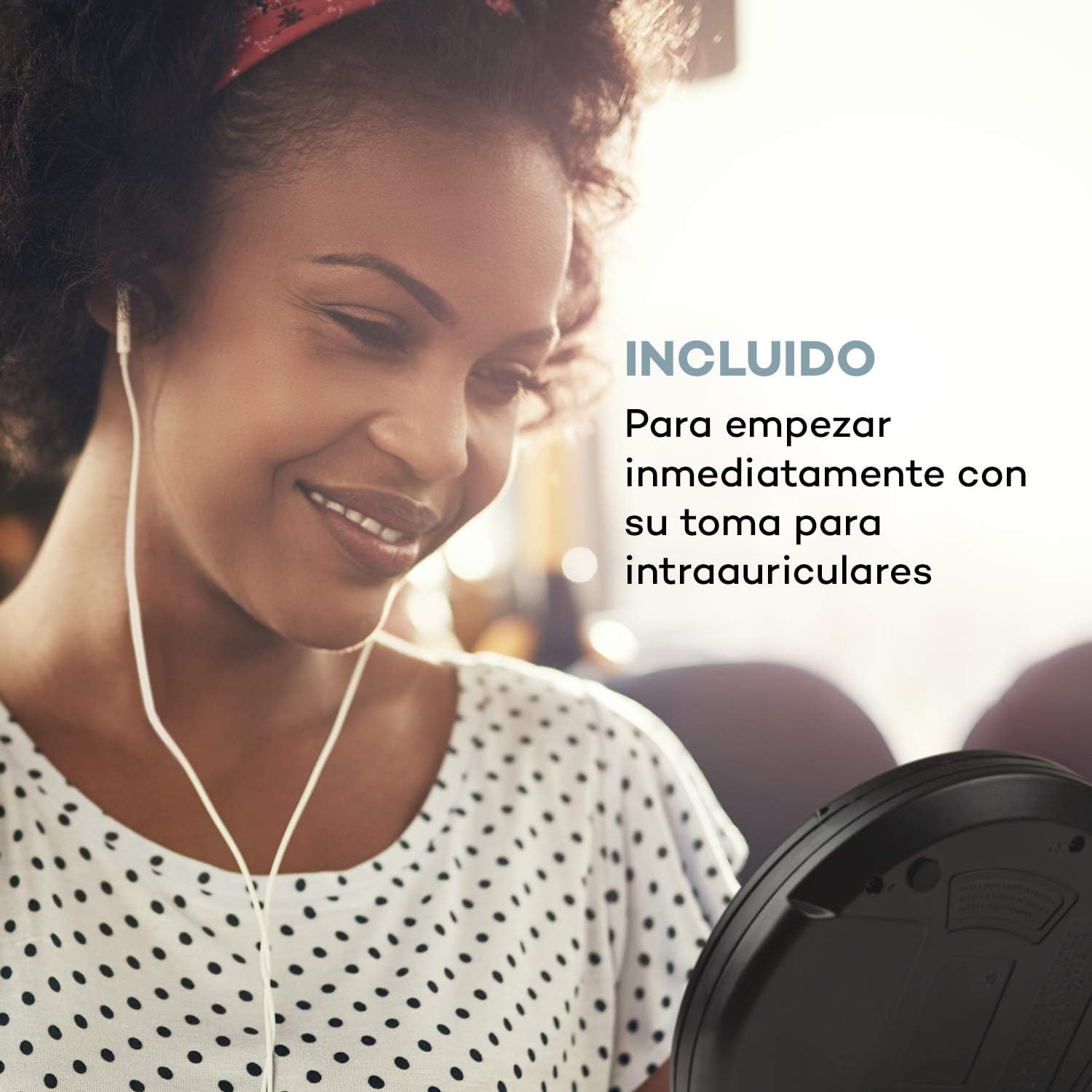
Image 3.1: The AUNA CDC 200 includes a pair of in-ear headphones for immediate use.
4. Хяналт ба холболтууд
Familiarize yourself with the buttons and ports on your AUNA CDC 200:
- OFF/ON унтраалга: Төхөөрөмжийг асаах эсвэл унтраах.
- Play/Pause Button (►/−): CD тоглуулж эхлэх эсвэл түр зогсооно.
- Stop Button (■): CD тоглуулахыг зогсооно.
- Skip/Search Buttons (◀◀ / ►►): Skips tracks or fast forwards/rewinds during CD playback. In radio mode, tunes to the next/previous station.
- MENU товч: Цэсний сонголтуудад ханддаг.
- P-MODE Button: Selects playback modes (e.g., repeat, random).
- SOURCE товч: Switches between CD and Radio modes.
- SCAN товч: Initiates station scanning in radio mode.
- Мэдээллийн товчлуур: Displays additional information (e.g., radio station details).
- ENTER товч: Цэснүүд дэх сонголтыг баталгаажуулна.
- TU+/TU- Buttons: Adjusts tuning in radio mode or navigates menu options.
- Микро USB порт: Цэнэглэх кабелийг холбох зориулалттай.
- 3.5 мм чихэвчний залгуур: Чихэвч холбох.

Зураг 4.1: Дууслааview of the AUNA CDC 200's top panel with control buttons and LC display.
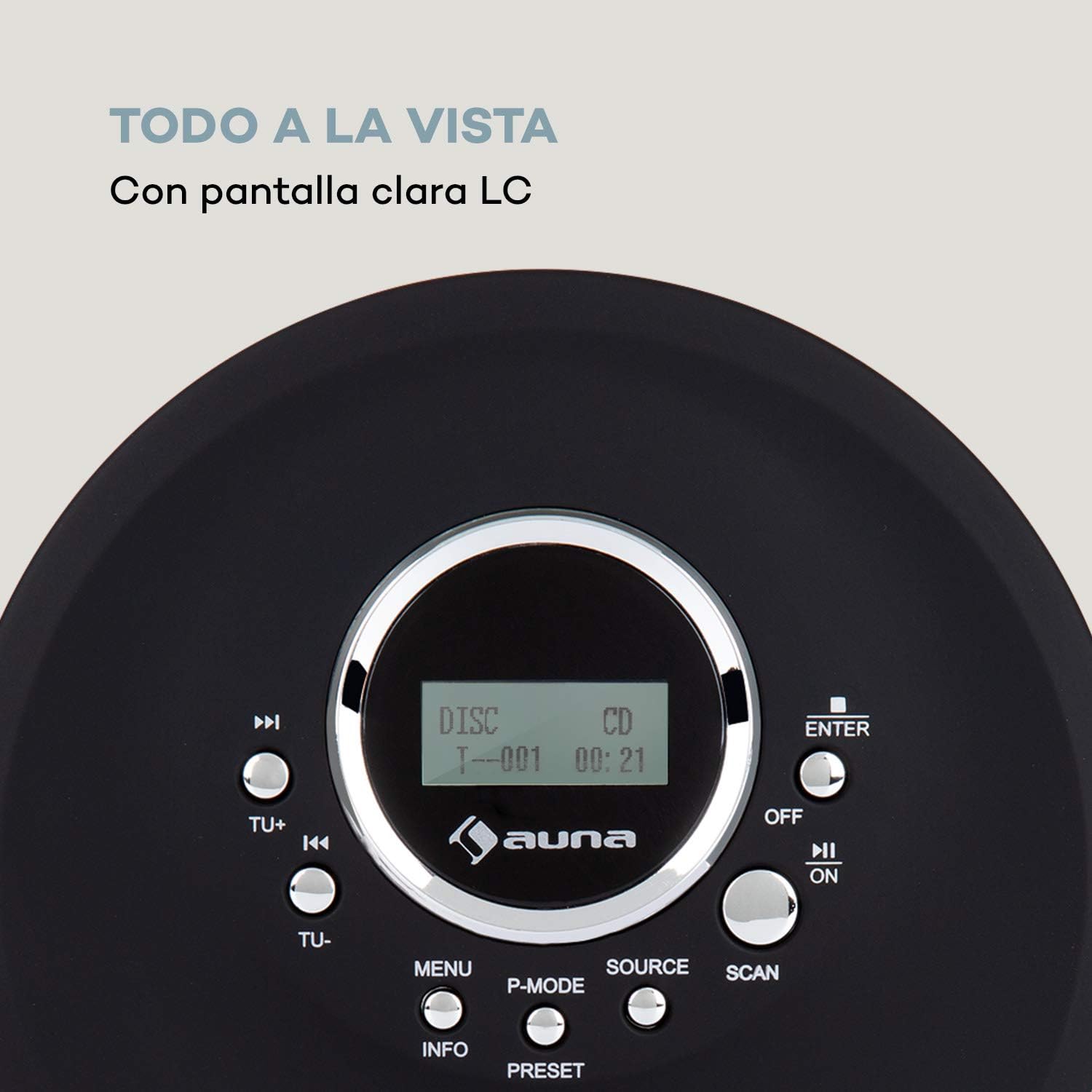
Image 4.2: The clear LC display shows track information and operating status.
5. Тохиргоо
5.1 Зайг цэнэглэх
Before first use, fully charge the integrated 1000 mAh battery. Connect the supplied Micro USB cable to the device's Micro USB port and the other end to a USB power source (e.g., a computer USB port, a USB wall adapter, or a power bank). The charging indicator will illuminate during charging and turn off when fully charged.
Image 5.1: The AUNA CDC 200 can be charged via Micro USB from various power sources.
5.2 Чихэвч холбох
Insert the 3.5mm jack of your headphones into the headphone port on the side of the device. Ensure the connection is secure for optimal audio output.
5.3 CD оруулах
- Slide the OPEN switch to open the CD compartment lid.
- Carefully place a CD (audio CD, CD-R, CD-RW, or MP3-CD) onto the spindle with the label side facing up.
- CD-г байрандаа орох хүртэл зөөлөн дарна уу.
- CD тасалгааны тагийг түгжигдэх хүртэл сайтар хаа.

Image 5.2: The CD compartment supports various disc formats including CD, CD-R, CD-RW, and MP3-CD.
6. Ашиглалтын заавар
6.1 Асаах/унтраах
-г гулсуулна уу OFF/ON switch to the 'ON' position to power on the device. Slide it to 'OFF' to power off.
6.2 CD тоглуулах
- Ensure a CD is inserted and the device is powered on.
- дээр дарна уу ЭХ СУРВАЛЖ button to select CD mode. The display will show 'CD'.
- дээр дарна уу Play/Pause (►/−) Тоглуулж эхлэх товчийг дарна уу. Дууны дугаар болон өнгөрсөн хугацаа харагдана.
- дарна уу Play/Pause (►/−) again to pause playback. Press it once more to resume.
- дарна уу Skip/Search (►►) to skip to the next track. Press Skip/Search (◀◀) одоогийн эсвэл өмнөх дууны эхэнд очих.
- Дарж удаан дарна уу Skip/Search (►►) or (◀◀) to fast forward or rewind through the current track.
- дээр дарна уу Зогсоох (■) тоглуулахыг зогсоох товч.
Anti-Skip Function
The AUNA CDC 200 features an integrated anti-skip function to prevent interruptions during playback, especially when the device is in motion. This function is automatically active during CD playback.
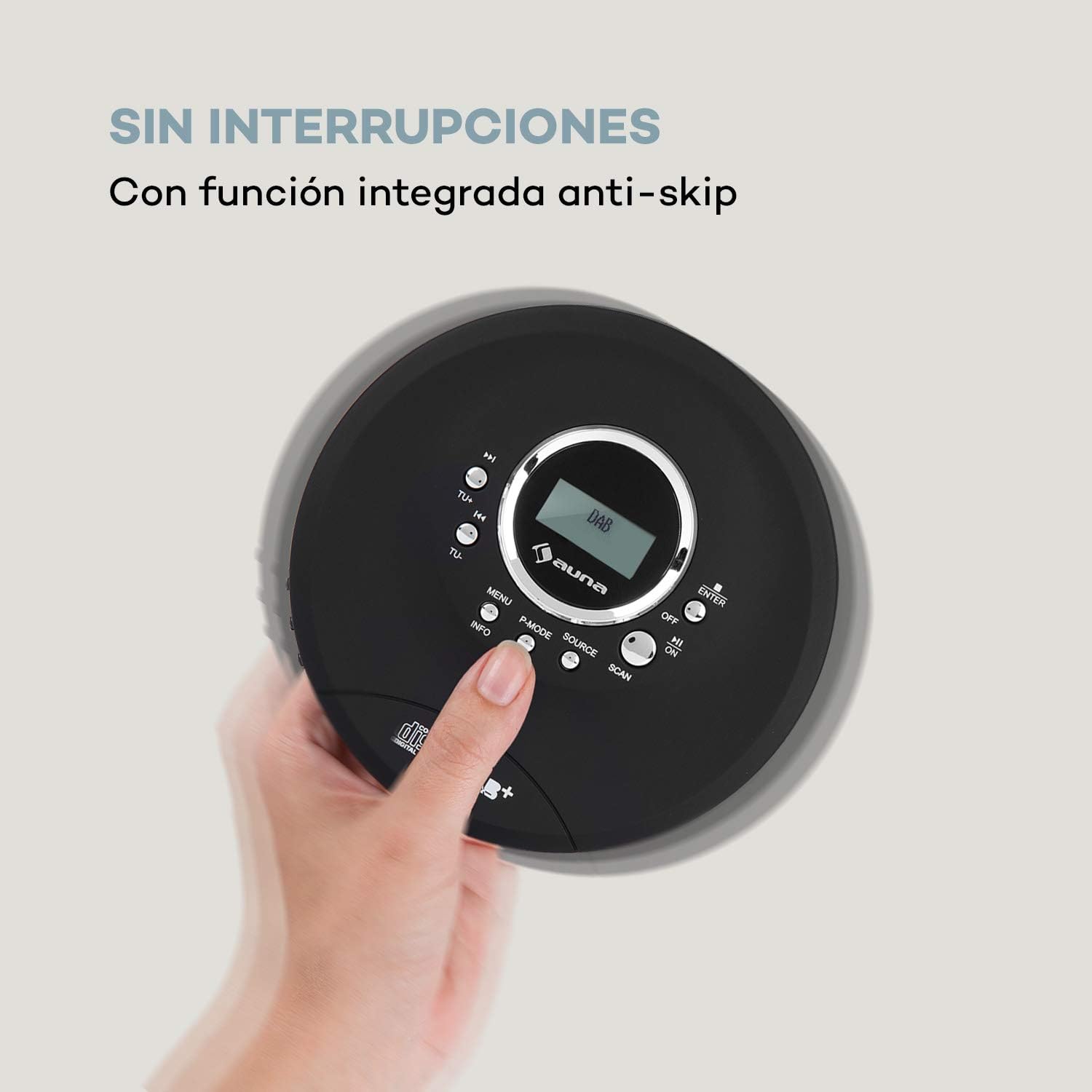
Image 6.1: The anti-skip function ensures uninterrupted audio playback.
Playback Modes (P-MODE)
дээр дарна уу P-MODE button repeatedly to cycle through different playback modes such as Repeat One, Repeat All, Random, or Program Play (if available).
6.3 Радио ажиллагаа (DAB+/FM)
- дээр дарна уу ЭХ СУРВАЛЖ button to select Radio mode. The display will show 'DAB' or 'FM'.
- Автомат хайлт: дээр дарна уу SCAN button to automatically search for available DAB+ or FM stations. The device will store found stations.
- Гараар тааруулах: -г ашиглана уу TU+ or TU- тодорхой давтамжид гараар тохируулах товчлуурууд.
- Станцуудыг сонгох нь: Сканнердсаны дараа ашиглана уу Skip/Search (◀◀ / ►►) Хадгалсан станцуудаар дамжуулан шилжих товчлуурууд.
- Мэдээллийн дэлгэц: дээр дарна уу МЭДЭЭЛЭЛ товчийг дарна уу view additional information about the current radio station (e.g., program type, signal strength).

Image 6.2: The AUNA CDC 200 features a DAB+ and FM radio tuner for diverse listening options.
6.4 Бассыг нэмэгдүүлэх функц
The AUNA CDC 200 includes a bass boost feature. To activate or deactivate it, refer to the device's menu options by pressing the Цэс товчлуур болон навигац TU+/TU- болон ENTER.
7. Засвар үйлчилгээ
7.1 Цэвэрлэгээ
- Төхөөрөмжийн гадна талыг зөөлөн, хуурай даавуугаар арчина.
- Зүлгүүрийн цэвэрлэгч, лав, уусгагчийг бүү ашигла.
- To clean the CD lens, use a specialized CD lens cleaning kit. Do not touch the lens directly.
7.2 Батерейны арчилгаа
- Байнга зайгаа бүрэн цэнэглэхээс зайлсхий.
- Хэрэв төхөөрөмжийг удаан хугацаагаар ашиглахгүй бол батерейны ашиглалтын хугацааг уртасгахын тулд үе үе цэнэглэж байгаарай.
- Төхөөрөмжийг хэт өндөр температурт бүү гарга.
8. Алдаа засах
If you encounter issues with your AUNA CDC 200, refer to the following table:
| Асуудал | Боломжит шалтгаан | Шийдэл |
|---|---|---|
| Төхөөрөмж асахгүй байна. | Батерей цэнэггүй болсон. Цахилгаан унтраалга УНТРААЛТТАЙ байна. | Charge the battery. Slide the power switch to ON. |
| Чихэвчнээс дуу гарахгүй. | Headphones not connected properly. Volume too low. Faulty headphones. | Ensure headphones are fully plugged in. Increase volume. Try different headphones. |
| CD алгасах эсвэл тоглохгүй байна. | CD is dirty or scratched. CD inserted incorrectly. Device is subject to strong vibrations. | Clean or replace the CD. Reinsert the CD correctly. Ensure the anti-skip function is active and minimize movement. |
| Радио хүлээн авалт муу. | Сул дохио. Хөндлөнгийн оролцоо. | Relocate the device to an area with better reception. Avoid sources of electronic interference. |
9. Техникийн үзүүлэлтүүд
- Брэнд:
- AUNA
- Загварын дугаар:
- CDC 200 (Manufacturer Reference: MG3-90400-jfhg)
- Compatible Audio Formats:
- CD, CD-R, CD-RW, MP3-CD
- Радио тааруулагч:
- DAB+, FM
- Эрчим хүчний эх үүсвэр:
- 1000 mAh Rechargeable Battery, Micro USB (Electric Cable)
- Холболт:
- USB (цэнэглэхэд зориулагдсан), 3.5 мм чихэвчний залгуур
- Дэлгэц:
- LC дэлгэц
- Тохиромжтой төхөөрөмжүүд:
- Чихэвч
- Загвар:
- Зөөврийн
- Өнгөний сонголт:
- Хар, Улаан
10. Аюулгүй байдлын мэдээлэл
- Төхөөрөмжийг бороо, чийг, хэт өндөр температурт бүү гарга.
- Төхөөрөмжийг унагах эсвэл хүчтэй нөлөөнд оруулахаас зайлсхий.
- Төхөөрөмжийг өөрөө задлах, засах гэж бүү оролдоорой. Мэргэшсэн үйлчилгээний ажилтанд хандаарай.
- Төхөөрөмжийг хүчтэй соронзон орноос хол байлга.
- Батерей болон төхөөрөмжийг орон нутгийн дүрэм журмын дагуу хаяна уу.
11. Баталгаат хугацаа ба дэмжлэг
For warranty information and technical support, please refer to the documentation provided with your purchase or visit the official AUNA webсайт. Аливаа баталгаат нэхэмжлэлийн хувьд худалдан авалтаа нотлох баримтаа хадгалаарай.


