1. Танилцуулга
This manual provides essential instructions for the installation, operation, and maintenance of your Lorex Fusion 4K Metal Bullet Camera (Model E841CA-E). This Power over Ethernet (PoE) wired camera is designed for both indoor and outdoor surveillance, offering 4K Ultra HD resolution, color night vision, and robust weatherproof construction. Please read this manual thoroughly before using the product to ensure proper setup and functionality.
2. Аюулгүй байдлын мэдээлэл
- Эрчим хүчний эх үүсвэр: Use only the specified power adapter or PoE connection compatible with your Lorex NVR system. Incorrect power sources can damage the camera and void the warranty.
- Суурилуулалт: Ensure the camera is securely mounted to prevent falls. For outdoor installations, use appropriate mounting hardware and ensure all connections are waterproofed.
- Ашиглалтын температур: Operate the camera within the specified temperature range to ensure optimal performance and longevity.
- Цэвэрлэгээ: Disconnect power before cleaning. Use a soft, dry cloth. Avoid harsh chemicals or abrasive cleaners.
- Салгах: Камерыг задлах эсвэл өөрчлөх гэж бүү оролдоорой. Энэ нь баталгааг хүчингүй болгож, эвдрэл гэмтэл учруулж болзошгүй.
3. Багцын агуулга
Please refer to the product packaging for a complete list of included items. Typically, the package contains:
- Lorex Fusion 4K Metal Bullet Camera (Model E841CA-E)
- Холбох хэрэгсэл (эрэг, ханын залгуур)
- Ethernet Cable (for PoE connection)
- Түргэн эхлүүлэх гарын авлага
4. Тохиргоо
4.1 Камер суурилуулах
Камерыг хана эсвэл таазанд суурилуулж болно. Хүссэн талбарыг хангах байршлыг сонгоно уу view and is within reach of your Ethernet cable run.

Зураг: хажуу тал view of the Lorex Fusion 4K Metal Bullet Camera, illustrating its mounting bracket for wall or ceiling installation.
- Гадаргууг бэлтгэх: Mark the screw holes using the mounting template (if provided) or the camera base.
- Өрөмдлөгийн цооног: Drill pilot holes for the mounting screws. Insert wall plugs if mounting into drywall or masonry.
- Камерыг хамгаалах: Attach the camera base to the mounting surface using the provided screws. Adjust the camera angle as needed.
4.2 Connecting the Camera (PoE)
This camera utilizes Power over Ethernet (PoE) for both power and video transmission, simplifying installation.
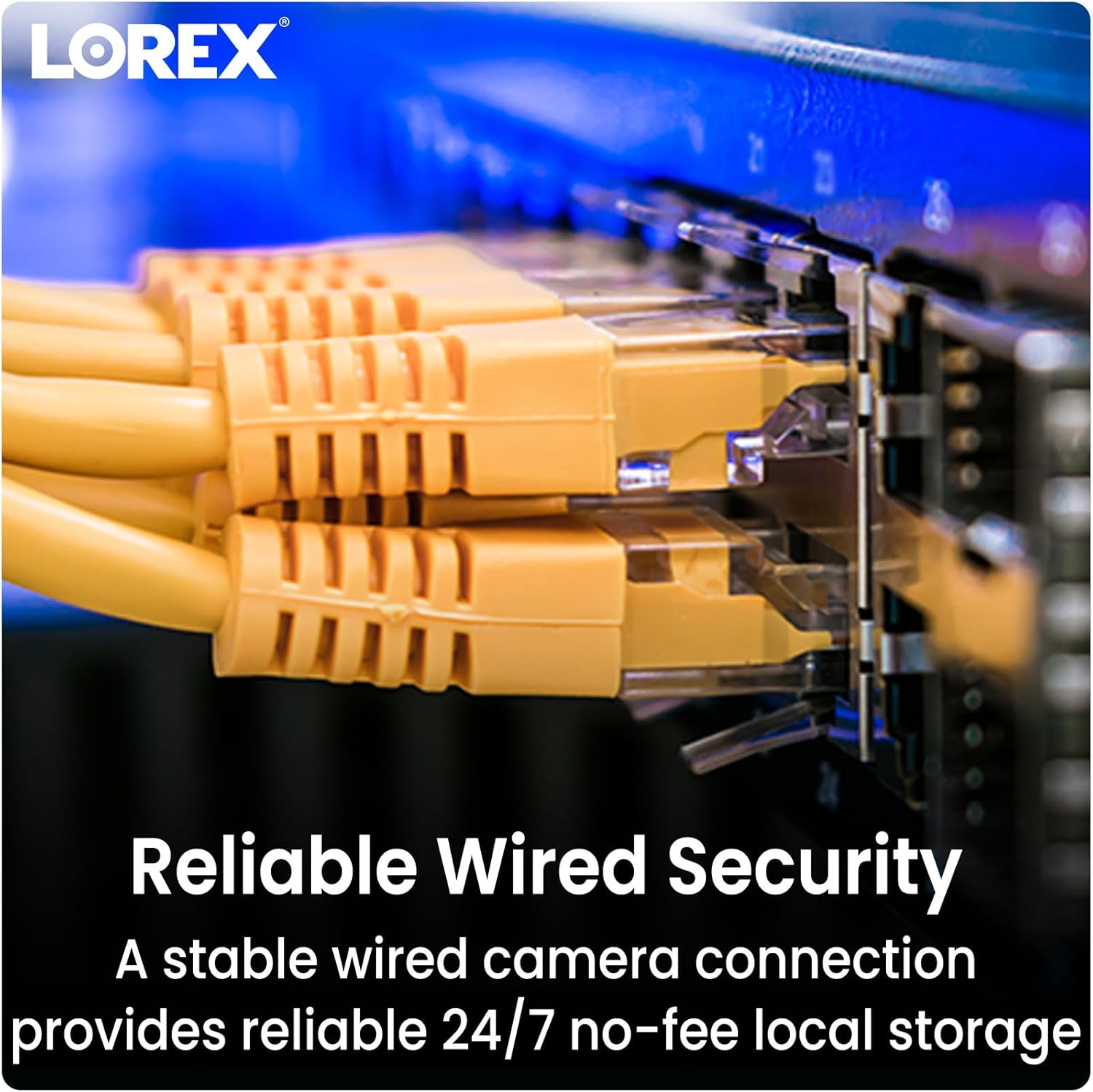
Image: Close-up of multiple yellow Ethernet cables connected to a network switch, representing a wired security setup.
- Ethernet кабель холбох: Plug one end of an Ethernet cable into the camera's Ethernet port.
- Connect to NVR/PoE Switch: Plug the other end of the Ethernet cable into an available PoE port on your Lorex Network Video Recorder (NVR) or a separate PoE switch.
- Асаах: Ensure your NVR or PoE switch is powered on. The camera will automatically power up and connect to the system.
4.3 Системийг нэгтгэх
The Lorex Fusion system allows integration of wired and Wi-Fi cameras. Your 4K Metal Bullet Camera will connect to your Lorex NVR.

Image: A diagram illustrating the Lorex Fusion NVR as a central hub, connecting to both wired bullet cameras and various Wi-Fi cameras, demonstrating system integration.
Once connected, access your NVR's interface or the Lorex Connect mobile application to view live feeds, configure settings, and manage recordings.
5. Ашиглалтын заавар
5.1 4K Ultra HD Video
The camera captures video at 4K (8MP) resolution, providing detailed and clear images. This high resolution is beneficial for digital zooming into recorded footage without significant loss of detail.

Image: A side-by-side comparison showing the difference in clarity between 1080p HD and 4K Ultra HD video, highlighting the enhanced detail of 4K.
5.2 Шөнийн хараа
The camera features both Color Night Vision and Long Range Infrared (IR) night vision for clear surveillance in low-light conditions.

Image: A split image demonstrating the difference between traditional Infrared Night Vision (monochrome) and Color Night Vision, showing a backyard scene with more detail and color in the latter.
- Өнгөт шөнийн хараа: In environments with ambient light (e.g., streetlights), the camera can maintain color images at night.
- Хэт улаан туяаны (IR) шөнийн хараа: In complete darkness, the camera automatically switches to IR mode, providing clear black and white video.
5.3 Хөдөлгөөн илрүүлэх
Configure motion detection settings via your NVR or the Lorex Connect app. You can define detection zones, sensitivity levels, and set up alerts for motion events.
5.4 Цаг агаарын эсэргүүцэл
The camera features a robust metal housing with an IP65 international protection rating, making it suitable for outdoor use in various weather conditions.
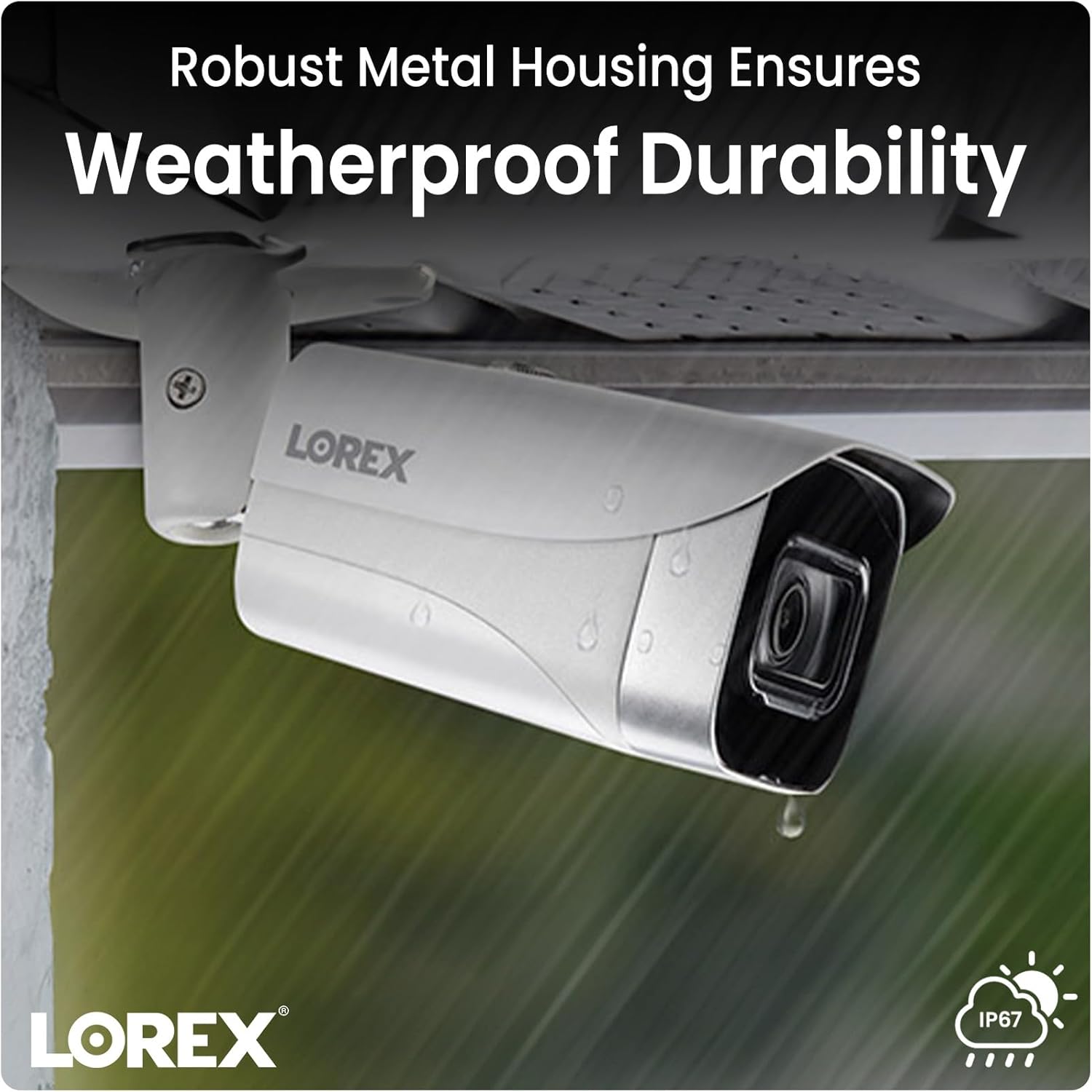
Image: A Lorex camera mounted under an eave outdoors, with raindrops visible on its surface, illustrating its weatherproof durability.
6. Засвар үйлчилгээ
- Линз цэвэрлэх: Periodically clean the camera lens with a soft, lint-free cloth to ensure clear image quality. Avoid touching the lens directly with fingers.
- Орон сууцны цэвэрлэгээ: Камерын гэрийг зар сурталчилгаагаар арчинаamp Шороо, хог хаягдлыг арилгахын тулд даавуугаар арчина. Хүчтэй химийн бодис бүү хэрэглээрэй.
- Кабелийн үзлэг: Regularly check all cable connections for signs of wear, damage, or corrosion, especially for outdoor installations.
- Програм хангамжийн шинэчлэлтүүд: Лорексийг шалгана уу website or your NVR system for available firmware updates to ensure optimal performance and access to new features.
7. Алдаа засах
7.1 No Video/Offline Camera
- Эрчим хүчийг шалгах: Ensure the Ethernet cable is securely connected to both the camera and a powered PoE port on your NVR or PoE switch.
- Кабелийн бүрэн бүтэн байдал: Inspect the Ethernet cable for any damage. Try a different cable if available.
- NVR порт: Verify that the NVR port is functioning correctly. Try connecting the camera to a different PoE port on the NVR.
- Системийг дахин ачаалах: Power cycle your NVR and the camera (if possible) to refresh the connection.
7.2 Зургийн чанар муу
- Цэвэр линз: Ensure the camera lens is clean and free from dirt, dust, or smudges.
- Гэрэлтүүлэг: Verify that there is adequate lighting in the area, especially for color night vision. Adjust camera position if glare or reflections are an issue.
- Нарийвчлалын тохиргоо: Check the camera's resolution settings on your NVR to ensure it is set to 4K (8MP).
7.3 Хөдөлгөөн илрүүлэх ажиллахгүй байна
- Хөдөлгөөн мэдрэгчийг идэвхжүүлэх: Confirm that motion detection is enabled in your NVR or app settings for the specific camera.
- Илрүүлэх бүс: Ensure that the detection zones are correctly configured and cover the desired areas.
- Мэдрэмж: Adjust the motion detection sensitivity. Too low may miss events, too high may trigger false alarms.
8. Техникийн үзүүлэлтүүд
| Онцлог | Тодорхойлолт |
|---|---|
| Загварын дугаар | E841CA-E |
| Видео бичлэгийн нягтрал | 4К (8 МП) |
| Холболтын технологи | Ethernet (PoE) |
| Дотор/гадаа ашиглах | Дотор, гадаа |
| Олон улсын хамгаалалтын зэрэглэл | IP65 |
| Гэрэл багатай технологи | Шөнийн өнгө |
| Гэрлийн эх үүсвэрийн төрөл | Хэт улаан туяа |
| Материал | Металл |
| Суурилуулах төрөл | Таазны бэхэлгээ |
| Бүтээгдэхүүний хэмжээс | 16.6 x 8.2 x 6.7 инч |
| Зүйлийн жин | 2.97 фунт |
| UPC | 695529028491 |
9. Баталгаат хугацаа ба дэмжлэг
For warranty information and technical support, please refer to the official Lorex website or contact Lorex customer service directly. Keep your purchase receipt as proof of purchase for warranty claims.
Лорекс Webсайт: www.lorex.com