1. Танилцуулга
The Voxelab Aquila X2 is an open-source FDM (Fused Deposition Modeling) 3D printer designed for both beginners and experienced users. It features a robust metal frame, a removable build plate, and intelligent functions like filament detection and resume printing. This manual provides essential information for safe and effective use of your printer.

Image: The Voxelab Aquila X2 3D Printer with a sampхэвлэх.
2. Аюулгүй ажиллагааны заавар
Please read and understand all safety instructions before operating the printer to prevent injury or damage.
- Принтерийг үргэлж агааржуулалт сайтай газар ажиллуул.
- Принтерийг шатамхай материал, дулааны эх үүсвэр, уснаас хол байлга.
- Do not touch the nozzle or heated bed during operation, as they reach high temperatures.
- Ашиглаж байх үед хүүхэд болон гэрийн тэжээвэр амьтдыг принтерээс хол байлга.
- Эрчим хүчний хангамжийн хэмжээг баталгаажуулна ууtage matches your local requirements.
- Принтерийн цахилгаан эд ангиудыг өөрчлөхийг бүү оролд.
- Засвар үйлчилгээ эсвэл цэвэрлэгээ хийхээсээ өмнө принтерийг цахилгааны залгуураас салга.
3. Багцын агуулга
Upon receiving your Voxelab Aquila X2, verify that all components are present and undamaged. The package typically includes:
- Voxelab Aquila X2 3D Printer (partially assembled)
- Шилэн ороомгийн эзэмшигч
- Цахилгаан кабель
- USB кабель
- SD карт болон карт уншигч
- Угсралт болон засвар үйлчилгээний хэрэгслүүд
- Sampле судалтай
- Хэрэглэгчийн гарын авлага (энэ баримт бичиг)
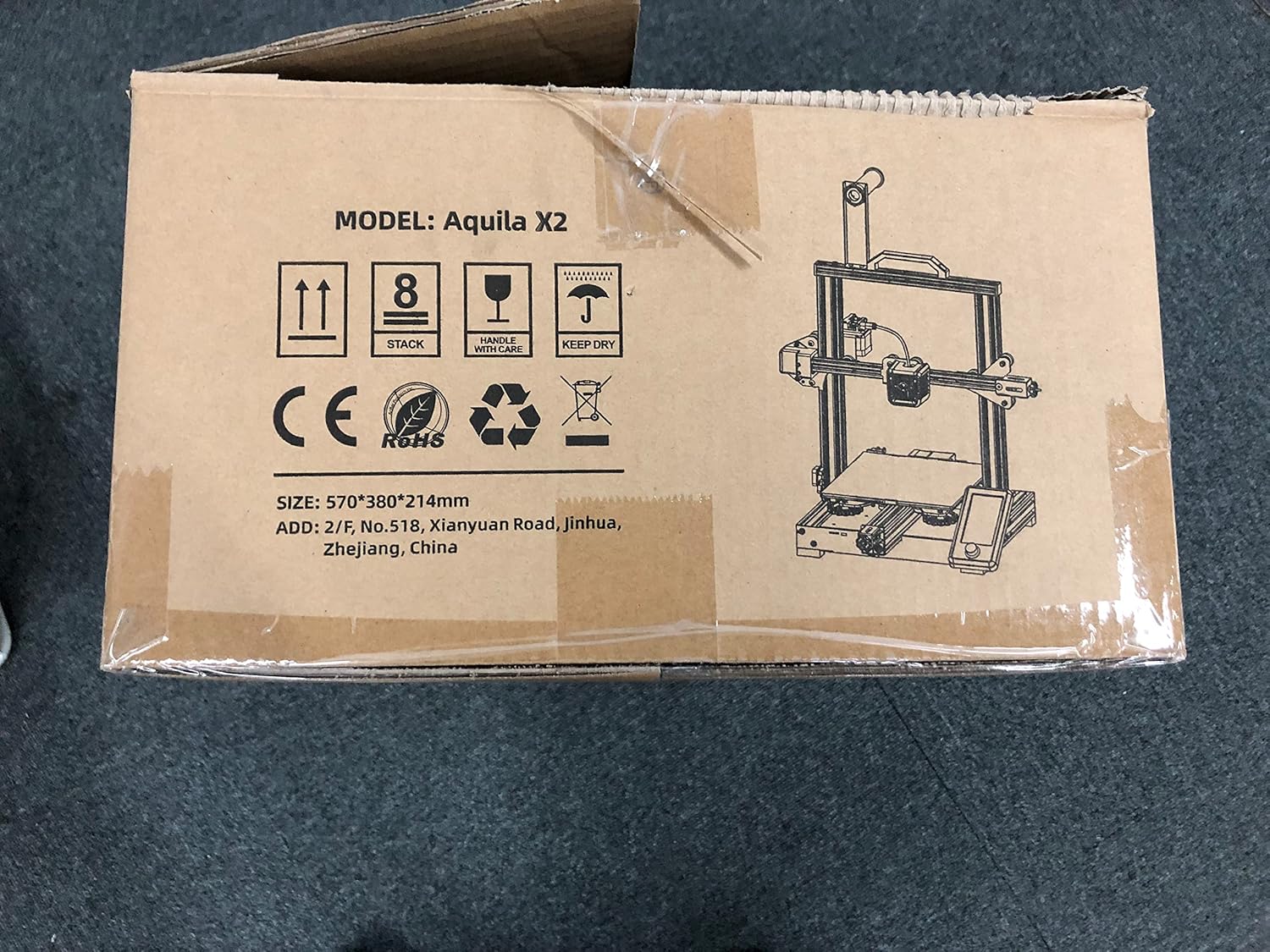
Image: The Voxelab Aquila X2 product packaging.
4. Тохируулах гарын авлага
The Aquila X2 comes semi-assembled. Follow these steps to complete the setup:
4.1 Угсралт
- Бүрэлдэхүүн хэсгүүдийг задлах: Сав баглаа боодолоос бүх хэсгийг болгоомжтой арилгана.
- Attach Gantry: Secure the gantry to the base using the provided screws. Ensure it is aligned correctly.
- Install Spool Holder: Mount the filament spool holder onto the designated position on the frame.
- Кабель холбох: Connect all motor, endstop, and hotend cables according to the labels. Double-check connections for security.
- Цахилгаан хангамжийг шалгах: Verify the power supply switch is set to the correct voltage танай бүс нутагт (115V эсвэл 230V).
4.2 Анхан шатны түвшин тогтоох
Accurate bed leveling is crucial for successful prints.
- Асаах: Принтерээ асаана уу.
- Автомат гэр: Navigate to the 'Prepare' menu on the screen and select 'Auto Home'. The nozzle will move to the home position.
- Stepper-ийг идэвхгүй болгох: Select 'Disable Steppers' from the 'Prepare' menu to move the print head freely.
- Булангуудыг тохируулах: Move the nozzle to each corner of the print bed. Use a piece of paper between the nozzle and the bed. Adjust the bed leveling knobs until there is slight friction when moving the paper.
- Төвийн шалгалт: Repeat the process for the center of the bed.

Image: Voxelab Aquila X2 3D Printer dimensions.
5. Ашиглалтын заавар
This section covers basic operation, from loading filament to starting your first print.
5.1 Ачаалж буй утас
- Урьдчилан халаах: On the printer's screen, select 'Prepare' > 'Preheat PLA' (or appropriate filament type).
- Шилэн оруулга: Once the hotend reaches temperature, insert the filament into the filament detection sensor and then into the extruder's input hole.
- Feed Filament: Gently push the filament until it exits the nozzle. You may need to press the extruder lever to release tension.

Image: The Voxelab Aquila X2 3D Printer in operation, highlighting its features.
5.2 Хэвлэх ажлыг эхлүүлэх
- Prepare G-code: Use a slicing software (e.g., Cura, VoxelMaker) to convert your 3D model (.STL, .OBJ) into a G-code file. Үүнийг хадгал file өгөгдсөн SD карт руу.
- SD карт оруулах: SD картыг принтерийн картны үүрэнд хийнэ үү.
- Сонго File: On the printer's screen, navigate to 'Print' and select your desired G-code file.
- Хяналтын хэвлэх: The printer will begin heating and then start printing. Monitor the first few layers to ensure proper adhesion.

Image: The printer's colorful screen with rotary knob for navigation.
6. Үндсэн шинж чанарууд
The Voxelab Aquila X2 incorporates several features to enhance your 3D printing experience:
- Filament Detection Sensor: Automatically pauses printing and notifies you when filament runs out or breaks, preventing failed prints and material waste.
- Анкет хэвлэх функц: Хүчтэй тохиолдолд уtage, хэвлэгч цахилгаан сэргээгдсэний дараа зогссон газраасаа хэвлэх ажиллагаагаа үргэлжлүүлж болно.
- Removable Carbon Silicon Crystal Glass Plate: Provides strong adhesion during printing and allows for easy removal of finished prints once cooled. Heats up quickly.
- Их хэмжээний бүтээн байгуулалт: Offers a generous print area of 220 x 220 x 250 mm for various project sizes.
- Open-Source Technology: Allows for flexible upgrades and modifications, catering to advanced users.
- Чимээгүй ажиллагаа: Designed to operate with noise levels below 50 decibels for a more pleasant printing environment.

Image: Visual representation of the resume printing and filament detection features.

Зураг: Дууслааview of key features including all-metal body, high precision, and color screen.
7. Засвар үйлчилгээ
Тогтмол засвар үйлчилгээ нь принтерийн оновчтой ажиллагааг хангаж, ашиглалтын хугацааг уртасгадаг.
- Clean Print Bed: After each print, allow the bed to cool and then clean it with isopropyl alcohol to remove any residue.
- Цоргоны үзлэг: Periodically check the nozzle for clogs or wear. Replace if necessary.
- Хөдөлгөөнт хэсгүүдийг тослох: Apply a small amount of lithium grease to the Z-axis lead screw and smooth rods every few months.
- Tighten Belts: X ба Y тэнхлэгийн бүснүүд зөв чангалагдсан эсэхийг шалгаарай. Тэдгээр нь чангарсан байх ёстой боловч хэт чанга биш байх ёстой.
- Програм хангамжийн шинэчлэлтүүд: Check the Voxelab webгүйцэтгэлийг сайжруулах, шинэ функцуудыг нэмэх боломжтой програм хангамжийн шинэчлэлтүүдийг үзэх сайт.
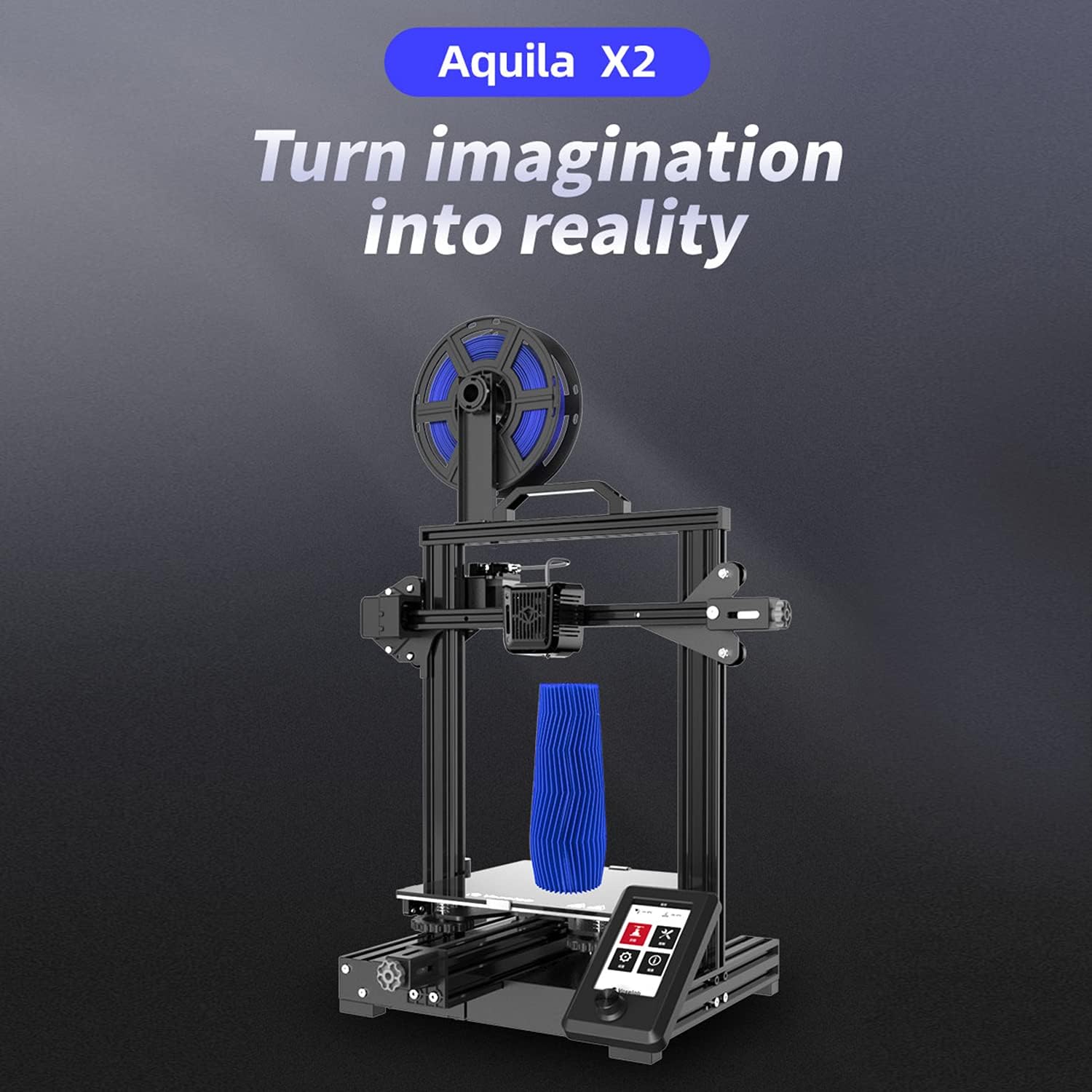
Image: The ultra-flat glass print bed, important for print adhesion and maintenance.
8. Алдаа засах
Нийтлэг асуудлууд болон тэдгээрийн боломжит шийдлүүдийг энэ хэсгээс харна уу.
- Орондоо наалдахгүй хэвлэмэл зураг:
Боломжит шалтгаанууд: Bed not level, nozzle too far from bed, bed not heated, dirty print surface, incorrect initial layer settings.
Шийдэл: Re-level the bed, adjust Z-offset, ensure bed temperature is appropriate for filament, clean bed with isopropyl alcohol, check slicer settings for initial layer height and speed. - Шилэн утас гадагшлахгүй байна:
Боломжит шалтгаанууд: Clogged nozzle, tangled filament, incorrect temperature, extruder gear slip.
Шийдэл: Clean or replace nozzle, untangle filament, ensure hotend temperature is correct for filament, check extruder tension. - Poor Print Quality (Layer Shifts, Gaps):
Боломжит шалтгаанууд: Суларсан бүс, тогтворгүй хэвлэгч, буруу хэвлэх хурд, элэгдсэн цорго.
Шийдэл: Tighten X and Y axis belts, ensure printer is on a stable surface, reduce print speed, replace nozzle. - Принтер асахгүй байна:
Боломжит шалтгаанууд: Loose power cable, incorrect voltage switch setting, faulty power supply.
Шийдэл: Check power cable connections, verify power supply voltage switch, contact support if issue persists.
9. Техникийн үзүүлэлтүүд
Detailed technical specifications for the Voxelab Aquila X2 3D Printer:
| Онцлог | Тодорхойлолт |
|---|---|
| Extruder Number | 1 |
| Экструдерийн диаметр | 0.4 мм |
| Max Extruder Temp. | 250 ° C |
| Max Platform Temp. | 110 ° C |
| Хэвлэх хурд | ≤180mm/s (50-80mm/s normally) |
| Support Filament | PLA, ABS, PETG |
| Хэвлэх хэмжээ | 220 x 220 x 250 мм |
| Давхаргын нягтрал | 0.1-0.4 мм |
| Хэвлэлийн нягтрал | ±0.2 мм |
| Төхөөрөмжийн хэмжээ | 473 x 480 x 473 мм |
| Цэвэр жин | 8.2 кг |
| Оролтын хэмжээtage | Хувьсах гүйдэл 115/230 В 50/60 Гц |
| Гаралтын ботьtage | DC 24V |
| Хүч | 350 Вт |
| Ажлын орчин | 15-30 ° C |

Image: Technical specifications of the Voxelab Aquila X2.
10. Баталгаат хугацаа ба дэмжлэг
Voxelab provides a 12-month warranty for all 3D printers, along with lifetime technical support and 12-hour professional customer service.
For technical assistance, troubleshooting, or warranty claims, please contact Voxelab customer service through their official webтухайн бүтээгдэхүүнийг худалдаж авсан сайт эсвэл жижиглэн худалдаалагч.
Voxelab Official Webсайт: www.voxelab3dp.com


