1. Танилцуулга
Худалдан авалт хийсэнд баярлалааasing the JIMTAB M18 PRO Native 1080P Video Projector. This manual provides essential information for setting up, operating, maintaining, and troubleshooting your projector to ensure optimal performance and longevity. Please read this manual thoroughly before using the product.

Figure 1: JIMTAB M18 PRO Video Projector
2. Хайрцагт юу байна
Carefully unpack your JIMTAB M18 PRO projector and ensure all items are present:
- JIMTAB M18 PRO Video Projector
- Алсын удирдлага
- Цахилгааны утас
- HDMI кабель
- АВ кабель
- Хэрэглэгчийн гарын авлага (энэ баримт бичиг)
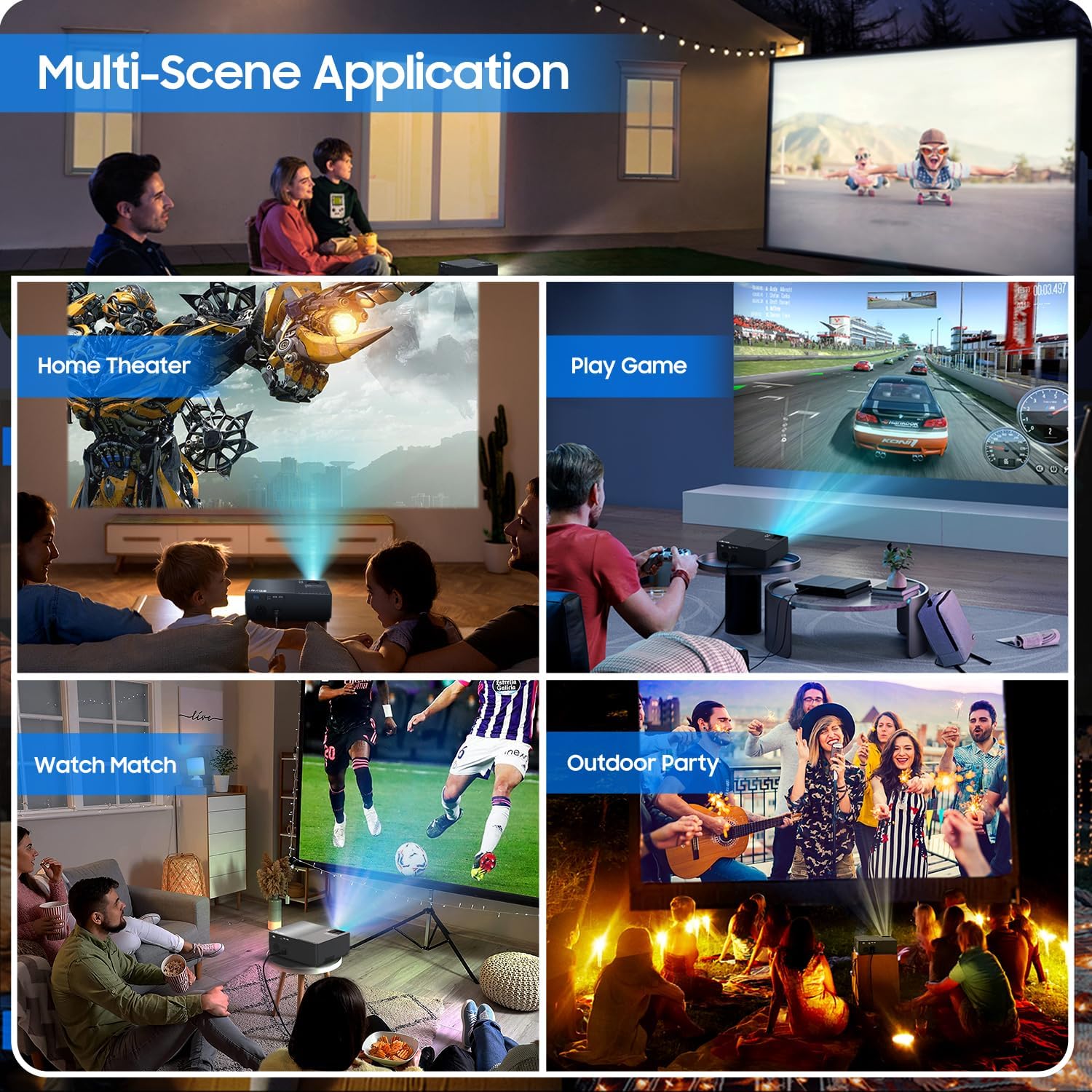
Figure 2: All included accessories and the projector
3. Бүтээгдэхүүний онцлог
- Төрөлх 1080P нягтрал: Experience crisp and clear images with a true native resolution of 1920x1080 pixels and an 8000:1 contrast ratio. Supports 576i, 576p, 720i, 720p, 1080i, 1080p, 2k, and 4k input.
- Өндөр тод байдал: Features 21000 lumens brightness for vibrant projections even in moderately lit environments.
- Dual-Band WiFi Screen Mirroring: Built-in 2.4G+5G WiFi allows for seamless wireless screen mirroring from your smartphone, tablet, or laptop (iOS, Android, Windows compatible).
- Built-in Dolby Sound Speakers: Equipped with 5W dual stereo speakers supporting Dolby Sound for an immersive audio experience. External speakers can also be connected.
- Том дэлгэцийн дэлгэц: Project images from 50 inches up to 300 inches, offering a versatile viewянз бүрийн хэмжээтэй өрөөнүүдэд зориулсан туршлага.
- Өргөн хүрээтэй нийцтэй байдал: Connects to a wide range of devices including Xbox, Laptops, iPhones, Android devices, USB devices, PS4, TV Sticks, and TV Boxes via AV, VGA, USB, and HDMI ports.

Figure 3: Enhanced image sharpness and richer color details
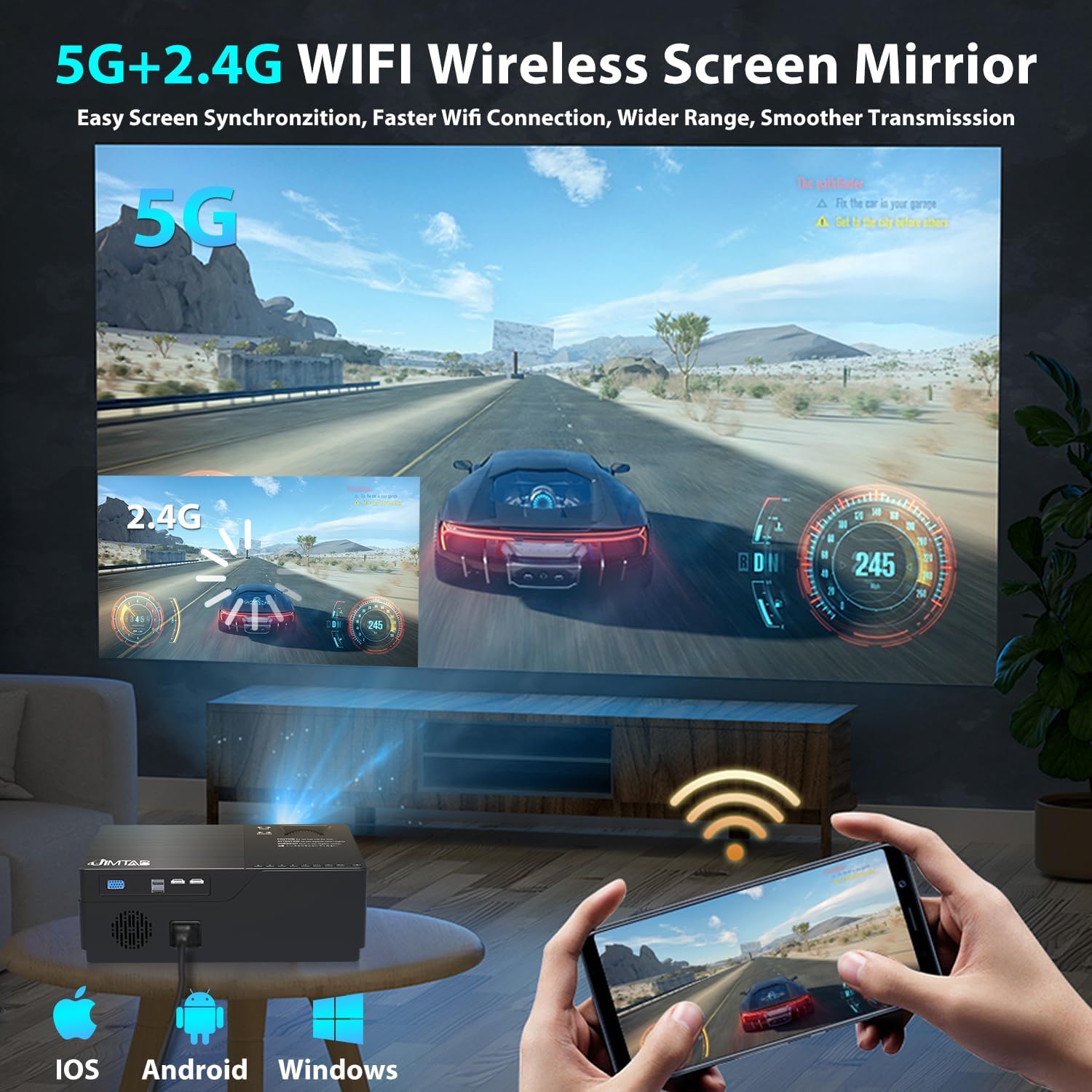
Figure 4: 5G+2.4G WiFi Wireless Screen Mirroring in action

Figure 5: Built-in 5W Dual Stereo Speaker supporting Dolby Sound

Figure 6: Projection sizes from 50 to 300 inches

Figure 7: Wide compatibility with multiple devices
4. Тохируулах гарын авлага
- Байршил: Place the projector on a stable, flat surface or mount it on a tripod/ceiling. Ensure it is positioned directly in front of the projection screen or wall for best results. The optimal projection distance ranges from 5.5 feet to 30.2 feet.
- Эрчим хүчний холболт: Цахилгааны утсыг проекторын тэжээлийн оролтод, дараа нь цахилгаан залгуурт холбоно уу.
- Эх сурвалж төхөөрөмжийг холбох: Use the appropriate cable (HDMI, AV, VGA, USB) to connect your desired source device (laptop, game console, USB drive, etc.) to the projector.
- Асаах: Проектор эсвэл алсын удирдлага дээрх цахилгаан товчийг дарж төхөөрөмжийг асаана уу.
- Оролтын эх сурвалжийг сонгох: Use the 'Source' button on the projector or remote to select the correct input source corresponding to your connected device.
5. Ашиглалтын заавар
- Асаах/унтраах: Press the power button once to turn on. Press and hold the power button for a few seconds to turn off.
- Цэсийн навигаци: Use the arrow keys on the remote or projector panel to navigate through the on-screen menu. Press 'OK' or 'Enter' to confirm selections.
- Дууны хяналт: Use the volume buttons on the remote control to adjust the audio output level.
6. Зургийн тохируулга
- Фокусын тохируулга: Rotate the focus dial located near the lens until the projected image is sharp and clear.
- Түлхүүр чулууны залруулга:
- Гарын авлагын гол чулуу: Use the manual keystone adjustment lever (usually on the side or top) to correct vertical distortion (±15°).
- Дижитал гол чулуу: Access the menu settings for digital keystone correction to adjust both vertical and horizontal distortion (up to ±50°), ensuring a perfectly rectangular image even if the projector is not perfectly aligned.
- Томруулах функц: Adjust the image size from 75% to 100% via the menu settings without moving the projector.

Figure 8: Digital Horizontal & Vertical Keystone Adjustment
7. Засвар үйлчилгээ
- Линз цэвэрлэх: Проекторын линзийг зөөлөн арчихын тулд оптик линзэнд тусгайлан зориулсан зөөлөн, хөвөнгүй даавууг ашиглана уу. Зүлгүүрийн материал эсвэл хатуу химийн бодисоос зайлсхий.
- Агааржуулалт: Ensure the projector's ventilation ports are clear and unobstructed to prevent overheating. Regularly clean dust from the vents using a soft brush or compressed air.
- Хадгалах: Удаан хугацаагаар ашиглаагүй үед проекторыг сэрүүн, хуурай газар, хамгийн тохиромжтой нь анхны савлагаанд нь эсвэл хамгаалалтын гэрт нь хадгална уу.
- Lamp Амьдрал: LED lamp in your M18 Pro projector is designed for tens of thousands of hours of use, minimizing the need for frequent lamp солих.
8. Алдаа засах
| Асуудал | Боломжит шалтгаан | Шийдэл |
|---|---|---|
| No image or 'No Signal' | Оролтын эх үүсвэр буруу сонгогдсон; Кабелийн холболт сул; Эх үүсвэрийн төхөөрөмж асаалттай биш байна. | Select correct input source; Check and secure all cable connections; Ensure source device is powered on. |
| Бүдгэрсэн зураг | Focus not adjusted; Keystone not corrected; Projector too close/far from screen. | Adjust focus dial; Use manual or digital keystone correction; Adjust projection distance. |
| Image appears dim | High ambient light; Projector settings. | Reduce ambient light (close curtains); Adjust brightness/contrast settings in the projector menu. |
| Дуу алга | Дууны хэмжээ хэт бага; Дууг нь хаасан; Эх төхөөрөмж дээр буруу аудио гаралтыг сонгосон. | Increase volume; Unmute; Check audio settings on source device. |
| Хэт халалтын анхааруулга | Агааржуулалтын бөглөрөл; Удаан хугацаагаар ашиглах. | Ensure vents are clear; Allow projector to cool down before restarting. |
9. Техникийн үзүүлэлтүүд
| Онцлог | Тодорхойлолт |
|---|---|
| Загварын дугаар | M18 Pro |
| Төрөлхийн тогтоол | 1920 x 1080 (Full HD) |
| Гэрэлтүүлэг | 21000 люмен |
| Ялгаатай харьцаа | 8000:1 |
| Төслийн хэмжээ | 50" - 300" |
| Проекцийн зай | 5.5 FT - 30.2 FT |
| Холболтын технологи | Wi-Fi (2.4G+5G), HDMI (x2), USB (x2), VGA, AV |
| Аудио гаралт | Built-in 5W Dual Stereo Speaker (Dolby Sound) |
| Бүтээгдэхүүний хэмжээс | 11.81 x 8.66 x 3.94 инч |
| Зүйлийн жин | 7.74 фунт |
10. Аюулгүй байдлын мэдээлэл
- WARNING: Do not look directly at the projector lens when the lamp асаалттай байна. Хүчтэй гэрэл нь нүдийг гэмтээж болно.
- Проектор унахаас сэргийлж тогтвортой гадаргуу дээр байрлуулсан эсэхийг шалгаарай.
- Do not block the ventilation openings, as this can lead to overheating and damage to the device.
- Keep the projector away from water or any liquids to avoid electric shock.
- Unplug the projector from the power outlet before cleaning or when not in use for a long period.
11. Баталгаат хугацаа ба дэмжлэг
JIMTAB is committed to providing high-quality products and excellent customer service. For any questions, technical assistance, or warranty inquiries, please contact our dedicated support team. We offer 7x24 hours free customer support.
You can also find more information and support on our official social media channels:
- Facebook Official Homepage: ijimtab
- YouTube Official Homepage: Jimtab