1. Бүтээгдэхүүн дууссанview
The Ratakee Digital Alarm Clock Radio is designed to provide reliable timekeeping, dual alarm functionality, and AM/FM radio reception. It features a large LED display with adjustable brightness for comfortable viewing day and night. This manual provides detailed instructions for setting up and operating your device.

Зураг: Урд view of the Ratakee Digital Alarm Clock Radio, displaying the time 12:00 in blue LED digits.
2. Тохиргоо
2.1 Эрчим хүчний холболт
To power the clock radio, plug the AC adapter into any standard 110V wall outlet. The display will illuminate, indicating the unit is receiving power.
2.2 Зайны нөөц суурилуулах
For battery backup, insert two (2) AAA batteries (not included) into the battery compartment located on the bottom of the unit. These batteries will preserve your time and alarm settings during a power outage, but will not power the display or alarm functions.
2.3 Анхны цагийн тохиргоо
Upon first power-up or after a prolonged power interruption without battery backup, the display may show a default time. Refer to the 'Setting Time' section under 'Operating' for instructions on how to set the current time.
3. Ашиглалтын заавар
3.1 Цагийг тохируулах
- -г удаан дар ЦАГ ТОНОГЛОХ цагийн тоо анивчж эхлэх хүртэл товчлуурыг дарна уу.
- -г ашиглана уу ЦАГ болон МИНУТ цагийг тохируулах товчлуурууд.
- дарна уу ЦАГ ТОНОГЛОХ дахин баталгаажуулж, цаг тохируулах горимоос гарах.
3.2 Дэлгэцийн тод байдал (бүдэгрүүлэлт)
The clock features a 1.6-inch LED display with adjustable brightness. To adjust the display brightness:
- дээр дарна уу ДИММЕР button repeatedly to cycle through the 4 available brightness levels. Select the level most comfortable for your environment.

Image: Comparison of the clock display at high and low brightness settings, demonstrating the dimmer function.
3.3 Setting Alarms (Dual Alarm)
This clock supports two independent alarms (Alarm 1 and Alarm 2). Each alarm can be set to a beep sound or a radio station.
- -г удаан дар Сэрүүлэг 1 or Сэрүүлэг 2 сэрүүлгийн цагийн цифр анивчих хүртэл товчийг дарна уу.
- -г ашиглана уу ЦАГ болон МИНУТ хүссэн сэрүүлгийн цагийг тохируулах товчлуурууд.
- дээр дарна уу Сэрүүлэг 1 or Сэрүүлэг 2 button again to select the alarm source (Beep or Radio). The corresponding icon will appear on the display.
- дээр дарна уу Сэрүүлэг 1 or Сэрүүлэг 2 button a third time to confirm and activate the alarm.
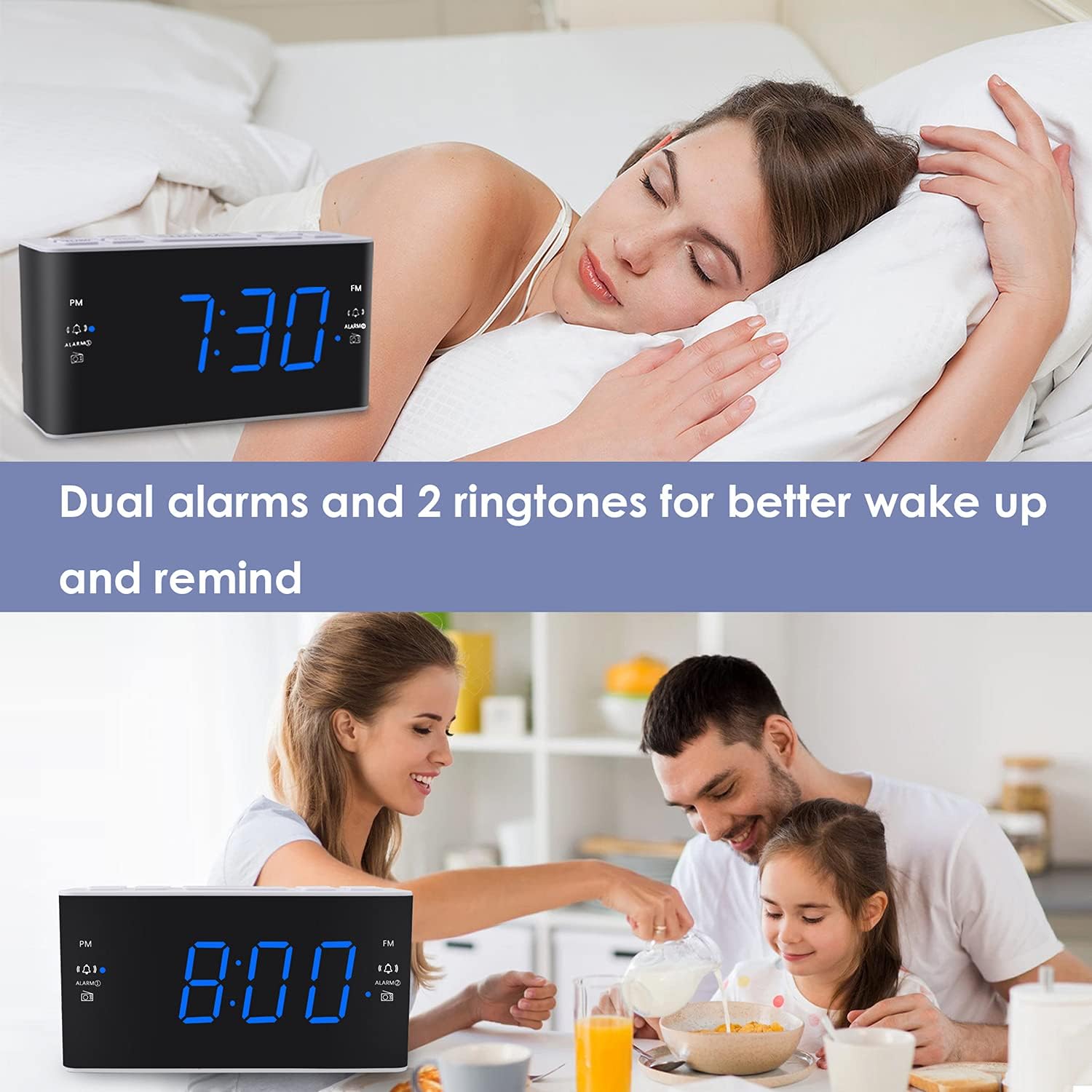
Image: Visual representation of the dual alarm feature, showing the clock used for different wake-up scenarios.
3.4 Түр хойшлуулах функц
Сэрүүлэг дуугарах үед том товчлуурыг дар УНТАХ button on top of the unit to temporarily silence the alarm for 9 minutes. The alarm will sound again after this period. You can repeat the snooze function up to 5 times.
To turn off the alarm completely for 24 hours, press any other button on the clock (e.g., Radio, Time Set, Alarm 1/2) while the alarm is sounding.

Image: Demonstrates the easy access and function of the snooze button for an additional 9 minutes of sleep.
3.5 AM/FM радиогийн ажиллагаа
The clock radio features digital tuning for AM and FM bands.
- дээр дарна уу РАДИО радиог асаах, унтраах товчийг дарна уу.
- -г ашиглана уу TUNE+ болон ТААРУУЛАХ- хүссэн давтамж руу гараар тааруулах товчлуурууд.
- Дарж удаан дарна уу TUNE+ or ТААРУУЛАХ- дараагийн боломжтой станцыг автоматаар хайх.
- Ашиглан дууны хэмжээг тохируулна уу VOL+ болон VOL- buttons (0-15 levels).
3.6 Saving Radio Presets
You can save up to 20 AM stations and 20 FM stations for quick access.
- Хүссэн радио станцаа тааруулна уу.
- -г удаан дар УРЬДЧИЛСАН урьдчилан тохируулсан дугаар анивчих хүртэл товчийг дарна уу.
- -г ашиглана уу TUNE+ or ТААРУУЛАХ- товчлуурыг дарж хүссэн урьдчилан тохируулсан дугаарыг сонгоно уу (P01-P20).
- дарна уу УРЬДЧИЛСАН станцыг баталгаажуулж, хадгалахын тулд дахин дарна уу.
Хадгалсан урьдчилсан тохиргоог эргүүлэн татахын тулд товчийг дарна уу УРЬДЧИЛСАН Хадгалсан станцуудаа сэлгэхийн тулд товчийг дахин дахин дарна уу.
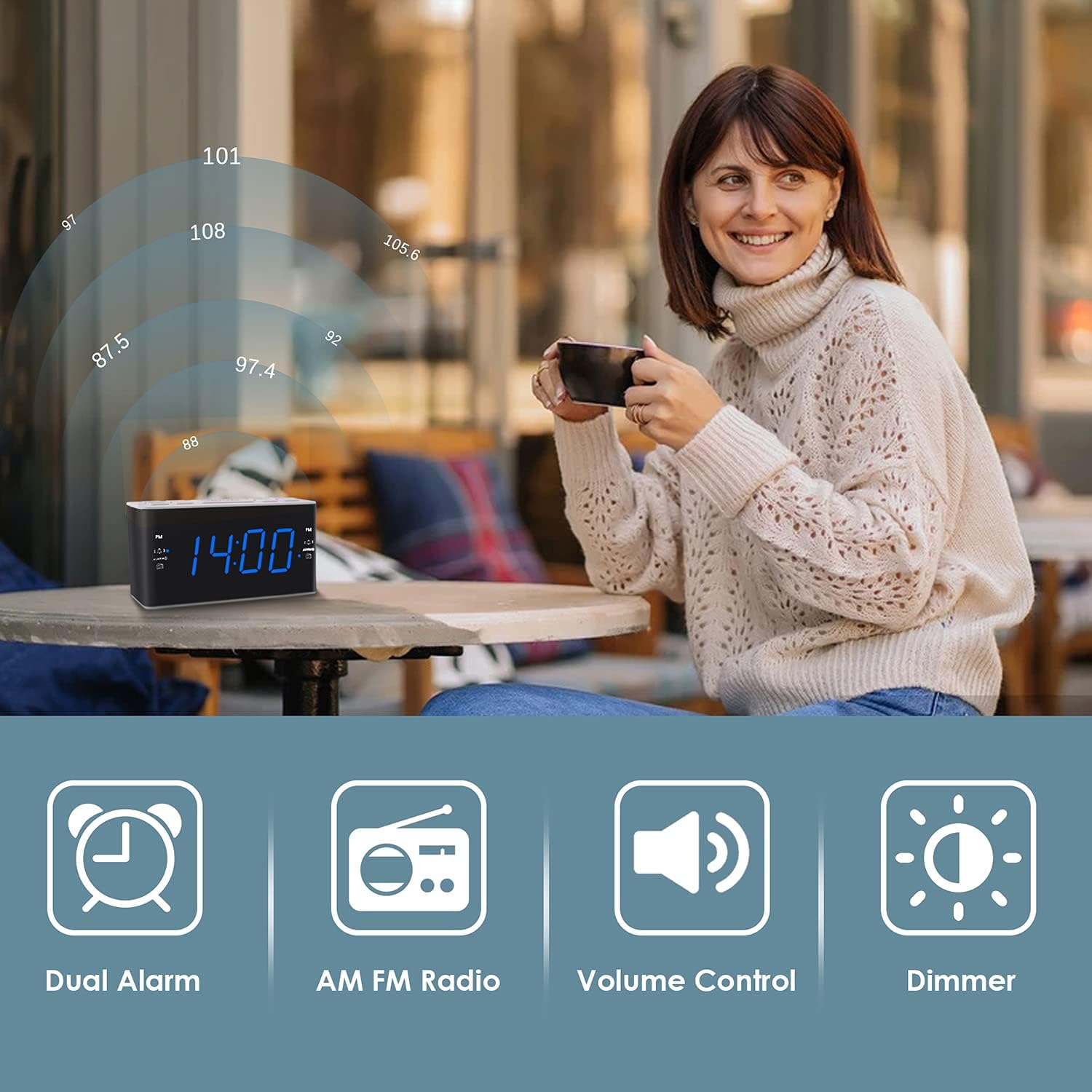
Image: Illustrates the various features of the clock radio, including AM/FM radio functionality.
3.7 Унтах цаг хэмжигч
Унтах таймер нь таныг радиогоор унтах боломжийг олгодог бөгөөд тогтоосон хугацааны дараа автоматаар унтрах болно.
- Радио тоглож байх үед товчийг дарна уу УНТАХ button repeatedly to cycle through the available sleep timer durations (10-90 minutes).
- Радио сонгосон хугацаанд тоглуулах ба дараа нь автоматаар унтарна.
4. Засвар үйлчилгээ
4.1 Цэвэрлэгээ
To clean the clock radio, gently wipe the surface with a soft, dry cloth. Do not use abrasive cleaners, waxes, or solvents as they may damage the finish. Ensure the unit is unplugged before cleaning.
4.2 Батерейг солих
Хэрэв цахилгаан унтраах үед цаг хугацаа эсвэл сэрүүлгийн тохиргоогоо алдвалtage, the AAA backup batteries may need replacement. Replace both batteries simultaneously with new ones, ensuring correct polarity.
5. Алдаа засах
If you encounter issues with your Ratakee Digital Alarm Clock Radio, please refer to the following common solutions:
- Цахилгаангүй/Дэлгэц унтарсан: Ensure the AC adapter is securely plugged into both the clock and a working wall outlet. Check if the outlet has power.
- Сэрүүлэг дуугарахгүй байна: Verify that the alarm is activated (alarm icon visible on display) and the alarm time is correctly set. Check the alarm volume level.
- Radio Static/Poor Reception: Extend the FM wire antenna fully for better reception. Try repositioning the clock radio to a different location to improve signal strength. For AM reception, rotate the unit to find the best signal.
- Time/Settings Lost After Power Outage: Ensure fresh AAA batteries are installed correctly in the battery backup compartment.
Хэрэв эдгээр шийдлүүдийг туршиж үзсэний дараа асуудал хэвээр байвал нэмэлт тусламж авахын тулд хэрэглэгчийн дэмжлэгтэй холбогдоно уу.
6. Техникийн үзүүлэлтүүд
| Брэнд | Ratakee |
| Загварын дугаар | H249US |
| Өнгө | Цэнхэр LED |
| Бүтээгдэхүүний хэмжээс | 15.49 x 7.87 x 5.59 см |
| Зүйлийн жин | 350 гр |
| Материал | Хуванцар |
| Дэлгэцийн төрөл | LED |
| Эрчим хүчний эх үүсвэр | AC Powered (110V) |
| Зайны нөөцлөлт | 2 x AAA батерей (оруулаагүй) |
| FM давтамжийн хүрээ | 87.5-108 МГц |
| AM давтамжийн хүрээ | 520-1710 кГц |
| Онцлог шинж чанарууд | Alarm, Brightness Dimmer, Radio |

Image: Product dimensions of the Ratakee Digital Alarm Clock Radio.
7. Баталгаат хугацаа ба дэмжлэг
Ratakee is committed to providing quality products and customer satisfaction. If you have any questions regarding the operation, setup, or performance of your alarm clock radio, please do not hesitate to contact our customer support team.
In the event that the product is deemed defective, you may be eligible for a hassle-free replacement or refund. For specific inquiries or to report an issue, please reach out to us directly. We are dedicated to assisting you and ensuring a positive experience with your Ratakee product.
