1. Танилцуулга
This manual provides essential information for the setup, operation, and maintenance of your Anderic OEM ONN Roku TV Remote Control. Designed as a direct replacement, this remote offers seamless control for compatible ONN Roku TV models without requiring complex programming.

Зураг 1.1: Урд ба хажуу view of the Anderic OEM ONN Roku TV Remote Control, highlighting its ergonomic design and button layout.
The Anderic RCAFIR remote is engineered to provide convenient access to all essential functions of your ONN Roku TV, including dedicated buttons for popular streaming services like Netflix, Disney, Hulu, and Vudu.

Image 1.2: The Anderic remote control pointing towards an ONN Roku TV, illustrating its capability to control the TV with a single device.
2. Тохиргоо
2.1 Батерей суурилуулах
The remote control requires two (2) AAA batteries for operation. Batteries are not included.
- Алсын удирдлагын ар талд байгаа зайны тасалгааны тагийг ол.
- Тагийг доош нь гулсуулж эсвэл түгжээг (хэрэв байгаа бол) дараад өргөж нээнэ үү.
- Хоёр AAA батерейг оруулаад эерэг (+) ба сөрөг (-) терминалууд тасалгааны доторх тэмдэглэгээтэй зөв таарч байгаа эсэхийг шалгаарай.
- Батерейны тасалгааны тагийг найдвартай товших хүртэл шургуулж орлуулаарай.

Image 2.1: Diagram illustrating the remote control's dimensions and the required AAA batteries for operation.
2.2 Initial Use (No Programming Required)
This Anderic remote control is pre-programmed for ONN Roku TVs. No manual programming or setup is required. Once batteries are installed, the remote is ready for immediate use with compatible ONN Roku TV models.

Image 2.2: A couple comfortably using the remote control, emphasizing the 'No Programming Needed' feature for immediate enjoyment.
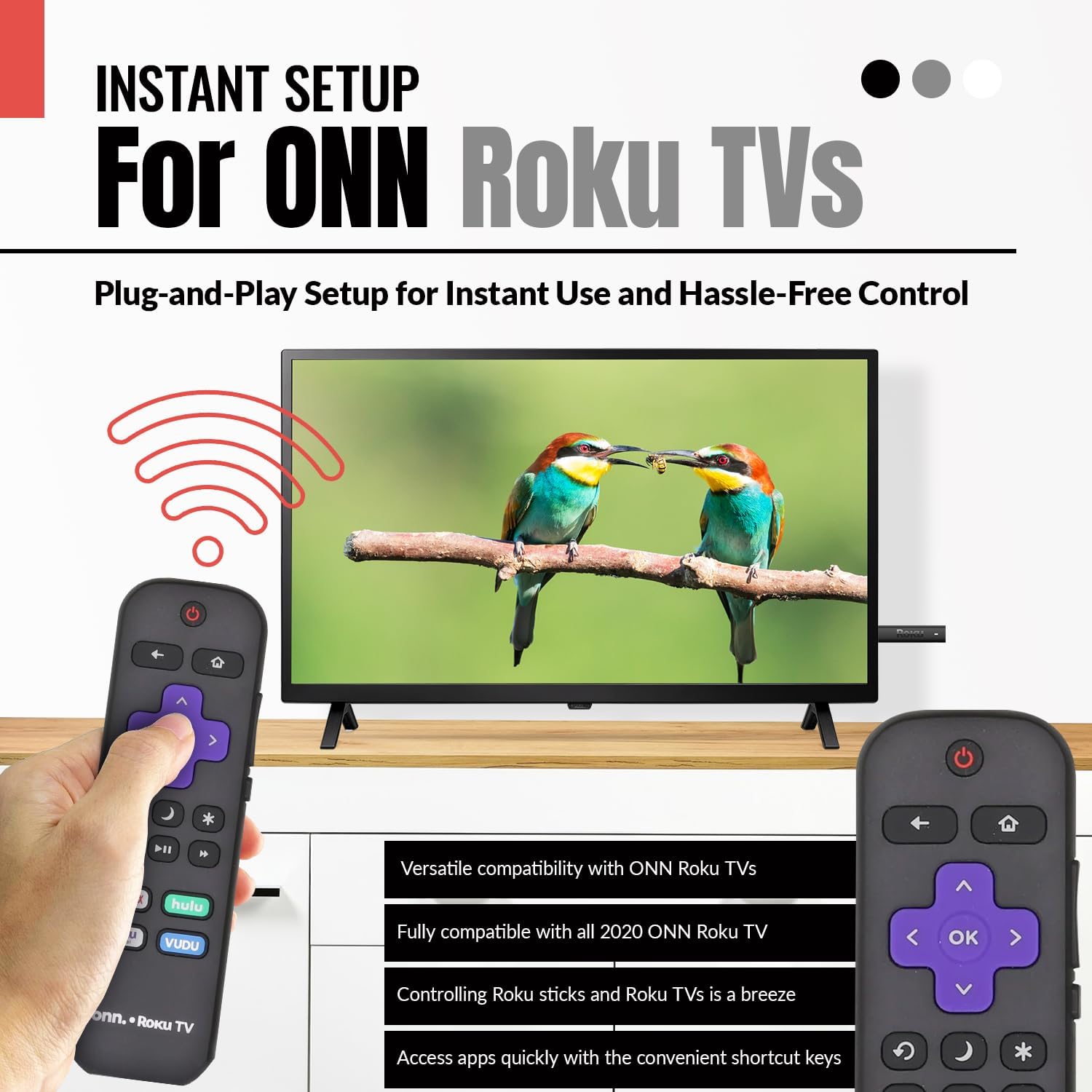
Image 2.3: A hand holding the remote control with a TV displaying content, illustrating the instant plug-and-play setup for ONN Roku TVs.
3. Ашиглалтын заавар
3.1 Товчлуурын байршил ба функцууд
The Anderic ONN Roku TV remote control features a user-friendly layout with dedicated buttons for various functions. Ensure a clear line of sight between the remote and your TV's infrared sensor for optimal performance.

Зураг 3.1: Ойрын зураг view of the remote control, emphasizing dedicated TV power, volume buttons, and pre-programmed streaming shortcut buttons for accessibility.
- Асаах товч (Red Circle with Line): ТВ-г асаах эсвэл унтраана.
- Буцах товчлуур (Зүүн сум): Өмнөх дэлгэц эсвэл цэс рүү буцна.
- Гэрийн товчлуур (Байшингийн дүрс): Navigates to the Roku Home screen.
- Directional Pad (Purple Arrows): Used to navigate through menus and content.
- OK Button (Purple 'OK'): Зүйлийг сонгох эсвэл үйлдлийг баталгаажуулна.
- Дууг дээшлүүлэх / доош товчлуурууд: ТВ-ийн дууны хэмжээг тохируулна.
- Дууг хаах товч: ТВ-ийн аудиог хаах эсвэл нээх.
- Instant Replay Button (Curved Arrow): Jumps back a few seconds during video playback.
- Sleep Button (Сарны дүрс): ТВ-ийн унтах цагийг тохируулна.
- Одны товчлуур (Од): Accesses options or settings within certain apps.
- Тоглуулах/түр зогсоох товчлуур (Triangle/Two Bars): Медиа контентыг тоглуулдаг эсвэл түр зогсоодог.
- Хурдан урагшлах/буцах товчлуурууд: Skips forward or backward in media content.
- Streaming Service Shortcut Buttons (Netflix, Hulu, Vudu, Roku Channel): Provides direct access to these streaming applications.

Image 3.2: A user operating the remote control, highlighting its comprehensive functionality beyond just streaming.
4. Тохиромжтой байдал
The Anderic RCAFIR remote control is designed for broad compatibility with ONN Roku TV models. It functions as a direct replacement for several original ONN Roku remotes.
4.1 Compatible ONN Roku TV Models
This remote is fully compatible with all 2020 ONN Roku TV models and is supplied with the following specific ONN Roku TV models:
- 100005397
- 100012584
- 100012585
- 100012586
- 100012587
- 100012589
- 100012590
- 100018971
- 100021258
- 100021261
- 100024699
4.2 Replacement for Original Remotes
The RCAFIR remote serves as a direct replacement for the original ONN RCALIR Roku remote with Netflix, Disney, Hulu, and Vudu buttons, as well as other compatible models including:
- 276168
- 3226000855
- 3226000887

Image 4.1: A graphic illustrating the replacement compatibility for the ONN Roku TV RCALIR remote, highlighting preset compatibility and easy setup.

Image 4.2: A woman holding the remote control, signifying its role as a reliable replacement for entertainment mastery.
5. Алдаа засах
5.1 Алсын удирдлага хариу өгөхгүй байна
- Батерейг шалгах: Батерейг зөв туйлшралтай (+/-) зөв оруулсан эсэхээ шалгаарай. Хуучин эсвэл цэнэг нь дууссан батерейг шинэ AAA батерейгаар солино уу.
- Харааны шугам: Verify there are no obstructions between the remote control and the TV's infrared sensor. The remote operates using infrared technology, requiring a direct line of sight.
- ТВ-ийн хүч: Confirm that your ONN Roku TV is powered on and not in standby mode.
- Алсын дахин тохируулах: Remove the batteries from the remote, press each button a few times to discharge any residual power, then reinsert the batteries.
5.2 Specific Button Issues
- If a specific button is not working, gently clean around the button with a soft, dry cloth to remove any dust or debris that might be interfering with its function.
- Ensure the remote is pointed directly at the TV's IR sensor when pressing the button.
6. Бүтээгдэхүүний техникийн үзүүлэлтүүд
| Онцлог | Дэлгэрэнгүй |
|---|---|
| Загварын дугаар | ONN-RCAFIR |
| Бүтээгдэхүүний хэмжээс | 5.75 x 1.75 x 1 инч |
| Зүйлийн жин | 1.76 унц |
| Батерей шаардлагатай | 2 AAA батерей (оруулаагүй) |
| Холболтын технологи | Хэт улаан туяаны (IR) |
| Тохиромжтой төхөөрөмжүүд | Television (ONN Roku TV models) |
| Онцлог шинж чанар | Ergonomic design, Pre-programmed |
7. Чухал мэдээлэл
7.1 Хууль ёсны татгалзал
Anderic is a registered trademark of Dan's Electronics Etc., Inc. All Rights Reserved. We are not affiliated with Roku. Roku is a registered trademark of Roku Inc.
7.2 Үйлдвэрлэгчийн мэдээлэл
Anderic, a brand of Dan's Electronics Etc., Inc., has been manufacturing replacement remote controls since 1999. The company is based in NC, USA, and focuses on providing high-quality replacement remote controls and accessories to extend the life of your equipment.


