1. Танилцуулга
Худалдан авалт хийсэнд баярлалааasing the AUKEY PC-LM3 Webкамер. Энэхүү гарын авлагад таны төхөөрөмжийг тохируулах, ажиллуулах, засвар үйлчилгээ хийх талаар дэлгэрэнгүй зааварчилгаа өгсөн болно webcam. Please read this manual thoroughly before use and retain it for future reference.
2. Аюулгүй байдлын мэдээлэл
- -г хадгал webcam away from water, moisture, and extreme temperatures.
- Төхөөрөмжийг өөрөө задлах, засах гэж бүү оролдоорой. Бүх үйлчилгээг мэргэшсэн боловсон хүчинд шилжүүлээрэй.
- Унах эсвэл өртөхөөс зайлсхий webхүчтэй цохилт хүртэл камер.
- Clean the lens with a soft, dry cloth. Do not use liquid cleaners.
3. Багцын агуулга
Таны багцад бүх зүйл байгаа эсэхийг шалгана уу:
- AUKEY PC-LM3 Webкамер
- Хэрэглэгчийн гарын авлага
- USB кабель (нэгдсэн)
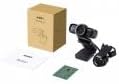
Image 1: Contents of the AUKEY PC-LM3 Webcam package, showing the webcam, manual, and packaging.
4. Бүтээгдэхүүн дууссанview
The AUKEY PC-LM3 is a 1080p USB 2.0 webcam designed for high-quality video communication and recording. It features a CMOS sensor and 5x optical zoom capability, providing clear and detailed visuals.
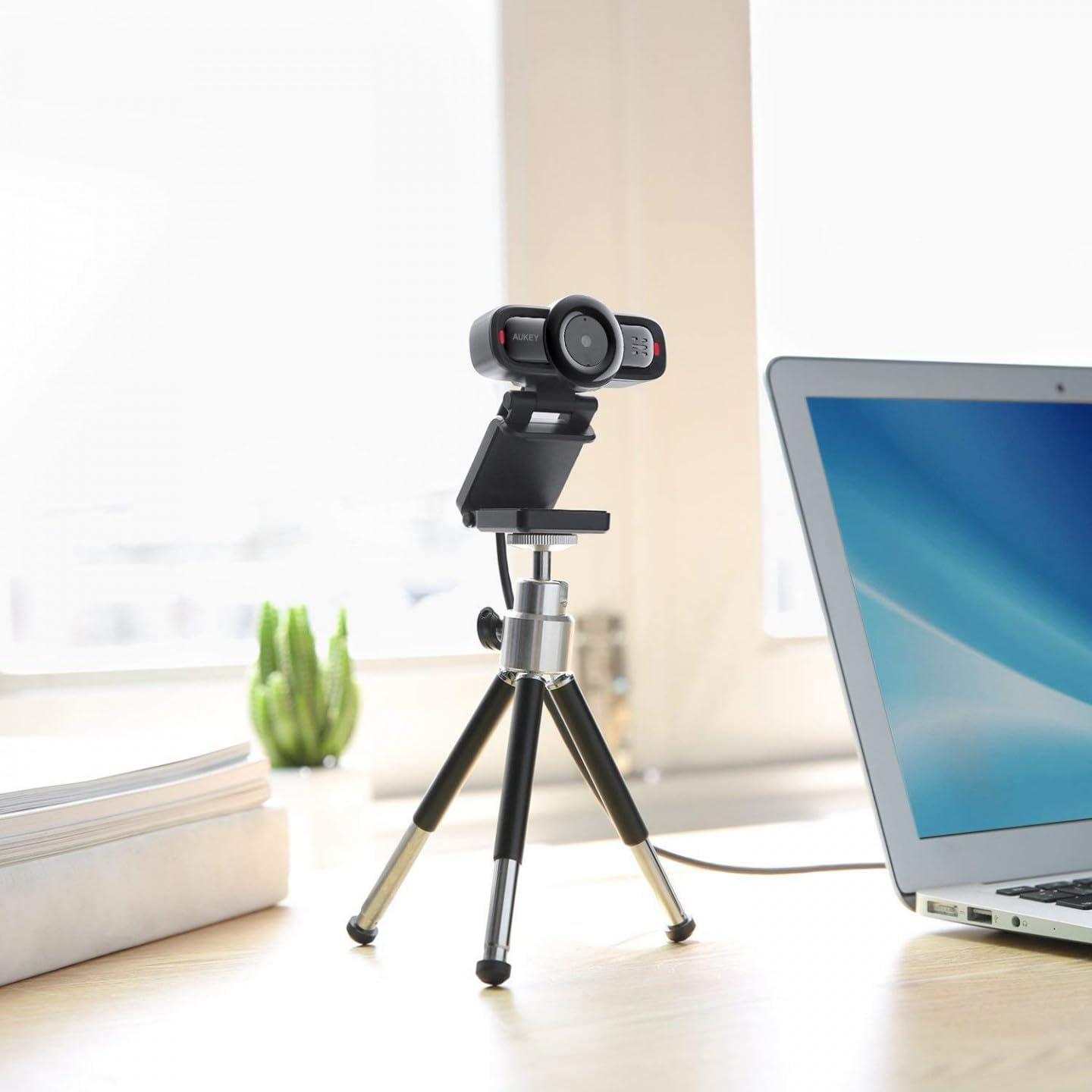
Image 2: AUKEY PC-LM3 Webcam in use, demonstrating its compact design and mounting flexibility on a tripod.
Гол онцлогууд:
- Full HD 1080p video recording
- CMOS sensor for clear images
- USB 2.0 connectivity for universal compatibility
- 5x optical zoom for detailed framing
- Integrated microphone for audio capture
- Adjustable clip for versatile mounting options
5. Тохиргоо
5.1 Placing the Webкамер
- Монитор дээр: Unfold the clip and place the webcam on top of your monitor or laptop screen. Adjust the clip to secure it firmly.
- Tripod дээр: The webcam features a standard tripod thread. Mount it onto a compatible tripod for more flexible positioning.
- Хавтгай гадаргуу дээр: Тогтвортой тавиур үүсгэхийн тулд хавчаарыг нугалаад байрлуулна webcam on a desk or other flat surface.
5.2 Компьютерт холбогдох
- USB холбогчийг залгаарай webкамерыг компьютер дээрээ байгаа USB 2.0 эсвэл 3.0 порт руу оруулна.
- Таны компьютер шаардлагатай драйверуудыг автоматаар илрүүлж, суулгах ёстой. Энэ процесс хэдэн минут үргэлжилж магадгүй.
- Суулгасны дараа webcam will be ready for use with video conferencing software or recording applications.
Жич: No additional software or drivers are typically required for Windows, macOS, or Linux operating systems.
6. ажиллуулах Webкамер
6.1 Видео хурлын программ хангамжийг ашиглах
To use the AUKEY PC-LM3 webcam with applications like Zoom, Skype, Microsoft Teams, or Google Meet:
- Өөрийн дуртай видео хурлын програмыг нээнэ үү.
- Navigate to the application's settings or preferences (usually found under "Audio & Video" or "Devices").
- Select "AUKEY PC-LM3" as your video input device.
- Select "AUKEY PC-LM3 Microphone" (or similar) as your audio input device, if applicable.
- Adjust any video settings such as resolution or brightness within the application if available.
6.2 Видео бичлэг хийх
To record video using the webcam, use your computer's built-in camera application (e.g., Camera app on Windows, Photo Booth on macOS) or third-party recording software. Ensure the AUKEY PC-LM3 is selected as the video source.
6.3 Оптик томруулалт
The webcam features 5x optical zoom. This function is typically controlled via software. Check your video conferencing or recording application for zoom controls. If not available, third-party webcam control software may offer this functionality.
7. Засвар үйлчилгээ
7.1 цэвэрлэх Webкамер
- -ийг баталгаажуулах webcam is disconnected from your computer before cleaning.
- Use a soft, lint-free cloth to gently wipe the lens and body of the webкамер.
- For stubborn smudges on the lens, slightly dampen the cloth with water or a lens cleaning solution, then wipe gently. Avoid excessive moisture.
- Хүчтэй химийн бодис, зүлгүүрийн цэвэрлэгч, уусгагчийг бүү ашигла.
7.2 Хадгалалт
Ашиглагдаагүй үед хадгална уу webcam in a cool, dry place, away from direct sunlight and dust. Consider using a privacy cover (if included or purchased separately) to protect the lens and ensure privacy.
8. Алдаа засах
| Асуудал | Шийдэл |
|---|---|
| Webкамерыг компьютер илрүүлээгүй. |
|
| Видео гаралт байхгүй. |
|
| Видео чанар муу. |
|
9. Техникийн үзүүлэлтүүд
| Онцлог | Дэлгэрэнгүй |
|---|---|
| Загвар | PC-LM3 |
| Видеоны нягтрал | 1920 x 1080 пиксел (1080p) |
| Мэдрэгч технологи | CMOS |
| Холболт | USB 2.0 |
| Оптик томруулалт | 5x |
| Видео бичлэгийн формат | MP4, AVI |
| Дэмжигдсэн аудио формат | AAC, MP3 |
| Хэмжээ (L x W x H) | 7.7 x 7.2 x 4.6 см |
| Жин | 130 грамм |
| Өнгө | Хар |
10. Баталгаат хугацаа ба хэрэглэгчийн дэмжлэг
AUKEY products are covered by a limited warranty from the date of purchase. For specific warranty terms and conditions, please refer to the warranty card included with your product or visit the official AUKEY webсайт.
If you encounter any issues or have questions regarding your AUKEY PC-LM3 Webcam, please contact AUKEY customer support for assistance. Contact information can typically be found on the official AUKEY webсайт эсвэл баталгаат карт дээр.