1. Танилцуулга
This manual provides instructions for the Monoprice Dark Matter 27-inch 165Hz Gaming Monitor. This monitor features an IPS panel, a 165Hz refresh rate, and a 1920x1080p Full HD resolution. It includes Adaptive Sync technology for smooth visuals and offers multiple connectivity options, including HDMI and DisplayPort inputs.
2. Аюулгүй байдлын мэдээлэл
- Read all instructions before operating the monitor.
- Keep the monitor away from water or damp орчин.
- Агааржуулалтын нүхийг хааж болохгүй.
- Зөвхөн үйлдвэрлэгчийн өгсөн цахилгаан адаптерийг ашиглана уу.
- Мониторыг тогтворгүй гадаргуу дээр байрлуулахаас зайлсхий.
- Аянга шуурганы үед эсвэл удаан хугацаагаар ашиглаагүй үед цахилгааны утсыг салга.
- Бүх үйлчилгээг мэргэшсэн боловсон хүчинд шилжүүлээрэй.
3. Багцын агуулга
Таны багц дараах зүйлсийг агуулж байгаа эсэхийг шалгана уу.
- Monoprice Dark Matter 27-inch Gaming Monitor
- Мониторын тавиур (суурь ба хүзүү)
- Цахилгаан адаптер ба цахилгаан кабель
- HDMI кабель
- Хэрэглэгчийн гарын авлага (энэ баримт бичиг)
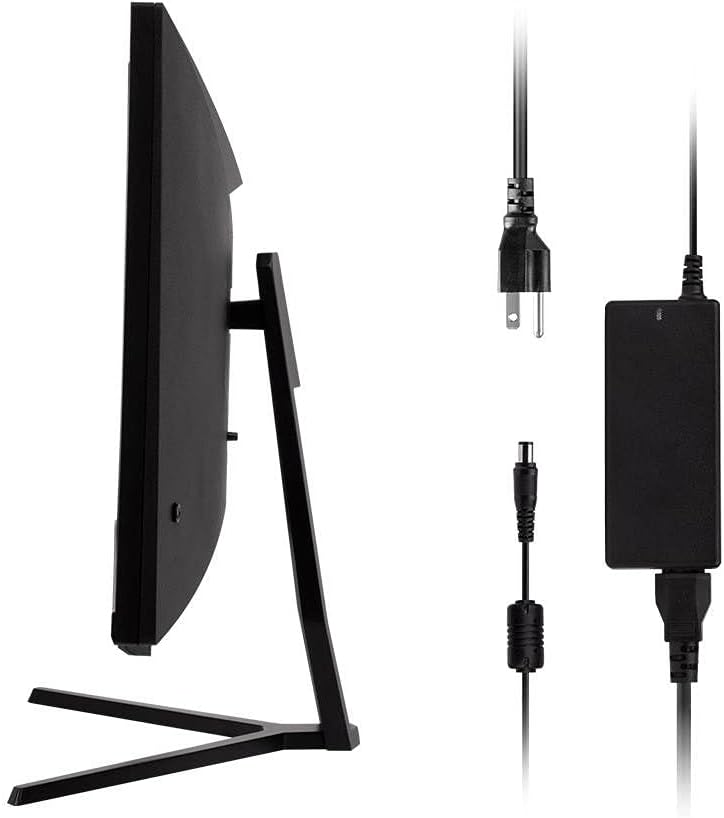
Image: Monitor side view with included power adapter and cable.
4. Over Monitorview
Урд View
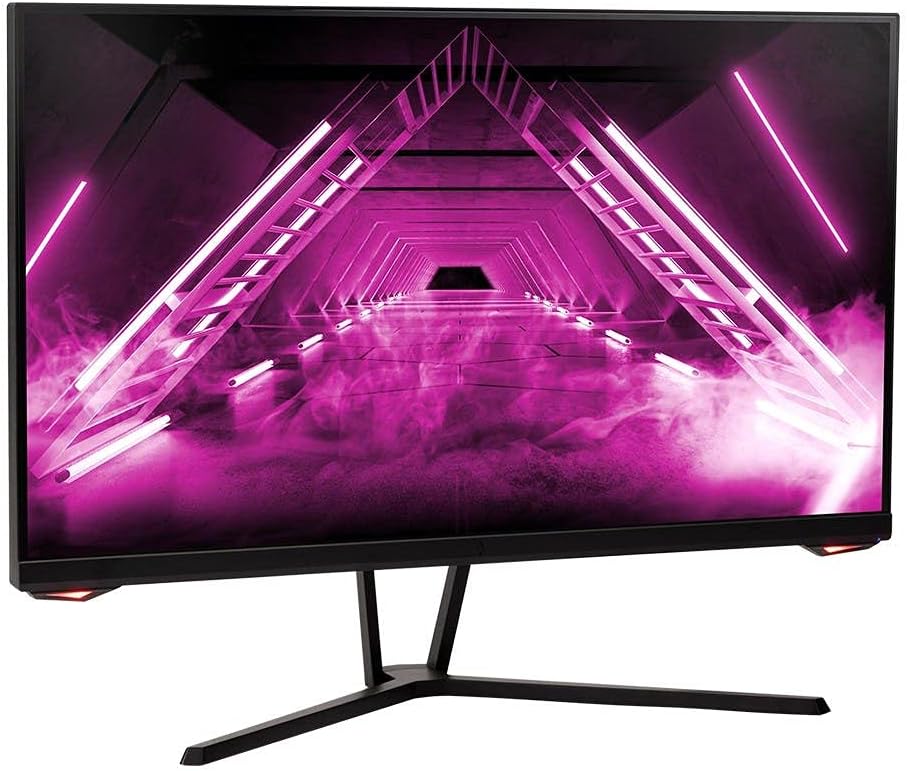
Зураг: Урд view мониторын.
Арын View болон портууд
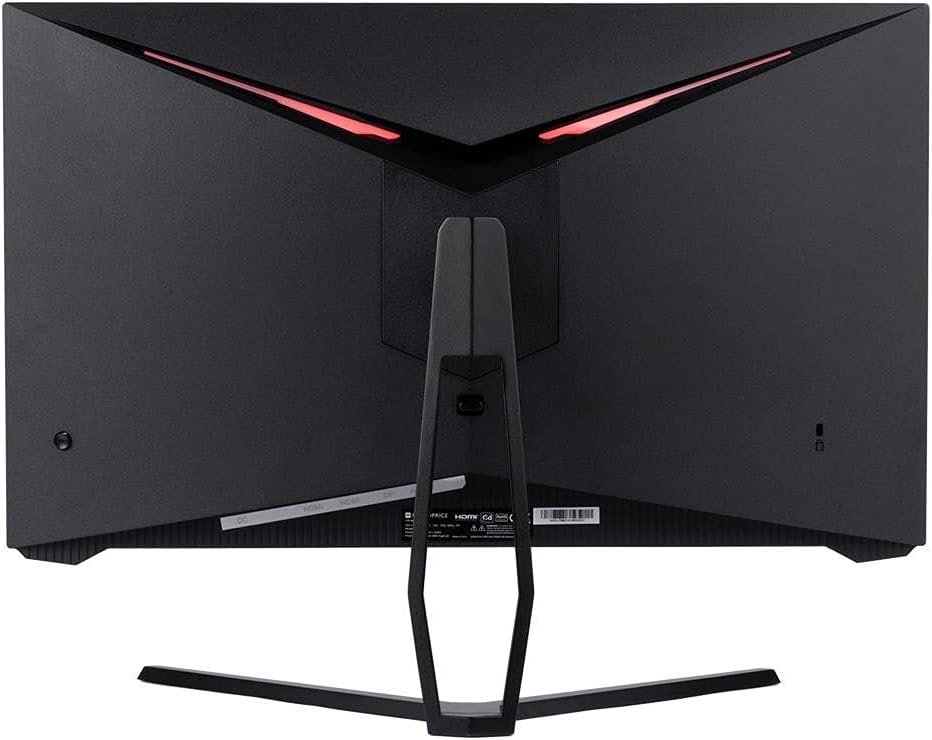
Зураг: Ар талд view of the monitor, highlighting the VESA mount and stand attachment.

Image: Close-up of the monitor's input ports.
5. Тохиргоо
5.1 Сэндүүдийн чуулган
- Зөөлөн гадаргуу дээр хамгаалж, мониторыг сав баглаа боодолоос нь болгоомжтой авч хая.
- Attach the stand neck to the monitor's rear panel by aligning the tabs and securing any screws if present.
- Суурины суурийг суурийн хүзүүнд бэхлээд, сайтар бэхэлсэн эсэхийг шалгаарай.
- Угсарсан мониторыг тогтвортой, тэгш гадаргуу дээр байрлуул.
5.2 VESA суурилуулах
The monitor supports a 75x75mm VESA mount pattern. To use a wall or desk mount:
- Remove the pre-attached stand by unscrewing it from the monitor's rear panel.
- Attach your VESA-compatible mount to the monitor using the appropriate screws (not included).
- Холбохоос өмнө бэхэлгээг найдвартай бэхэлсэн эсэхийг шалгаарайasing монитор.
5.3 Компьютерт холбогдох
Connect the monitor to your computer using one of the following methods:
- DisplayPort: Connect one end of a DisplayPort cable to the DisplayPort output on your computer's graphics card and the other end to the DisplayPort input on the monitor.
- HDMI: Connect one end of an HDMI cable to an HDMI output on your computer's graphics card and the other end to one of the HDMI inputs on the monitor.
After connecting the video cable, connect the power adapter to the monitor's DC input and then plug the power cable into a wall outlet.
6. Мониторыг ажиллуулах
6.1 Асаах/унтраах
Press the power button, typically located on the rear or bottom of the monitor, to turn the monitor on or off. The power indicator light will illuminate when the monitor is on.
6.2 Дэлгэц дээрх дэлгэц (OSD) цэс
The OSD menu allows you to adjust various monitor settings. Access the OSD menu by pressing the menu button (often a joystick or a series of buttons) on the monitor. Navigate through the options using the directional controls and confirm selections.
Түгээмэл OSD тохиргоонд:
- Зургийн тохиргоо: Гэрэлтүүлэг, Тодруулга, Хурц байдал, Өнгөний температур.
- Оролтын сонголт: Choose between DisplayPort and HDMI inputs.
- Аудио: Volume control for the audio output.
- Тоглоомын онцлогууд: Overdrive, FreeSync/Adaptive Sync settings.
6.3 Гол онцлогууд
- 165 Гц сэргээх хурд: This monitor supports a 165Hz refresh rate, providing smoother motion and reduced input lag compared to standard 60Hz monitors. Ensure your graphics card and system settings are configured to utilize this refresh rate.
- Дасан зохицох синк: This technology synchronizes the monitor's refresh rate with your graphics card's frame rate, eliminating screen tearing and stuttering for a smoother gaming experience. Enable Adaptive Sync in your graphics card's control panel and the monitor's OSD menu.
- Full HD Resolution (1920x1080p): The monitor displays content at 1920x1080 pixels, offering clear and detailed visuals.
7. Засвар үйлчилгээ
To maintain your monitor and ensure its longevity:
- Дэлгэц цэвэрлэх: Зөөлөн, хөвөнгүй даавуугаар дэлгэцийг зөөлөн арчина. Зөрүүд тэмдгүүдийн хувьд дэлгэцэн дээр шууд биш харин даавуунд түрхсэн мониторын тусгай цэвэрлэгээний уусмалыг хэрэглээрэй.
- C цэвэрлэхasing: Мониторыг зөөлөн хуурай даавуугаар арчих casing. Зүлгүүрийн цэвэрлэгчээс зайлсхий.
- Агааржуулалт: Ensure the monitor's ventilation openings are clear of dust and obstructions to prevent overheating.
- Унтраах: Удаан хугацаагаар ашиглаагүй үедээ мониторыг унтраа.
8. Алдаа засах
Хэрэв танд монитортой холбоотой асуудал гарвал дараах алдааг олж засварлах гарын авлагыг үзнэ үү.
| Асуудал | Боломжит шалтгаан | Шийдэл |
|---|---|---|
| Дэлгэц дээр зураг алга / LED унтраалттай | Monitor not powered on; Power cable loose; Power outlet faulty. | Press the power button; Check power cable connections; Try a different power outlet. |
| Зураг байхгүй / "Дохио байхгүй" гэсэн мессеж | Video cable loose; Incorrect input selected; Computer not outputting signal. | Check video cable connections; Select the correct input via OSD; Ensure computer is on and outputting video. |
| Screen flickers or goes black intermittently | Loose video cable; Graphics driver issue; Monitor overheating; Faulty cable. | Ensure video cable is secure; Update graphics drivers; Ensure adequate ventilation around the monitor; Try a different video cable. |
| Хэт халалт / утаа | Blocked ventilation; Internal component issue. | Immediately unplug the monitor. Ensure ventilation is clear. Do not use the monitor if smoke is present. Contact support. |
| Red line or other display artifacts | Faulty panel; Graphics card issue. | Test with a different video cable and computer. If the issue persists, contact support. |
| Backlight turns off, requires power cycle | Power management settings; Internal fault. | Check computer's power saving settings. If issue persists, contact support. |
9. Техникийн үзүүлэлтүүд
| Онцлог | Тодорхойлолт |
|---|---|
| Загварын дугаар | 142771 |
| Дэлгэцийн хэмжээ | 27 инч |
| Самбарын төрөл | IPS |
| Шийдвэр | 1920 x 1080 (FHD 1080p) |
| Сэргээх хурд | 165 Гц |
| Харьцаа | 16:9 |
| Видео оролт | 2x HDMI 1.4, 1x DisplayPort 1.2a |
| VESA уул | 75x75 мм |
| Хэмжээ (LxWxH) | 28.8 x 7.1 x 19.3 инч |
| Зүйлийн жин | 15.77 фунт |
10. Баталгаат хугацаа ба дэмжлэг
10.1 Баталгаат хугацааны мэдээлэл
This Monoprice monitor is backed by a 1 Year PixelPerfect Guarantee. This warranty covers defects in materials and workmanship under normal use for one year from the date of purchase. Please refer to Monoprice's official webБүрэн баталгаат нөхцөлийг сайтаас авна уу.
10.2 Хэрэглэгчийн дэмжлэг
For technical assistance, warranty claims, or further information, please contact Monoprice Customer Support. Contact details can typically be found on the official Monoprice webсайт эсвэл таны худалдан авалтын баримт бичиг.
11. Видеоны эх сурвалж
Энэ загварт зориулсан худалдагчийн албан ёсны бүтээгдэхүүний видео олдсонгүй.


