1. Танилцуулга
This manual provides detailed instructions for the setup, operation, and maintenance of your TECLAST Mini PC N10. This compact desktop computer features an Intel Celeron N4000 processor, 6GB DDR4 RAM, 128GB SSD, and comes pre-installed with Windows 11 Pro. It is designed for various applications including office work, multimedia playback, and general computing tasks.
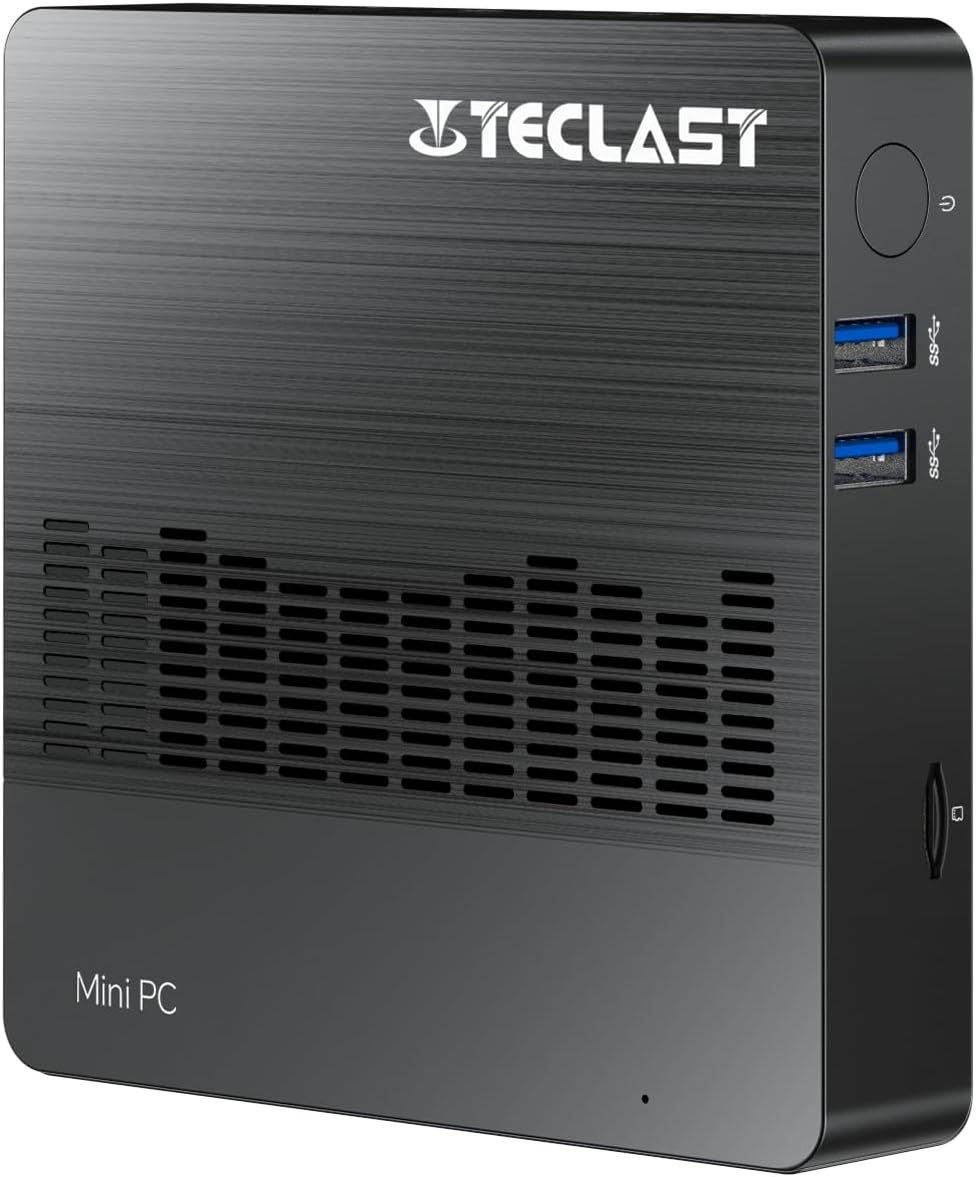
Зураг 1.1: Урд view of the TECLAST Mini PC N10, showing its compact design and front ports.
2. Багцын агуулга
Дараах зүйлсийн багцад байгаа эсэхийг шалгана уу.
- TECLAST Mini PC N10 Unit
- Эрчим хүчний адаптер
- Хэрэглэгчийн гарын авлага
Хэрэв ямар нэгэн зүйл алга болсон эсвэл гэмтсэн бол хэрэглэгчийн дэмжлэгтэй холбогдоно уу.
3. Бүтээгдэхүүн дууссанview
3.1. Physical Dimensions and Design
The TECLAST Mini PC N10 is designed to be compact and lightweight, making it suitable for various environments. Its dimensions are approximately 11.9 x 11.9 x 2.4 cm, and it weighs around 700g.

Image 3.1: Illustration of the TECLAST Mini PC N10's compact dimensions (120mm x 120mm x 24mm) and lightweight design (200g, note: product specifications state 700g).
3.2. Портын зохион байгуулалт
The Mini PC N10 features a variety of ports for connectivity, located on its right, left, and back sides.

Зураг 3.2: Нарийвчилсан view of the TECLAST Mini PC N10's expansion ports.
- Баруун тал: TF (MicroSD) Card Reader x 1, USB 3.2 x 2, Power Button x 1
- Зүүн тал: VGA Port x 1
- Ар тал: Reset Button x 1, DC Power Input x 1, USB 3.2 x 1, HDMI Port x 1, RJ45 Ethernet Port x 1, 3.5mm Headphone Output x 1
4. Анхны тохиргоо
Follow these steps to set up your TECLAST Mini PC N10:
- Дэлгэцтэй холбогдох: Connect your monitor or TV to the Mini PC using either the HDMI port or the VGA port. For optimal resolution, use the HDMI port.
- Дагалдах төхөөрөмжүүдийг холбох: Plug in your keyboard and mouse to the available USB 3.2 ports.
- Цахилгаанд холбогдох: Connect the power adapter to the DC power input port on the back of the Mini PC, then plug the adapter into a power outlet.
- Асаах: Press the power button located on the right side of the Mini PC. The system will boot up.
- Windows-ийн анхны тохиргоо: Хэл, бүс нутаг, сүлжээний холболт, хэрэглэгчийн бүртгэл үүсгэх зэрэг Windows 11 Pro тохиргоог дуусгахын тулд дэлгэц дээрх зааврыг дагана уу.
5. Ашиглалтын заавар
5.1. Интернетэд холбогдож байна
- Утастай холболт: Connect an Ethernet cable from your router or modem to the RJ45 Ethernet port on the back of the Mini PC.
- Утасгүй холболт: The Mini PC supports 2.4GHz and 5GHz Wi-Fi. During Windows setup or via Windows settings, select your Wi-Fi network and enter the password.
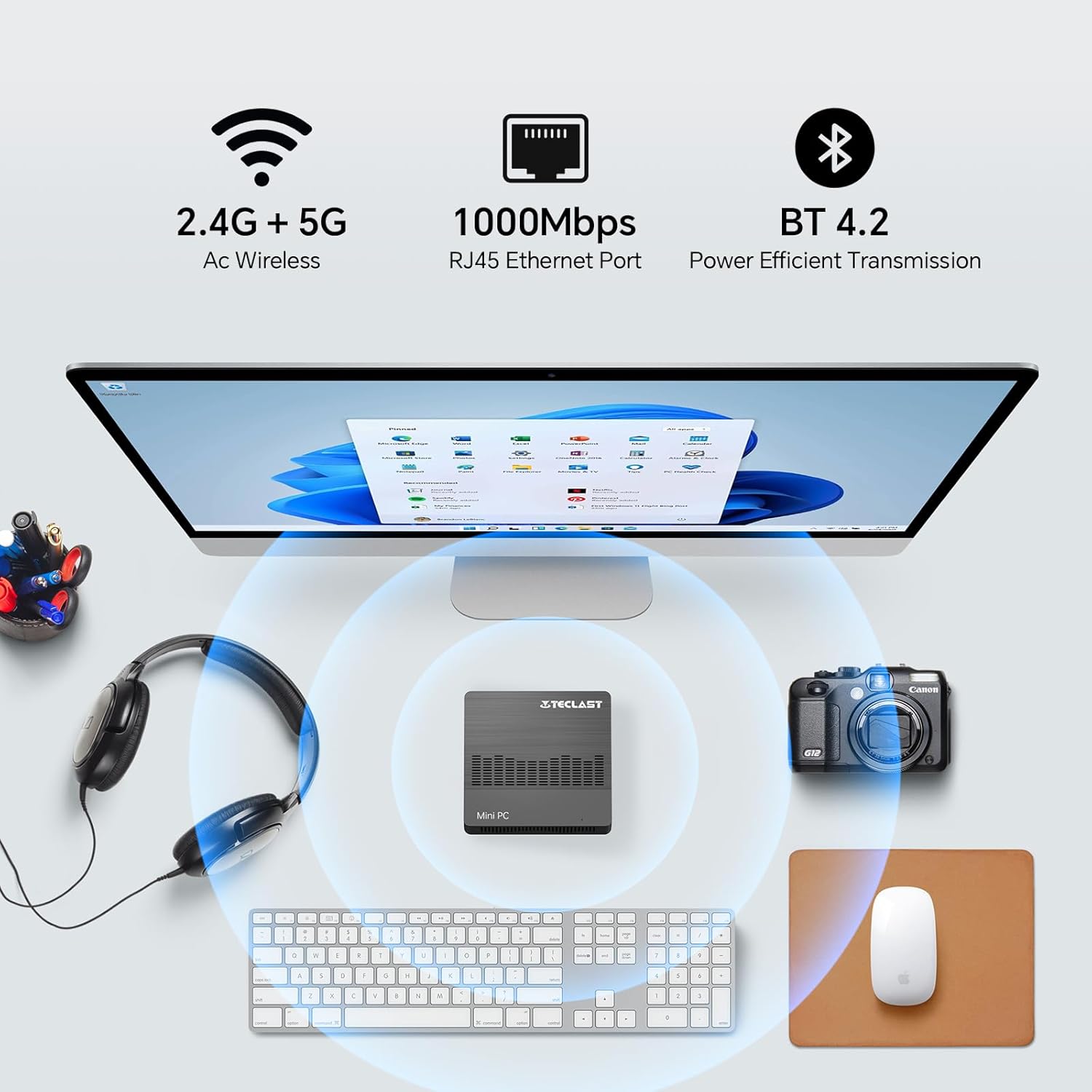
Image 5.1: The Mini PC N10 supports 2.4G+5G Wi-Fi, 1000Mbps RJ45 Ethernet, and Bluetooth 4.2 for versatile connectivity.
5.2. Dual Display Setup
The TECLAST Mini PC N10 supports dual display output via its HDMI and VGA ports, allowing you to extend your desktop across two screens or duplicate your display.
- Үндсэн дэлгэцээ HDMI порт руу холбоно уу.
- Connect your secondary monitor to the VGA port.
- Once both monitors are connected and powered on, Windows 11 should automatically detect them.
- To configure display settings (extend, duplicate, resolution), right-click on the desktop, select 'Display settings', and adjust as needed. The HDMI port supports up to 4K@60Hz resolution.

Image 5.2: The Mini PC N10 connected to two monitors via HDMI and VGA for dual display output.
5.3. Хадгалалтын өргөтгөл
The Mini PC N10 includes 128GB of internal SSD storage. For additional storage, it supports SATA protocol for M.2 SSD expansion (2242 length, M.2 interface, not included). A TF (MicroSD) card reader is also available for removable storage.
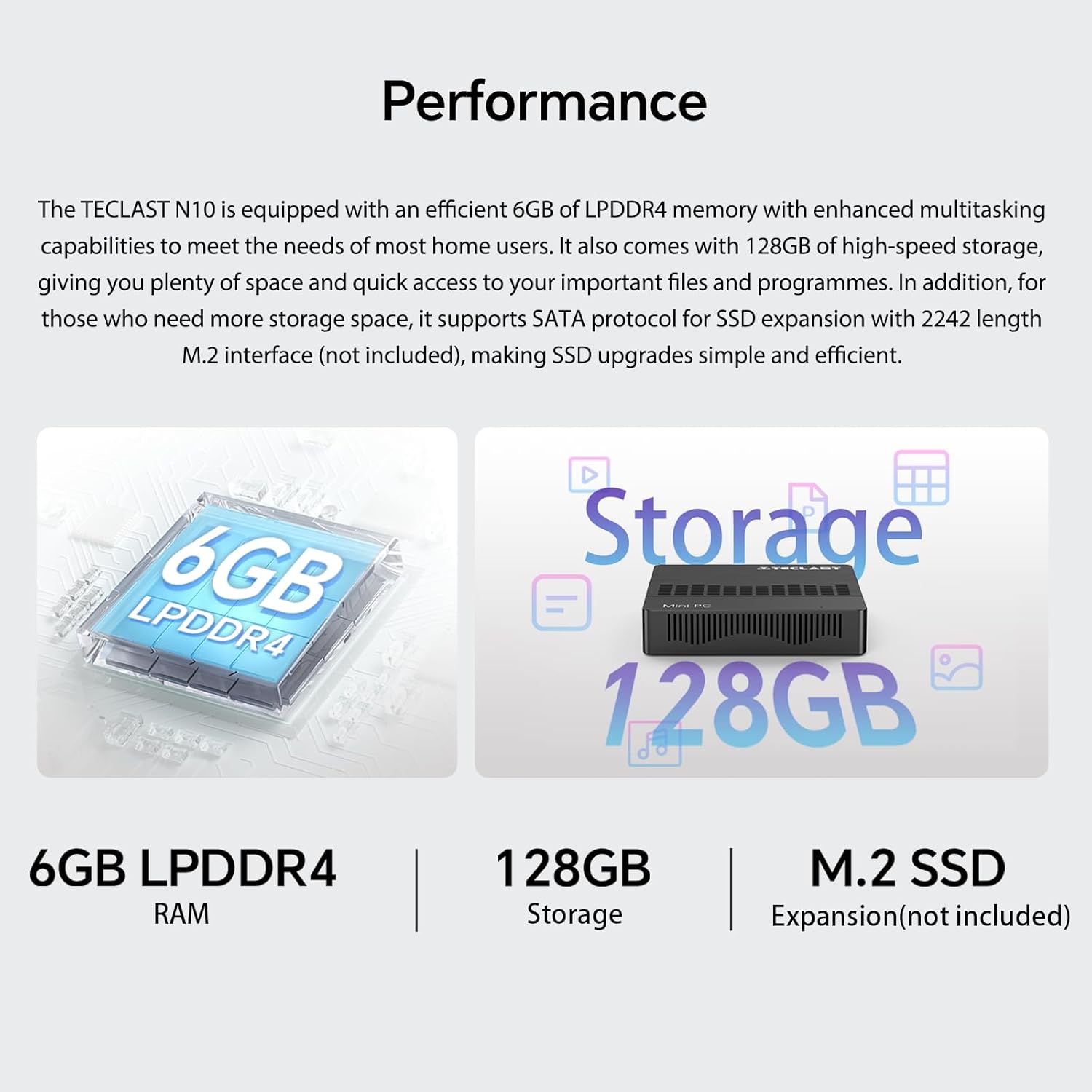
Зураг 5.3: Дууслааview of the Mini PC N10's 6GB LPDDR4 RAM, 128GB storage, and M.2 SSD expansion capability.
6. Техникийн үзүүлэлтүүд
| Онцлог | Дэлгэрэнгүй |
|---|---|
| Брэнд | TECLAST |
| Загварын нэр | N10 |
| Бүтээгдэхүүний хэмжээс | 11.9 x 11.9 x 2.4 см |
| Бүтээгдэхүүний жин | 700 гр |
| Өнгө | Хар |
| Үйлдлийн систем | Windows 11 Pro |
| Процессор үйлдвэрлэгч | Intel |
| Процессорын төрөл | Intel Celeron N4000 |
| Процессорын хурд | 2.6 GHz (Turbo Frequency) |
| Процессорын тоо | 2 |
| RAM багтаамж | 6 ГБ |
| Санах ойн технологи | DDR4 |
| Хатуу дискний тодорхойлолт | SSD |
| Санах ойн хадгалах багтаамж | 128 ГБ |
| График процессор | Intel UHD график 600 |
| График картын тодорхойлолт | Нэгдсэн |
| Хамгийн их нарийвчлал | 3840 x 2160 (4К) |
| Холболтын төрөл | Wi-Fi, Bluetooth |
| Утасгүй холболтын төрөл | 2.4GHz + 5GHz Wi-Fi, Bluetooth 5.0 |
| Портууд | HDMI x 1, VGA x 1, USB 3.2 x 3, RJ45 Ethernet x 1, 3.5mm Audio x 1, TF (MicroSD) x 1 |

Image 6.1: Details of the Intel Celeron N4000 processor, featuring 14nm process, Gemini Lake Architecture, 4MB cache, and up to 2.6GHz turbo frequency.
7. Засвар үйлчилгээ
- Цэвэрлэгээ: Use a soft, dry cloth to clean the exterior of the Mini PC. Avoid using liquid cleaners or sprays directly on the device.
- Агааржуулалт: Ensure the ventilation openings are not blocked to prevent overheating. Place the Mini PC on a flat, stable surface.
- Програм хангамжийн шинэчлэлтүүд: Системийн тогтвортой байдал, аюулгүй байдлыг хангахын тулд Windows шинэчлэлтүүдийг тогтмол шалгаж, суулгаарай.
- Өгөгдлийн нөөцлөлт: Өгөгдлийн алдагдлаас урьдчилан сэргийлэхийн тулд чухал мэдээллийг гадаад диск эсвэл үүлэн сан руу үе үе нөөцлөөрэй.
8. Алдаа засах
8.1. Эрчим хүчгүй
- Цахилгаан адаптер нь Mini PC болон ажиллаж байгаа цахилгааны залгуурт найдвартай холбогдсон эсэхийг шалгаарай.
- Өөр төхөөрөмжийг залгах замаар цахилгааны залгуур ажиллаж байгаа эсэхийг шалгана уу.
8.2. Дэлгэц байхгүй
- Check that the HDMI or VGA cable is securely connected to both the Mini PC and the monitor.
- Монитор асаалттай бөгөөд зөв оролтын эх үүсвэр (HDMI/VGA) руу тохируулагдсан эсэхийг шалгана уу.
- Эвдрэлтэй бүрэлдэхүүн хэсгүүдийг арилгахын тулд өөр дэлгэцтэй холбох эсвэл өөр кабель ашиглаж үзнэ үү.
8.3. Интернет холболт байхгүй
- Утастай: Check the Ethernet cable connection. Verify your router/modem is working correctly.
- Утасгүй: Ensure Wi-Fi is enabled in Windows settings. Check if you are connected to the correct network and have entered the password correctly. Restart your router/modem.
8.4. Системийн удаашрал
- Ар талд ажиллаж байгаа шаардлагагүй програмуудыг хаа.
- Хүлээгдэж буй Windows шинэчлэлтүүдийг шалгаж суулгана уу.
- SSD дээр хангалттай зай байгаа эсэхийг шалгаарай.
- Хортой програм байгаа эсэхийг шалгахын тулд вирусын хайлтыг ажиллуул.
9. Баталгаат хугацаа ба дэмжлэг
9.1. Баталгаат хугацааны мэдээлэл
The TECLAST Mini PC N10 comes with a 2-year warranty, valid immediately after purchase. Please retain your proof of purchase for warranty claims.
9.2. Хэрэглэгчийн дэмжлэг
If you require assistance or have any questions regarding your TECLAST Mini PC N10, please contact our customer support team. Send us a message, and our specialists will respond within 1 business day. We are committed to providing support for our products.


