Танилцуулга
This manual provides detailed instructions for the installation, operation, and maintenance of your AXAGON ADSA-ST USB 3.0 Docking Station. This device is designed to connect 2.5" and 3.5" SATA SSDs and HDDs to your computer via a USB 3.0 interface, offering fast data transfer speeds.
Бүтээгдэхүүний зөв ажиллагааг хангах, эвдрэлээс урьдчилан сэргийлэхийн тулд ашиглахаасаа өмнө энэхүү гарын авлагыг сайтар уншина уу.
Багцын агуулга
Бүх бүрэлдэхүүн хэсгүүд багцад байгаа эсэхийг шалгана уу:
- AXAGON ADSA-ST Docking Station
- USB 3.0 Type-A to Micro-B cable
- Эрчим хүчний адаптер
- Хэрэглэгчийн гарын авлага (энэ баримт бичиг)

Image: The AXAGON ADSA-ST Docking Station shown alongside its retail packaging, illustrating the product and its box.
Гол онцлогууд
- Supports 2.5" and 3.5" SATA I/II/III SSDs and HDDs.
- USB 3.0 (USB 3.2 Gen 1) interface with up to 5 Gbps transfer speed.
- SATA 6G (SATA III) support.
- UASP (USB Attached SCSI Protocol) support for enhanced performance.
- TRIM support for SSDs.
- HDD Auto Spindown function.
- LED indication for power and activity.
- Compact design with aluminum body.

Зураг: А view of the AXAGON ADSA-ST Docking Station highlighting its 5 Gbps USB 3.2 Gen 1 speed and compact size.
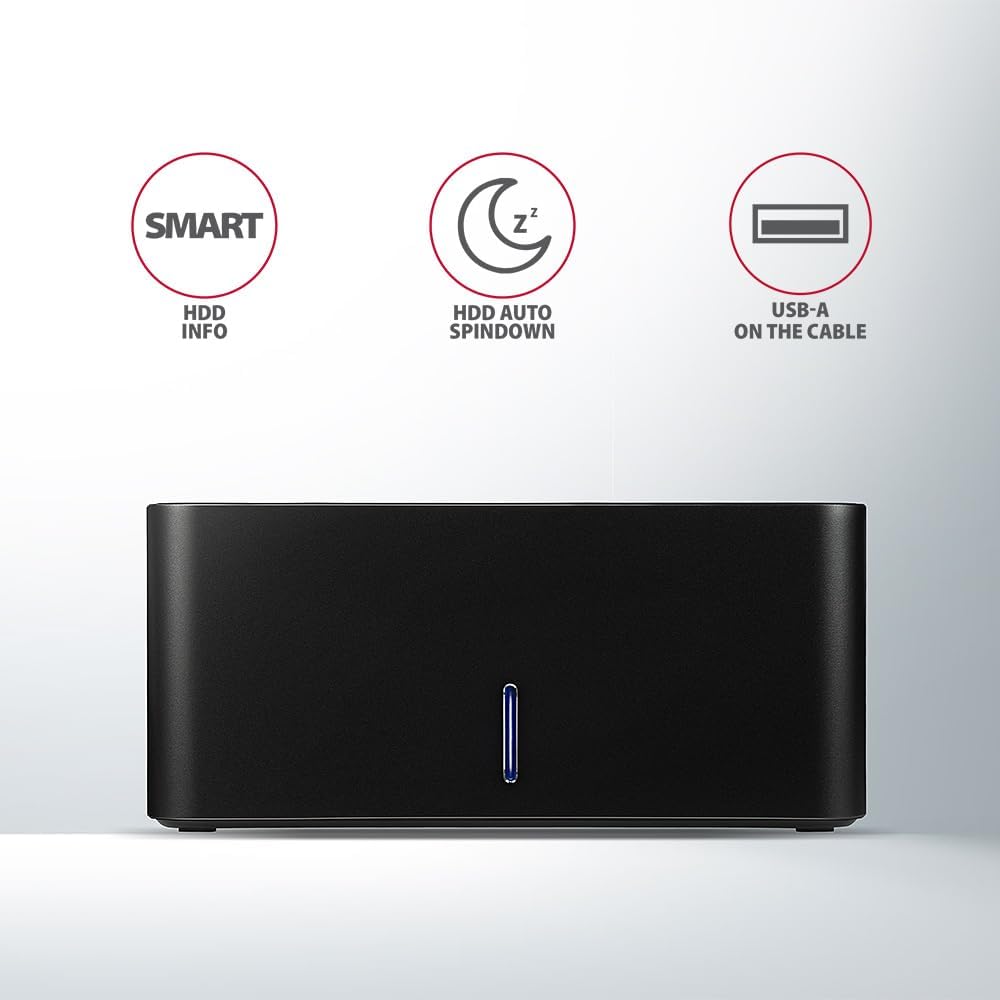
Image: The docking station from the front, indicating features like SMART HDD info, automatic HDD spindown, and USB-A connectivity.
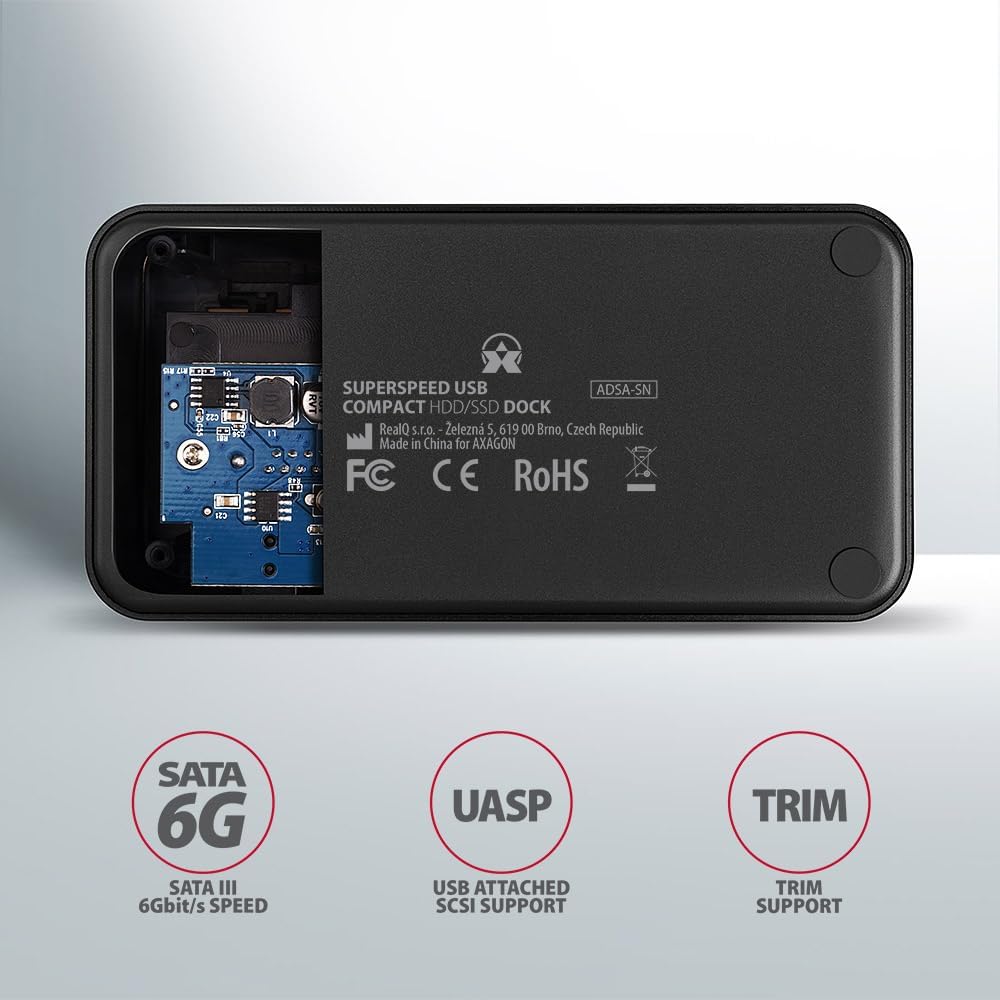
Image: The underside of the docking station, showing internal components and highlighting SATA 6G, UASP, and TRIM support.
Тохируулах заавар
- Цахилгаан адаптерийг холбоно уу: Plug the included power adapter into the DC IN port on the back of the docking station and then into a power outlet.
- Компьютерт холбогдох: Connect the USB 3.0 cable from the docking station's Micro-B port to an available USB 3.0 (or higher) port on your computer.
- Insert HDD/SSD:
- For 2.5" SSD/HDD: Gently slide the 2.5" drive into the slot until it connects firmly with the SATA connector.
- For 3.5" HDD: Gently slide the 3.5" drive into the slot until it connects firmly with the SATA connector.
Ensure the drive is inserted correctly with the SATA connector facing the correct direction. Do not force the drive.

Image: A 2.5-inch SSD being inserted into the docking station, demonstrating compatibility with smaller drives.
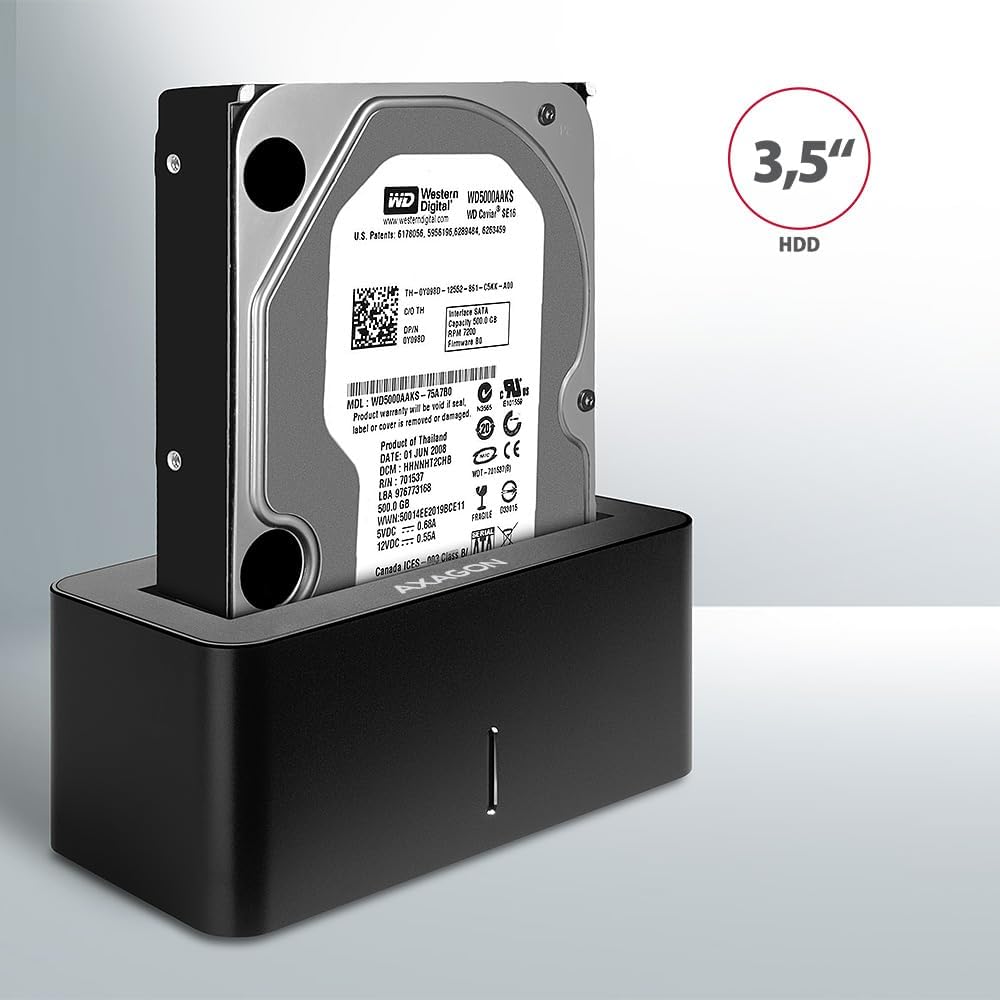
Image: A 3.5-inch HDD being inserted into the docking station, demonstrating compatibility with larger drives.
- Асаах: Press the power button located on the back of the docking station. The LED indicator on the front will illuminate.
Image: The rear panel of the docking station, showing the power button, USB Micro-B port, and power input for connection.
Ашиглалтын заавар
Drive Recognition
Once powered on and connected, your operating system should automatically detect the inserted drive. If it's a new drive, you may need to initialize and format it through Disk Management (Windows) or Disk Utility (macOS) before it appears in File Судлаач/Хайгч.
LED үзүүлэлт
The LED indicator on the front of the docking station provides status information:
- Хатуу цэнхэр: Power on, drive idle.
- Цэнхэр анивчдаг: Drive activity (reading or writing data).
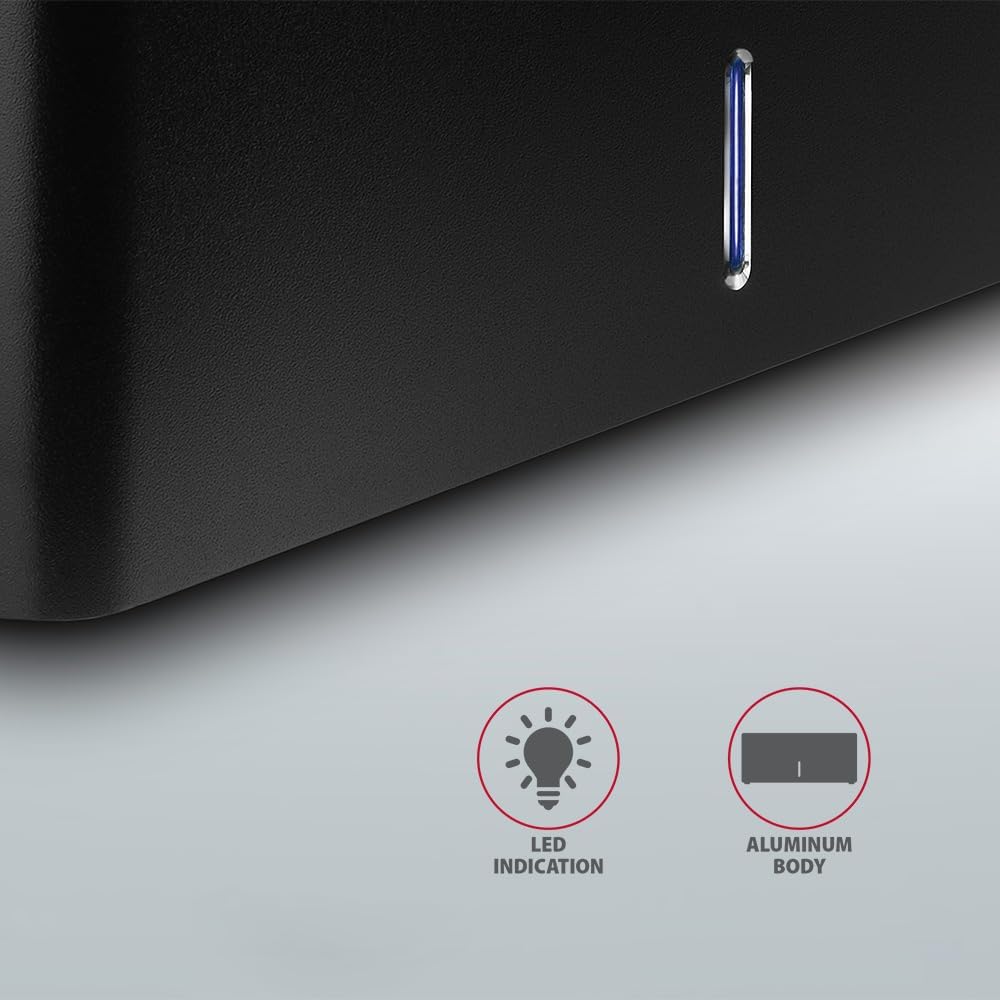
Зураг: Ойрын зураг view of the docking station's front panel, highlighting the LED indicator light.
Removing a Drive
Before removing a drive, always safely eject it from your operating system to prevent data corruption. After ejection, gently pull the drive straight out of the docking station slot.
HDD автоматаар эргэх
The docking station supports automatic spindown of the HDD when it is idle for a certain period, conserving power and extending drive lifespan. This feature is managed by the operating system or the drive itself.
Засвар үйлчилгээ
- Холбох станцыг цэвэр, тоос шороогүй байлга. Цэвэрлэхийн тулд зөөлөн, хуурай даавуу ашиглана уу.
- Төхөөрөмжийг хэт өндөр температур, чийгшил, нарны шууд тусгалд оруулахаас зайлсхий.
- Төхөөрөмжийг өөрөө задлах, засах гэж бүү оролдоорой. Мэргэшсэн үйлчилгээний ажилтанд хандаарай.
- Ашиглалтын явцад док станцын эргэн тойронд агааржуулалтыг зөв хангах.
Алдааг олж засварлах
- Драйв илрээгүй:
- Цахилгаан адаптер найдвартай холбогдсон бөгөөд док станц асаалттай байгаа эсэхийг шалгаарай.
- Verify the USB cable is properly connected to both the docking station and the computer.
- Компьютер дээрээ өөр USB порт ашиглаж үзнэ үү.
- Ensure the HDD/SSD is fully seated in the docking station's slot.
- Check Disk Management (Windows) or Disk Utility (macOS) to see if the drive is recognized but uninitialized/unformatted.
- Test with a different HDD/SSD to rule out a drive issue.
- Удаан дамжуулах хурд:
- Ensure the docking station is connected to a USB 3.0 (or higher) port on your computer. USB 2.0 ports will limit speeds.
- Үйлдлийн систем болон драйверууд шинэчлэгдсэн эсэхийг шалгаарай.
- The actual speed depends on the drive's performance and your computer's USB controller.
- Drive disconnects randomly:
- Бүх кабелийн холболтыг шалгана уу.
- Цахилгаан адаптер нь тогтвортой тэжээл өгч байгаа эсэхийг шалгаарай.
- Disable USB power saving features in your computer's operating system settings.
Техникийн үзүүлэлтүүд
| Онцлог | Дэлгэрэнгүй |
|---|---|
| Брэнд | AXAGON |
| Загварын дугаар | ADSA-SN |
| Техник хангамжийн платформ | PC |
| Тохиромжтой төхөөрөмжүүд | Зөөврийн компьютер, Ширээний компьютер |
| Драйвын нийцтэй байдал | 2.5" / 3.5" SATA I/II/III SSD/HDD |
| Интерфэйс | USB 3.0 (USB 3.2 Gen 1) |
| Өгөгдөл дамжуулах хурд | Up to 5 Gbps (USB 3.0), 6 Gbps (SATA III) |
| Нийт USB портууд | 1 (Micro-B) |
| Драйвын зайны тоо | 1 |
| Өнгө | Хар |
| Зүйлийн жин | 2.2 фунт (ойролцоогоор 1 кг) |
| Багцын хэмжээ | 3.94 x 0.79 x 0.39 инч (ойролцоогоор 10 x 2 x 1 см) |
| Эхний боломжтой огноо | 30 оны гуравдугаар сарын 2021 |
Баталгаат болон дэмжлэг
For warranty information and technical support, please refer to the official AXAGON webсайтаас авах эсвэл орон нутгийн дистрибьютертэйгээ холбогдоно уу. Баталгаат хугацааны нэхэмжлэл гаргахын тулд худалдан авалтын баримтаа хадгална уу.


