Танилцуулга
This manual provides comprehensive instructions for the setup, operation, maintenance, and troubleshooting of your Back Bay Audio Tempo 30 Wireless Earbuds. Designed for comfort and high-quality audio, these earbuds are ideal for users with small ear canals and active lifestyles.

Image: Back Bay Audio Tempo 30 wireless earbuds in lavender, showcasing their water-resistant design.
Хайрцагт юу байна
Upon opening your Back Bay Audio Tempo 30 package, you will find the following components:
- Чихний үзүүр (хамгийн тохиромжтой хэмжээтэй)
- Хэрэглэгчийн гарын авлага (Энэ баримт бичиг)
- Кабель (USB-C цэнэглэгч кабель)
- Charging Station (Portable charging case)
Тохиргоо
1. Чихэвч болон гэрийг цэнэглэж байна
Before first use, fully charge the earbuds and the charging case. Connect the provided USB-C cable to the charging case and a compatible power source. The charging case has a 400 mAh battery capacity and takes approximately 2 hours to fully charge. The earbuds provide 8 hours of playtime per charge, with the case offering an additional 24 hours, totaling 32 hours of battery life.
2. Чихний зөв зөвлөмжийг сонгох
The Tempo 30 earbuds come with 6 different ear-tip sizes to ensure a comfortable and secure fit, especially for small ear canals. Experiment with different sizes to find the best seal for optimal sound quality and comfort.

Image: The Tempo 30 earbuds in their charging case, demonstrating their suitability for small ears with multiple ear tip options.
3. Таны төхөөрөмжтэй хослуулах
The Tempo 30 earbuds feature simple, one-step auto-pairing. Remove the earbuds from the charging case, and they will automatically enter pairing mode. On your Bluetooth-enabled device (phone, computer, tablet), navigate to the Bluetooth settings and select "Back Bay Tempo 30" from the list of available devices to connect. The earbuds are compatible with any Bluetooth-enabled device, including Apple iPhone, iPad, Macbooks, Samsung Galaxy, Google Pixel, LG, and OnePlus devices.
Ашиглалтын заавар
Үндсэн удирдлага
The Tempo 30 earbuds utilize touch controls for various functions:
- Тоглуулах/түр зогсоох: Аль нэг чихэвч дээр нэг товших.
- Дараагийн дуу: Баруун чихэвчийг давхар товш.
- Өмнөх бичлэг: Зүүн чихэвчийг давхар товш.
- Дуудлагад хариулах/дуусах: Аль нэг чихэвч дээр нэг товших.
- Дуудлагаас татгалзах: Аль нэг чихэвч дээр удаан дар.
- Дуут туслахыг идэвхжүүлэх: Аль нэг чихэвчийг гурав дахин товш.
Дууны горимууд
The Tempo 30 offers two distinct sound modes to enhance your listening experience:
- Signature Mode: Тэнцвэртэй аудио програмыг хангадагfile ерөнхий сонсоход зориулагдсан.
- Boosted Bass Mode: Enhances low frequencies for a more powerful bass response, ideal for workouts or gaming.
To switch between sound modes, refer to the specific touch control gestures detailed in the quick start guide included with your product. The earbuds have a frequency response of 20000 Hz and a sensitivity of 110 dB.
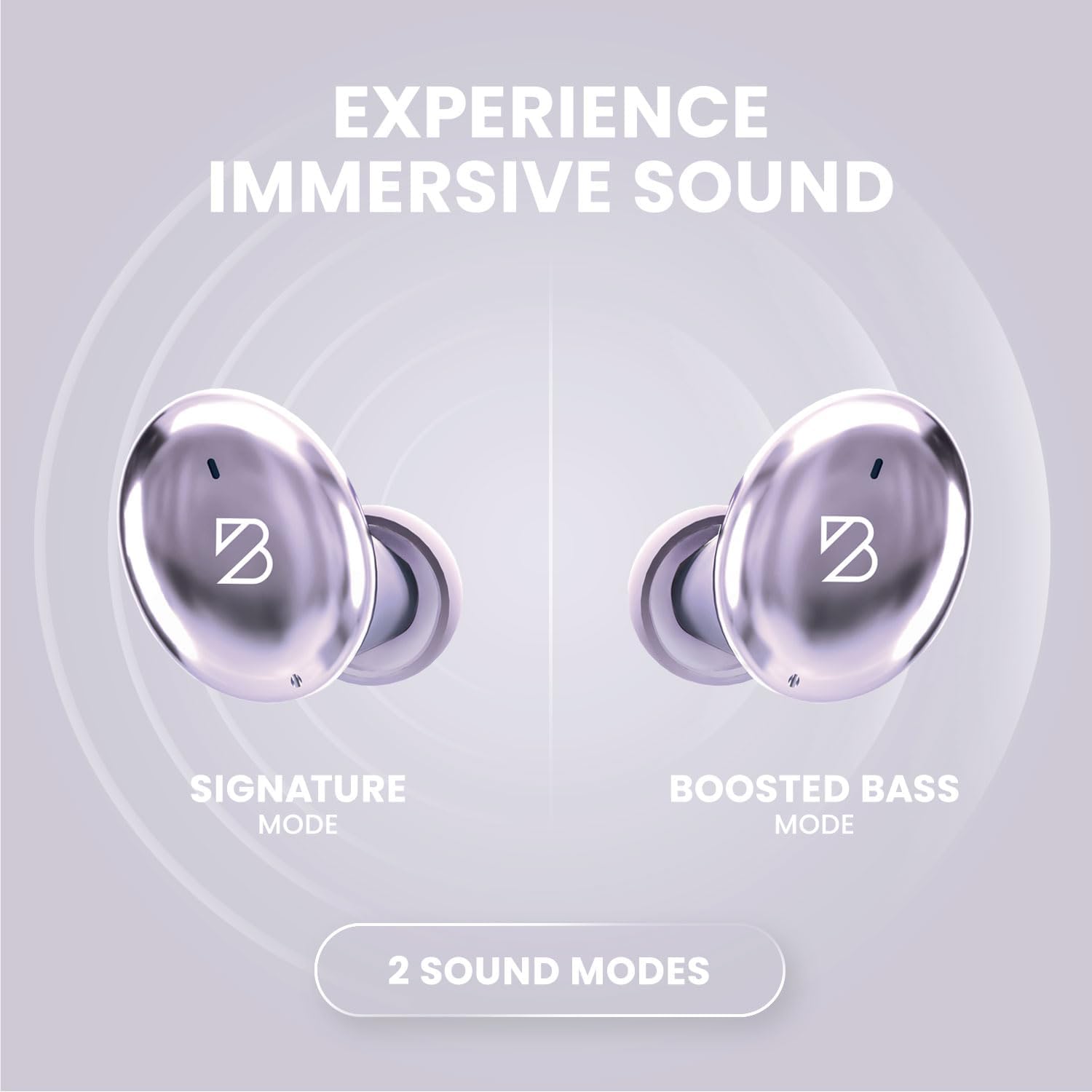
Image: Visual representation of the two sound modes available on the Tempo 30 earbuds: Signature Mode and Boosted Bass Mode.
Засвар үйлчилгээ
Чихэвчээ цэвэрлэж байна
Regular cleaning helps maintain sound quality and hygiene. Gently wipe the earbuds and charging case with a soft, dry, lint-free cloth. For ear tips, remove them from the earbuds and clean with a mild soap solution, then rinse thoroughly and dry completely before reattaching.
Усны эсэргүүцэл
The Tempo 30 earbuds are IPX7-rated waterproof, making them resistant to sweat and rain. This means they can withstand immersion in up to 1 meter of water for 30 minutes. However, they are not designed for swimming. Ensure the charging port is dry before charging to prevent damage.

Image: Key features of the Tempo 30, including its IPX7 water resistance rating.
Хадгалах
When not in use, store your earbuds in their charging case to protect them and ensure they are charged for your next use. Store in a cool, dry place away from extreme temperatures.
Алдааг олж засварлах
| Асуудал | Боломжит шалтгаан | Шийдэл |
|---|---|---|
| Чихэвчийг холбох/холбохгүй байна. | Bluetooth is off on device, earbuds not in pairing mode, interference. | Ensure Bluetooth is enabled. Place earbuds back in case, then remove to re-enter pairing mode. Move closer to your device. Forget device in Bluetooth settings and re-pair. |
| Нэг чихэвчнээс ямар ч дуу гарахгүй. | Earbud not charged, connection issue, debris blocking sound. | Ensure both earbuds are charged. Place both earbuds in the case, close, then open again. Clean earbud mesh with a dry cotton swab. |
| Цэнэглэх хайрцаг цэнэглэхгүй байна. | Cable issue, power source issue. | Try a different USB-C cable and power adapter. Ensure the cable is fully inserted. |
| Дууны чанар муу. | Improper ear tip fit, low battery, distance from device. | Try different ear tip sizes for a better seal. Charge earbuds. Reduce distance between earbuds and device. |
Үзүүлэлтүүд
| Загварын нэр | Back Bay Tempo 30 |
| Брэнд | Back Bay Audio |
| Холболтын технологи | Bluetooth 5.0 |
| Утасгүй холбооны технологи | Bluetooth |
| Зайны ашиглалт | 32 цаг (чихэвчтэй 8 цаг + гэртэй 24 цаг) |
| Цэнэглэх хугацаа | 1.5 Hours (earbuds), 2 Hours (case) |
| Усны эсэргүүцлийн түвшин | Усны хамгаалалт (IPX7) |
| Дуу чимээний хяналт | Дуу тусгаарлагч |
| Давтамжийн хариу үйлдэл | 20000 Гц |
| Мэдрэмж | 110 дБ |
| Хяналтын төрөл | Товчлуурын удирдлага / хүрнэ үү |
| Зүйлийн жин | 45 Grams (earbuds), 36 Grams (case) |
| Материал | Premium ABS Plastic, Metal (Aluminum case) |
| Бүтээгдэхүүний хэмжээс | 2.9 x 1.8 x 1.1 инч |
| Bluetooth хүрээ | 30 фут |
| Аудио хоцролт | 40 миллисекунд |
Баталгаат болон дэмжлэг
Back Bay Audio products are designed for durability and performance. While specific warranty details are provided with your purchase, Back Bay Audio is known for responsive customer support and offers replacements for manufacturing defects. Please retain your proof of purchase for warranty claims.
For further assistance or to inquire about warranty service, please visit the official Back Bay Audio website or contact their customer support directly. You can also refer to the Back Bay Audio Store on Amazon нэмэлт эх үүсвэр.


