1. Танилцуулга
This manual provides detailed instructions for the installation, operation, and maintenance of your Vivotek IB9380-H 5MP IR Outdoor Network Bullet Camera. Please read this manual thoroughly before using the product to ensure proper setup and optimal performance. This camera is designed for outdoor security surveillance, offering high-resolution imaging and infrared capabilities for reliable monitoring.
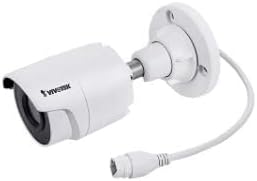
Image 1.1: Vivotek IB9380-H 5MP IR Outdoor Network Bullet Camera overview.
2. Аюулгүй байдлын мэдээлэл
- Эрчим хүчний эх үүсвэр: Use only the specified AC/DC power adapter. Ensure the power supply is stable and meets the camera's requirements (3.5 watts).
- Суурилуулалтын орчин: This camera is rated for outdoor use (IP9380). Avoid installing in locations with extreme temperatures, high humidity, or corrosive substances beyond its operating specifications.
- Харьцуулах: Do not drop or subject the camera to severe shock. Avoid touching the lens directly.
- Салгах: Камерыг задлах, өөрчлөхийг бүү оролд. Энэ нь баталгааг хүчингүй болгож, гэмтэл учруулж болзошгүй.
- Кабель холболт: Ensure all cables are properly secured and protected from environmental damage or tampэринг.
3. Багцын агуулга
Бүх зүйл багцад байгаа эсэхийг шалгана уу:
- Vivotek IB9380-H 5MP IR Outdoor Network Bullet Camera
- Суурилуулах хэрэгсэл (эрэг, ханын зангуу)
- Шуурхай суулгах гарын авлага
- Ethernet кабелийн ус нэвтэрдэггүй холбогч
4. Тохиргоо
4.1. Физик суурилуулалт ба бэхэлгээ
The Vivotek IB9380-H camera is designed for wall mount installation. Choose a suitable location that provides the desired field of view цахилгаан болон сүлжээний холболтод хүрэх боломжтой.
- Суулгах гадаргууг бэлтгэх: Mark the drilling points on the wall using the mounting template (if provided) or by holding the camera's base against the surface.
- Өрөмдлөгийн цооног: Тэмдэглэсэн байрлалд чиглүүлэгч нүх өрөмдөнө. Хэрэв гипсэн хавтан эсвэл тоосгон дээр суурилуулж байгаа бол ханын зангууг оруулна уу.
- Камерыг хамгаалах: Attach the camera's mounting base to the wall using the provided screws. Ensure it is firmly secured.
- Өнцөг тохируулах: Хүссэн утгыг тохируулахын тулд камерын бие дээрх тохируулгын боолтыг суллана уу viewing angle. Tighten the screws once the angle is satisfactory.

Image 4.1: Camera dimensions and mounting diagram for installation planning.
4.2. Кабелийн холболт
Connect the necessary cables to the camera:
- Ethernet кабель: Connect a standard Ethernet cable (RJ45) to the camera's network port. Use the waterproof connector to protect the connection if exposed to weather.
- Цахилгааны утас: Connect the power adapter to the camera's power input. Ensure the connection is secure.

Image 4.2: Close-up of an Ethernet cable connector, similar to what is used for the camera's network connection.
4.3. Анхдагч асаалттай
Once all cables are connected, plug the power adapter into an electrical outlet. The camera will power on and initiate its startup sequence. Observe any indicator lights for status.
5. Ашиглалтын заавар
5.1. Network Configuration and Access
The Vivotek IB9380-H supports Wi-Fi connectivity. For initial setup, it is recommended to connect via Ethernet to configure network settings.
- Камерыг нээх: Use the Vivotek IP Search utility or your network router's client list to find the camera's assigned IP address.
- Хандалт Web Интерфэйс: Нээлттэй a web browser and enter the camera's IP address. Log in using the default credentials (refer to the Quick Installation Guide for details).
- Wi-Fi-г тохируулах: Navigate to the network settings within the web interface. Select your Wi-Fi network, enter the password, and save the settings. Once configured, you may disconnect the Ethernet cable if desired.
5.2. Амьд View болон Бичлэг
After network setup, you can access the camera's live feed and configure recording options.
- Амьд View: -аас web interface or a compatible mobile application, select the camera to view түүний амьд тэжээл.
- Бичлэгийн тохиргоо: Configure recording schedules, continuous recording, or event-triggered recording (e.g., motion detection). Recordings can be stored on a network video recorder (NVR) or a local storage device if supported.
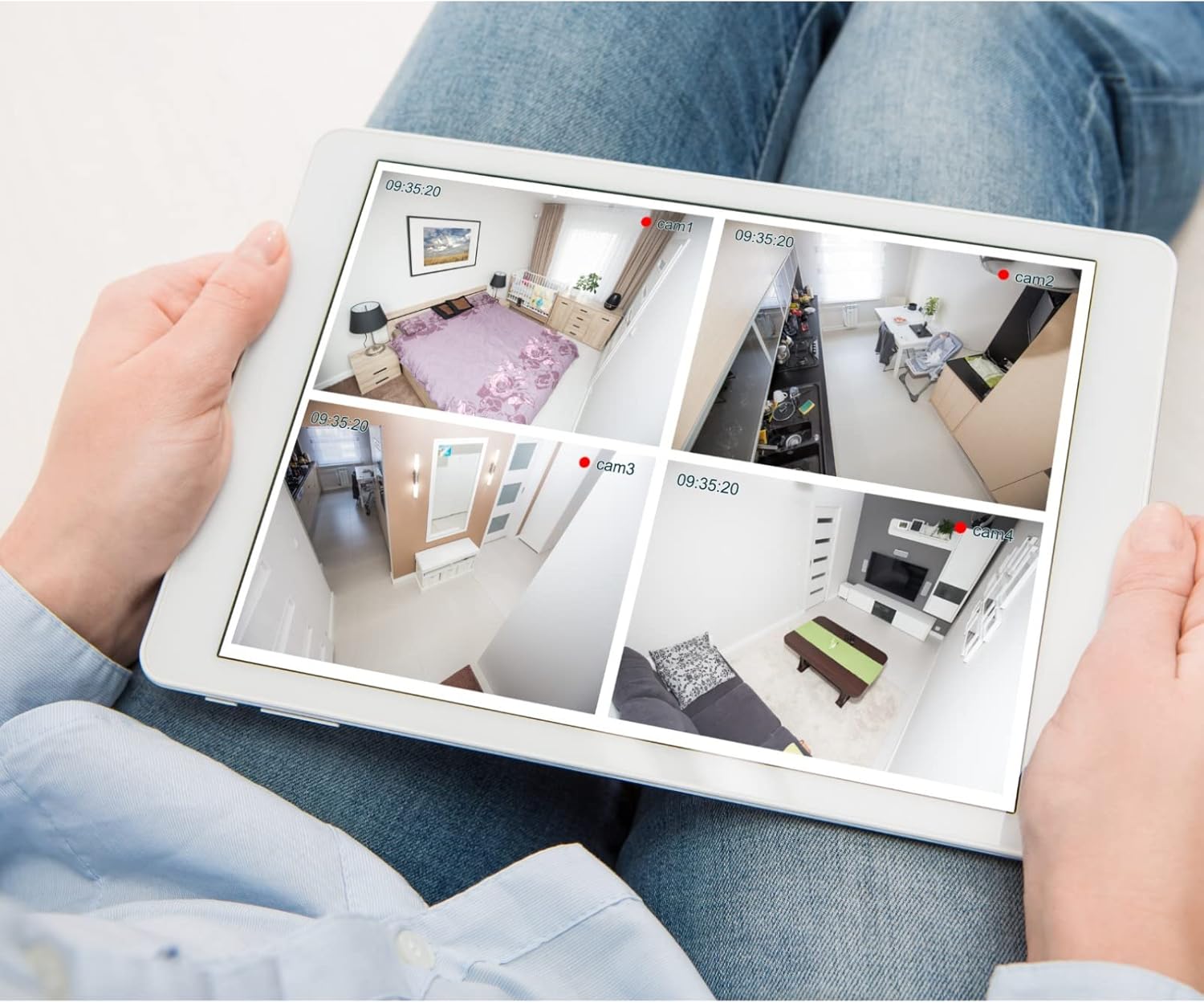
Зураг 5.1: Жишээ ньample of a tablet displaying multiple camera feeds, illustrating remote monitoring capabilities.
5.3. Motion Detection Setup
The camera supports motion-only alerts.
- Access Alert Settings: In the camera's web interface, navigate to the event or alert settings section.
- Configure Motion Detection: Enable motion detection and define the detection zones and sensitivity levels.
- Set Actions: Specify actions to be taken upon motion detection, such as recording, sending email notifications, or triggering alarms.
5.4. Шөнийн хараа
The camera features IR (Infrared) and Night Color low light technology for clear imaging in various lighting conditions. These features typically activate automatically based on ambient light levels.
6. Засвар үйлчилгээ
- Линз цэвэрлэх: Камерын линзийг зөөлөн, цэвэрхэн даавуугаар зөөлөн арчина. Зөөлөн бохирдлыг оптик гадаргууд зориулсан линз цэвэрлэгч уусмал ашиглана уу. Зүлгүүрийн цэвэрлэгч бүү хэрэглэ.
- Програм хангамжийн шинэчлэлтүүд: Вивотекийг үе үе шалгаж байгаарай webПрограм хангамжийн шинэчлэлтийн сайт. Програм хангамжийг шинэчилж байх нь оновчтой гүйцэтгэл, аюулгүй байдал, шинэ функцуудад хандах боломжийг баталгаажуулдаг.
- Байгаль орчны шалгалт: Regularly inspect the camera and its mounting for any signs of wear, damage, or loose connections, especially after severe weather conditions.
- Эрчим хүчний мөчлөг: If the camera experiences minor issues, try power cycling it by disconnecting and reconnecting the power supply.
7. Алдаа засах
| Асуудал | Боломжит шалтгаан | Шийдэл |
|---|---|---|
| Хүч чадалгүй | Power adapter unplugged or faulty; power outlet issue. | Check power connections. Test the outlet with another device. Try a different power adapter if available. |
| Видео хангамж байхгүй | Network connection issue; incorrect IP address; camera not configured. | Verify network cable connection or Wi-Fi settings. Confirm camera's IP address. Ensure camera is properly configured in your viewпрограм хангамж. |
| Зургийн чанар муу | Бохир линз; бага гэрлийн нөхцөл; нарийвчлалын буруу тохиргоо. | Clean the camera lens. Ensure sufficient lighting or verify night vision is active. Check video resolution settings in the camera's interface. |
| Хөдөлгөөн илрүүлэх төхөөрөмж ажиллахгүй байна | Motion detection disabled; incorrect sensitivity; detection zones not set. | Enable motion detection in settings. Adjust sensitivity and define detection zones. |
8. Техникийн үзүүлэлтүүд
| Онцлог | Дэлгэрэнгүй |
|---|---|
| Загвар | IB9380-H |
| Үр дүнтэй шийдэл | 5 МП |
| Видео бичлэгийн нягтрал | 1080p |
| Frame Rate | 20 fps |
| Гэрэл багатай технологи | Шөнийн өнгө |
| Form Factor | Сум |
| Дотор/гадаа ашиглах | Гадаа |
| Суурилуулах төрөл | Ханын бэхэлгээ |
| Утасгүй холбоо | Wi-Fi |
| Холболтын протокол | Wi-Fi |
| Эрчим хүчний эх үүсвэр | AC/DC |
| Ватtage | 3.5 ватт |
| Сэрэмжлүүлгийн төрөл | Зөвхөн хөдөлгөөн |
| Хяналтын арга | Алсын удирдлага |
| Хэмжээ (L x W x H) | 3.59 x 3.59 x 6.96 инч |
| Олон улсын хамгаалалтын зэрэглэл | IP9380 |
| UPC | 655255870887, 681541834035 |
9. Баталгаат хугацааны мэдээлэл
This Vivotek product is covered by a manufacturer's limited warranty. Please refer to the warranty card included in your package or visit the official Vivotek website for detailed terms and conditions regarding warranty coverage, duration, and claims procedures. Keep your proof of purchase for warranty service.
10. Хэрэглэгчийн дэмжлэг
For technical assistance, troubleshooting beyond this manual, or warranty inquiries, please contact Vivotek customer support. You can typically find contact information (phone, email, support portal) on the official Vivotek webсайт эсвэл таны бүтээгдэхүүнд өгөгдсөн баримт бичигт.
Онлайн нөөцүүд: www.vivotek.com


