1. Танилцуулга
This manual provides essential instructions for the setup, operation, and maintenance of your Samsung HW-S810B 3.1.2 Channel Soundbar. This soundbar system is designed to enhance your audio experience with an ultra-slim profile, wireless Dolby Atmos, DTS:X, and Q-Symphony technology. Please read this manual thoroughly before using the product to ensure proper and safe operation.
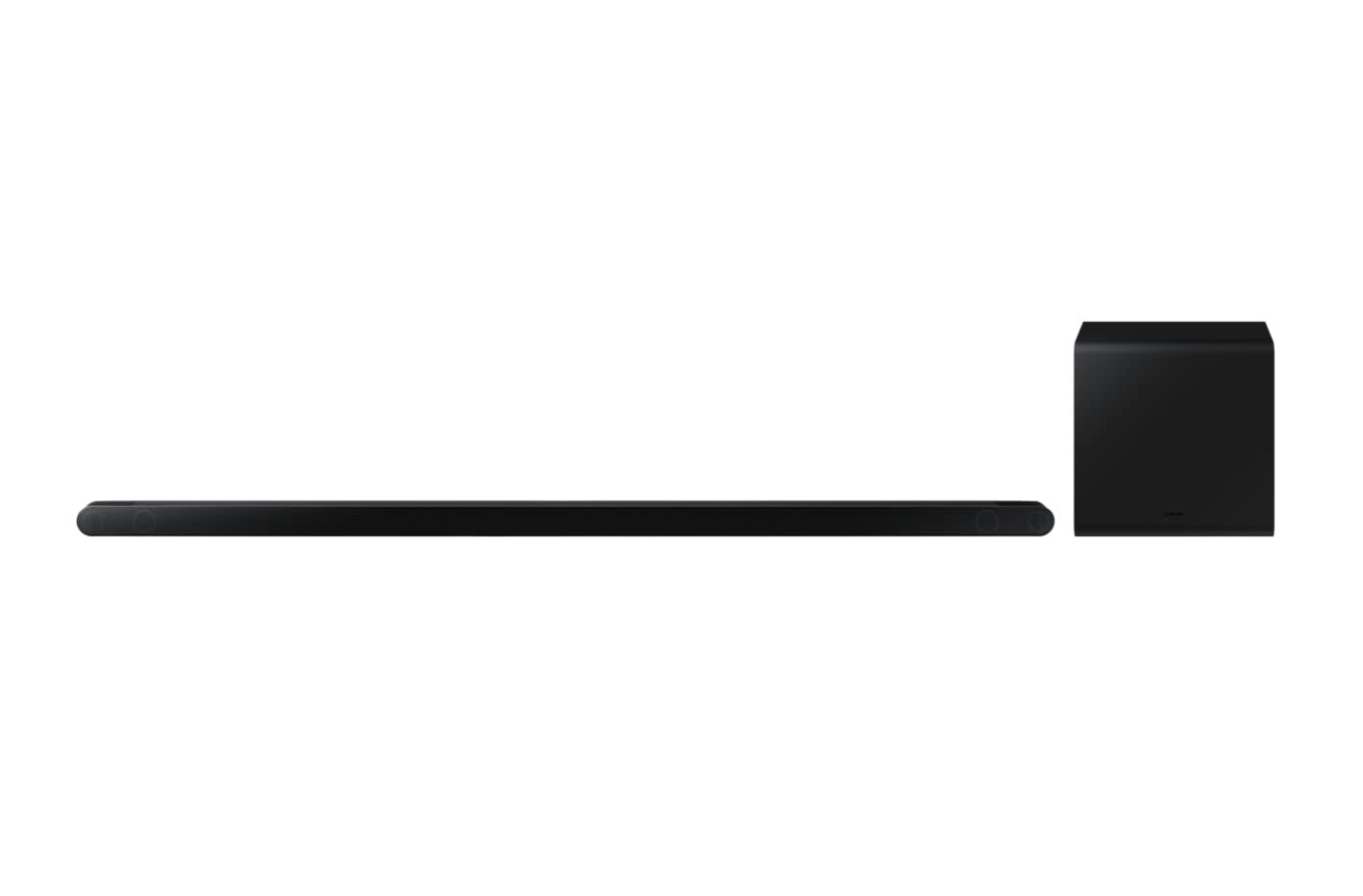
Image 1.1: The Samsung HW-S810B Soundbar and its accompanying wireless subwoofer.
2. Аюулгүй байдлын мэдээлэл
Гал түймэр, цахилгаан цочрол, гэмтлийн эрсдлийг бууруулахын тулд энэ бүтээгдэхүүнийг ашиглахдаа аюулгүй байдлын үндсэн арга хэмжээг үргэлж дагаж мөрдөөрэй.
- Энэ төхөөрөмжийг бороо, чийгэнд бүү тавь.
- Агааржуулалтын нүхийг хааж болохгүй. Үйлдвэрлэгчийн зааврын дагуу суурилуулна.
- Радиатор, халаалтын төхөөрөмж, зуух болон бусад төхөөрөмж (үүнд ampөргөгч) дулаан үүсгэдэг.
- Цахилгааны утсыг гишгэх, хавчихаас хамгаалаарай, ялангуяа залгуур, залгуур, төхөөрөмжөөс гарах цэг дээр.
- Зөвхөн үйлдвэрлэгчээс заасан хавсралт/дагалдах хэрэгслийг ашиглана уу.
- Бүх үйлчилгээг мэргэшсэн үйлчилгээний ажилтнуудад шилжүүлээрэй.
3. Багцын агуулга
Таны багцад бүх бүрэлдэхүүн хэсгүүд байгаа эсэхийг шалгана уу:
- Дууны самбарын нэгж
- Утасгүй сабвуфер
- Батерейтай алсын удирдлага
- Эрчим хүчний адаптер
- HDMI кабель
- Резинэн хөл
- Хананд холбох хаалт
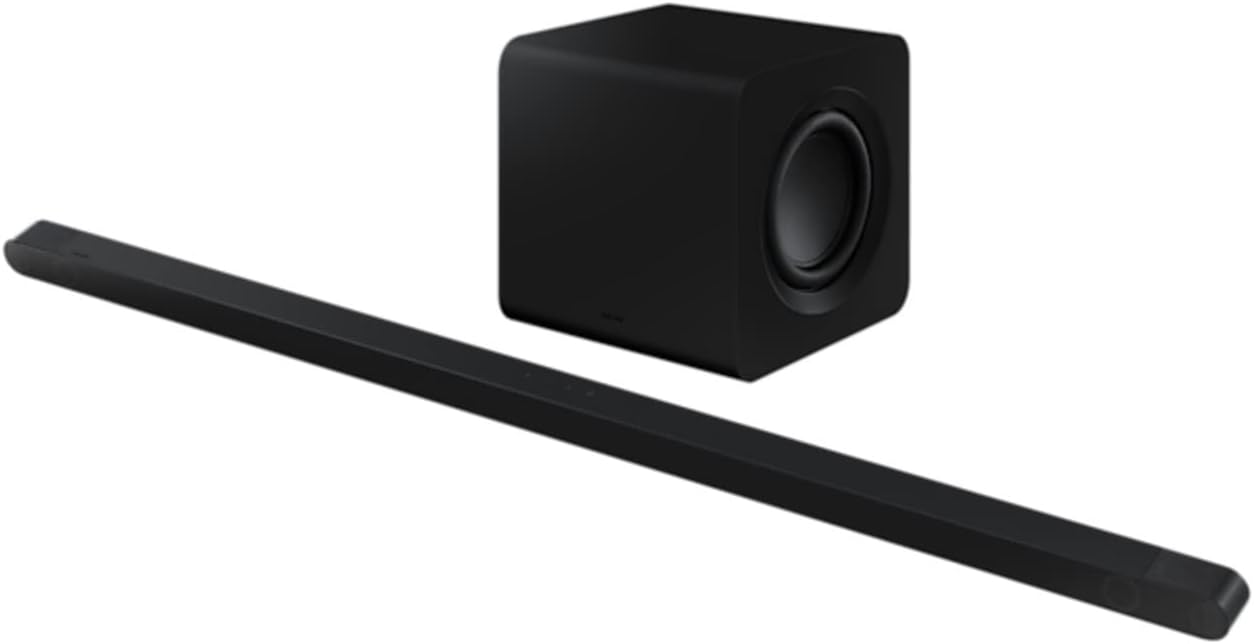
Image 3.1: The ultra-slim Samsung HW-S810B Soundbar unit.
4. Тохиргоо
4.1 Физик байрлал
The HW-S810B soundbar features an ultra-slim design, making it ideal for placement in front of thin televisions or for wall mounting.
- Дууны самбар: Place the soundbar centrally below your TV. Ensure no objects obstruct the front or top speakers for optimal sound projection.
- Сабвуфер: Position the wireless subwoofer in a location that provides the best bass response for your listening area. Experiment with different positions to find the ideal spot.
- Хананд суурилуулах: Use the included wall mount bracket for secure installation. Refer to the separate wall mount guide for detailed instructions.
4.2 холболт
Connect the soundbar to your television and power source.
- Эрчим хүчний холболт: Connect the power adapter to the soundbar and the subwoofer, then plug both into a wall outlet.
- HDMI холболт (санал болгож байна): Connect one end of the supplied HDMI cable to the HDMI ARC/eARC port on your TV and the other end to the HDMI OUT (TV-ARC) port on the soundbar. This enables high-quality audio transmission and allows your TV remote to control the soundbar's basic functions.
- Bluetooth холболт: For wireless audio from mobile devices, refer to section 4.4.

Зураг 4.1: Ар талд view of the soundbar, illustrating connection ports.
4.3 Wireless Setup (Subwoofer Pairing)
The wireless subwoofer should automatically connect to the soundbar when both are powered on. If the connection is not established, follow these steps:
- Ensure the subwoofer is plugged into a power outlet and powered on. Wait approximately 2-3 minutes for it to initialize.
- If the subwoofer's indicator light is not blue (indicating a successful connection), press and hold the ID SET button on the back of the subwoofer for 5 seconds until the indicator blinks blue.
- While the subwoofer's indicator is blinking, press the Up button on the soundbar's remote control for 5 seconds.
- The subwoofer's indicator light should turn solid blue, confirming a successful connection.
4.4 Bluetooth холболт
Bluetooth-ээр дамжуулан гар утасны төхөөрөмжтэй холбогдохын тулд:
- дээр дарна уу Эх сурвалж button on the soundbar or remote until "BT" (Bluetooth) appears on the display.
- Мобайл төхөөрөмж дээрээ Bluetooth-г идэвхжүүлж, боломжтой төхөөрөмжүүдийг хай.
- Select "Samsung HW-S810B" from the list.
- Once connected, the soundbar display will show "BT PAIRING" followed by "BT READY".
5. Ашиглалтын заавар
5.1 Үндсэн үйл ажиллагаа
- Асаах/унтраах: дээр дарна уу Хүч алсын удирдлага эсвэл дууны самбар дээрх товчлуур.
- Дууны хяналт: -г ашиглана уу Дууны хэмжээг нэмэгдүүлэх/доошруулах алсын удирдлага эсвэл дууны самбар дээрх товчлуурууд.
- Эх сурвалжийн сонголт: дээр дарна уу Эх сурвалж button to cycle through available inputs (HDMI, Bluetooth).
5.2 Дэвшилтэт аудио функцууд
- Dolby Atmos & DTS:X: The soundbar supports wireless Dolby Atmos and DTS:X for an immersive, three-dimensional audio experience. Ensure your source content and TV support these formats for optimal performance.
- Q-симфони: When connected to a compatible Samsung TV, Q-Symphony synchronizes the TV's speakers with the soundbar, creating a richer and more expansive soundstage. This feature is typically enabled automatically when connected via HDMI ARC/eARC.
- SpaceFit Sound 2: This technology analyzes your room's acoustics and optimizes the soundbar's audio output for tailored sound delivery in your specific environment.
5.3 Дуут удирдлага
The soundbar supports voice control. Refer to the specific voice assistant setup instructions (e.g., Bixby, Alexa, Google Assistant) for your region and connected devices to enable this feature.
6. Засвар үйлчилгээ
To maintain the performance and appearance of your soundbar:
- Цэвэрлэгээ: Дууны самбар болон сабвуферын гадаргууг зөөлөн, хуурай даавуугаар цэвэрлэ. Шингэн цэвэрлэгч болон зүлгүүрийн материалыг бүү ашигла.
- Агааржуулалт: Хэт халалтаас урьдчилан сэргийлэхийн тулд агааржуулалтын нүхийг хаагаагүй эсэхийг шалгаарай.
- Хадгалах: Хэрэв төхөөрөмжийг удаан хугацаагаар хадгалах бол цахилгааны залгуураас салгаад сэрүүн, хуурай газар хадгална.
7. Алдаа засах
Хэрэв та өөрийн soundbar-тай холбоотой асуудалтай тулгарвал дараах нийтлэг асуудал, шийдлүүдийг үзнэ үү.
| Асуудал | Боломжит шийдэл |
|---|---|
| Дууны самбараас дуу алга. |
|
| Сабвуфер дуу гаргахгүй байна. |
|
| Bluetooth холболт амжилтгүй боллоо. |
|
| Алсын удирдлага ажиллахгүй байна. |
|
8. Техникийн үзүүлэлтүүд
| Онцлог | Дэлгэрэнгүй |
|---|---|
| Загварын нэр | HW-S810B |
| Сувгийн тохиргоо | 3.1.2 сувгийн систем |
| Нийт чанга яригч | 10 integrated speakers + 6.5" external subwoofer |
| Аудио онцлог | Wireless Dolby Atmos, DTS:X, Q-Symphony, SpaceFit Sound 2 |
| Холболт | Bluetooth, HDMI (ARC/eARC) |
| Хяналтын арга | Remote Control, Voice |
| Өнгө | Хар |
| Soundbar-ийн хэмжээ (W x H x D) | 1140 x 38 x 39.7 мм (ойролцоогоор) |
| Сабвуферийн хэмжээс (W x H x D) | 238 x 240.8 x 238 мм (ойролцоогоор) |
| Жин (Нийт) | 7.8 кг |
| Чанга яригчийн гаралтын дээд чадал | 200 ватт |
| Давтамжийн хариу үйлдэл | 20000 Hz (Upper limit) |
| Програм хангамжийн шинэчлэлт хүртэл баталгаатай | 31 оны арванхоёрдугаар сарын 2030 |
9. Баталгаат хугацаа ба дэмжлэг
Your Samsung HW-S810B Soundbar comes with a limited warranty. Please refer to the warranty card included in your package for specific terms and conditions.
Техникийн дэмжлэг, үйлчилгээ эсвэл нэмэлт лавлагаа авахыг хүсвэл Samsung-ийн албан ёсны дэмжлэгт зочилно уу website or contact your local Samsung customer service center. Software updates are guaranteed until December 31, 2030.