Танилцуулга
This manual provides detailed instructions for the Parsonver LW45 Smart Watch. Please read this guide thoroughly to understand the watch's functions, setup, and maintenance, ensuring optimal performance and longevity of your device.
Багцын агуулга
Сав баглаа боодлыг нээсний дараа бүх зүйл байгаа эсэхийг шалгана уу:
- Parsonver LW45 ухаалаг цаг
- Цэнэглэх кабель
- Хэрэглэгчийн гарын авлага
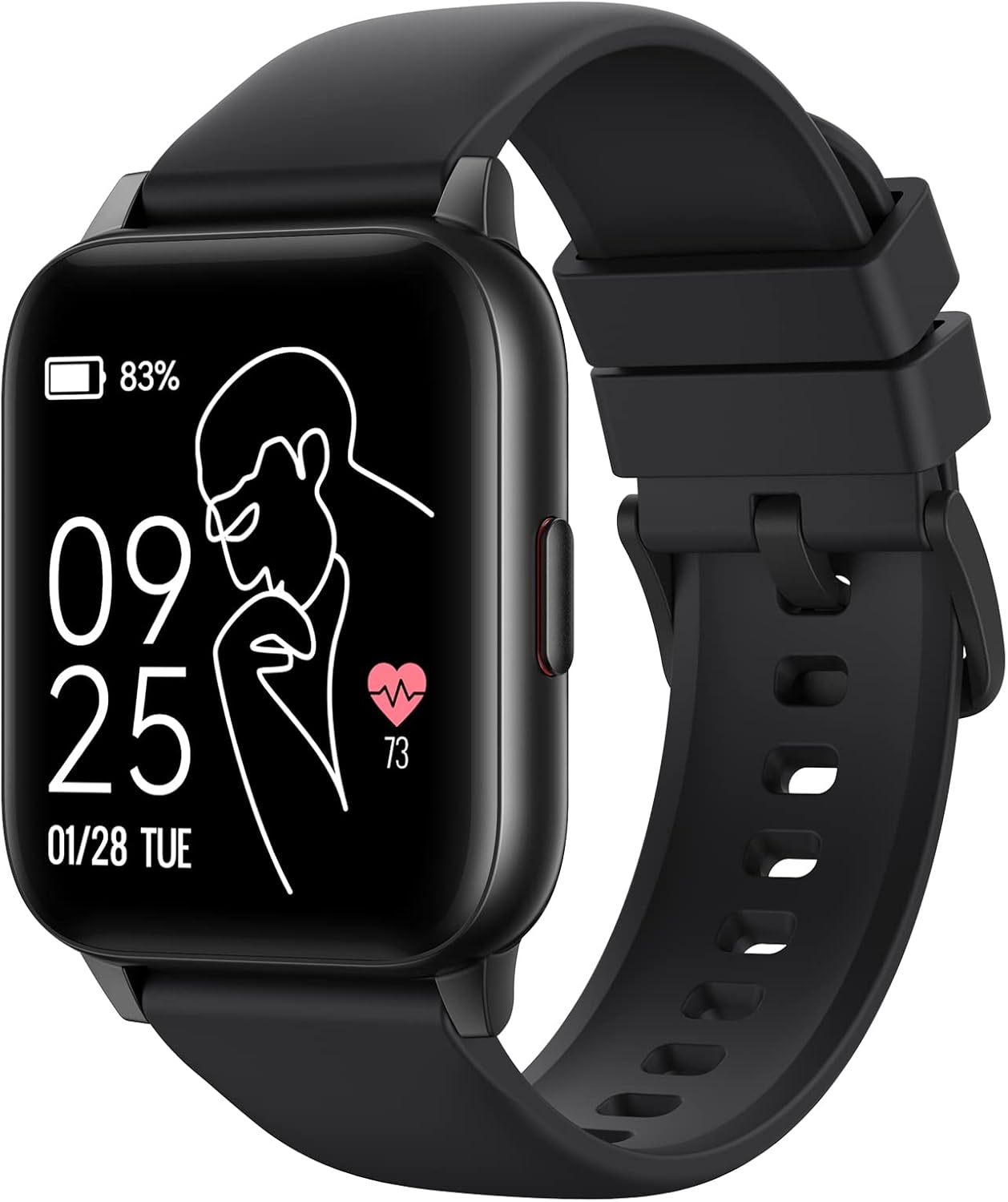
Image: The Parsonver LW45 Smart Watch, black model, displaying time and health metrics.
Тохируулах гарын авлага
1. Төхөөрөмжийг цэнэглэж байна
Before initial use, fully charge the smart watch. Connect the charging cable to the charging port on the back of the watch and to a USB power source. The watch display will indicate charging status.
2. Апп суулгах, холбох
- Download the official Parsonver app from your smartphone's app store (compatible with iOS 10.0/Android 5.0 or above).
- Ухаалаг утсан дээрээ Bluetooth идэвхжсэн эсэхийг шалгаарай.
- Аппликешныг нээж, дэлгэцэн дээрх зааврыг дагаж бүртгэл үүсгэх эсвэл нэвтрэх.
- Select "Add Device" or similar option within the app to search for your LW45 Smart Watch.
- Ухаалаг утас болон цагны аль алинд нь холбох хүсэлтийг баталгаажуулна уу.
Жич: The watch connects via Bluetooth 5.0. Maintain proximity between the watch and your smartphone for a stable connection.

Image: A smartphone displaying the Parsonver app, illustrating the device connection process.
Ашиглалтын заавар
Үндсэн навигаци
- Мэдрэгчтэй дэлгэц: Цэс рүү шилжиж, функцүүдэд хандахын тулд зүүн/баруун, дээш/доош шударна уу. Сонгохын тулд товшино уу.
- Хажуугийн товчлуур: Үндсэн дэлгэц рүү буцах эсвэл төхөөрөмжийг сэрээхийн тулд дарна уу.
Спортын горимууд
The LW45 Smart Watch features 16 default sports modes. Over 100 additional sports modes can be customized and added via the companion app. These include activities such as walking, running, cycling, swimming, yoga, and strength training.
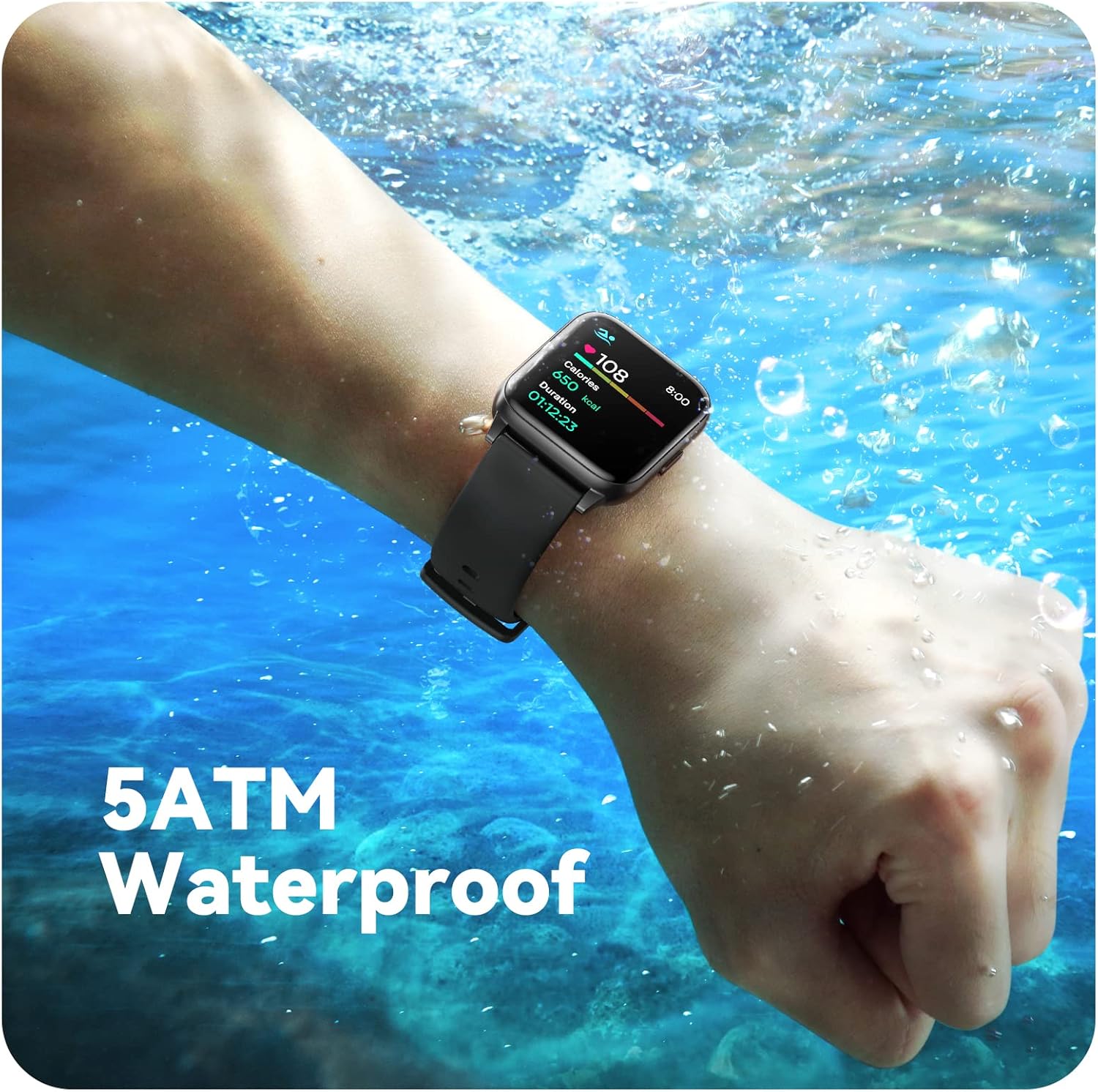
Image: A person engaged in soccer, wearing the smart watch, demonstrating its use during sports activities.

Image: A smartphone screen displaying a wide selection of sports modes within the Parsonver application.
Эрүүл мэндийн хяналт
- Зүрхний цохилтын хяналт: Provides 24/7 real-time heart rate data.
- Цусан дахь хүчилтөрөгчийн хяналт: Цусны хүчилтөрөгчийн түвшинг хэмждэг.
- Унтлагын хяналт: Automatically monitors sleep patterns, including deep sleep, light sleep, and awake times (from 9:00 PM to 12:00 PM the next day).
- Hydration and Sedentary Alerts: The watch can provide reminders for hydration and prolonged inactivity.
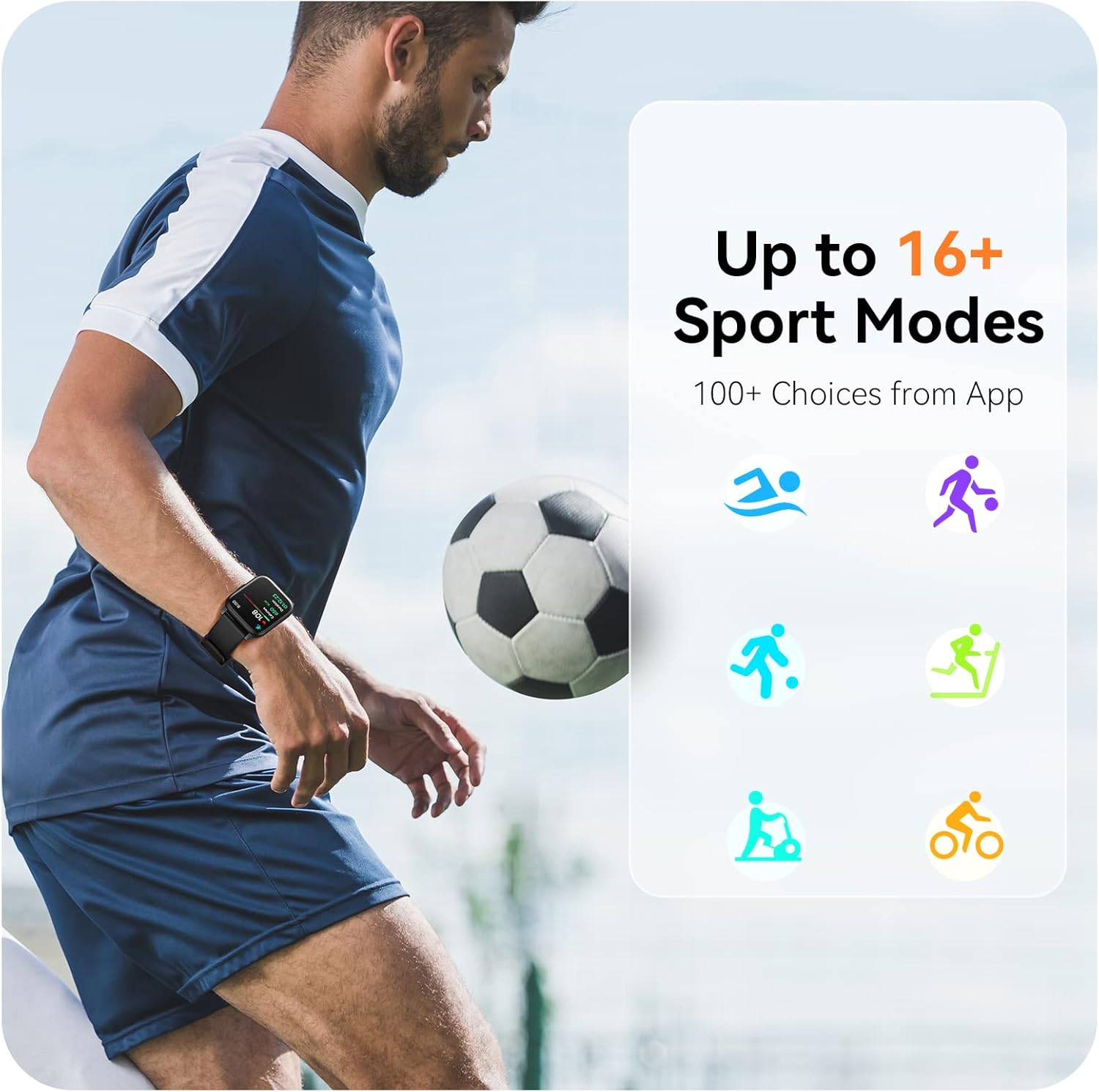
Image: A man running, with the smart watch on his wrist showing real-time fitness data.

Image: A person sleeping, with the smart watch tracking sleep and displaying data on a connected phone.
Мэдэгдэл
Receive notifications for incoming calls, SMS messages, emails, and alerts from social media applications (WhatsApp, LinkedIn, Instagram, Twitter) when connected to your smartphone. You can reject calls directly from the watch, but cannot answer or reply to messages.
Image: The smart watch screen showing icons for different types of notifications.
Нэмэлт функцууд
The 1.69-inch high-definition touch screen provides access to various features:
- Цаг агаарын урьдчилсан мэдээ
- Сэрүүлэгтэй цаг
- Цаг хэмжигч ба секунд хэмжигч
- Алсын камерын удирдлага
- Хөгжим тоглуулах удирдлага
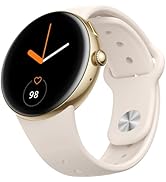
Image: The smart watch screen showing a weather forecast display.
Тохируулга
Үзэх туршлагаа хувийн болгоорой:
- Царайг үзэх: Choose from a variety of pre-installed watch faces or download more via the app.
- Тусгай дэвсгэр: Set your own photos as watch face backgrounds through the app.
- Time and Unit Formats: Adjust time display (12/24 hour) and measurement units (Metric/Imperial, Celsius/Fahrenheit) in the app settings.
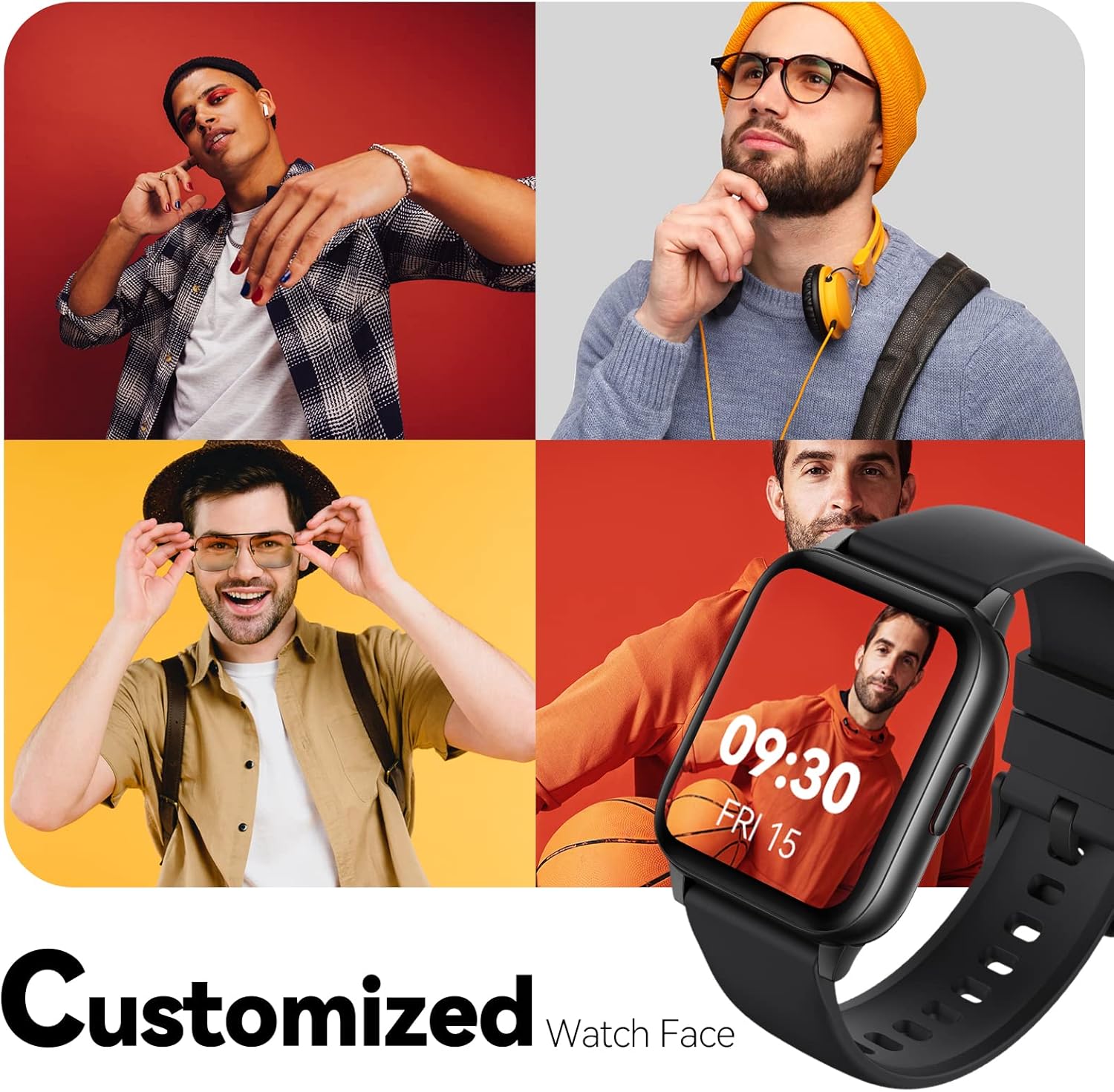
Image: Multiple watch face designs shown on the smart watch, highlighting customization.

Image: A visual guide demonstrating how to adjust time formats, units, and customize watch faces via the companion app.
Усны эсэргүүцэл
The Parsonver LW45 Smart Watch is rated 5ATM waterproof, meaning it is water-resistant up to 50 meters. This allows for use during swimming, showering, and in various weather conditions like rain or snow. Important: Do not press any buttons while the watch is submerged in water.

Image: The smart watch submerged in water, illustrating its 5ATM waterproof capability.
Засвар үйлчилгээ
- Цэвэрлэгээ: Regularly clean the watch and strap with a soft, dry cloth. For stubborn dirt, use a slightly damp даавуу, зөөлөн саван, дараа нь сайтар зайлж, хатаана.
- Цэнэглэх харилцагчид: Зөв цэнэглэхийн тулд цагны арын хэсэгт байрлах цэнэглэх контактуудыг цэвэр, хог хаягдалгүй байлгаарай.
- Хадгалах: Цагийг ашиглаагүй үед сэрүүн, хуурай газар хадгална.
- Химийн бодисоос зайлсхийх: Цагийг хүчтэй химийн бодис, уусгагч эсвэл угаалгын нунтагт бүү өртүүл, учир нь эдгээр нь материалыг гэмтээж болзошгүй.
Алдааг олж засварлах
| Асуудал | Боломжит шийдэл |
|---|---|
| Цаг асахгүй эсвэл цэнэглэхгүй байна | Ensure the charging cable is securely connected to both the watch and a working USB power source. Clean the charging contacts. Try a different USB port or adapter. |
| Ухаалаг утастай холбох боломжгүй | Ensure Bluetooth is enabled on your phone. Restart both the watch and phone. Make sure the watch is within Bluetooth range. Check if other Bluetooth devices are interfering. Uninstall previous watch apps if present. |
| Мэдэгдэл хүлээж аваагүй | Verify that notification permissions are enabled for the Parsonver app in your phone's settings. Ensure the watch is connected via Bluetooth. Check app settings for specific notification toggles. |
| Inaccurate step count or sleep data | Ensure the watch is worn snugly on your wrist. Calibrate the watch through the app if available. Note that some activities (like driving) might register as steps. Sleep tracking is active from 9:00 PM to 12:00 PM the next day. |
Үзүүлэлтүүд
| Онцлог | Дэлгэрэнгүй |
|---|---|
| Загварын нэр | LW45 |
| Дэлгэцийн хэмжээ | 1.69 инч |
| Усны эсэргүүцэл | 5ATM (50 метр хүртэл) |
| Жин | 40 грамм |
| Үйлдлийн системийн нийцтэй байдал | iOS 10.0/Android 5.0 or above |
| Холболт | Bluetooth 5.0 |
| Зайны багтаамж | 300 саяamp Цаг |
| Санах ойн хадгалах багтаамж | 128 MB |
| GPS | Ухаалаг утсаар дамжуулан |
| Оруулсан бүрэлдэхүүн хэсгүүд | Ухаалаг цаг |
Дэмжлэг ба баталгаа
For technical assistance or warranty inquiries, please contact Parsonver customer service. Refer to the product packaging or the official Parsonver webхамгийн сүүлийн үеийн холбоо барих мэдээллийг авах сайт.
Харилцагчийн үйлчилгээний имэйл: support@parsonver.com

Image: The official Parsonver brand logo.

Image: A graphic indicating 24/7 online customer support availability.
Аюулгүй байдлын чухал мэдээлэл
- Цагийг задлах, өөрчлөх гэж бүү оролдоорой.
- Keep the watch away from extreme temperatures.
- Consult a medical professional before starting any new exercise regimen, especially if you have pre-existing health conditions. The health monitoring features are for informational purposes and not for medical diagnosis.
- Төхөөрөмж болон түүний зайг орон нутгийн дүрэм журмын дагуу устгана уу.


