1. Оршил ба түүнээс дээшview
The UNI-T UT204PRO is a portable True RMS AC/DC clamp meter designed for accurate and reliable electrical measurements. This professional digital multimeter features a clear LCD display and offers a wide range of functions, making it suitable for use in laboratories, factories, and homes. It measures AC/DC current up to 600A, AC/DC voltage up to 600V, frequency, duty cycle, resistance, capacitance, and temperature. Additionally, it includes Non-Contact Voltage (NCV) detection, LIVE wire detection, and diode/continuity tests.
Гол онцлогууд нь:
- Жинхэнэ RMS хэмжилт: Синусоид бус долгионы хэлбэрийг үнэн зөв унших боломжийг олгодог.
- Олон үйлдэлт: Measures AC/DC current, AC/DC voltage, frequency, duty cycle, resistance, capacitance, temperature, diode, and continuity.
- NCV and LIVE Detection: Enhances safety and ease of use for identifying live wires.
- Цэвэр LCD дэлгэц: Features a backlight for visibility in low-light conditions.
- Аюулгүй байдлын дагаж мөрдөх: Meets EN61010-1 CAT II 600V / CAT III 300V safety standards.
- Автомат унтраалт: Conserves battery life by automatically shutting down after 15 minutes of inactivity.
2. Аюулгүй байдлын мэдээлэл
Always adhere to safety precautions when using electrical testing equipment. Failure to do so may result in electric shock, injury, or damage to the meter. This device complies with EN61010-1 CAT II 600V / CAT III 300V safety standards. Ensure you understand and follow all instructions.
- Хэрэв тоолуур эвдэрсэн эсвэл туршилтын утас эвдэрсэн бол бүү ашиглаарай.
- Always ensure the function switch is set to the correct range before making measurements.
- Боть бүү хэрэглээрэйtage буюу тоолуурын хамгийн их нэрлэсэн утгаас хэтэрсэн гүйдэл.
- Ботьтой ажиллахдаа маш болгоомжтой байгаарайtag30V хувьсах гүйдлийн RMS, 42V оргил эсвэл 60V тогтмол гүйдлээс дээш байх тул эдгээр нь цочрол үүсгэх аюултай.
- When measuring current, ensure the circuit is de-energized before connecting or disconnecting the clamp метр.
- Батерей бага байгаагийн дохио гарч ирэхэд батерейг нэн даруй солино уу.
- Wear appropriate personal protective equipment (PPE), such as safety glasses and insulated gloves, when performing electrical measurements.
3. Бүтээгдэхүүний бүрэлдэхүүн хэсгүүд
The UNI-T UT204PRO Clamp Meter is designed with user-friendly components for efficient operation.
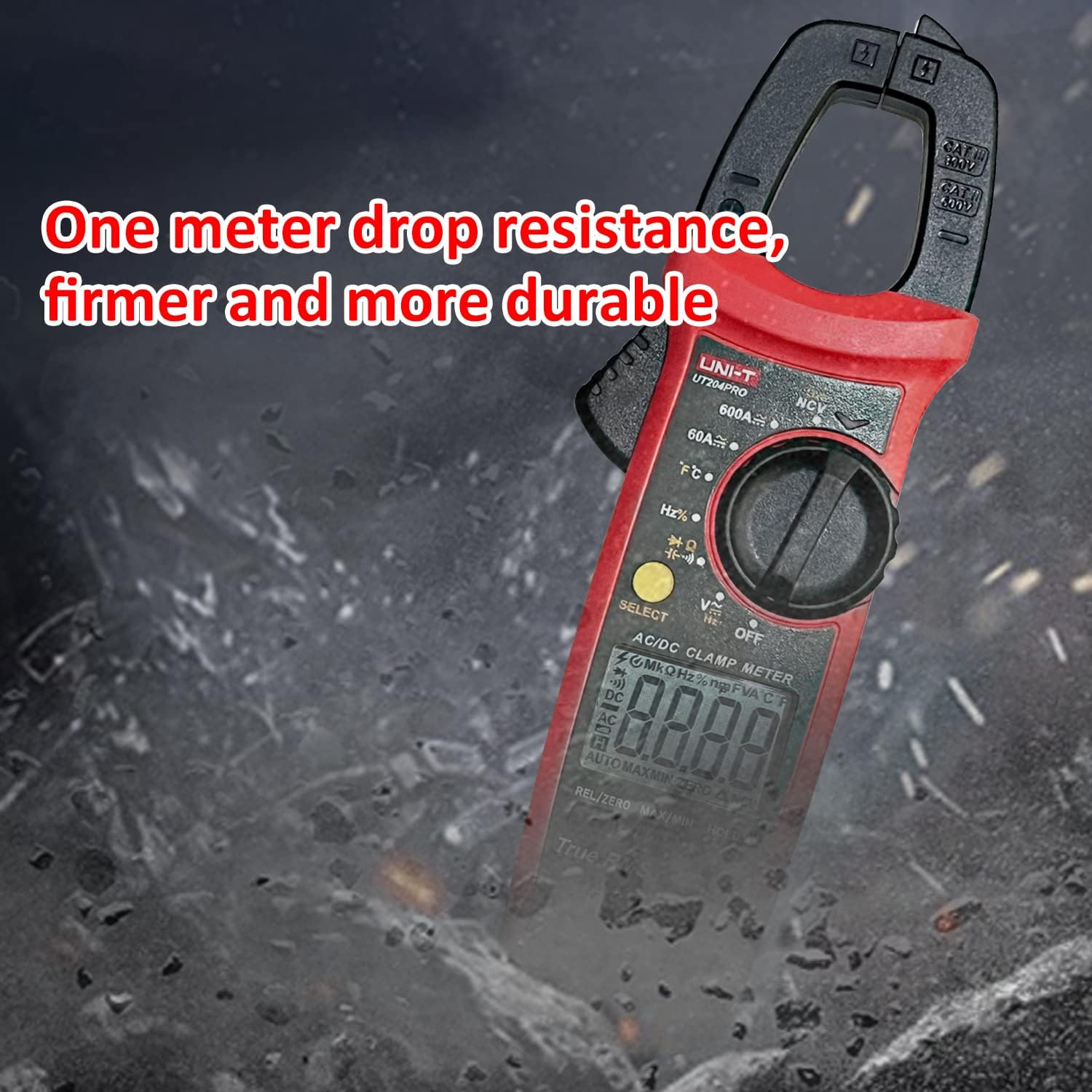
Figure 3.1: Detailed diagram of the UNI-T UT204PRO Clamp Meter, highlighting its jaws, hand guard, LED indicator, function scale knob, function buttons, LCD display, COM input jack, and Signal input jack.
Гол бүрэлдэхүүн хэсгүүдэд:
- Clamp Эрүү: Холбоо барихгүй хувьсах/тогтмол гүйдлийн хэмжилтэд ашигладаг.
- Эрүү нээх өдөөгч: Activates the clamp эрүү.
- Гар хамгаалагч: Ашиглалтын явцад хамгаалалтыг хангана.
- LED үзүүлэлт: For NCV and LIVE detection.
- Функцийн хэмжээний товчлуур: Хүссэн хэмжилтийн функцийг сонгоно.
- Функцийн товчлуурууд: Include SELECT, HOLD/LIGHT, MAX/MIN, REL/ZERO.
- LCD дэлгэц: Shows measurement readings and function indicators.
- COM Input Jack (Black): Туршилтын утаснуудын нийтлэг терминал.
- Signal Input Jack (Red): Positive terminal for test leads.
- NCV мэдрэгчийн төгсгөл: Холбоо барихгүй ботьtage илрүүлэх.
4. Тохиргоо
4.1 Батерей суурилуулах
The UNI-T UT204PRO requires two AAA batteries for operation. To install or replace batteries:
- Тоолуур унтарсан эсэхийг шалгаарай.
- Тоолуурын арын хэсэгт зайны тасалгааны тагийг олоорой.
- Зайны тагны боолтыг суллахын тулд халив ашиглана уу.
- Remove the cover and insert two AAA batteries, observing the correct polarity (+/-).
- Зайны тагийг сольж, боолтыг сайтар чангал.

Figure 4.1: The UNI-T UT204PRO Clamp Meter in use, demonstrating its NCV multi-segment display with sound and light alarm prompts, and LED backlight function for clear readings in low light.
4.2 Туршилтын залгуурын холболт
Боть ботьtage, resistance, capacitance, continuity, and diode measurements, connect the test leads as follows:
- Хар туршилтын утсыг COM оролтын залгуурт оруулна.
- Insert the red test lead into the VΩHz+ input jack.
5. Ашиглалтын заавар
Familiarize yourself with the function switch and buttons to perform various measurements.
5.1 AC/DC Current Measurement (600A)
cl ашиглан хувьсах эсвэл тогтмол гүйдлийг хэмжихamp эрүү:
- Set the function switch to the '600A~' or '600A=' position.
- Хаалганы цоожийг нээхийн тулд эрүү нээх гохыг дарна ууamp эрүү.
- Enclose a single conductor (not a power cord with multiple wires) with the clamp эрүү.
- LCD дэлгэц дээрх одоогийн утгыг уншина уу.

Figure 5.1: The UNI-T UT204PRO Clamp Meter in use, demonstrating AC/DC current measurement by clampнэг дамжуулагчийн эргэн тойронд.
5.2 AC/DC Voltage Measurement (600V)
Хувьсах буюу тогтмол гүйдлийн эзлэхүүнийг хэмжихtage:
- 4.2-р хэсэгт заасны дагуу туршилтын утсыг холбоно.
- Set the function switch to the 'V~' for AC voltage or 'V=' for DC voltage байрлал.
- Touch the test probes to the circuit points where you want to measure voltage.
- боть уншина ууtagLCD дэлгэц дээрх e утга.
Video 5.1: Demonstration of AC/DC voltage measurement using a UNI-T multimeter (UT890C model, similar operation).
5.3 Эсэргүүцлийн хэмжилт
Эсэргүүцлийг хэмжихийн тулд:
- 4.2-р хэсэгт заасны дагуу туршилтын утсыг холбоно.
- Set the function switch to the 'Ω' position.
- Touch the test probes across the component or circuit where you want to measure resistance.
- LCD дэлгэц дээрх эсэргүүцлийн утгыг уншина уу.
5.4 Хүчин чадлын хэмжилт
багтаамжийг хэмжихийн тулд:
- 4.2-р хэсэгт заасны дагуу туршилтын утсыг холбоно.
- Set the function switch to the 'F' position.
- Touch the test probes across the capacitor. Ensure the capacitor is discharged before testing.
- LCD дэлгэц дээрх багтаамжийн утгыг уншина уу.
5.5 Температурын хэмжилт
Температурыг хэмжихийн тулд:
- Connect the K-type thermocouple to the input jacks (red to VΩHz+, black to COM).
- Set the function switch to the '°C/°F' position.
- Place the thermocouple probe on or in the object whose temperature you wish to measure.
- Read the temperature value on the LCD display. Use the SELECT button to switch between Celsius and Fahrenheit.

Figure 5.2: The UNI-T UT204PRO Clamp Meter measuring temperature using the included K-type thermocouple.
5.6 Тасралтгүй байдлын туршилт
To test for circuit continuity:
- 4.2-р хэсэгт заасны дагуу туршилтын утсыг холбоно.
- Set the function switch to the 'Continuity' position (often shared with resistance or diode).
- Touch the test probes to the two points of the circuit you want to test.
- If there is continuity (low resistance), the meter will emit an audible beep.
5.7 Диодын туршилт
Диодыг шалгахын тулд:
- 4.2-р хэсэгт заасны дагуу туршилтын утсыг холбоно.
- Set the function switch to the 'Diode' position (often shared with resistance or continuity).
- Touch the red test probe to the anode of the diode and the black test probe to the cathode.
- Дэлгэц дээр урагшлах дууны түвшинг харуулнаtage drop. Reverse the probes; the display should show 'OL' (open loop) for a good diode.
Video 5.2: Demonstration of resistance, continuity, and capacitance measurements using a UNI-T multimeter (UT890C model, similar operation).
5.8 NCV (Холбоо барихгүй ботьtage) Илрүүлэх
To detect AC voltage without contact:
- Set the function switch to the 'NCV' position.
- Bring the NCV sensing end of the meter close to the conductor or outlet.
- Тоолуур нь AC эзэлхүүн байгааг илтгэнэtage through audible beeps and visual alerts on the LCD.
Video 5.3: Demonstration of DC current measurement using a clamp meter (related product, similar operation).
5.9 LIVE Wire Detection
To identify live wires:
- Set the function switch to the 'LIVE' position.
- Touch the red test probe to the conductor.
- The meter will indicate a live wire with an audible alarm and visual display.

Figure 5.3: The UNI-T UT204PRO Clamp Meter performing Live/Neutral Wire Measurement, indicating the presence of a live conductor.
5.10 True RMS Function
The True RMS (Root Mean Square) function ensures accurate measurement of AC voltage and current, especially for non-sinusoidal waveforms often found in modern electronic devices. This provides a more precise reading compared to average-responding meters.

Figure 5.4: Comparison illustrating the accuracy of True RMS measurement for various current waveforms against ordinary measurement methods.
5.11 Нэмэлт функцууд
- HOLD/Light Button: Press briefly to hold the current reading on the display. Long press to activate/deactivate the backlight.
- MAX/MIN товч: Press to display the maximum or minimum measured value.
- REL/ZERO Button: Used for relative measurement or to zero out the display for DC current measurements.
- Автоматаар унтрах: The meter automatically turns off after approximately 15 minutes of inactivity to save battery life.
6. Засвар үйлчилгээ
Proper maintenance ensures the longevity and accuracy of your UNI-T UT204PRO Clamp Тоолуур.
- Цэвэрлэгээ: Тоолуурыг зөөлөн, d-ээр арчинаamp даавуу. Зүлгүүр, уусгагчийг бүү ашигла.
- Зай солих: Replace batteries as soon as the low battery indicator appears to ensure accurate readings. Refer to Section 4.1 for instructions.
- Хадгалах: Хэрэв тоолуурыг удаан хугацаагаар ашиглахгүй бол гоожихоос сэргийлж батерейг нь салгаж авна уу. Сэрүүн, хуурай газар хадгална уу.
- Туршилтын удирдамж: Regularly inspect test leads for any damage to insulation or connectors. Replace immediately if damaged.
7. Алдаа засах
If you encounter issues with your UNI-T UT204PRO, refer to the following common troubleshooting steps:
- Дэлгэц байхгүй/Асаалттай: Зайны суурилуулалтыг шалгаж, батерей нь дуусаагүй эсэхийг шалгаарай. Шаардлагатай бол солино.
- Буруу уншилтууд: Verify that the function switch is set to the correct measurement type and range. Ensure test leads are properly connected and not damaged.
- Дэлгэц дээрх 'OL': This usually indicates an over-range condition (measurement exceeds the meter's maximum range) or an open circuit (for resistance/continuity).
- Тасралтгүй дохио байхгүй: Check if the circuit is truly continuous and if the resistance is within the audible range (typically below 50Ω).
For persistent issues, contact Uni-T customer support.
8. Техникийн үзүүлэлтүүд
Below are the technical specifications for the UNI-T UT204PRO Clamp Тоолуур:
| Тодорхойлолт | Үнэ цэнэ |
|---|---|
| Брэнд | Uni-T |
| Загварын дугаар | UT204PRO |
| AC гүйдлийн хүрээ | 600 А |
| DC гүйдлийн хүрээ | 600 А |
| AC ботьtage Хамрах хүрээ | 600 В |
| DC ботьtage Хамрах хүрээ | 600 В |
| Эсэргүүцлийн хэмжилт | Тиймээ |
| Багтаамжийн хэмжилт | 60 мФ хүртэл |
| Температурын хэмжилт | Yes (K-type thermocouple included) |
| NCV илрүүлэх | Тиймээ |
| LIVE Wire Detection | Тиймээ |
| Жинхэнэ RMS | Тиймээ |
| Дэлгэцийн тоо | 6000 |
| Эрчим хүчний эх үүсвэр | 2x AAA батерей (дагсан) |
| Автомат унтрах | 15 минутын дараа |
| Аюулгүй байдлын стандартууд | EN61010-1 CAT II 600V / CAT III 300V |
| Хэмжээ | 24.9 x 9.1 x 5.6 см |
| Жин | 410 гр |
9. Баталгаат хугацаа ба дэмжлэг
For warranty information, technical support, or service inquiries, please refer to the contact details provided in the product packaging or visit the official Uni-T webсайт. Худалдан авалтын баримтаа баталгаат нэхэмжлэлд зориулж худалдан авалтын баталгаа болгон хадгална уу.


