Бүтээгдэхүүн дууссанview
The 8Bitdo Ultimate Bluetooth Controller is a versatile wireless gamepad designed for an enhanced gaming experience across multiple platforms. It features Hall Effect Sensing Joysticks for precision and durability, a multifunctional charging dock, and customizable controls via the Ultimate Software. This controller is compatible with Nintendo Switch, Windows PCs, and Steam Deck.

Зураг: Урд view of the white 8Bitdo Ultimate Bluetooth Controller resting on its charging dock.
Гол онцлогууд:
- Compatible with Switch, Windows, and Steam Deck via Bluetooth, 2.4g adapter, or USB Cable.
- Multifunctional Charging Dock: Provides stable connection and automatically switches the controller ON/OFF when docked/undocked.
- Hall Effect Sensing Joysticks for enhanced precision and longevity.
- Ultimate Software for PC and mobile (Android/iOS) for customization.
- Two Pro back paddle buttons for advanced control.
- Custom Profile Switch Button with 3 profiles for on-the-fly adjustments.
- Player indicators and a 2-way Mode Switching button.
- Rumble vibration and motion controls (motion controls for Switch only).
- USB-C connectivity for charging and wired play.
- 22 hours rechargeable battery life.
Тохиргоо
Багцын агуулга:
Бүх бүрэлдэхүүн хэсгүүд байгаа эсэхийг шалгаарай:
- 8Bitdo Ultimate Bluetooth Controller
- Multifunctional Charging Dock
- 2.4G утасгүй адаптер
- USB-C кабель

Image: The charging dock with its removable battery cover and the 2.4G wireless adapter.
Анхны цэнэглэлт:
Before first use, fully charge the controller. Place the controller on the charging dock or connect it directly via the USB-C cable to a power source. The player indicator lights will show charging status.
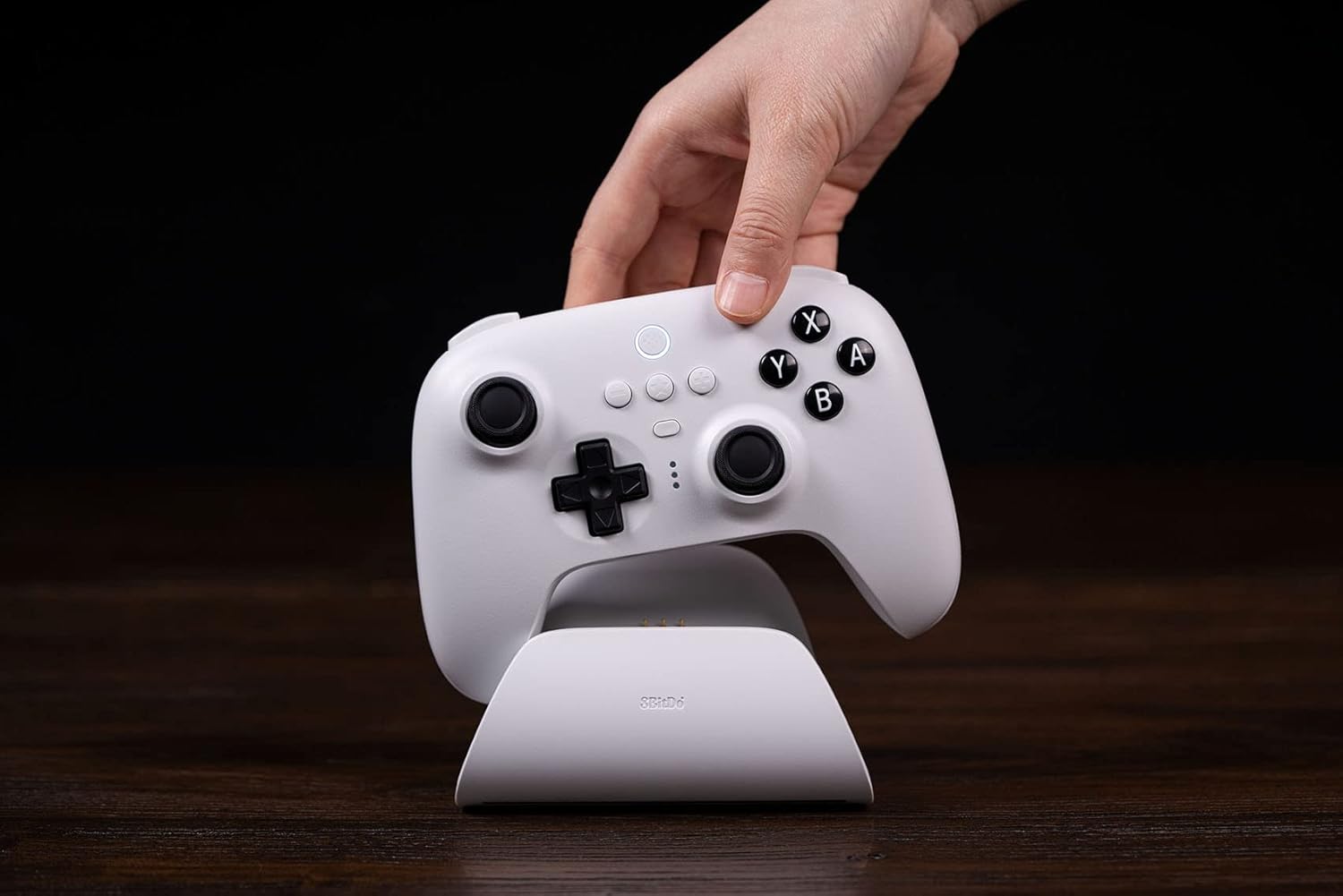
Image: A hand placing the white 8Bitdo Ultimate Bluetooth Controller onto its charging dock.
Хянагчийг холбох:
The controller supports Bluetooth, 2.4G wireless, and wired USB connections.
Switch Connection (Bluetooth):
- Ensure your Nintendo Switch system is updated to version 3.0.0 or above.
- On the Switch HOME Menu, select "Controllers" > "Change Grip/Order".
- Press and hold the Pair button on the top of the 8Bitdo controller for 3 seconds until the player indicators start cycling.
- The controller will appear on the Switch screen. Once connected, the player indicator(s) will light up solid.
Note: Switch compatibility does not support HD rumble or amiibo scanning.
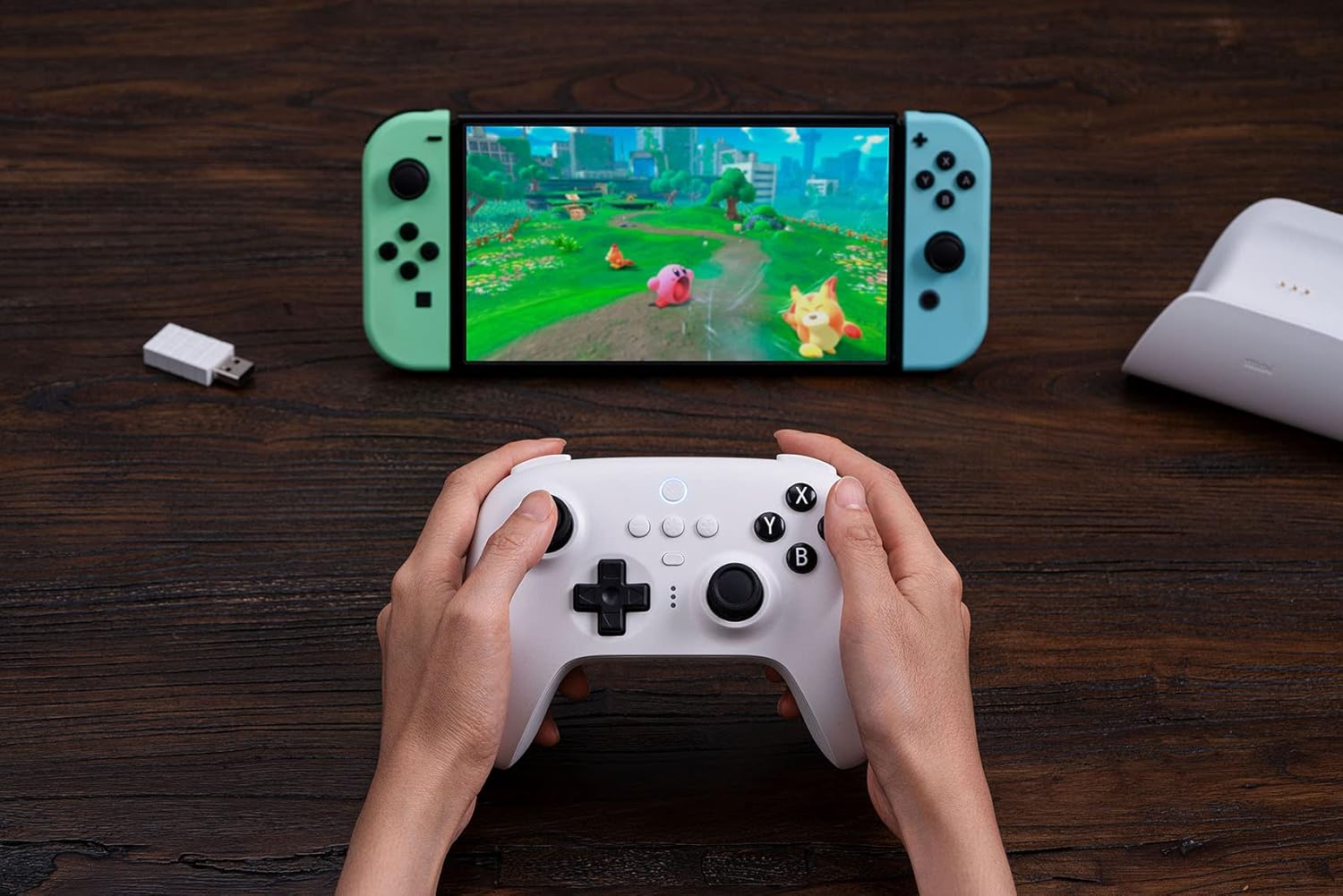
Image: A user holding the white 8Bitdo Ultimate Bluetooth Controller while playing a game on a Nintendo Switch console.
Windows Connection (2.4G Wireless / USB Cable):
- 2.4G утасгүй: Insert the 2.4G wireless adapter into an available USB port on your Windows PC. The controller will automatically connect.
- USB кабель: Connect the controller to your Windows PC using the provided USB-C cable. The controller will be recognized as a wired gamepad.

Image: A user holding the white 8Bitdo Ultimate Bluetooth Controller while playing a game on a laptop, with the 2.4G wireless adapter visible.
Steam Deck Connection (Bluetooth / 2.4G Wireless / USB Cable):
The 8Bitdo Ultimate Bluetooth Controller is compatible with Steam Deck (SteamOS Holo 3.4 and above).
- Update your Steam Deck to the latest version of SteamOS.
- Connect the controller to your Steam Deck in Xinput mode to play.

Image: A visual guide demonstrating how to connect the 8Bitdo Ultimate Controller to a Steam Deck.
Ашиглалтын заавар
Хянагчийн зохион байгуулалт:

Зураг: Урд view of the white 8Bitdo Ultimate Bluetooth Controller, showing joysticks, D-pad, and face buttons (A, B, X, Y).

Зураг: Буцах view of the white 8Bitdo Ultimate Bluetooth Controller, highlighting the two Pro back paddle buttons.
Горим солих:
The controller features a 2-way Mode Switching button, typically located on the back or bottom, allowing you to switch between different connection modes (e.g., Bluetooth, 2.4G) as needed for different devices.

Image: Close-up showing the Custom Profile Switching button, player indicators, and the 2-way Mode Switching button on the controller.
Custom Profiles and Ultimate Software:
Utilize the Custom Profile Switch Button to cycle through up to 3 custom profiles on the fly. For advanced customization, download the 8Bitdo Ultimate Software on your PC (Windows) or mobile device (Android/iOS). This software allows you to:
- Map buttons and assign macros.
- Adjust joystick and trigger sensitivity.
- Control rumble vibration intensity.
- Олон мэргэжлийн хүн үүсгэх, хадгалахfileянз бүрийн тоглоомуудад зориулагдсан.
Цэнэглэх цэгийг ашиглах нь:
The multifunctional charging dock provides a convenient way to store and charge your controller. When the controller is placed on the dock, it will automatically turn off. When lifted from the dock, it will automatically power on and attempt to reconnect to the last paired device.

Image: A hand lifting a black 8Bitdo Ultimate Controller from its charging dock, illustrating the automatic ON/OFF feature.
Засвар үйлчилгээ
Цэвэрлэгээ:
To clean your controller and charging dock, use a soft, dry cloth. For stubborn dirt, a slightly damp cloth with mild soap can be used, ensuring no liquid enters the ports or crevices. Do not use harsh chemicals or abrasive materials.
Батерейны арчилгаа:
The controller contains a rechargeable Lithium Polymer battery. To maximize battery life:
- Байнга зайгаа бүрэн цэнэглэхээс зайлсхий.
- Удирдлагыг удаан хугацаагаар ашиглаагүй үед сэрүүн, хуурай газар хадгална уу.
- Charge the controller regularly, even if not used, to maintain battery health.
Алдааг олж засварлах
Хянагч холбогдоогүй байна:
- Хянагч хангалттай цэнэглэгдсэн эсэхийг шалгаарай.
- Verify the correct connection mode is selected on the controller (Bluetooth/2.4G).
- Bluetooth-ийн хувьд төхөөрөмжийнхөө Bluetooth идэвхжсэн, хянагч нь хослуулах горимд байгаа эсэхийг шалгана уу.
- For 2.4G, ensure the wireless adapter is securely plugged into a working USB port.
- Try connecting the controller via USB-C cable to confirm basic functionality.
- Холбогдохыг оролдож буй хянагч болон төхөөрөмжөө хоёуланг нь дахин эхлүүлнэ үү.
Програм хангамжийн шинэчлэлтүүд:
Periodically check for firmware updates for your 8Bitdo Ultimate Controller. Updates can improve performance, add new features, and resolve compatibility issues. Visit the official 8Bitdo support webхамгийн сүүлийн үеийн програм хангамж болон шинэчлэх зааврыг авах сайт.
Үзүүлэлтүүд
| Онцлог | Дэлгэрэнгүй |
|---|---|
| Загварын дугаар | 6922621502470 |
| Тохиромжтой байдал | Nintendo Switch (3.0.0+), Windows 10+, Steam Deck (SteamOS Holo 3.4+) |
| Холболт | Bluetooth 5.0, 2.4G утасгүй, USB-C утастай |
| Онцлог шинж чанарууд | Hall Effect Sensing Joysticks, Multifunctional Charging Dock, 2 Pro Back Paddle Buttons, Custom Profile Switch Button (3 profiles), Ultimate Software support, Rumble Vibration, Motion Controls (Switch only) |
| Зайны төрөл | Лити полимер (оруулсан) |
| Зайны ашиглалт | Ойролцоогоор 22 цаг |
| Зүйлийн жин | 1.3 фунт (ойролцоогоор 0.59 кг) |
| Үйлдвэрлэгч | 8Битдо |
| Гарсан огноо | 30 оны наймдугаар сарын 2022 |
Баталгаат болон дэмжлэг
Баталгаат мэдээлэл:
For specific warranty terms and conditions, please refer to the documentation included with your product or visit the official 8Bitdo website. Warranty coverage typically addresses manufacturing defects.
Хэрэглэгчийн дэмжлэг:
If you encounter any issues or have questions regarding your 8Bitdo Ultimate Bluetooth Controller, please contact 8Bitdo customer support through their official website. You can also find additional resources, FAQs, and firmware updates there.
Official 8Bitdo Store on Amazon: Дэлгүүрт зочилно уу
Хэрэглэгчийн гарын авлагын PDF хувилбарыг татаж авахыг хүсвэл дараах хаягаар зочилно уу: Хэрэглэгчийн гарын авлага (PDF) татаж авах


