Танилцуулга
This manual provides essential information for setting up, operating, maintaining, and troubleshooting your iFFALCON 43-inch 4K Ultra HD Smart LED Google TV, model iFF43U62. Please read this manual thoroughly before using your television to ensure proper functionality and safety.
Хайрцагт юу байна
Савыг задлахдаа дараах бүх зүйл багтсан эсэхийг шалгана уу.
- 1 x iFFALCON 43-inch LED TV
- 1 х ширээний тавцан
- 1 х хэрэглэгчийн гарын авлага
- 1 х Баталгаат карт
- 1 x Алсын удирдлага
- 2 х AAA батерей
Тохиргоо
1. Тавиур суурилуулах эсвэл хананд бэхлэх
Carefully place the TV face down on a soft, flat surface to prevent screen damage. Attach the provided table-top stand using the screws, ensuring it is securely fastened. If wall mounting, follow the instructions provided with your wall mount kit (sold separately) and ensure proper ventilation around the TV.

Image: TV dimensions for stand installation or wall mounting.
2. Төхөөрөмжүүдийг холбох
Connect your external devices such as set-top boxes, Blu-ray players, or gaming consoles to the HDMI ports. Use the USB port for external storage devices. For wired internet, connect an Ethernet cable to the LAN port. The TV also supports in-built Wi-Fi (2.4GHz/5GHz) for wireless connectivity.

Зураг: хажуу тал view янз бүрийн холболтын портуудыг харуулж байна.
3. Асаалт ба анхны тохиргоо
Plug the power cord into an electrical outlet. Press the power button on the TV or remote control. Follow the on-screen instructions to complete the initial setup, including language selection, network connection, and Google account sign-in.
ТВ-ээ ажиллуулж байна
1. Google TV Interface and Smart Features
Your iFFALCON TV runs on Google TV, offering a personalized experience with content recommendations. Access pre-installed apps like Netflix, Prime Video, Disney+Hotstar, and YouTube. Use Google Assistant for voice control to search for content, control smart home devices, and more.

Image: Google TV interface with streaming apps.
2. Дэлгэцийн онцлог
Experience stunning visuals with 4K Ultra HD resolution (3840 x 2160) and a 60Hz refresh rate. The TV features an A+ Grade Panel, AI Picture Engine 2.0, HDR 10 support, 4K Upscaling, Dynamic Color Enhancement, and Micro Dimming Technology for enhanced contrast and vibrant colors. The Edgeless Design provides an immersive viewтуршлага.
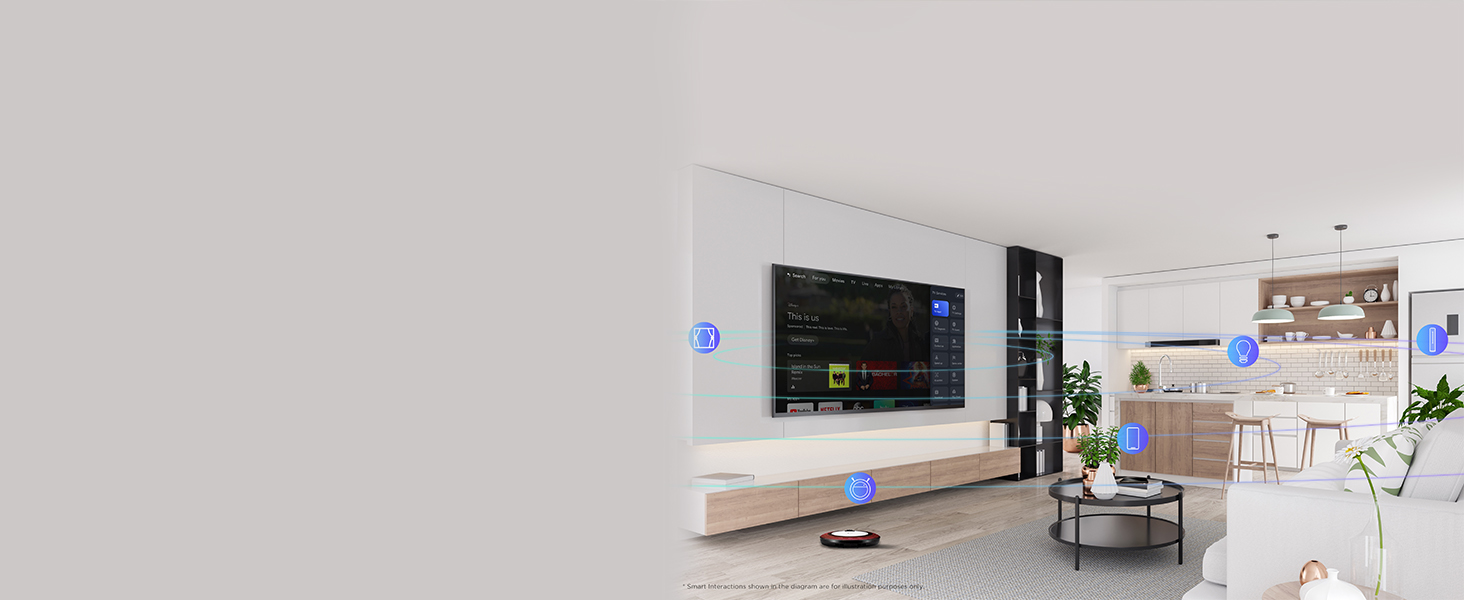
Image: 4K Ultra HD resolution detail.
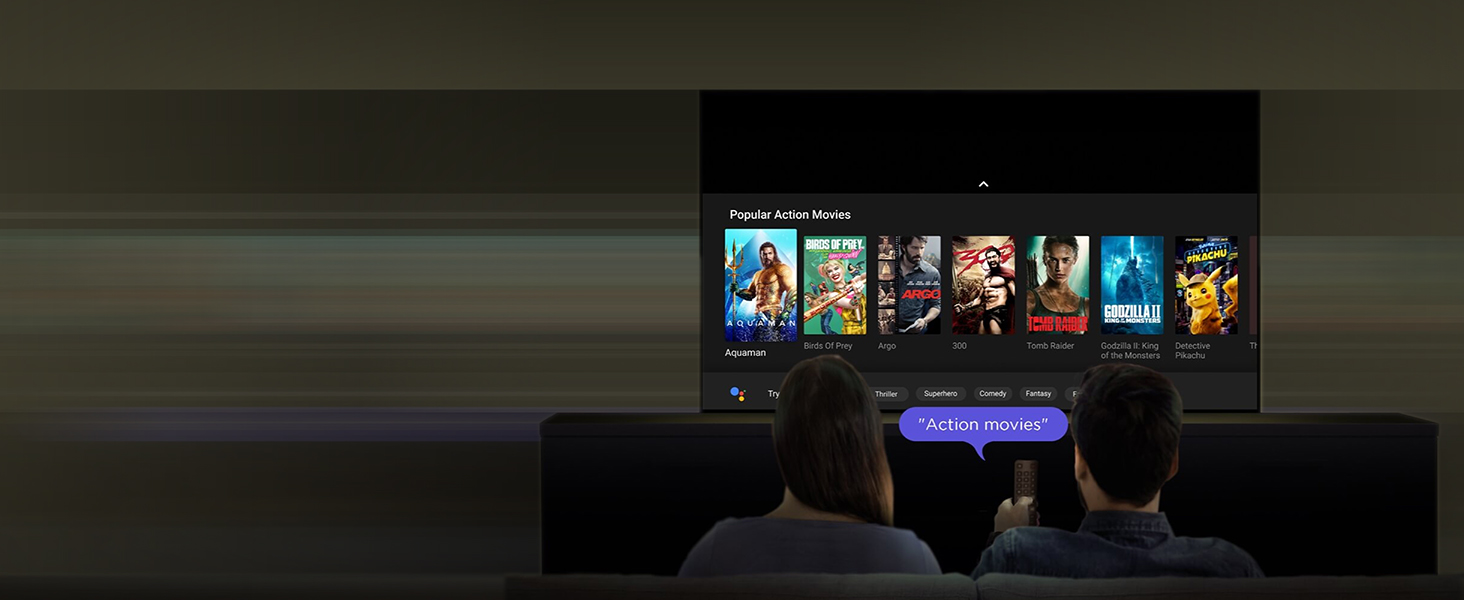
Image: HDR 10 contrast and color enhancement.
Image: Dynamic Color Enhancement.
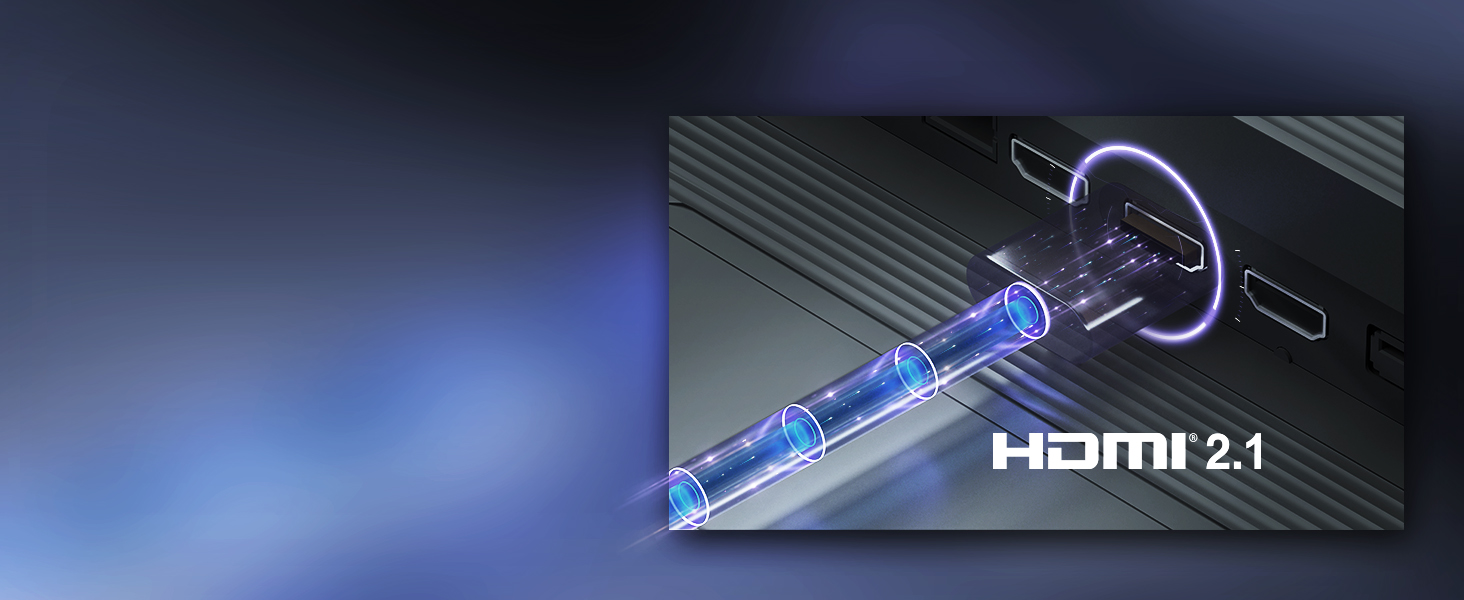
Image: Micro Dimming technology for enhanced contrast.
3. Аудио онцлог
The TV delivers powerful audio with 24 Watts output and Dolby Audio technology, providing rich, clear, and immersive sound for all your entertainment.
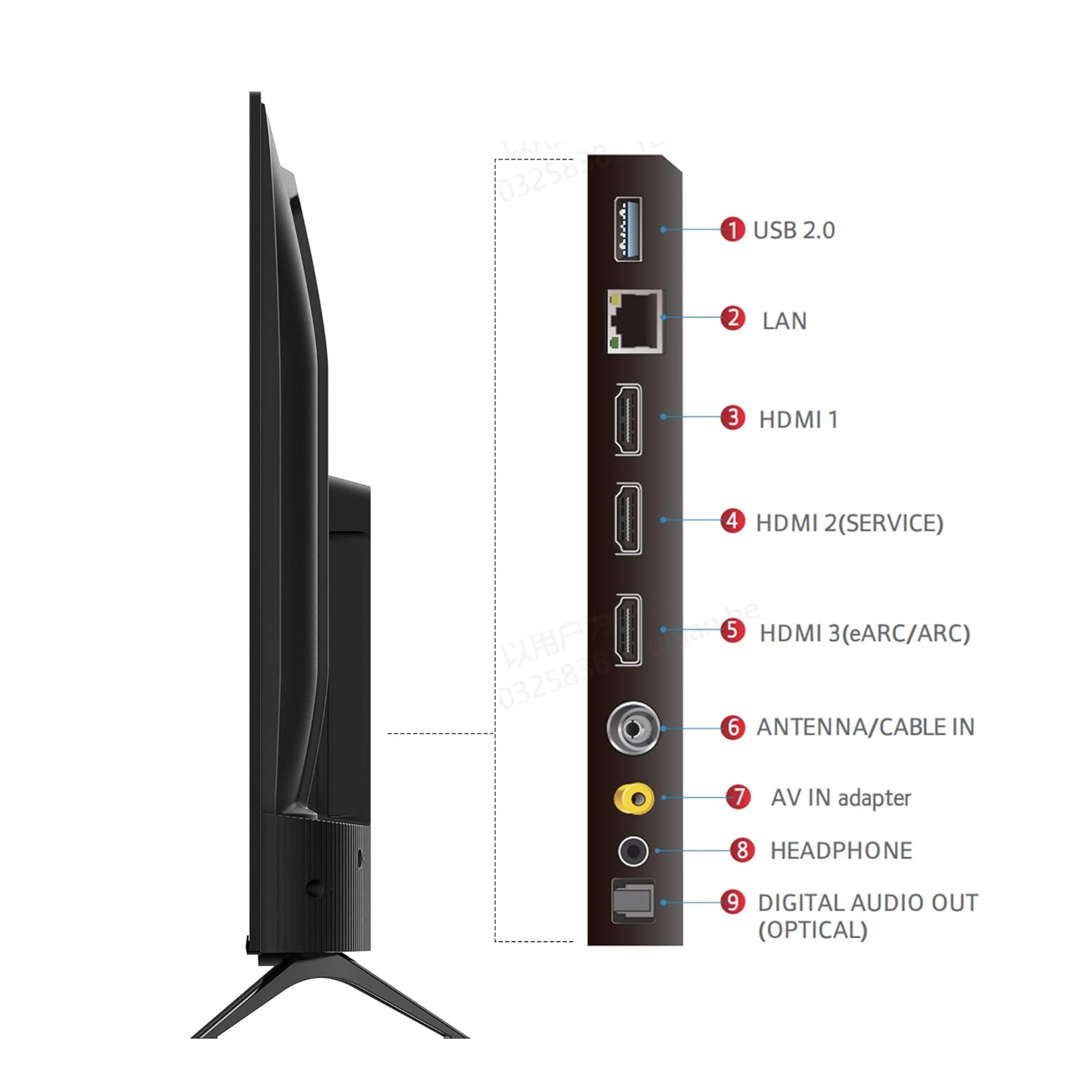
Image: Dolby Audio for immersive sound.
4. Бүтээгдэхүүний албан ёсны видео
Видео: Албан ёсны бүтээгдэхүүний видео шоуasing the iFFALCON U62 Series 4K HDR TV features, including Dolby Audio, 4K Ultra HD resolution, Micro Dimming, Dynamic Color Enhancement, Google TV, and HDMI 2.1 connectivity.
Засвар үйлчилгээ
1. ТВ-ээ цэвэрлэх
Дэлгэцийг цэвэрлэхийн тулд зөөлөн, хөвөнгүй даавуугаар зөөлөн арчина. Зөрүүд тэмдгийн хувьд бага зэрэг dampen the cloth with water or a screen cleaner specifically designed for TVs. Avoid using harsh chemicals, abrasive materials, or direct spraying of liquids onto the screen. For the TV body, use a soft, dry cloth.
2. Ерөнхий тусламж үйлчилгээ
Keep the TV away from direct sunlight, heat sources, and excessive dust. Ensure adequate ventilation around the TV to prevent overheating. Unplug the TV during lightning storms or when it will be unused for extended periods.
Алдааг олж засварлах
Хэрэв танд ТВ-тэй холбоотой асуудал тулгарвал дараах нийтлэг асуудал, шийдлүүдийг үзнэ үү.
- Эрчим хүчгүй: Ensure the power cord is securely plugged into both the TV and the electrical outlet. Check if the outlet is working by plugging in another device. Try pressing the power button on the TV itself, not just the remote.
- Зураг/дуу чимээ байхгүй: Verify that the correct input source is selected (e.g., HDMI 1, HDMI 2). Check all cable connections between the TV and external devices. If using a set-top box, ensure it is powered on.
- Зургийн чанар муу: Adjust picture settings (brightness, contrast, color) in the TV menu. Ensure the input source is providing a high-quality signal. For 4K content, ensure your source device and cables support 4K.
- Интернет холболт байхгүй: For Wi-Fi, check your router and ensure the TV is within range. Re-enter the Wi-Fi password. For wired connection, ensure the Ethernet cable is properly connected and your router is working.
- Алсын удирдлага ажиллахгүй байна: Алсын удирдлага дахь AAA батерейг солино уу. Алсын удирдлага болон телевизийн хэт улаан туяаны мэдрэгчийн хооронд ямар нэгэн саад байхгүй эсэхийг шалгаарай.
Хэрэв эдгээр алхмуудыг хэрэгжүүлсний дараа асуудал хэвээр байвал хэрэглэгчийн дэмжлэгтэй холбогдоно уу.
Үзүүлэлтүүд
| Онцлог | Тодорхойлолт |
|---|---|
| Брэнд | iFFALCON |
| Загвар | iFF43U62 |
| Дэлгэцийн хэмжээ | 43 инч (108 см) |
| Шийдвэр | 4K Ultra HD (3840 x 2160) |
| Сэргээх хурд | 60 Герц |
| Үйлдлийн систем | Google TV |
| RAM | 2 ГБ |
| ROM | 16 ГБ |
| Процессор | 64 битийн дөрвөн цөмт процессор |
| Холболт | 3 HDMI Ports, 1 USB Port, Headphone Output, Wi-Fi (2.4Ghz/5GHz), Ethernet, Bluetooth |
| Дууны гаралт | 24 ватт |
| Аудио технологи | Dolby Аудио |
| Дэлгэцийн онцлог | A+ Grade Panel, 178 Degree Wide Viewing Angle, AI Picture Engine 2.0, HDR 10, 4K Upscaling, Dynamic Color Enhancement, Micro Dimming Technology, Edgeless Design |
| Бүтээгдэхүүний хэмжээс (индэртэй) | 95.7 x 18.5 x 61 см |
| Зүйлийн жин | 6.3 кг |
Баталгаат болон дэмжлэг
Баталгаат хугацааны мэдээлэл
Your iFFALCON iFF43U62 TV comes with a 1 жилийн баталгаат хугацаа худалдан авсан өдрөөс эхлэн үйлдвэрлэгчээс нийлүүлсэн. Баталгаат хугацааны нэхэмжлэлийн талаар худалдан авалтын баримт болон баталгаат картаа хадгална уу.
Хэрэглэгчийн дэмжлэг
For technical assistance, service requests, or any inquiries regarding your iFFALCON TV, please refer to the contact information provided on your warranty card or visit the official iFFALCON support website. Ensure you have your TV's model number (iFF43U62) and serial number ready when contacting support.


