1. Танилцуулга
The MAUL Commercial Calculator MXL16 is designed for commercial use, offering a stable and resilient build with an extra-large case (20.5 x 15.5 cm) for comfortable operation. It features a large, angled 16-digit display for improved readability and large, distinctively colored buttons for quick and accurate input. This calculator combines precision and reliability for both desk and mobile use.
Гол онцлогууд нь:
- 16-digit LCD display with 1 line.
- Angled display for optimal viewing.
- Solar and battery powered (LR44 battery included).
- Automatic shut-off to conserve energy.
- Comprehensive functions including tax calculation, 3-button memory, root calculation, and percentage.
- Durable plastic buttons for easy cleaning.
2. Тохиргоо
2.1 Эрчим хүчний эх үүсвэр
The MAUL MXL16 calculator operates using both solar power and a single LR44 battery. The solar panel provides power in well-lit environments, while the battery ensures operation when light is insufficient. An LR44 battery is included with the calculator.

Зураг 2.1: Доод талд view of the calculator, indicating the battery compartment.
2.2 Анхны хэрэглээ
Upon first use, ensure the calculator is exposed to adequate light for solar power or that the included LR44 battery is correctly installed. The calculator features an automatic shut-off function to conserve power when not in use.

Зураг 2.2: Хажуу тал view showing the angled display for better reading.
3. Ашиглалтын заавар
The MAUL MXL16 calculator provides a range of functions for commercial calculations. The buttons are color-coded for easier identification and faster operation.
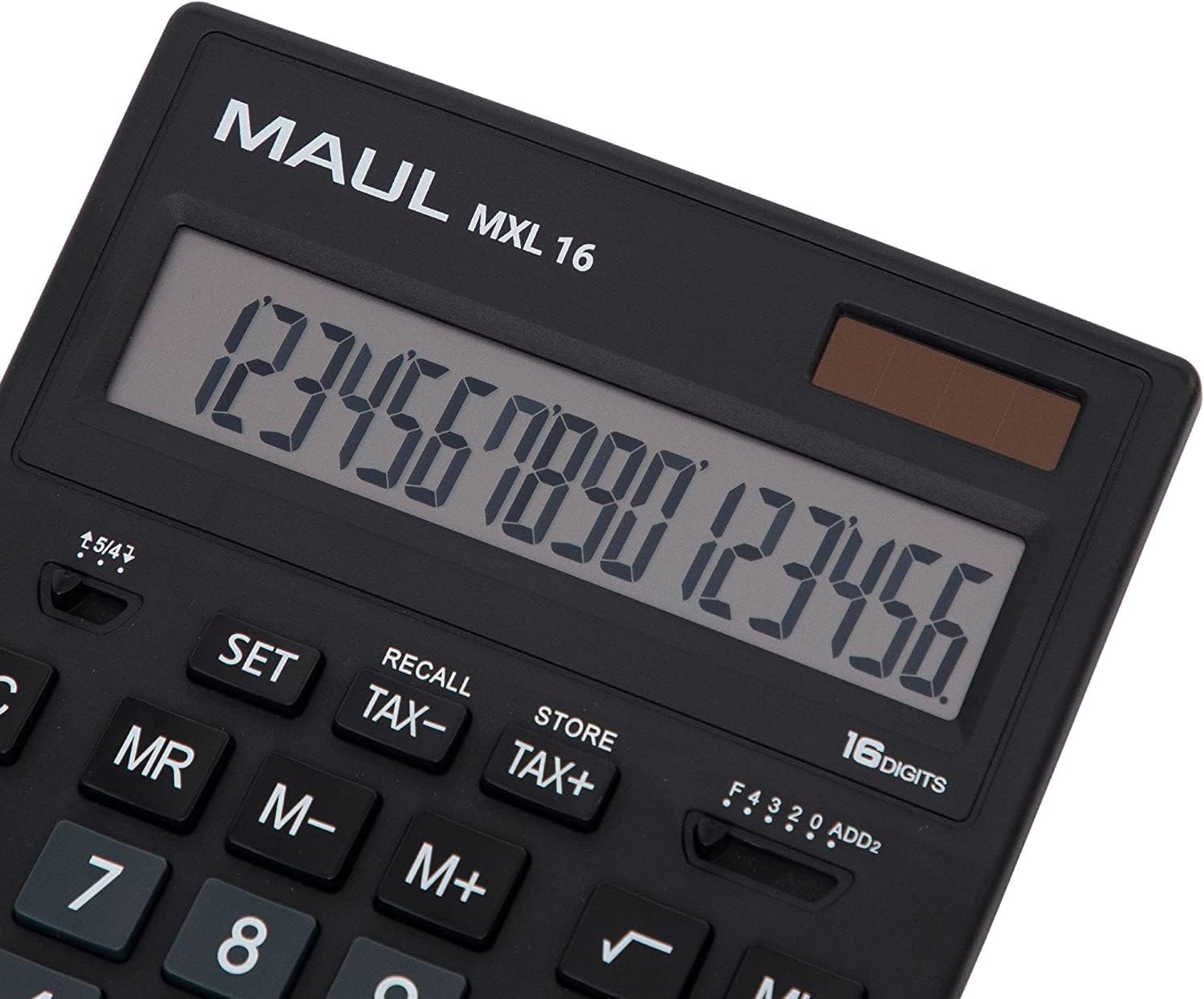
Зураг 3.1: Display and key layout of the MAUL MXL16.
3.1 Үндсэн үйлдлүүд
- Асаах/АС: Turns the calculator on or clears all entries and memory.
- CE/C: Clears the last entered number or the current calculation without affecting memory. Pressing twice may clear all.
- Тооны товчлуурууд (0-9): Input numerical values.
- Аравтын бутархай (.): Аравтын бутархайг оруулна.
- Арифметик операторууд (+, -, ×, ÷): Нэмэх, хасах, үржүүлэх, хуваах үйлдлүүдийг гүйцэтгэнэ үү.
- Тэнцүү (=): Displays the result of a calculation.
3.2 Тусгай чиг үүрэг
- Tax Calculation (TAX+, TAX-): Allows for easy calculation of prices with or without tax. Use the SET button to configure the tax rate.
- Memory Functions (MR, M-, M+):
- М+: Харуулсан утгыг санах ойд нэмнэ.
- М-: Харуулсан утгыг санах ойгоос хасна.
- Ноён: Recalls the value stored in memory.
- MC: Clears the memory (often by pressing MR twice or a dedicated MC button).
- Root Calculation (√): Үзүүлсэн тооны квадрат язгуурыг тооцоолно.
- Персенtage (%): хувиар гүйцэтгэдэгtage тооцоо.
- Sign Change (+/-): Changes the sign of the displayed number (positive to negative, or vice versa).
- Double Zero (00) / Triple Zero (000): For quick entry of multiple zeros.
- Comma Selector Switch: Adjusts the decimal point display.
- Automatic Rounding: Allows selection of how numbers are rounded (e.g., up, down, or standard).
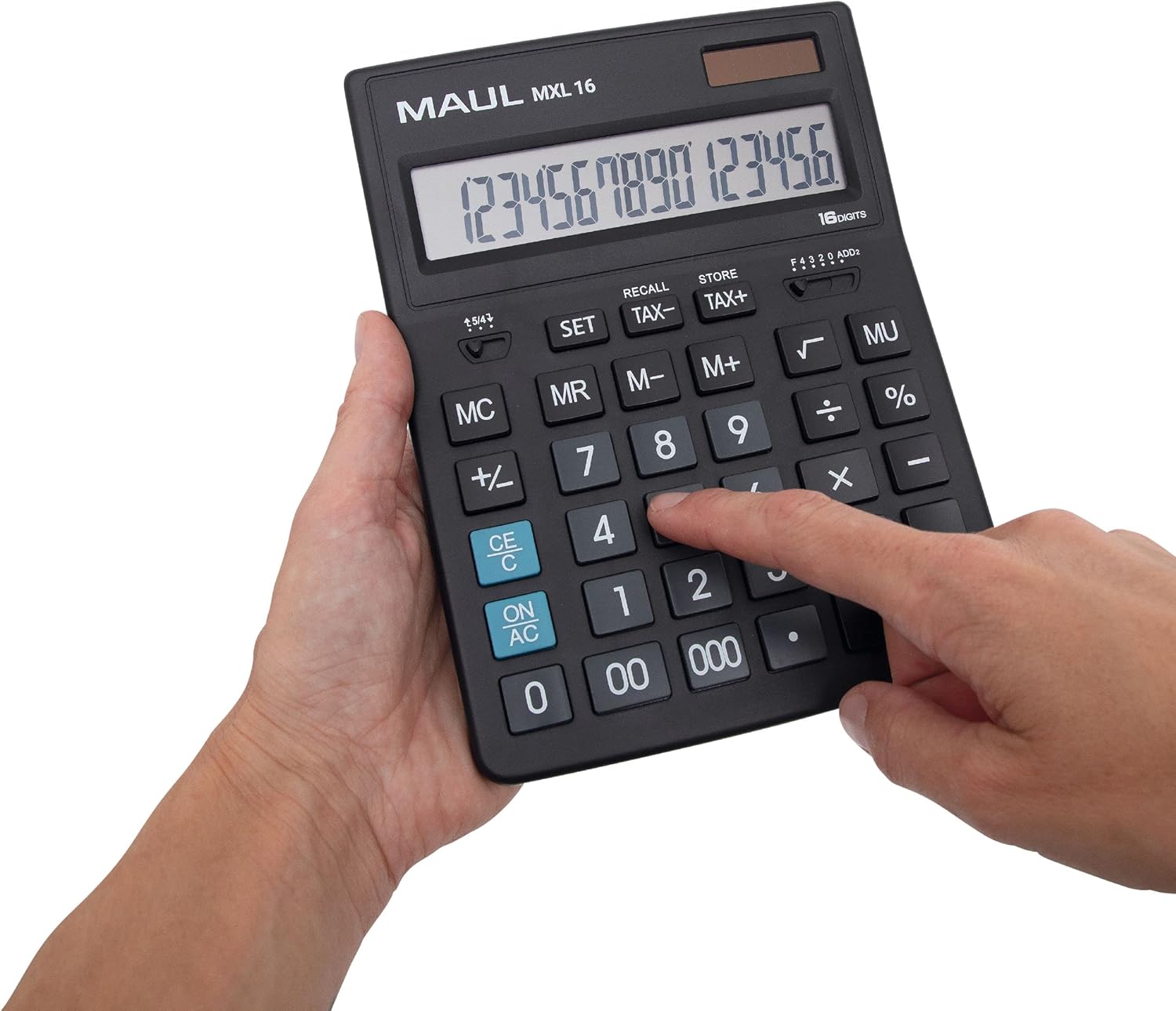
Зураг 3.2: User interacting with the calculator keys.
4. Засвар үйлчилгээ
The MAUL MXL16 calculator is designed for durability with sturdy plastic buttons that are easy to clean.
- Цэвэрлэгээ: Use a soft, dry cloth to wipe the calculator's surface and keys. For stubborn dirt, a slightly damp Зөөлөн савантай даавуу хэрэглэж болох бөгөөд ингэснээр төхөөрөмжид шингэн орохгүй байх боломжтой.
- Хадгалах: Тооцоолуурыг сэрүүн, хуурай газар, нарны шууд тусгал болон хэт өндөр температураас хол хадгална уу.
- Зай солих: If the display becomes dim or the calculator functions intermittently in low light, the LR44 battery may need replacement. Refer to the battery compartment on the underside of the calculator for access.
5. Алдаа засах
- Тооцоолуур асахгүй байна:
- Ensure the calculator is exposed to sufficient light for solar power.
- Check if the LR44 battery is correctly installed and has sufficient charge. Replace if necessary.
- Incorrect calculations:
- Press the ON/AC button to clear all previous entries and memory, then re-enter the calculation.
- Verify the correct input of numbers and operations.
- Дэлгэц бүдэг эсвэл анивчих:
- Ensure adequate lighting for the solar panel.
- LR44 батерейг солино уу.
6. Техникийн үзүүлэлтүүд
| Загварын нэр | MXL16 |
| Загварын дугаар | 7267890 |
| Дэлгэц | 16 Digits, 1 Line LCD, Angled |
| Хэмжээ (L x W) | 20.5 x 15.5 см |
| Эрчим хүчний эх үүсвэр | Solar and 1 x LR44 Battery (included) |
| Материал | Plastic (housing and buttons) |
| Функцүүд | Tax calculation, 3-button memory, Root, Percent, Sign change, Automatic rounding, Double/Triple zero buttons, Comma selector switch |
| Автомат унтрах | Тиймээ |
7. Баталгаат хугацаа
The MAUL Commercial Calculator MXL16 comes with a 5 жилийн баталгаат хугацааБаталгаат хугацааны нэхэмжлэл гаргахын тулд худалдан авалтын баримтаа хадгална уу. Баталгаа нь хэвийн ашиглалтын нөхцөлд гарсан үйлдвэрлэлийн согогийг хамарна.
8. Дэмжлэг
For further assistance, technical support, or warranty inquiries, please contact your retailer or the MAUL customer service department. Refer to the product packaging or the MAUL official webхолбоо барих мэдээлэл авах сайт.


