
Танилцуулга
Welcome to the user manual for your ACAGET Wireless Earbuds. These earbuds are designed to provide a high-fidelity audio experience with advanced features for daily use, sports, and travel. This manual will guide you through setup, operation, maintenance, and troubleshooting to ensure optimal performance and enjoyment of your device.
Багцын агуулга
Доор жагсаасан бүх зүйл таны багцад байгаа эсэхийг шалгана уу.
- 1x True Bluetooth Headphone (Wireless Earbuds)
- 1х цэнэглэх хайрцаг
- 1x USB-C цэнэглэгч кабель
- 1x Earhooks (for secure fit)
- 1x Silicone Earbud Protective Case
- 1x хэрэглэгчийн гарын авлага

Image: The package contents laid out, including the earbuds, charging case, USB-C cable, earhooks, and user manual.
Тохиргоо
Чихэвч болон гэрийг цэнэглэж байна
The charging case has a 300mAh battery and can recharge the earbuds approximately 4 times, providing up to 25 hours of additional playtime. The earbuds themselves offer 4-5 hours of playtime on a single full charge.
To charge the case, connect the provided USB-C charging cable to the charging port on the case and a compatible power source. The indicator light on the case will illuminate to show charging status. A full charge for the case takes approximately 1.5 hours.
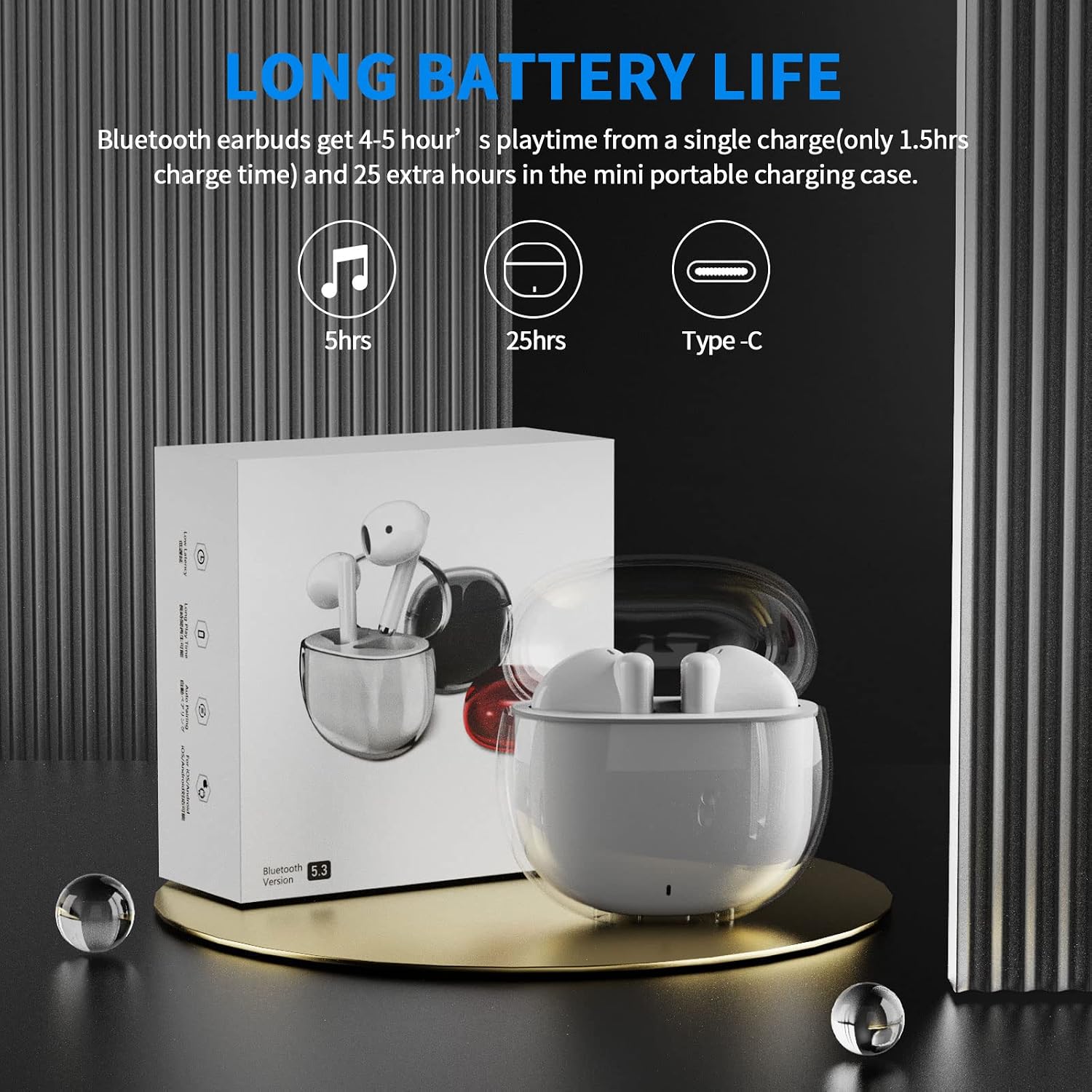
Image: A visual representation of the earbuds' battery life, showing 5 hours for earbuds and 25 hours total with the charging case, and the USB-C charging port.
Таны төхөөрөмжтэй хослуулж байна
The earbuds feature one-step pairing for quick and easy connection to your devices. They utilize advanced Bluetooth 5.3 technology for a stable and fast connection.
- Таны төхөөрөмжийн Bluetooth асаалттай байгаа эсэхийг шалгаарай.
- Цэнэглэх хайрцгийг нээнэ үү. Чихэвч автоматаар асч, холбох горимд орно.
- On your device (smartphone, tablet, laptop), go to the Bluetooth settings and select "ACA-i23" from the list of available devices to connect.
- Холбогдсоны дараа та баталгаажуулах дууг сонсох бөгөөд чихэвч ашиглахад бэлэн болно.

Image: A graphic illustrating the advanced Bluetooth 5.3 technology and the one-step pairing process with a smartphone, showing the "ACA-i23" device name.
Video: This official ACAGET video demonstrates the simple one-step pairing process and how to use the smart touch controls for music playback and call management.
Ашиглалтын заавар
Ухаалаг мэдрэгчтэй удирдлага
The earbuds feature intuitive touch controls for managing your audio and calls without needing to access your connected device.
- Хөгжим тоглуулах/түр зогсоох: Баруун чихэвчийг давхар товш.
- Дараагийн дуу: Баруун чихэвчийг гурав дахин товш.
- Өмнөх бичлэг: Зүүн чихэвчийг гурав дахин товш.
- Дуудлагад хариулах/дуусах: Аль нэг чихэвчийг давхар товш.
- Дуудлагаас татгалзах: Чихэвчний аль нэгийг 2 секундын турш дарна уу.
- Wake Up Voice Assistant (Siri): Зүүн чихэвчийг хоёр товшино уу.

Image: A visual guide detailing the various touch control gestures for music playback, call management, and voice assistant activation on the earbuds.
Video: This official ACAGET video highlights the ergonomic design, Bluetooth 5.3 features, smart touch controls, long battery life, and the secure fit provided by the included over-ear earhooks.
Засвар үйлчилгээ
Цэвэрлэгээ
To maintain optimal performance and hygiene, regularly clean your earbuds and charging case. Use a soft, dry, lint-free cloth. Avoid using harsh chemicals, abrasive materials, or excessive moisture, as these can damage the device.
Усны эсэргүүцэл
The ACAGET Wireless Earbuds are rated IPX4 waterproof, meaning they are protected against splashing water from any direction. This makes them suitable for use during workouts, in light rain, or when sweating. Жич: The earbuds are not designed for submersion in water and should not be used for swimming or bathing.
Алдааг олж засварлах
Нийтлэг асуудал ба шийдэл
Чихэвчийг хослуулахгүй байна:
- Чихэвч хоёулаа цэнэглэх хайрцагт байгаа бөгөөд бүрэн цэнэглэгдсэн эсэхийг шалгаарай.
- Make sure Bluetooth is enabled on your device and "ACA-i23" is selected from the available devices.
- Try resetting the earbuds by placing them in the case, closing the lid, and reopening after a few seconds.
Only one earbud charging/working:
- Verify that both earbuds are properly seated in the charging case and making firm contact with the charging pins.
- Clean the charging contacts on both the earbuds and the case with a dry cotton swab to remove any debris.
- Хэрэв асуудал хэвээр байвал хэрэглэгчийн тусламжтай холбогдож нэмэлт тусламж аваарай.
Дууны чанарын асуудал:
- Ensure the earbuds are properly fitted in your ears for optimal sound delivery.
- Check the audio source and volume levels on your connected device.
- Move closer to your device to avoid interference or range issues, as the Bluetooth range is up to 15 meters.
Үзүүлэлтүүд
Техникийн үзүүлэлтүүд
| Онцлог | Дэлгэрэнгүй |
|---|---|
| Загварын нэр | i23 утасгүй чихэвч |
| Холболтын технологи | Утасгүй |
| Утасгүй холбооны технологи | Bluetooth |
| Bluetooth хувилбар | 5.3 |
| Bluetooth хүрээ | 15 метр |
| Батерейны хугацаа (чихэвч) | 5 цаг |
| Зөөврийн хайрцагны батерейны ашиглалтын хугацаа | 25 цаг |
| Зөөврийн хайрцагны зайны багтаамж | 300 саяamp Цаг |
| Цэнэглэх хугацаа | 1.5 цаг |
| Усны эсэргүүцлийн түвшин | IPX4 Усны хамгаалалттай |
| Хяналтын төрөл | Хэвлэл мэдээллийн хяналт |
| Хяналтын арга | Хүрэх |
| Аудио драйверын төрөл | Динамик драйвер |
| Аудио драйверын хэмжээ | 13 миллиметр |
| Давтамжийн хүрээ | 20 Гц - 20,000 Гц |
| Мэдрэмж | 105 дБ |
| Эсэргүүцэл | 32 Ом |
| Зүйлийн жин | 3.84 унц |
| Бүтээгдэхүүний хэмжээс | 5.9 x 4.72 x 1.18 инч |
| Материал | Акрилонитрил бутадиен стирол (ABS) |
| Тохиромжтой төхөөрөмжүүд | Compatible with various Bluetooth devices, including cellphones, iPad, laptops, and many Android and iOS smartphones. |
Баталгаат болон дэмжлэг
Баталгаат хугацааны мэдээлэл
ACAGET provides a 90-day refund and 6-month replacement policy for any defect problems with your earbuds. This warranty covers manufacturing defects and ensures your satisfaction with the product.
Хэрэглэгчийн дэмжлэг
For any issues, questions, or suggestions regarding your ACAGET Wireless Earbuds, please do not hesitate to contact us through the message system. Our support team is committed to responding immediately to assist you.
For a detailed user guide, you can also refer to the official PDF document: Хэрэглэгчийн гарын авлага (PDF).


