1. Танилцуулга
This manual provides essential information for the installation, operation, and maintenance of your Intenso 2TB M.2 SSD PCIe Premium. Please read these instructions carefully before proceeding with installation to ensure optimal performance and longevity of your device.
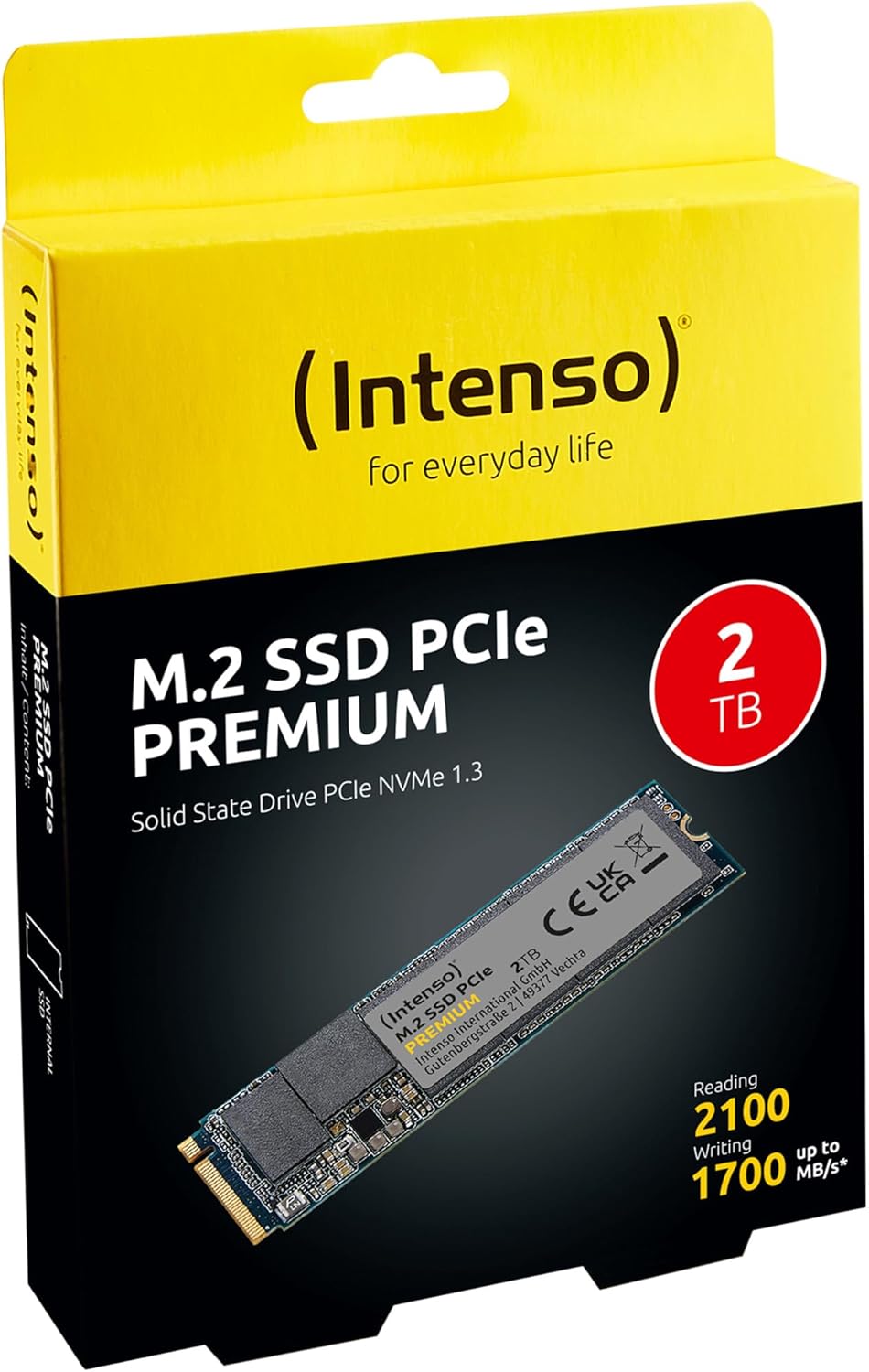
Image 1: Intenso 2TB M.2 SSD PCIe Premium product packaging. The box displays the SSD, capacity, and read/write speeds.
2. Тохиргоо ба суурилуулалт
Proper installation is crucial for the functionality of your M.2 SSD. Follow these steps carefully.
2.1 Суулгахын өмнөх хяналтын хуудас
- Тохиромжтой байдал: Ensure your motherboard has an available M.2 slot that supports PCIe NVMe SSDs. Refer to your motherboard's manual for specific M.2 slot specifications.
- Статик цахилгаан: Take precautions against electrostatic discharge (ESD). Use an anti-static wrist strap or touch a grounded metal object before handling the SSD.
- Багаж хэрэгсэл: You may need a small Phillips head screwdriver and a motherboard screw for securing the M.2 drive.
2.2 Физик суурилуулалт
- Унтраах: Completely shut down your computer and disconnect the power cable.
- Нээлттэй хэрэг: Эх хавтан руу нэвтрэхийн тулд компьютерийнхээ гэрийг нээнэ үү.
- M.2 үүрийг олох: Identify an available M.2 slot on your motherboard. It typically looks like a small horizontal slot with a screw stand-off nearby.
- SSD оруулах: Gently insert the Intenso M.2 SSD into the slot at a 30-degree angle. The gold contacts on the SSD should align with the slot. Push it in until it is fully seated.
- Аюулгүй SSD: Carefully push the SSD down until it is parallel with the motherboard. Secure it with the small screw provided with your motherboard or the SSD.
- Кейс хаах: Компьютерийнхээ гэрийг хаагаад цахилгааны кабелийг дахин холбоно уу.
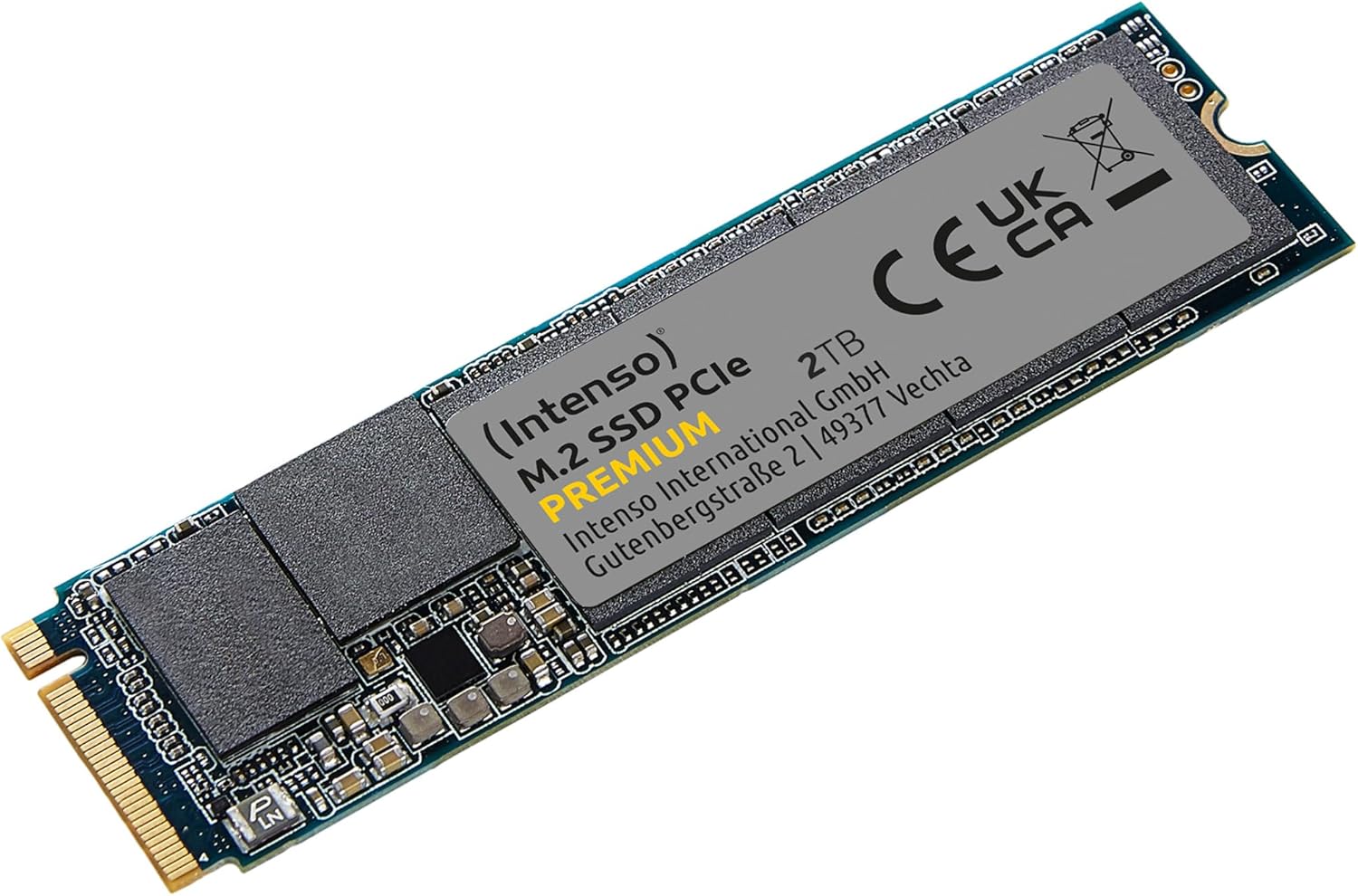
Image 2: The Intenso 2TB M.2 SSD PCIe Premium, showing its compact M.2 2280 form factor and labeling.
2.3 Initial Software Setup (Windows)
- Ачаалах компьютер: Компьютерээ эхлүүл.
- Дискний удирдлагад хандах: Эхлүүлэх товчийг хулганы баруун товчийг дараад 'Дискийг удирдах'-г сонгоно уу.
- Дискийг эхлүүлэх: If prompted, initialize the new SSD. Choose GPT (GUID Partition Table) for modern systems.
- Шинэ энгийн боть үүсгэх: Right-click on the unallocated space of your new SSD and select 'New Simple Volume'. Follow the wizard to assign a drive letter and format the drive (NTFS is recommended for Windows).
- Ашиглахад бэлэн: Your Intenso M.2 SSD is now ready for use as a storage drive. If you intend to install an operating system, refer to your OS installation guide.
3. SSD-г ажиллуулах
The Intenso M.2 SSD PCIe Premium is designed for high-speed data access, making it suitable for various applications from everyday computing to demanding tasks like gaming and graphic design.
- Ачаалах диск: For fastest system startup and application loading, install your operating system on the SSD.
- Хадгалах Драйв: Байнга ханддаг файлуудыг хадгалахын тулд SSD ашиглана уу files, games, or applications that benefit from high read/write speeds.
- Гүйцэтгэл: This SSD offers sequential read speeds up to 2100 MB/s and sequential write speeds up to 1700 MB/s, significantly faster than traditional SATA SSDs.
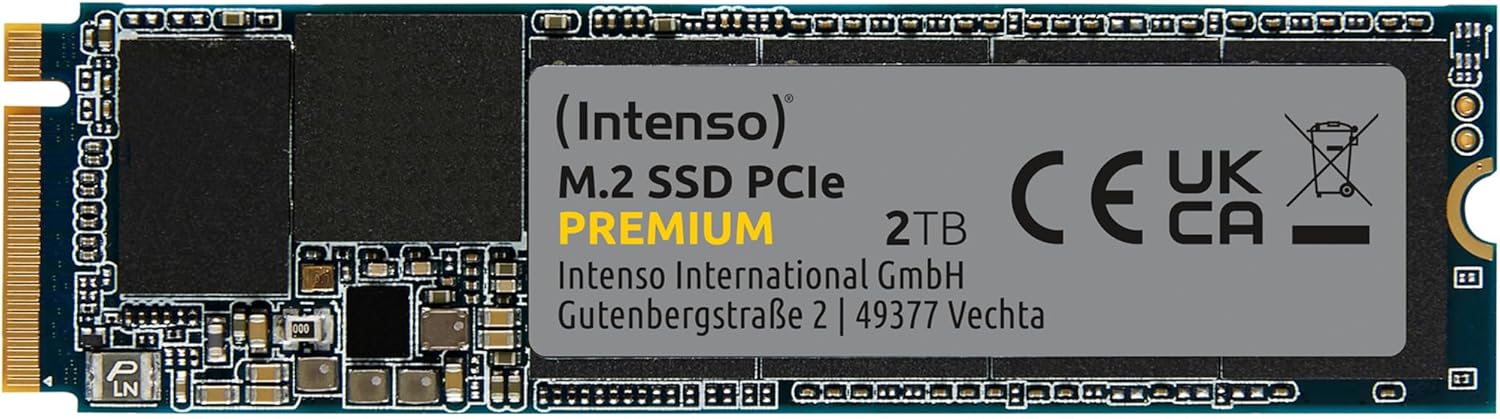
Зураг 3: Нарийвчилсан view of the Intenso 2TB M.2 SSD PCIe Premium, highlighting its internal components and labeling.
4. Засвар үйлчилгээ
To ensure the longevity and optimal performance of your Intenso M.2 SSD, consider the following maintenance practices:
- TRIM команд: Ensure your operating system has TRIM enabled. TRIM helps the SSD manage data blocks more efficiently, preventing performance degradation over time. Modern operating systems typically enable TRIM by default.
- Дефрагментациас зайлсхийх: Unlike traditional hard disk drives (HDDs), SSDs do not benefit from defragmentation. Defragmenting an SSD can reduce its lifespan by causing unnecessary write cycles.
- Програм хангамжийн шинэчлэлтүүд: Periodically check the Intenso official webТаны SSD загварт зориулсан боломжтой програм хангамжийн шинэчлэлтүүдийн сайт. Програм хангамжийн шинэчлэлтүүд нь гүйцэтгэл, тогтвортой байдал, нийцтэй байдлыг сайжруулж чадна.
- Драйвын эрүүл мэндийг хянах: Use S.M.A.R.T. (Self-Monitoring, Analysis and Reporting Technology) tools to monitor the health status of your SSD. Many operating systems and third-party utilities offer this functionality.
- Чөлөөт орон зайг хадгалах: Avoid filling your SSD to its maximum capacity. Keeping some free space (e.g., 10-15%) allows the SSD's wear-leveling algorithms to function effectively.
5. Алдаа засах
If you encounter issues with your Intenso M.2 SSD, refer to the following common troubleshooting steps:
5.1 SSD илрээгүй байна
- Физик холболтыг шалгана уу: Ensure the SSD is correctly seated in the M.2 slot and securely fastened.
- BIOS/UEFI тохиргоо: Enter your computer's BIOS/UEFI settings. Verify that the M.2 slot is enabled and configured correctly (e.g., NVMe mode). Some motherboards may disable certain SATA ports when an M.2 drive is in use.
- Драйвер суурилуулах: Үйлдлийн системдээ шаардлагатай NVMe драйверууд байгаа эсэхийг шалгаарай. Windows 10/11 нь ихэвчлэн уугуул NVMe дэмжлэгтэй байдаг.
- Дискний удирдлага: 2.3-р хэсэгт тайлбарласны дагуу, диск илэрсэн боловч эхлүүлээгүй эсэхийг шалгахын тулд Дискийн Удирдлага-г шалгана уу.
5.2 Удаан гүйцэтгэл
- M.2 Slot Speed: Confirm that your M.2 slot supports PCIe Gen.3x4 speeds. Some slots may operate at lower speeds (e.g., Gen.2 or x2 lanes).
- TRIM-ийн төлөв: Verify that TRIM is enabled on your operating system.
- Програм хангамж: SSD-д зориулсан боломжтой програм хангамжийн шинэчлэлтүүдийг шалгаж, суулгана уу.
- Хэт халалт: Ensure adequate airflow within your computer case. Excessive heat can cause performance throttling.
- Бүрэн жолоодлого: If the drive is nearly full, performance may decrease. Try to free up some space.
5.3 Өгөгдөл дамжуулах асуудлууд
- Cable/Connection: If using an external enclosure, ensure the USB cable and enclosure connection are secure and functioning correctly.
- File Системийн алдаанууд: Диск шалгах хэрэгслийг ажиллуулна уу (жишээ нь,
chkdskin Windows) to scan for and repair any file системийн алдаа. - Source/Destination Drive: Ensure the source or destination drive is not experiencing issues that could bottleneck transfer speeds.
6. Техникийн үзүүлэлтүүд
Key technical specifications for the Intenso 2TB M.2 SSD PCIe Premium:
| Онцлог | Тодорхойлолт |
|---|---|
| Загварын дугаар | 3835470 |
| Хүчин чадал | 2 TB |
| Интерфэйс | PCIe Gen.3x4 NVMe 1.3 |
| Form Factor | М.2 2280 |
| Дараалсан унших хурд | 2100 MB/s хүртэл |
| Дараалсан бичих хурд | 1700 MB/s хүртэл |
| Хэмжээ (LxWxH) | 3.15 x 0.87 x 0.16 инч |
| Зүйлийн жин | 0.212 унц |
| Техник хангамжийн платформ | PC |
| Өнгө | Хар |
| Хайрцагт юу байна | M.2 SSD PCIe |
7. Баталгаат хугацаа ба дэмжлэг
Баталгаат хугацааны дэлгэрэнгүй мэдээлэл болон техникийн дэмжлэг авахыг хүсвэл албан ёсны Intenso-оос лавлана уу website or contact their customer service directly. The product is typically covered by a manufacturer's warranty against defects in materials and workmanship.
- Үйлдвэрлэгч: Интенсо
- Webсайт: зочилно уу www.intenso.de дэмжлэгийн эх сурвалж, Түгээмэл асуултууд болон холбоо барих мэдээллийн талаар мэдээлэл авахыг хүсвэл.
- Худалдан авалтын баталгаа: Худалдан авалтын баримтаа баталгаат нэхэмжлэлд зориулж худалдан авалтын баталгаа болгон хадгална уу.


