Танилцуулга
This manual provides comprehensive instructions for the iFLYTEK Translator 2.0 easytrans 800. It covers device setup, operation, maintenance, and troubleshooting to ensure optimal performance and user experience. The iFLYTEK Translator 2.0 is designed for seamless communication across language barriers, offering advanced voice and camera translation capabilities.
Багцын агуулга
Бүх зүйл багцад байгаа эсэхийг шалгана уу:
- iFLYTEK Translator 2.0 easytrans 800 Device
- USB цэнэглэгч кабель
- Түргэн гарын авлага
- Хэрэглэх заавар (энэ баримт бичиг)
- Lanyard/Strap

Image: The iFLYTEK Translator 2.0 easytrans 800 device, its charging cable, and documentation laid out next to the product box.
Бүтээгдэхүүн дууссанview
The iFLYTEK Translator 2.0 easytrans 800 features a compact design with a user-friendly interface.

Зураг: Урд view of the iFLYTEK Translator 2.0 easytrans 800 showing the screen, navigation buttons, and speaker. Rear view shows the camera lens and SOS button.
Төхөөрөмжийн бүрэлдэхүүн хэсгүүд:
- Урд самбар: Touchscreen display, navigation buttons (ABC, O, 中文), speaker.
- Арын хэсэг: Camera lens, SOS button.
- Хажуугийн товчлуурууд: Power button, volume controls.
- Портууд: USB charging port, 3.5mm headphone jack.
Тохиргоо
1. Төхөөрөмжийг цэнэглэж байна
Before first use, fully charge the translator. Connect the provided USB cable to the device's charging port and a compatible USB power adapter (not included).
- Бүрэн цэнэглэхэд ихэвчлэн 2-3 цаг зарцуулдаг.
- Дэлгэц дээрх батерейны индикатор нь цэнэглэлтийн төлөвийг харуулах болно.
2. Асаах/унтраах
- Асаахын тулд: Press and hold the Power button (usually on the side) until the screen illuminates.
- Унтраахын тулд: Асаах товчийг удаан дараад дэлгэцэн дээрх "Унтраах" гэснийг сонгоно уу.
3. Initial Language Selection
Upon first power-on, you will be prompted to select the device's interface language. Follow the on-screen instructions.
4. Сүлжээний холболт
The iFLYTEK Translator requires an internet connection for optimal translation accuracy. Connect to a Wi-Fi network or utilize the built-in global communication feature.
- Wi-Fi: Navigate to Settings > Wi-Fi, select your network, and enter the password.
- Global Communication: The device includes 2 years of global communication coverage in 98 countries. This feature activates automatically when a Wi-Fi connection is not available.
Ашиглалтын заавар
The iFLYTEK Translator 2.0 easytrans 800 offers two primary translation modes: Voice Translation and Camera Translation.
1. Voice Translation (59 Languages)
This mode allows for real-time spoken language translation.
- Select the source and target languages on the device screen.
- Press and hold the designated voice input button (e.g., "ABC" for language A, "中文" for language B).
- Speak clearly into the device's microphone.
- Release the button. The device will process your speech and provide the translation audibly and on-screen.
The device features advanced noise reduction technology and four microphones for high accuracy even in noisy environments, with a response time of approximately 0.5 seconds.

Image: The iFLYTEK Translator 2.0 device screen showing a Japanese phrase and its translation, demonstrating voice translation functionality.
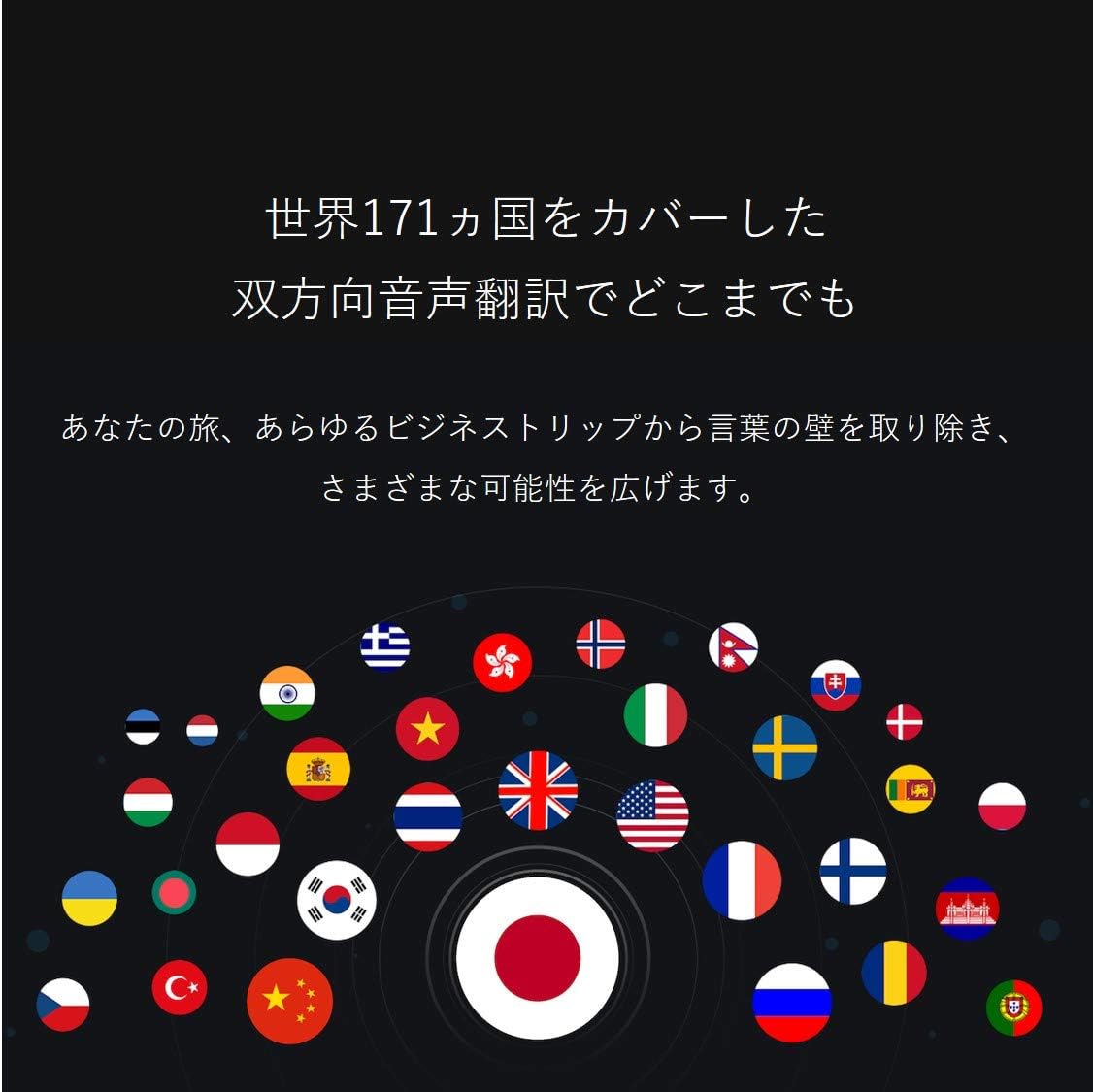
Image: A collection of national flags, symbolizing the extensive language support of the iFLYTEK Translator 2.0 across 171 countries.
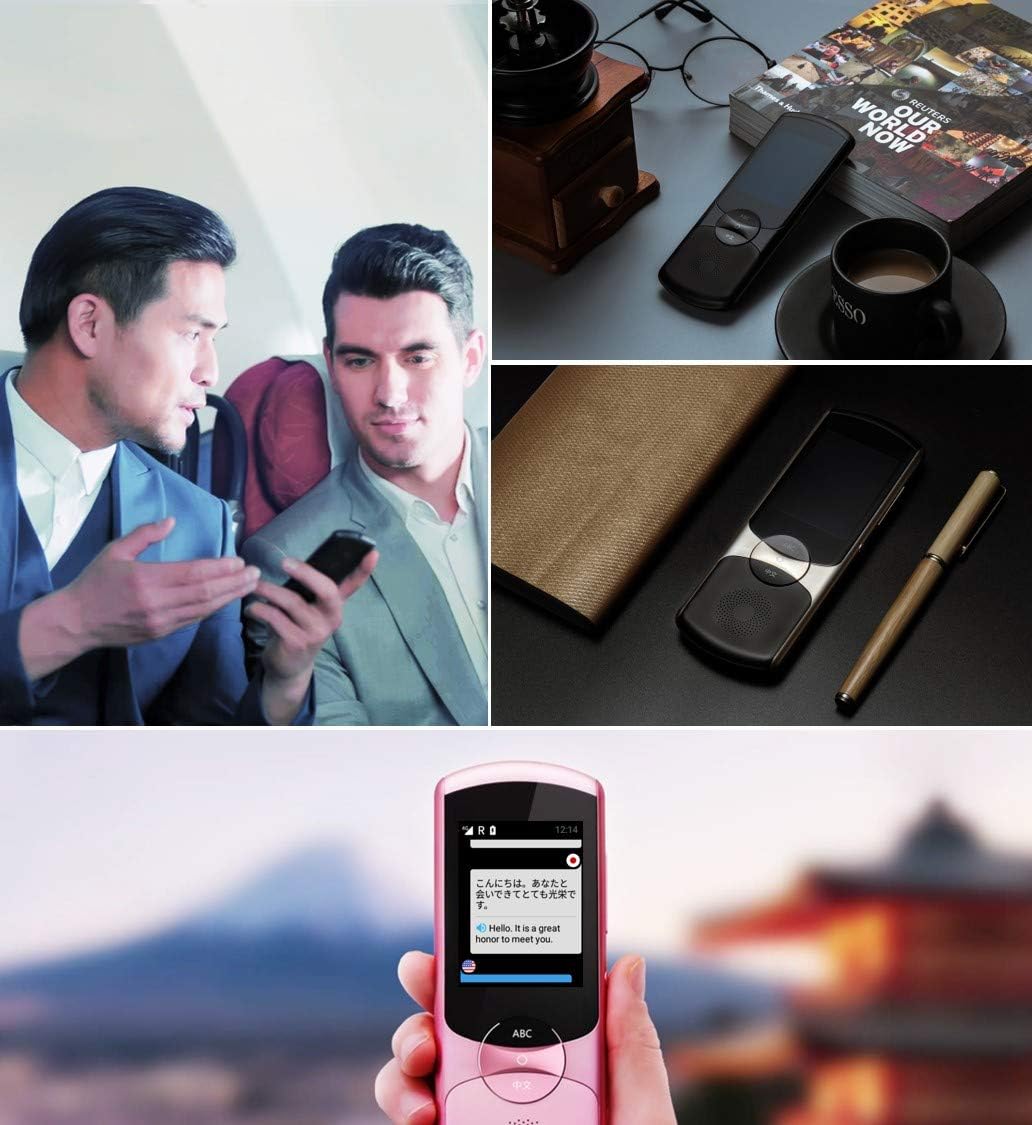
Image: A collage showing the iFLYTEK Translator 2.0 being used in different scenarios, including a business meeting and a travel setting, highlighting its versatility.
2. Camera Translation (11 Languages)
This mode translates text captured by the device's camera.
- Select Camera Translation mode from the main menu.
- Point the device's camera at the text you wish to translate (e.g., signs, menus, documents).
- Ensure the text is well-lit and within the camera's frame.
- Tap the capture button on the screen. The device will process the image and display the translated text.

Image: A user holding the iFLYTEK Translator 2.0 to translate text on a map, demonstrating the camera translation feature.
3. Pronunciation Scoring and Accent Check
The device includes an AI-powered feature to help users improve their pronunciation and check accents.
- Access the Pronunciation Scoring feature from the menu.
- Select the language for practice.
- Speak the displayed phrases or words into the microphone.
- The device will provide feedback on your pronunciation and accent.

Image: An adult and a child interacting with the iFLYTEK Translator 2.0, illustrating its use for pronunciation scoring and language learning.
Засвар үйлчилгээ
- Цэвэрлэгээ: Төхөөрөмжийг цэвэрлэхийн тулд зөөлөн, хуурай даавуу ашиглана уу. Шингэн цэвэрлэгч, аэрозоль хэрэглэж болохгүй.
- Хадгалах: Төхөөрөмжийг нарны шууд тусгал, хэт температураас хол, сэрүүн, хуурай газар хадгална.
- Батерейны арчилгаа: Зайны ашиглалтын хугацааг уртасгахын тулд зайгаа ойр ойрхон бүрэн цэнэггүй болгохоос зайлсхий. Төхөөрөмжийг удаан хугацаагаар ашиглаагүй байсан ч тогтмол цэнэглэ.
- Програм хангамжийн шинэчлэлтүүд: Тохиромжтой гүйцэтгэл, шинэ функцүүдэд нэвтрэхийн тулд програм хангамжийн шинэчлэлтийг үе үе шалгаж, суулгаарай.
Алдааг олж засварлах
| Асуудал | Боломжит шалтгаан | Шийдэл |
|---|---|---|
| Төхөөрөмж асахгүй байна. | Батерей бага; төхөөрөмж хөлдсөн. | Төхөөрөмжийг дор хаяж 30 минутын турш цэнэглэ. Асаах товчийг 10-15 секундын турш дарж хүчээр дахин асаана уу. |
| Орчуулга нь буруу эсвэл удаан байна. | Poor internet connection; unclear speech; incorrect language selection. | Ensure a stable Wi-Fi or cellular connection. Speak clearly and directly into the microphone. Verify that the correct source and target languages are selected. |
| Camera translation not working. | Insufficient lighting; blurry image; text too small. | Ensure adequate lighting. Hold the device steady to avoid blur. Position the device closer to the text if it's too small. |
| Чанга яригчаас дуу гарахгүй. | Дууны түвшин хэт бага байна; чанга яригч гацсан байна. | Increase the volume using the side buttons. Check if the speaker is blocked by debris. |
Үзүүлэлтүүд
| Онцлог | Дэлгэрэнгүй |
|---|---|
| Брэнд | iFLYTEK |
| Загварын дугаар | EASYTRANS 800 |
| Voice Translation Support | 59 Хэл |
| Camera Translation Support | 11 Хэл |
| Дуу чимээг бууруулах технологи | Yes, with 4 microphones |
| Дэлхийн харилцаа холбоо | 2 years coverage in 98 countries |
| Хариу өгөх хугацаа | Ойролцоогоор 0.5 секунд |
| Тохиромжтой төхөөрөмжүүд | Laptop, Personal Computer (for data transfer/updates) |
| Тоног төхөөрөмжийн интерфейс | 802.11 b/g/n (Wi-Fi) |
| Аудио формат | WAV |
| Чихэвчний залгуур | 3.5 миллиметр |
| Зайны төрөл | 1 лити ион батерей (дагсан) |
| Зүйлийн жин | 120 грамм |
| Дэлгэцийн хэмжээ | 5.8 инч |
| Зайны ашиглалт | 6 цаг хүртэл |
| Дижитал бичлэг хийх хугацаа | 120 минут |
Баталгаат болон дэмжлэг
For warranty information and technical support, please refer to the official iFLYTEK webсайт эсвэл харилцагчийн үйлчилгээтэй холбогдоно уу. Худалдан авалтын баримтаа баталгаат нэхэмжлэлд зориулж худалдан авалтын баталгаа болгон хадгална уу.
The device includes 2 years of global communication, which is a service feature rather than a warranty.


