1. Танилцуулга
This manual provides essential information for setting up, operating, and maintaining your Headwolf WPad3 Android 12 Tablet. Please read this manual thoroughly before using your device to ensure optimal performance and longevity.
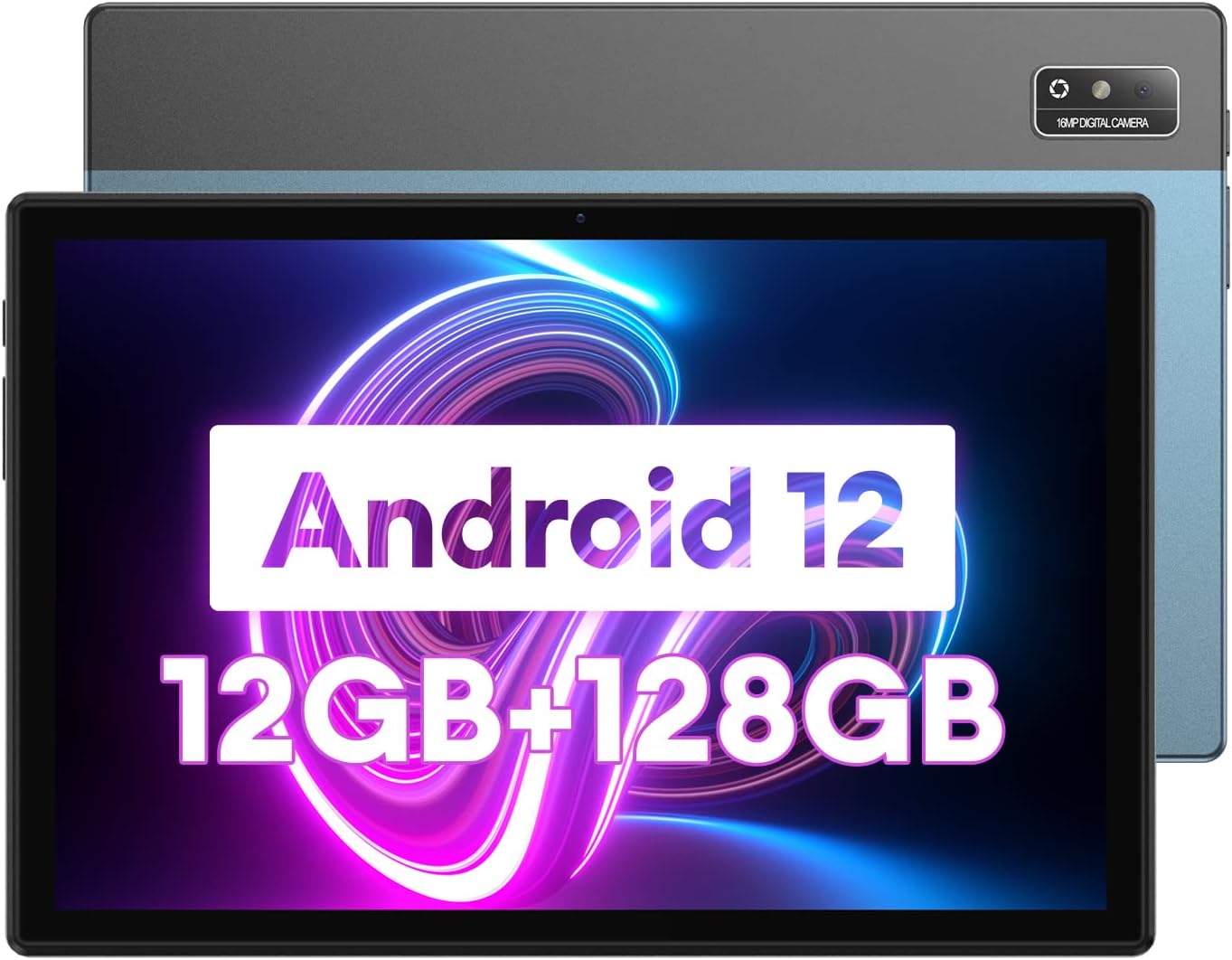
Image 1.1: Headwolf WPad3 Android 12 Tablet.
2. Багцын агуулга
Бүх зүйл багцад байгаа эсэхийг шалгана уу:
- Headwolf WPad3 таблет
- 5V2A цахилгаан хувиргагч
- White USB Cable (31.5 inches)
- Хэрэглэгчийн гарын авлага
- Micro SD Ejector Tool

Image 2.1: Contents of the Headwolf WPad3 package.
For a visual guide on unboxing, refer to the video below:
Video 2.1: Headwolf WPad3 Android Tablet 10 inch Unboxing. This video demonstrates the unboxing process and shows the included items.
3. Бүтээгдэхүүн дууссанview
3.1 Физик зохион байгуулалт
The Headwolf WPad3 features a thin and light metal body for portability.

Image 3.1: Thin and light metal body design of the Headwolf WPad3.
3.2 Гол онцлогууд
- Процессор: MT8183 Octa-core CPU for fast application launching and smooth gaming.
- Санах ой ба Хадгалалт: 12GB RAM (6GB + 6GB expansion) and 128GB ROM, expandable up to 512GB via Micro SD.
- Үйлдлийн систем: Android 12 with upgraded privacy and security management.
- Дэлгэц: 10.1-inch HD IPS display with 189 PPI and 178° viewөнцөг.
- Камерууд: 8MP front camera and 16MP rear camera with autofocus.
- Зай: 7700mAh cobalt lithium battery, providing up to 10 hours of use.
- Холболт: 2.4G/5G dual-band WiFi, Bluetooth 5.0, GPS+BDS+GALILEO navigation system.
- Аудио: Dual BOX speakers.

Зураг 3.2: Дууслааview of Headwolf WPad3 features.
4. Тохиргоо
4.1 Асаах/унтраах
To power on the tablet, press and hold the power button located on the side until the Headwolf logo appears. To power off, press and hold the power button, then select 'Power off' from the options.
4.2 Анхны тохиргооны шидтэн
Upon first use, the tablet will guide you through an initial setup process. This includes selecting your language, connecting to a Wi-Fi network, and setting up your Google account.
4.3 Wi-Fi-д холбогдож байна
- руу оч Тохиргоо > Сүлжээ ба интернет > Wi-Fi.
- Wi-Fi-г асаах/унтраах On.
- Жагсаалтаас хүссэн сүлжээгээ сонгоно уу.
- Хэрэв асуувал нууц үгээ оруулаад дараа нь товш Холбох.
4.4 Google дансны тохиргоо
A Google account is required to download apps from the Google Play Store and access Google services. During initial setup, you will be prompted to sign in or create a new Google account.
5. Таблетаа ажиллуулах
5.1 Навигацийн үндэс
The tablet uses touch gestures for navigation:
- Товш: Нэг зүйлийг сонгох эсвэл програмыг нээнэ үү.
- Шудрах: Дэлгэц эсвэл жагсаалтаар гүйлгэх.
- Томруулахын тулд чимхэх: Зургийг томруулж эсвэл жижигрүүлэх ба web хуудаснууд.
5.2 Програм ашиглах
The tablet comes pre-installed with essential Google applications. Additional applications can be downloaded from the Google Play Store.

Image 5.1: Android 12 interface on the Headwolf WPad3.
5.3 Камерын функцууд
The tablet is equipped with an 8MP front camera and a 16MP rear camera. Open the Camera app to capture photos and videos.

Image 5.2: Headwolf WPad3 dual camera system.
5.4 Батерейны удирдлага
The 7700mAh battery provides extended usage. Charge the tablet using the provided 5V2A power adapter and Type-C cable.

Image 5.3: Headwolf WPad3 battery and charging.
5.5 Хадгалалтын менежмент
The tablet has 128GB of internal storage and supports Micro SD card expansion up to 512GB. To insert a Micro SD card, use the ejector tool to open the card slot.

Image 5.4: Headwolf WPad3 memory and storage expansion.
5.6 Утасгүй проекц
The tablet supports wireless projection to compatible displays, allowing you to extend your viewтуршлага.

Image 5.5: Wireless projection feature.
5.7 GPS-ийн функциональ байдал
The tablet integrates GPS, BDS, and GALILEO navigation systems for accurate location services.
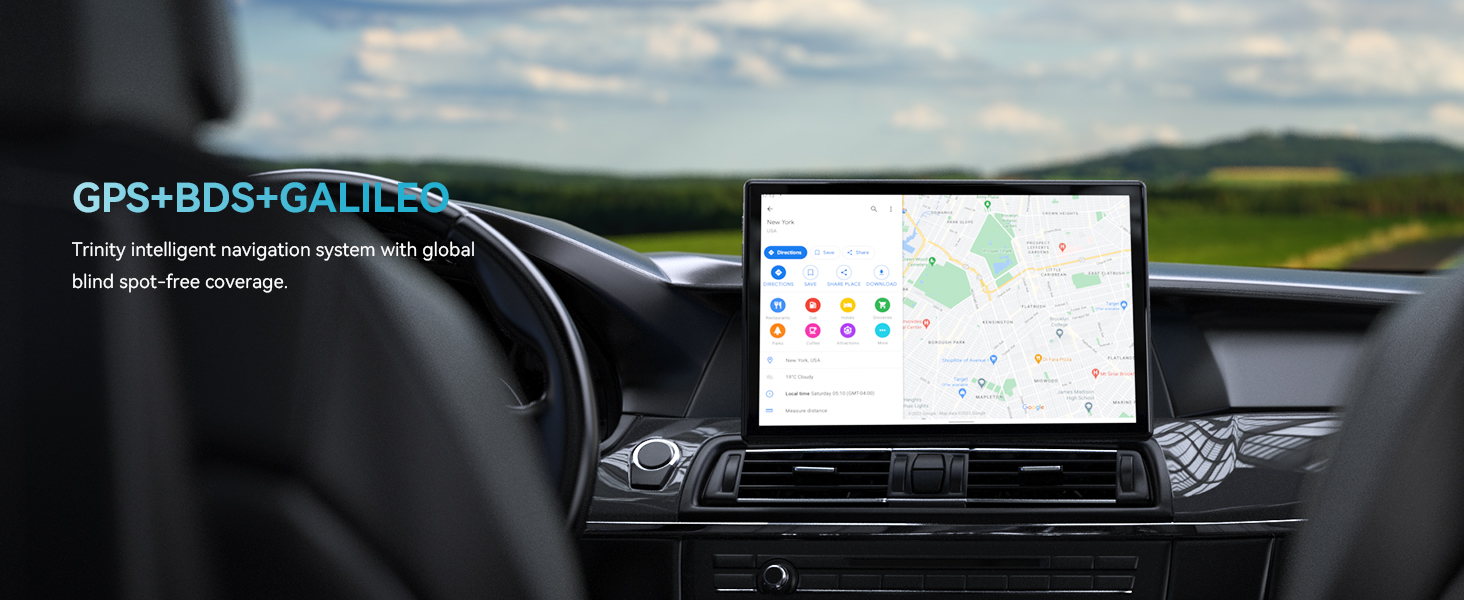
Image 5.6: GPS navigation on the Headwolf WPad3.
5.8 Аудио
Enjoy audio through the tablet's dual BOX speakers or connect headphones via the 3.5mm headphone jack.

Image 5.7: Dual BOX speakers for enhanced audio.
For a demonstration of the tablet's performance and features, refer to the video below:
Video 5.8: Headwolf WPad3 6+6GB RAM 128GB ROM Android 12 Tablet. This video highlights the tablet's speed and memory capabilities.
Video 5.9: Headwolf WPad3 10 Inch Tablet, 6GB+128GB Large Memory. This video showcases the tablet's large memory and display.
6. Засвар үйлчилгээ
6.1 Цэвэрлэгээ
Use a soft, lint-free cloth to clean the tablet screen and body. Avoid using harsh chemicals or abrasive materials.
6.2 Програм хангамжийн шинэчлэлтүүд
Таны таблет хамгийн сүүлийн үеийн функцууд болон аюулгүй байдлын засварууд байгаа эсэхийг шалгахын тулд програм хангамжийн шинэчлэлтүүдийг тогтмол шалгаж, суулгана уу. руу оч Тохиргоо > Систем > Системийн шинэчлэл.
7. Алдаа засах
This section addresses common issues you might encounter with your Headwolf WPad3 tablet.
7.1 Display Issues (e.g., Dead Pixels)
If you observe a dead pixel or other display anomalies upon unboxing, contact customer support immediately. While rare, manufacturing defects can occur.
7.2 Цэнэглэхтэй холбоотой асуудлууд
Ensure you are using the provided 5V2A power adapter and Type-C cable. Some Type-C to Type-C cables or chargers may not be compatible. If the tablet is not charging, try a different power outlet or cable. If the issue persists, contact customer support.
7.3 Performance Lags or App Crashes
If the tablet experiences occasional lags or app crashes, try the following:
- Ашиглагдаагүй дэвсгэр програмуудыг хаах.
- Clear cache for problematic apps (Тохиргоо > Програмууд > [Аппын нэр] > Хадгалах сан болон кэш > Кэшийг цэвэрлэх).
- Хадгалах хангалттай зайг хангах.
- Perform a factory reset as a last resort (Тохиргоо > Систем > Сонголтуудыг дахин тохируулах > Бүх өгөгдлийг устгах (үйлдвэрийн тохиргоонд дахин оруулах)). Back up your data before performing a factory reset.
8. Техникийн үзүүлэлтүүд
| Онцлог | Дэлгэрэнгүй |
|---|---|
| Загварын нэр | W3 |
| Үйлдлийн систем | Android 12 |
| Дэлгэцийн хэмжээ | 10.1 инч |
| Дэлгэцийн нягтрал | 1280 x 800 pixels (HD IPS) |
| Процессорын брэнд | MediaTek (MT8183 Octa-core) |
| RAM | 12GB (6GB + 6GB expansion) |
| Дотоод санах ой (ROM) | 128 ГБ |
| Өргөтгөх боломжтой хадгалах сан | Up to 512GB (Micro SD) |
| Арын Webкамерын нягтрал | 16 МП |
| Урд Webкамерын нягтрал | 8 МП |
| Зайны багтаамж | 7700 мАч |
| Утасгүй төрөл | 802.11ac (2.4G/5G WiFi) |
| Bluetooth | Bluetooth 5.0 |
| Навигац | GPS+BDS+GALILEO |
| Зүйлийн жин | 2.07 фунт |
| Бүтээгдэхүүний хэмжээс | 9 x 5 x 3 инч |
9. Баталгаат хугацаа ба дэмжлэг
Headwolf provides a one-year repair and replacement warranty for the WPad3 tablet. Dedicated customer service and technical support are available 24 hours a day. If you encounter any problems with your Android tablet, you can contact us through Amazon "Your Order - Get Help" for assistance. We are committed to providing a satisfactory solution.


