Танилцуулга
This manual provides instructions for the Matias Wired USB-C Keyboard for Mac with Numeric Keypad, Model FK316CS. It covers setup, operation, maintenance, troubleshooting, and product specifications to ensure optimal use of your keyboard.
Багцын агуулга
- Matias Wired USB-C Keyboard
Тохиргоо
The Matias Wired USB-C Keyboard is designed for simple plug-and-play functionality with compatible Mac devices. No additional drivers or software installation is required.
- Locate an available USB-C port on your Mac computer (e.g., MacBook Pro, MacBook Air, iMac).
- Insert the USB-C connector of the keyboard into the USB-C port on your Mac.
- Гарыг таны үйлдлийн систем автоматаар таних ёстой.
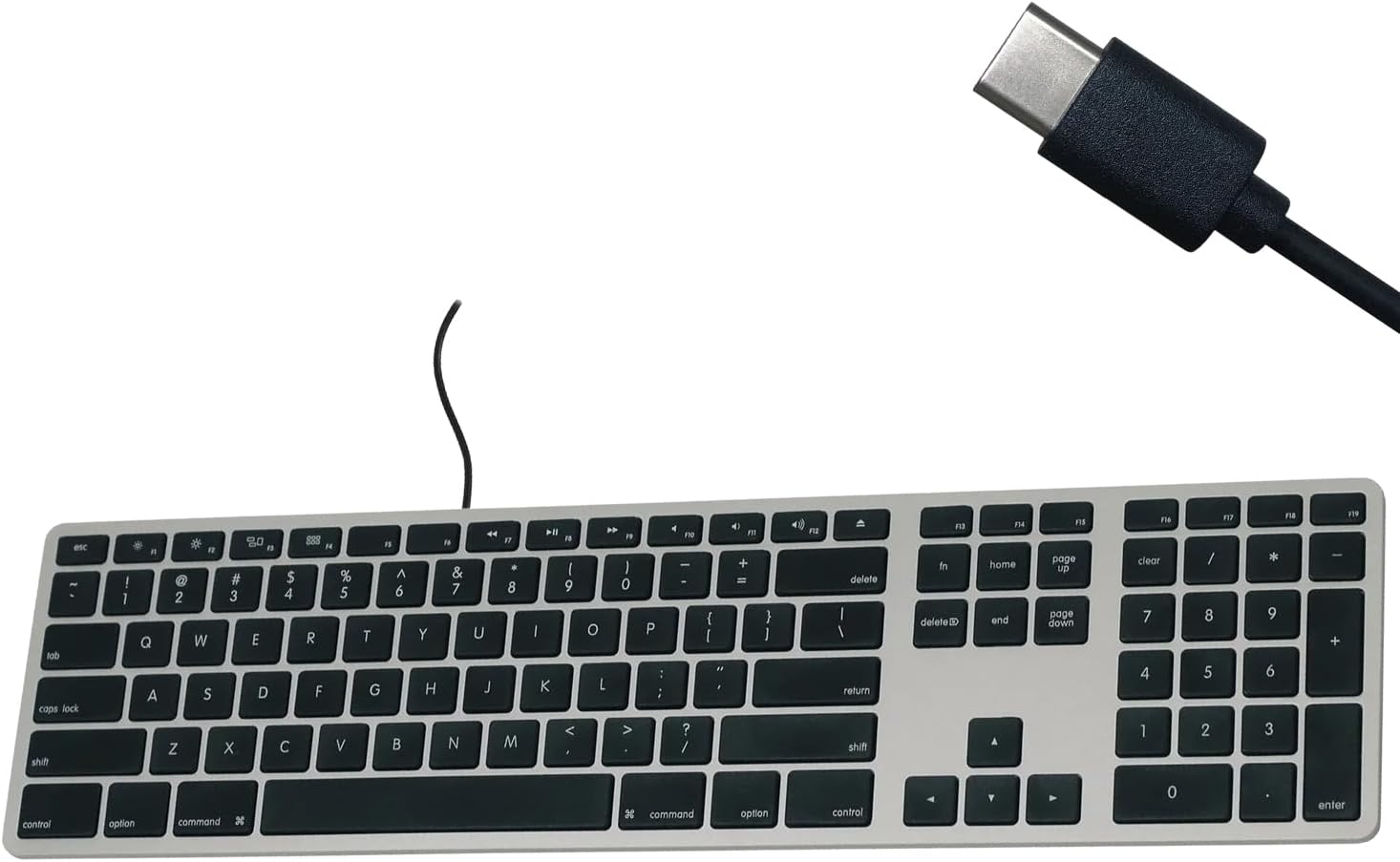
Figure 1: Matias USB-C Keyboard with its USB-C connector, ready for connection.

Figure 2: The keyboard connected to a Mac computer, demonstrating a typical setup.
Ашиглалтын заавар
Үндсэн бичих
The keyboard features a standard QWERTY layout with a full numeric keypad. Simply begin typing after connecting the keyboard to your Mac.
Тоон товчлуур
The integrated numeric keypad allows for efficient data entry and calculations. Ensure the 'Num Lock' function is active if numbers are not registering (though typically not required on Mac keyboards for the numeric pad).
Mac функцийн товчлуурууд
The top row of keys (F1-F12) provides dedicated Mac-specific functions. These keys allow for quick access to controls such as screen brightness, volume adjustment, media playback, and Mission Control.

Зураг 3: Ойрын зураг view of the Mac-specific function keys (F1-F12) on the keyboard.
Засвар үйлчилгээ
To maintain the performance and appearance of your Matias keyboard, follow these guidelines:
- Цэвэрлэгээ: Зөөлөн, хөвөнгүй даавууг бага зэрэг хэрэглээрэй dampened with water or a mild, non-abrasive cleaner to wipe the surface of the keyboard. Avoid spraying liquids directly onto the keyboard.
- Тоос арилгах: Товчлуурын хоорондох тоос, хог хаягдлыг арилгахын тулд шахсан агаарыг ашиглана.
- Хадгалах: Гарыг ашиглаагүй үедээ цэвэр, хуурай орчинд хадгална уу.
Алдааг олж засварлах
If you encounter issues with your Matias Wired USB-C Keyboard, consider the following steps:
- Гар хариу өгөхгүй байна:
- Ensure the USB-C cable is securely connected to both the keyboard and your Mac.
- Try connecting the keyboard to a different USB-C port on your Mac.
- Mac компьютерээ дахин ажиллуулна уу.
- Test the keyboard on another compatible Mac computer, if available, to determine if the issue is with the keyboard or the computer.
- Түлхүүрүүд зөв ажиллахгүй байна:
- Check for any physical obstructions or debris under the affected keys.
- Таны Mac үйлдлийн систем шинэчлэгдсэн эсэхийг шалгаарай.
Хэрэв эдгээр алхмууд нь асуудлыг шийдэж чадахгүй бол нэмэлт тусламж авахын тулд Дэмжлэгийн хэсгээс лавлана уу.
Үзүүлэлтүүд
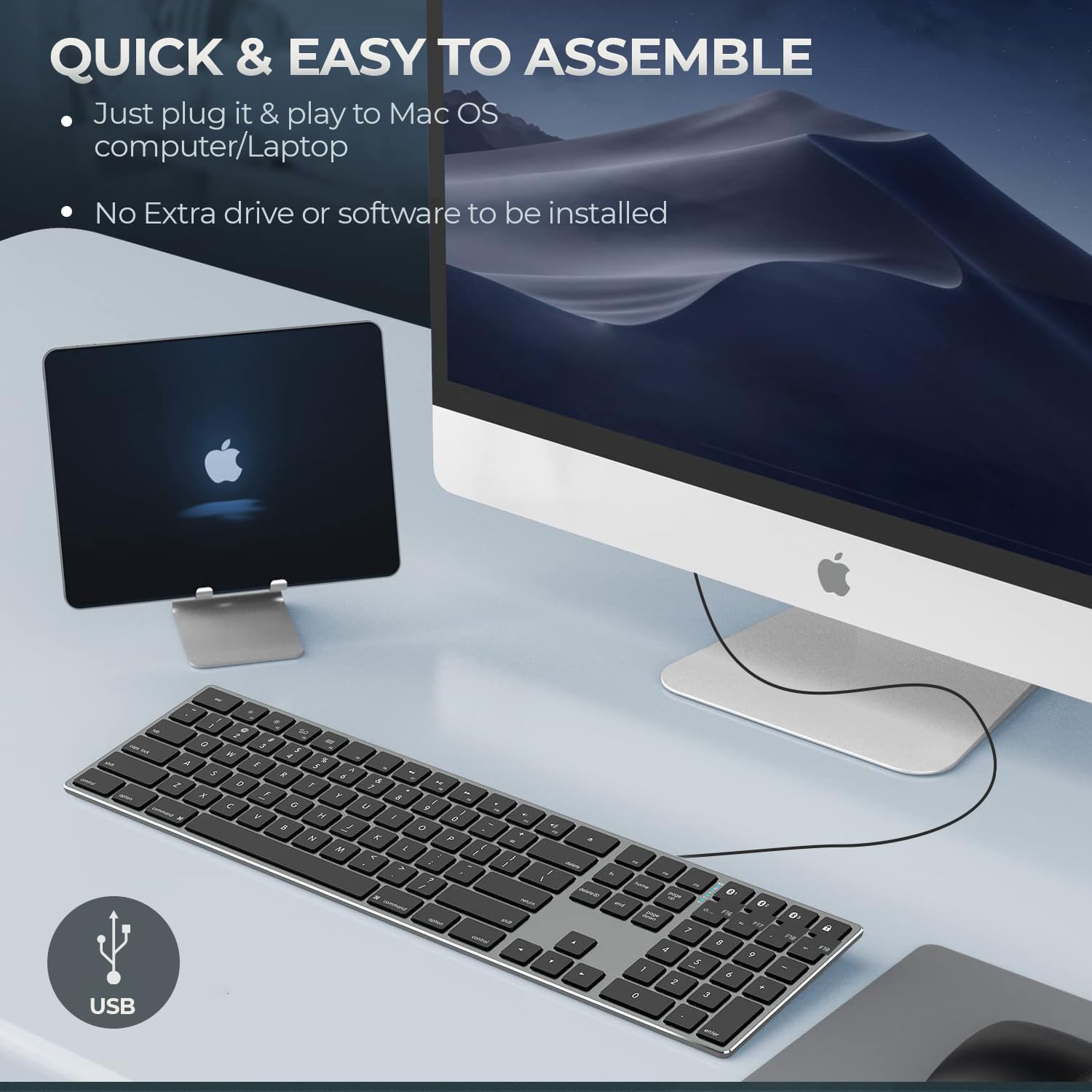
Figure 4: Key specifications of the Matias USB-C Keyboard.
| Онцлог | Дэлгэрэнгүй |
|---|---|
| Загварын дугаар | FK316CS |
| Холболтын технологи | USB-C (Утастай) |
| Тохиромжтой төхөөрөмжүүд | MacBook Pro, MacBook Air, iMac, Mac OS X v.10.6.8 and later |
| Бүтээгдэхүүний хэмжээс | 17.35 x 4.58 x 0.75 инч (44.07 x 11.63 x 1.91 см) |
| Зүйлийн жин | 1.35 фунт (612 грамм) |
| Кабелийн урт | 5 фут (1.5 метр) |
| Материал | Plastic keyframe |
| Өнгө | Сансрын саарал |

Figure 5: Keyboard dimensions and ergonomic tilt angle.
Баталгаат хугацааны мэдээлэл
Matias products are covered by a manufacturer's warranty. For specific details regarding the warranty period and terms, please refer to the warranty card included with your product or visit the official Matias webсайт.
Дэмжлэг
For further assistance, technical support, or to inquire about replacement parts, please contact Matias customer service through their official webсайт:
- Matias Official Webсайт: www.matias.ca
Please have your product model number (FK316CS) and purchase information ready when contacting support.


