Танилцуулга
This manual provides detailed instructions for the setup, operation, and maintenance of your VTech CS2000 DECT Cordless Home Phone. Please read this manual thoroughly before using your new phone to ensure proper functionality and to take full advantagтүүний онцлог шинж чанарууд.
The VTech CS2000 is designed for home use, offering reliable long-range communication, essential call management features, and user-friendly design.

Figure 1: VTech CS2000 DECT Cordless Home Phone, showing the handset docked in its base unit.
Тохиргоо
Багцын агуулга
Таны багцад бүх зүйл байгаа эсэхийг шалгаарай:
- VTech CS2000 Handset
- VTech CS2000 Base Unit
- Суурийн төхөөрөмжийн цахилгаан адаптер
- Утасны шугамын утас
- Rechargeable NiMH Battery (1 included)
Батерейг суурилуулах, цэнэглэх
The VTech CS2000 uses a rechargeable NiMH battery. Proper installation and initial charging are crucial for optimal performance.
- Гар утасны арын хэсэгт зайны тасалгааг ол.
- Insert the supplied NiMH battery, ensuring the polarity matches the diagram inside the compartment.
- Зайны тасалгааны тагийг сайтар хаа.
- Place the handset on the base unit. The charging indicator on the handset should illuminate.
- Allow the handset to charge for at least 16 hours before initial use, even if the display indicates a full charge sooner. This ensures maximum battery capacity.
Үндсэн нэгжийг холбох
- Утасны шугамын нэг үзүүрийг үндсэн нэгжийн арын хэсэгт байрлах TEL LINE залгуурт холбоно.
- Утасны шугамын нөгөө үзүүрийг ханын утасны залгуурт холбоно уу.
- Цахилгаан адаптерийн жижиг үзүүрийг үндсэн нэгжийн арын хэсэгт байрлах POWER залгуурт холбоно.
- Цахилгаан адаптерийн том үзүүрийг ердийн цахилгаан залгуурт холбоно уу.
- Бүх холболт найдвартай эсэхийг шалгаарай.
Утсаа ажиллуулж байна
Дуудлага хийх, хүлээн авах
Дуудлага хийх:
- дээр дарна уу ЯРИА button (green receiver icon) or lift the handset from the base.
- Хүссэн утасны дугаараа залгаарай.
- дээр дарна уу Төгсгөл button (red receiver icon) or place the handset back on the base to end the call.
Дуудлага хүлээн авах:
Утас дуугарах үед товчийг дарна уу ЯРИА button or lift the handset from the base to answer.
Hands-Free Speakerphone
The VTech CS2000 features a hands-free speakerphone function, allowing you to talk without holding the handset.
- Дуудлагын үеэр ИЛТГЭГЧ товчлуур (чанга яригчийн дүрс).
- To switch back to the handset, press the ЯРИА дахин товчлуур.
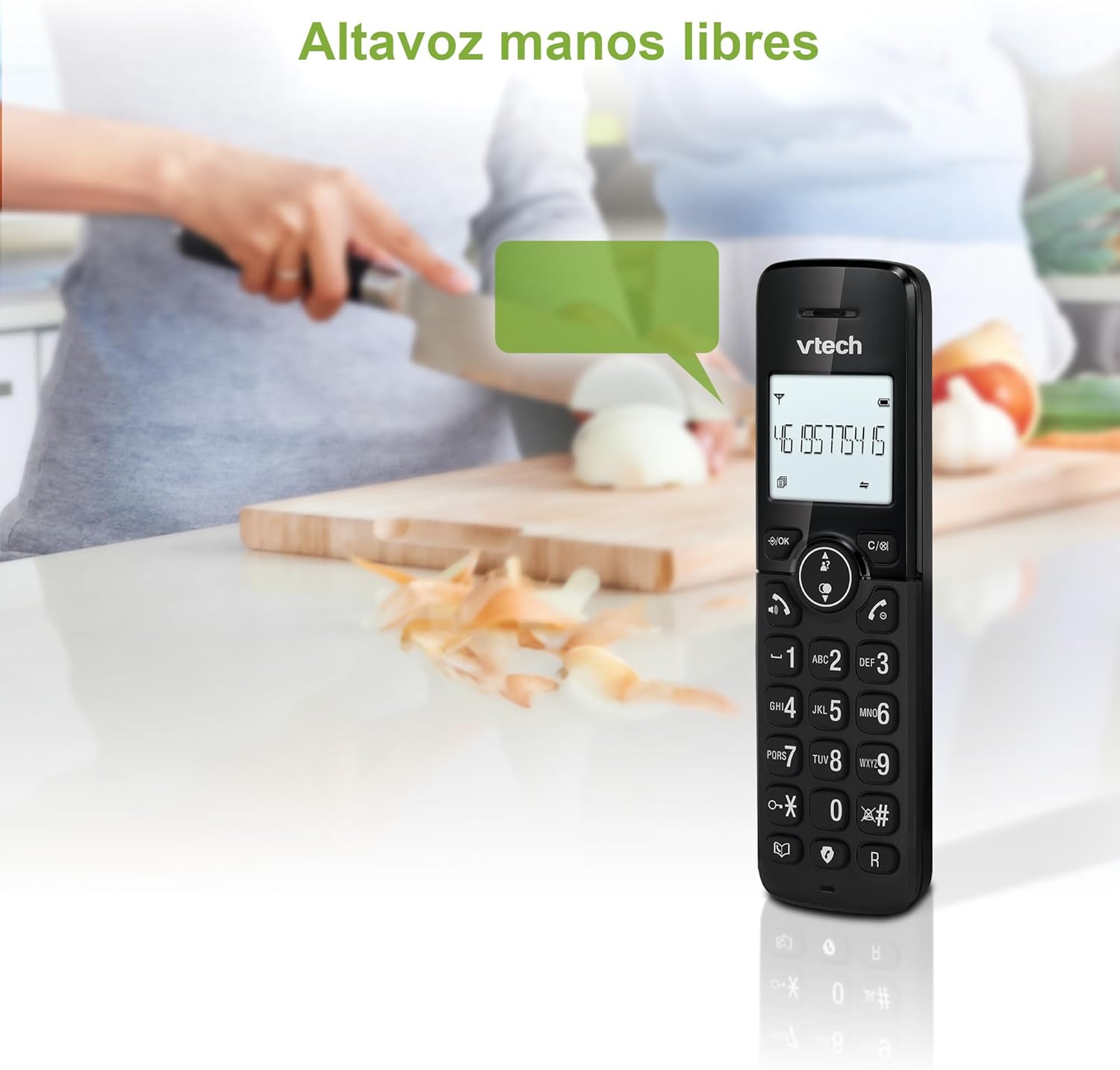
Figure 2: Using the hands-free speakerphone function.
Дуудлага хаах
The call blocking feature allows you to prevent unwanted calls. You can block up to 30 numbers.
- To block a number during a call, press the ДУУДЛЫН БЛОК товч.
- To add a number to the block list manually, navigate to the Call Block menu in the phone settings.
- Follow the on-screen prompts to add or remove numbers from the block list.
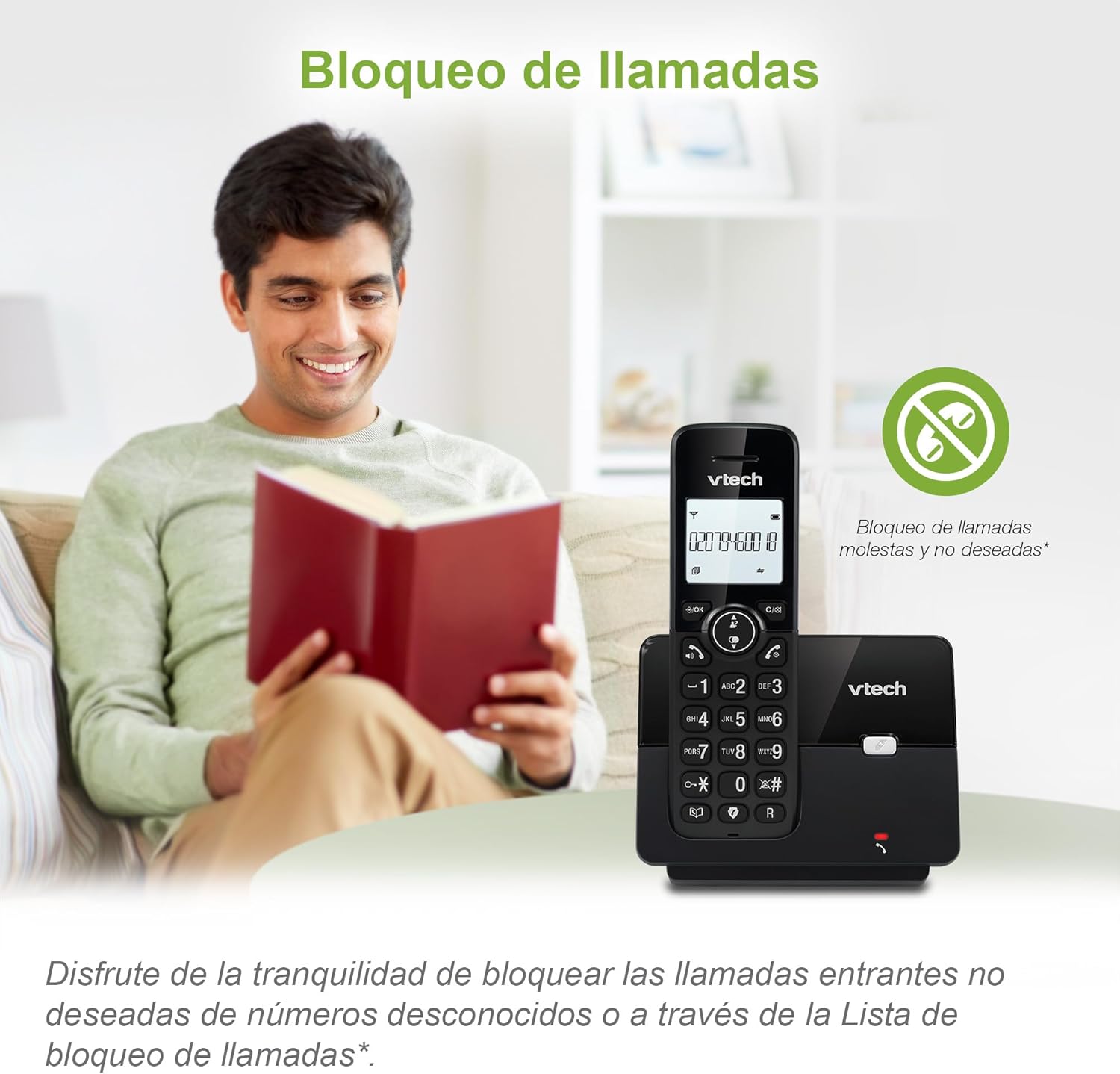
Figure 3: The call blocking feature helps manage unwanted calls.
Phonebook (Directory)
Түргэн залгахын тулд утасны дэвтэрт 30 хүртэлх нэр, дугаарыг хадгалаарай.
- дээр дарна уу ЦЭВЭР / ЗА товч.
- Navigate to the "Phonebook" or "Directory" option.
- Select "Add New Entry" and follow the prompts to enter the name and number.
- To dial from the phonebook, press the ЛАВЛАХ button and scroll to the desired entry, then press ЯРИА.

Figure 4: Managing contacts in the phonebook.
Дуудлагын дугаар ба дуудлага хүлээж байна
The phone stores up to 20 caller ID records with name and number (service subscription may be required).
When a new call comes in while you are on another call, the call waiting feature alerts you (service subscription may be required).
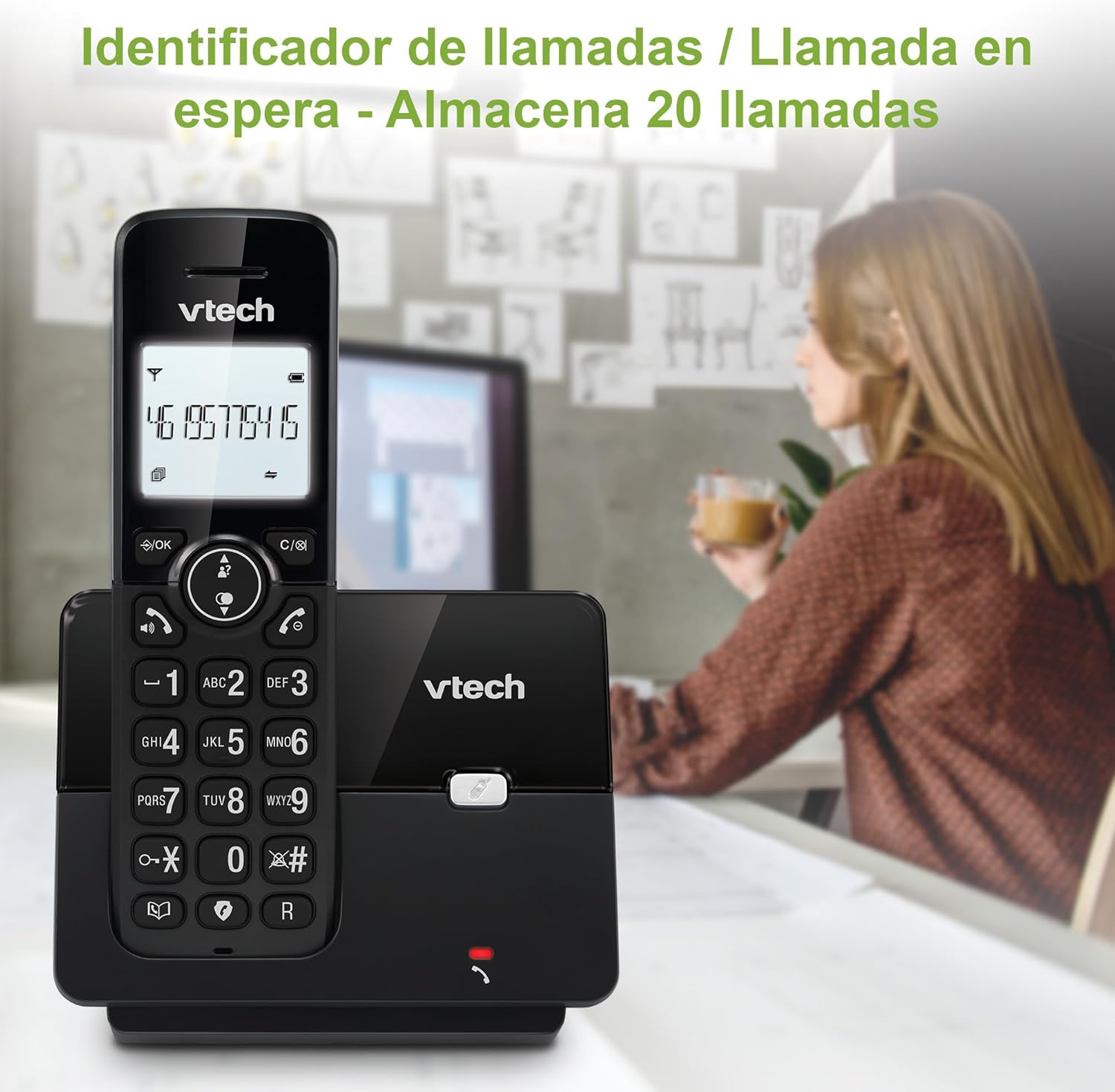
Figure 5: Caller ID display on the handset.
Дахин залгах жагсаалт
The phone stores the last 10 dialed numbers for quick redialing.
- дээр дарна уу Давтан товч.
- Scroll through the list using the navigation keys.
- дарна уу ЯРИА to redial the selected number.

Figure 6: Accessing the redial list.
ЭКО горим
The ECO mode automatically adjusts the radio frequency power based on the distance between the handset and the base unit, helping to conserve energy.
Adjusting Ring Volume and Melody
You can customize the ring volume and melody of your handset.
- дээр дарна уу ЦЭВЭР / ЗА товч.
- Navigate to "Settings" or "Ring Settings".
- Select "Ring Volume" or "Ring Melody" and choose your preference.
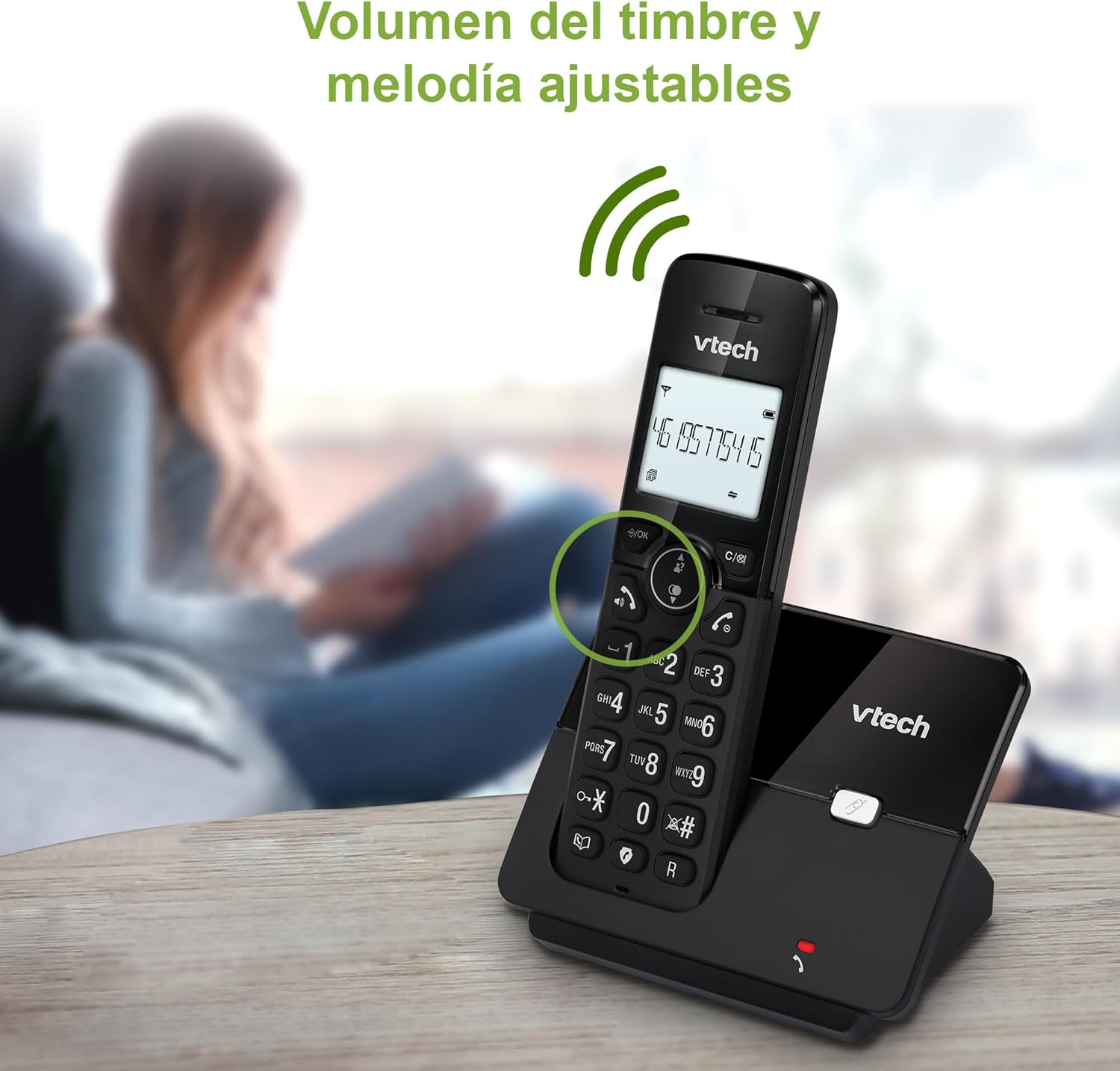
Figure 7: Adjusting ring volume and melody.
Alarm and Silence Function
The phone includes an alarm function and a silence mode for convenience.
- To set an alarm, navigate to the "Alarm" option in the menu and follow the prompts.
- To activate silence mode, typically press and hold the ЗУРАГ button or access the "Silence" option in the settings.

Figure 8: Alarm and silence functions.
Арын гэрэлтүүлэгтэй дэлгэц
The 1.8-inch backlit display provides clear visibility, especially in low-light conditions.

Figure 9: The 1.8-inch backlit display for clear viewing.
Long Range Capability
The VTech CS2000 utilizes DECT technology to provide a stable operating range of up to 300 meters outdoors, ensuring clear communication throughout your home and property.

Figure 10: The phone offers reliable long-range coverage.
Засвар үйлчилгээ
Цэвэрлэгээ
Утас болон суурь хэсгийг зөөлөн, d аргаар цэвэрлэнэ үүamp cloth. Do not use cleaning sprays or abrasive cleaners, as they can damage the finish or electrical components.
Батерейны арчилгаа
- Only use the supplied rechargeable NiMH battery or an approved replacement.
- Хэрэв утсыг удаан хугацаагаар ашиглахгүй бол гоожихоос сэргийлж зайгаа салга.
- Орон нутгийн дүрэм журмын дагуу зайгаа хариуцлагатайгаар устгана уу.
Алдааг олж засварлах
If you experience issues with your VTech CS2000 phone, try the following solutions:
| Асуудал | Шийдэл |
|---|---|
| Залгах аялгуу алга. | Ensure the telephone line cord is securely connected to both the base unit and the wall jack. Check if the power adapter is properly connected and plugged into a working outlet. |
| Гар утас цэнэглэхгүй байна. | Ensure the handset is correctly placed on the base unit. Clean the charging contacts on both the handset and base unit with a dry cloth. Verify the power adapter is connected. |
| Дууны чанар муу эсвэл статик. | Move closer to the base unit. Ensure there are no large metal objects or other electronic devices interfering with the signal. Check for loose telephone line connections. |
| Дуудлага хийх эсвэл хүлээн авах боломжгүй. | Check if the phone line is active. Ensure the handset is registered to the base unit (refer to the full manual for registration steps if needed). Temporarily unplug the base unit's power adapter, wait a few seconds, then plug it back in. |
| Дуудлага хийгчийн ID харагдахгүй байна. | Та утасны үйлчилгээ үзүүлэгчээсээ дуудлагын дугаарын үйлчилгээнд бүртгүүлсэн эсэхээ шалгана уу. |
Үзүүлэлтүүд
| Брэнд | VTech |
| Загварын дугаар | CS2000 |
| Өнгө | Хар |
| Утасны төрөл | Утасгүй DECT утас |
| Дэлгэцийн хэмжээ | 1.8 инч |
| Батерейны найрлага | NiMH |
| Батерейны тоо | 1 (Бүтээгдэхүүний онцлог - Багцад багтсан) |
| Материал | Хуванцар |
| Эрчим хүчний эх үүсвэр | Батерейгаар ажилладаг |
| Залгагчийн төрөл | Ганц товчлуур |
| Хариулах системийн төрөл | Утасгүй |
| Зүйлийн жин | 300 грамм |
| Олон шугамын ажиллагаа | Нэг шугамын ажиллагаа |
| Онцлог шинж чанарууд | Cordless, Call Blocking, Hands-Free Speakerphone, Backlit Display, ECO Mode, Caller ID, Phonebook, Redial |
Баталгаат болон дэмжлэг
For warranty information and technical support, please refer to the documentation included with your purchase or visit the official VTech webсайт. Худалдан авалтын баримтаа худалдан авалтын баталгаа болгон хадгалаарай.
Үйлдвэрлэгч: VTECH TELECOMMUNICATIONS LTD
Гарал үүслийн улс: Хятад


