1. Бүтээгдэхүүн дууссанview
The Xiaomi Redmi Buds 4 Lite are True Wireless Stereo (TWS) earbuds designed for a comfortable audio experience. They feature Bluetooth 5.3 connectivity, AI Call Noise Cancelling, and an IP54 water resistance rating, making them suitable for various activities including gaming, calls, music, and exercise.

Image: Xiaomi Redmi Buds 4 Lite TWS Wireless Earbuds in their charging case.
2. Багцын агуулга
Бүх зүйл багцад байгаа эсэхийг шалгаарай:
- Xiaomi Redmi Buds 4 Lite чихэвч (зүүн ба баруун)
- Цэнэглэх хайрцаг
- Хэрэглэгчийн гарын авлага (энэ баримт бичиг)
3. Тохиргоо
3.1. Анхны цэнэглэлт
Before first use, fully charge the earbuds and the charging case. Connect the charging case to a power source using a compatible USB cable. The indicator light on the case will show charging status.

Image: The charging case connected to a power source for charging.
3.2. Төхөөрөмжтэй хослуулах
- Чихэвчийг цэнэглэх хайрцагт хийж, хайрцагны тагийг онгорхой байгаа эсэхийг шалгаарай.
- Төхөөрөмж дээрээ (ухаалаг утас, таблет гэх мэт) Bluetooth-г идэвхжүүлнэ үү.
- хайх боломжтой Bluetooth төхөөрөмжүүдийг сонгоод жагсаалтаас "Redmi Buds 4 Lite"-г сонгоно уу.
- The earbuds will automatically connect. A voice prompt or indicator light will confirm successful pairing.
The Redmi Buds 4 Lite support Google Fast Pair for quick and seamless connection with compatible Android devices.

Image: Earbuds and case illustrating Google Fast Pair feature.
3.3. Чихэвч зүүх
Gently insert the earbuds into your ears. Adjust them for a snug and comfortable fit. The lightweight design and rounded tips ensure they stay securely in place during various activities.
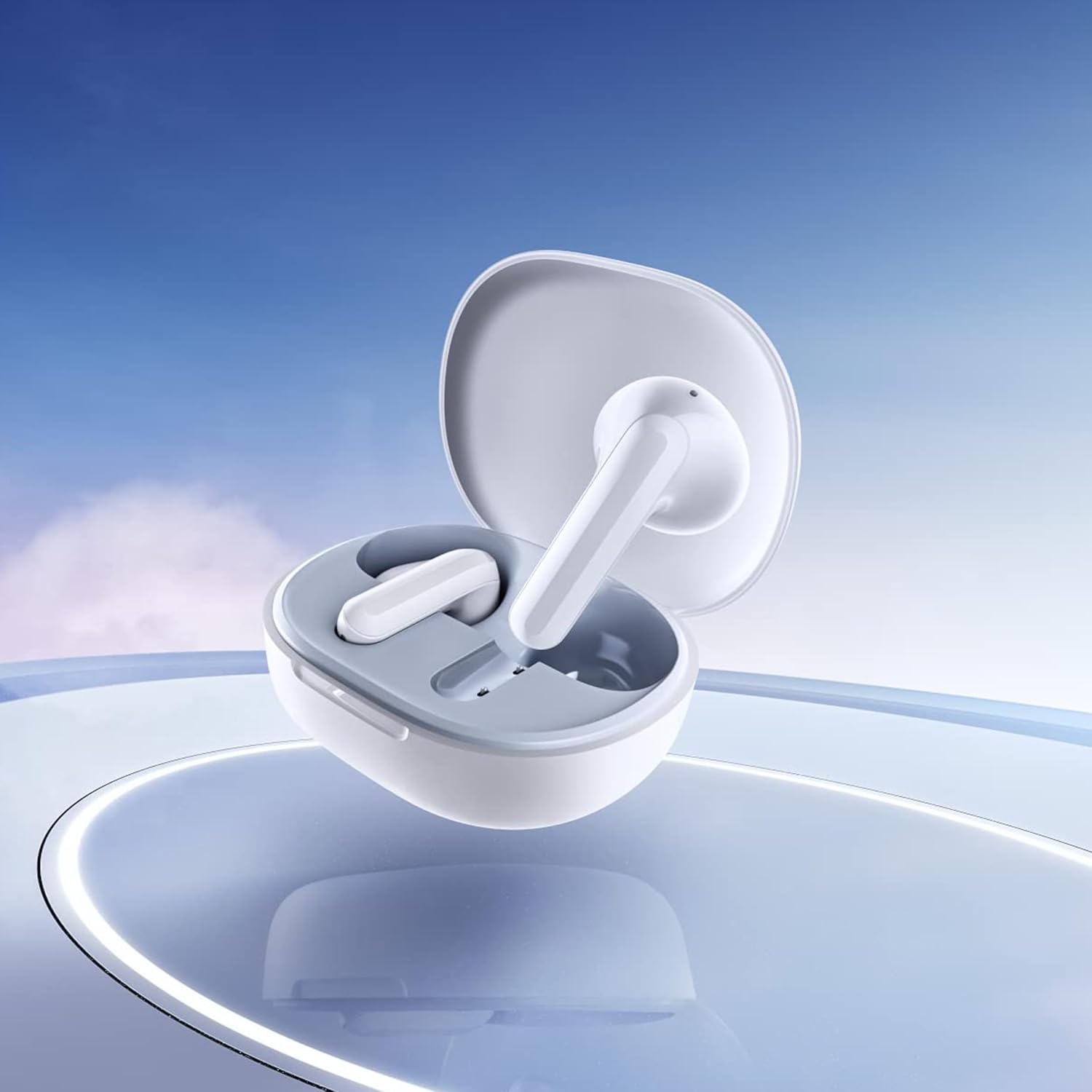
Image: Close-up of the individual earbuds, highlighting their design.
4. Ашиглалтын заавар
4.1. Удирдлагад хүрнэ үү
The Redmi Buds 4 Lite feature intuitive touch controls for media playback and call management. Specific touch gestures may vary slightly, but common functions include:
- Тоглуулах/түр зогсоох: Аль нэг чихэвч дээр нэг товших.
- Дараагийн дуу: Баруун чихэвчийг давхар товш.
- Өмнөх бичлэг: Зүүн чихэвчийг давхар товш.
- Дуудлагад хариулах/дуусах: Аль нэг чихэвч дээр нэг товших.
- Дуудлагаас татгалзах: Аль нэг чихэвч дээр удаан дар.
- Дуут туслахыг идэвхжүүлэх: Аль нэг чихэвчийг гурав дахин товш.
4.2. AI дуудлагын дуу чимээг арилгах
The earbuds are equipped with AI Call Noise Cancelling technology to enhance call clarity by reducing background noise during phone conversations.
4.3. Хоцролт багатай тоглоомын горим
For an optimized gaming experience, the earbuds offer a low-latency mode. Refer to your device's Bluetooth settings or the official Xiaomi app (if available) for activation instructions.
5. Засвар үйлчилгээ
5.1. Цэвэрлэгээ
Regularly clean your earbuds and charging case to maintain optimal performance and hygiene. Use a soft, dry, lint-free cloth. Do not use abrasive cleaners or immerse the earbuds or case in water.
5.2. Усны эсэргүүцэл (IP54)
The Redmi Buds 4 Lite have an IP54 rating, meaning they are protected against dust ingress and splashing water from any direction. This makes them suitable for workouts and light rain. However, they are not designed for swimming or showering. Avoid exposing them to high-pressure water or submerging them.

Image: Earbuds shown with an IP54 water resistance indicator.
5.3. Хадгалах
Ашиглаагүй үед чихэвчийг цэнэглэгч хайрцагт нь хийж хамгаалж, цэнэгтэй хэвээр байлгахыг баталгаажуулна уу. Сэрүүн, хуурай газар, нарны шууд тусгал болон хэт өндөр температураас хол хадгална уу.
6. Алдаа засах
6.1. Чихэвч тохирохгүй байна
- Чихэвч хоёулаа цэнэглэгдсэн эсэхийг шалгаарай.
- Place earbuds back in the case, close the lid, then open it again to reset.
- Төхөөрөмжийнхөө Bluetooth-г унтрааж, асаана уу.
- Forget "Redmi Buds 4 Lite" from your device's Bluetooth list and try pairing again.
6.2. Дуу байхгүй эсвэл дуу багатай
- Төхөөрөмж болон чихэвчний дууны түвшинг шалгана уу.
- Чихэвчийг чихэндээ зөв суулгасан эсэхийг шалгаарай.
- Чихэвчний чанга яригчаас хог хаягдлыг цэвэрлэ.
- Чихэвчийг төхөөрөмждөө дахин холбоно уу.
6.3. Дуудлагын чанарын асуудлууд
- Чихэвч бүрэн цэнэглэгдсэн эсэхийг шалгаарай.
- Дохио саад болохгүйн тулд холбогдсон төхөөрөмждөө ойртоорой.
- The AI Call Noise Cancelling feature helps, but extreme noisy environments may still affect clarity.
6.4. Чихэвч цэнэглэхгүй байна
- Цэнэглэх кабель нь хайрцаг болон тэжээлийн эх үүсвэрт найдвартай холбогдсон эсэхийг шалгана уу.
- Чихэвч болон хайрцагны цэнэглэх контактууд нь цэвэр, хог хаягдалгүй эсэхийг шалгаарай.
- Өөр цэнэглэгч кабель эсвэл тэжээлийн адаптер ашиглаж үзнэ үү.
7. Техникийн үзүүлэлтүүд
| Онцлог | Дэлгэрэнгүй |
|---|---|
| Загварын нэр | Redmi Buds 4 Lite |
| Холболтын технологи | Утасгүй (Bluetooth 5.3) |
| Bluetooth хувилбар | 5.3 |
| Bluetooth хүрээ | 10 метр |
| Аудио драйверын төрөл | Динамик драйвер (12мм) |
| Зайны ашиглалт | 20 цаг хүртэл (цэнэглэх хайрцагтай) |
| Хяналтын арга | Хүрч, Медиа хяналт |
| Дуу чимээний хяналтын онцлогууд | AI дуудлагын дуу чимээг арилгах |
| Усны эсэргүүцлийн түвшин | IP54 (Усны хамгаалалттай) |
| Зүйлийн жин | 39 Grams (total), 1.38 ounces (product) |
| Бүтээгдэхүүний хэмжээс | 2.56 x 1.89 x 1.02 инч |
| Материал | Plastic (earbuds and case) |
| Өнгө | Цагаан |
| Чихний байрлал | Чихэнд |
| Тохиромжтой төхөөрөмжүүд | Devices with Bluetooth 5.3 and supporting A2DP, AVRCP, HFP profiles |

Зураг: Урд view of the Redmi Buds 4 Lite in their charging case.

Зураг: хажуу тал view of the Redmi Buds 4 Lite in their charging case.
8. Баталгаат хугацаа ба дэмжлэг
8.1. Баталгаат хугацааны мэдээлэл
Warranty details for the Xiaomi Redmi Buds 4 Lite are typically provided with your purchase documentation. Please refer to the warranty card or contact your retailer for specific terms and conditions regarding your product's warranty coverage.
8.2. Хэрэглэгчийн дэмжлэг
For further assistance, technical support, or inquiries, please visit the official XIAOMI website or contact their customer service department. You can often find support contact information on the product packaging or the brand's official online channels.
Албан ёсны XIAOMI дэлгүүр: Амазон дээрх XIAOMI дэлгүүр