1. Аюулгүй байдлын чухал мэдээлэл
Энэ бүтээгдэхүүнийг хэрэглэхийн өмнө бүх зааврыг анхааралтай уншина уу. Энэ гарын авлагыг цаашид лавлах зорилгоор хадгална уу.
- Саундбарыг бороо, чийг эсвэл хэт өндөр температурт бүү гарга.
- Төхөөрөмжийн эргэн тойронд зохих агааржуулалтыг хангах. Агааржуулалтын нүхийг хааж болохгүй.
- Use only the power adapter supplied with this device.
- Саундбарыг задлах эсвэл өөрчлөх гэж бүү оролдоорой. Бүх засвар үйлчилгээг мэргэшсэн ажилтнуудад даатга.
- Саундбарыг хүчтэй соронзон оронгоос хол байлга.
2. Багцын агуулга
Бүх зүйл багцад байгаа эсэхийг шалгана уу:
- Суперсоник SC-1420SB дууны самбар
- Алсын удирдлага
- Эрчим хүчний адаптер
- Хэрэглэгчийн гарын авлага
3. Бүтээгдэхүүн дууссанview
The Supersonic SC-1420SB is a 30-inch 2.0 channel soundbar designed to enhance your audio experience. It features Bluetooth 5.0 connectivity, HDMI ARC, Optical input, and dual 3.5mm Aux inputs for versatile connection options. Five pre-set EQ modes allow for customized sound profiles.
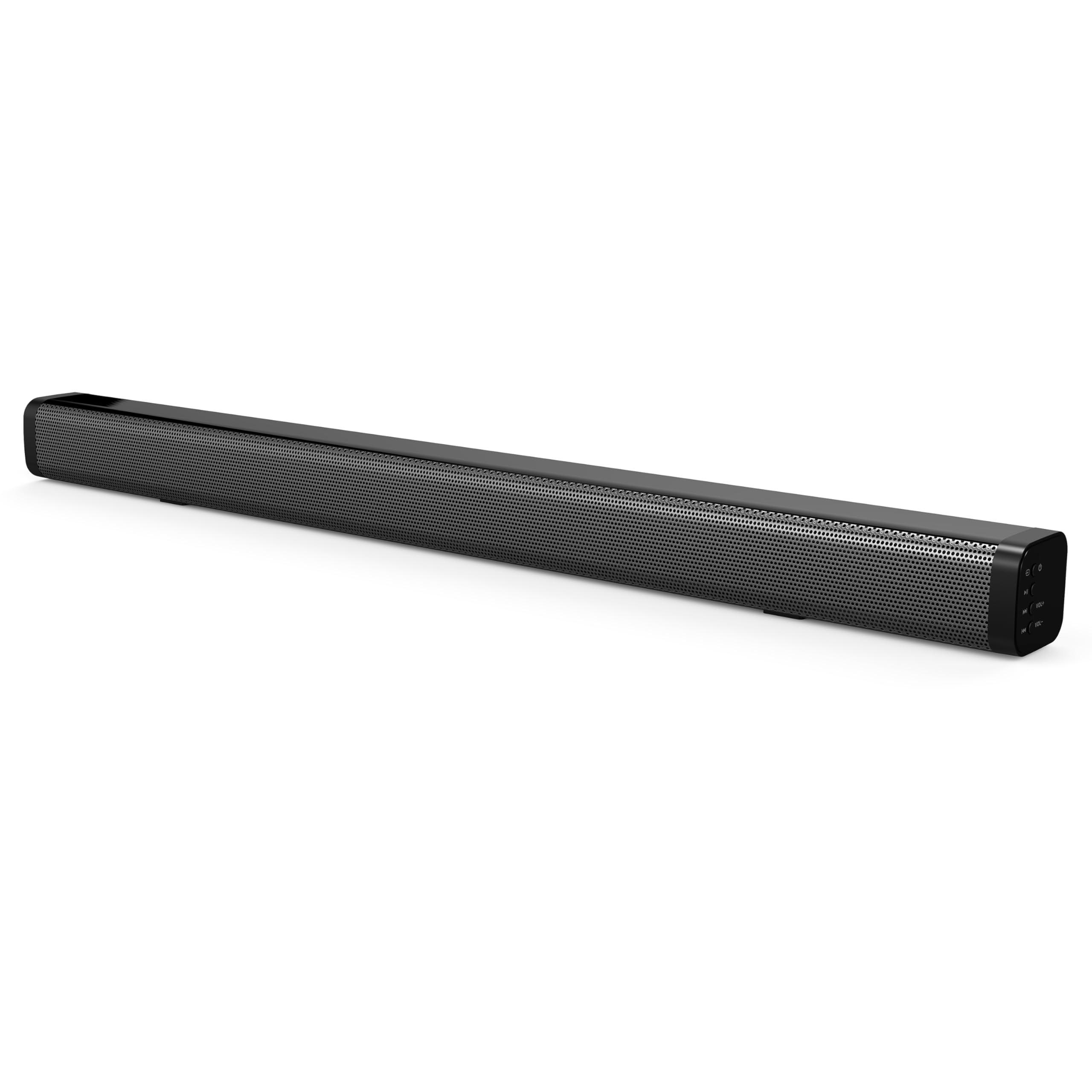
The soundbar's low-profile design (2.5" height) allows it to fit comfortably in front of most televisions without obstructing the screen.
4. Тохиргоо
4.1 Байршил
Place the soundbar on a flat, stable surface directly in front of your television. Ensure there is adequate space for cable connections at the rear of the unit.

4.2 Цахилгаан тэжээлд холбогдох
- Цахилгаан адаптерийг дууны самбарын ар талд байрлах DC IN порт руу холбоно уу.
- Цахилгаан адаптерийн нөгөө үзүүрийг ханын залгуурт холбоно уу.
4.3 Аудио холболт
Choose one of the following methods to connect the soundbar to your audio source:
- HDMI ARC: Connect an HDMI cable (not included) from the HDMI ARC port on the soundbar to the HDMI ARC port on your television. This allows audio to be sent from the TV to the soundbar and enables control of the soundbar's power and volume using your TV remote (if supported by your TV).
- Оптик оролт: Connect an optical cable (not included) from the OPTICAL IN port on the soundbar to the optical audio output on your television or other audio device.
- Dual 3.5mm Aux Inputs: Use a 3.5mm audio cable (not included) to connect external devices such as smartphones, tablets, or MP3 players to either of the AUX IN ports on the soundbar.
5. Үйл ажиллагаа
5.1 Асаах/унтраах
дээр дарна уу Хүч төхөөрөмжийг асаах эсвэл унтраахын тулд дууны самбар эсвэл алсын удирдлага дээрх товчлуурыг дарна уу.

5.2 Оролтын эх үүсвэрийг сонгох
дээр дарна уу Оруулах button on the remote control or the soundbar to cycle through the available input sources: HDMI ARC, Optical, Bluetooth, and Aux.
5.3 Bluetooth холболт
- Саундбарыг асаагаад Bluetooth оролтын горимыг сонгоно уу. Заагч гэрэл анивчих бөгөөд энэ нь хослох горимд байгааг илтгэнэ.
- On your Bluetooth-enabled device (e.g., smartphone), search for available Bluetooth devices.
- Select "SC-1420SB" from the list.
- Once paired, the indicator light on the soundbar will stop flashing and remain solid.
- To unpair a device, press the НЭГДСЭН алсын удирдлага дээрх товчлуур.
5.4 Дууны хяналт
-г ашиглана уу VOL+ болон VOL- buttons on the remote control or the soundbar to adjust the volume. Press the Дууг хаах товчийг дарж дууг түр хаах боломжтой.
5.5 EQ горим
дээр дарна уу EQ button on the remote control to cycle through the 5 pre-set equalizer modes. These modes optimize the sound profile for different content types (e.g., Music, Movie, News).
6. Засвар үйлчилгээ
Дууны самбарынхаа урт наслалт, оновчтой ажиллагааг хангахын тулд дараах засвар үйлчилгээний удирдамжийг дагана уу.
- Цэвэрлэгээ: Саундбарын гадаргууг цэвэрлэхийн тулд зөөлөн, хуурай даавуу ашиглаарай. Шингэн цэвэрлэгч эсвэл зүлгүүрийн материал бүү ашиглаарай.
- Хадгалах: Хэрэв дууны самбарыг удаан хугацаагаар хадгалах бол цахилгаанаас нь салгаад сэрүүн, хуурай газар хадгална уу.
- Саад бэрхшээлээс зайлсхийх: Ensure that the speaker grilles are not obstructed by dust or debris.
7. Алдаа засах
If you encounter issues with your soundbar, refer to the following troubleshooting steps:
| Асуудал | Боломжит шалтгаан | Шийдэл |
|---|---|---|
| Хүч чадалгүй | Цахилгааны кабель холбогдоогүй байна; залгуур идэвхгүй байна | Ensure power cable is securely connected; test outlet with another device. |
| Дуу алга | Incorrect input selected; volume too low; cables loose | Select correct input source; increase volume; check all audio cable connections. |
| Bluetooth-г холбохгүй байна | Soundbar not in pairing mode; device too far; previously paired device connected | Ensure soundbar is in Bluetooth mode and flashing; move device closer (within 10m); unpair from other devices. |
| Алсын удирдлага ажиллахгүй байна | Batteries low/dead; obstruction; too far from soundbar | Replace batteries; remove obstructions; ensure remote is pointed at the soundbar within effective range. |
8. Техникийн үзүүлэлтүүд
| Загварын нэр | SC-1420SB |
| Чанга яригчийн төрөл | Дууны самбар |
| Хүрээлэн буй орчны дууны сувгийн тохиргоо | 2.0 |
| Холболтын технологи | Bluetooth, HDMI ARC, Optical, Dual Aux (3.5mm) |
| Bluetooth хувилбар | 5.0 |
| Bluetooth хүрээ | 10 метр (33 фут) хүртэл |
| Чанга яригчийн хэмжээ | 30 инч |
| Бүтээгдэхүүний хэмжээ (D x W x H) | 2.6" x 2.36" x 35.42" |
| Зүйлийн жин | 6.04 фунт |
| Эрчим хүчний эх үүсвэр | Утастай цахилгаан |
| Материал | Хуванцар |
| Хяналтын арга | Хүрэлт, Алсын удирдлага |
9. Баталгаат хугацаа ба дэмжлэг
This Supersonic product comes with a limited warranty. For specific warranty terms and conditions, please refer to the warranty card included in your package or contact Supersonic customer support.
For technical assistance or customer service inquiries, please visit the official Supersonic webсайт эсвэл тэдний туслах багтай шууд холбогдоно уу.


