1. Танилцуулга
This manual provides instructions for the proper use and maintenance of the Frigga M1E Single Use Temperature Data Logger with External Probe. This device is designed for accurate temperature monitoring in various applications, particularly within cold chain logistics, medicine storage, and food refrigeration. It records temperature data and generates PDF and CSV reports without requiring special software.
2. Бүтээгдэхүүн дууссанview
The Frigga M1E data logger is a compact, single-use device equipped with an external probe for precise temperature measurement. It features an LCD screen for real-time data display and buttons for operation.

Зураг 2.1: Frigga M1E Single Use Data Logger with its key components labeled, including the USB Cover, USB Connector, LED Indicator, LCD Screen, Stop Button, Start Button, Bar Code Label, and External Sensor.
Гол бүрэлдэхүүн хэсгүүд:
- USB хавтас: Protects the USB connector.
- USB холбогч: Used for connecting to a computer to retrieve data.
- LED үзүүлэлт: Provides visual feedback on device status (e.g., alarm, recording).
- LCD дэлгэц: Displays current temperature, alarm status, and other operational information.
- Зогсоох товч: Initiates the stop recording process.
- Эхлэх товч: Initiates the start recording process.
- Bar Code Label: Contains device identification information.
- Гадаад мэдрэгч: Provides accurate temperature readings.
3. Тохиргоо
The Frigga M1E data logger is designed for immediate use. No prior setup or charging is required as it comes with a pre-installed, long-lasting CR2450 battery.
- Төхөөрөмжийг задлах: Carefully remove the data logger from its packaging.
- Гадаад датчик: Ensure the external temperature probe is securely connected to the device. The probe is essential for accurate temperature measurement.
- Байршил: Position the data logger and its external probe in the environment where temperature monitoring is required. Ensure the probe is placed to accurately reflect the temperature of the monitored items.
4. Ашиглалтын заавар
4.1 Starting the Data Logger
To begin temperature recording:
- " товчийг удаан дарна ууSTART" button for 5 seconds until the Blue LED blinks. The device will display "8888" then the current temperature, indicating it has started recording.
- Жич: This device is for single-use. Once activated, it cannot be turned off, and the maximum recording time is 100 days.

Зураг 4.1: Visual guide for starting and stopping the Frigga M1E data logger, illustrating the button presses and LED feedback.
4.2 Stopping the Data Logger
To stop temperature recording:
- " товчийг удаан дарна ууЗОГС" button for 5 seconds until the Red LED blinks, then release it within 40 seconds. The device will display "StoP" indicating recording has ceased.
4.3 Work Status Indicators
The LCD screen provides various status indicators:

Зураг 4.2: Display modes of the Frigga M1E data logger, including Sleep Mode, Start Delay, Recording Mode, Generating Report, and Stop Mode.
- Унтах горим: "8888" displayed before starting.
- Эхлэх саатал: Indicates a programmed delay before recording begins.
- Бичлэгийн горим: Displays current temperature and "REC" icon.
- Generating Report: "PdF" displayed when connected to a computer and generating a report.
- Зогсоох горим: "StoP" displayed after recording has been manually stopped.
4.4 Retrieving Data Reports
After recording is complete, you can easily retrieve the data:
- Remove the USB cover.
- Plug the data logger into a standard USB port on any computer.
- The device will automatically generate a PDF and CSV report. These files will appear as a removable drive.
- Open the PDF report to view a summary, temperature graph, and detailed data table. The CSV file provides raw data for further analysis.

Зураг 4.3: Illustration of the Frigga M1E's plug-and-play functionality for generating PDF and CSV reports directly from the device when connected to a computer.
Видео 4.1: This video demonstrates the physical components of the Frigga M1E data logger, how to initiate recording by pressing the START button, how to stop recording using the STOP button, and the process of plugging the device into a computer to automatically generate and access PDF and CSV data reports.
5. Онцлогууд
The Frigga M1E data logger offers several features designed for reliable temperature monitoring:
- Accurate Temperature Data: Advanced internal sensor provides a measuring range of -40°F ~ 176°F (-40°C ~ 80°C), with an accuracy range of ±0.5℃ (-20℃ to +40℃) and ±1℃ for other ranges.
- Их хэмжээний өгөгдлийн санах ой: Stores up to 14400 readings, ensuring comprehensive data collection over extended periods.
- Auto Generated CSV & PDF Report: Directly generates reports upon USB connection, eliminating the need for software or driver installation.
- LED дохиоллын индикатор: Alerts users if the temperature exceeds pre-set thresholds, crucial for maintaining temperature stability.
- No Charging Required & Long-lasting Battery Life: Equipped with a CR2450 battery for extended operation without recharging.
- Гадаад температур мэдрэгч: Allows for remote temperature monitoring in hard-to-reach or specific locations.
- IP65 Усны хамгаалалттай зэрэглэл: Тоос шороо болон ус цацрахаас хамгаална.
- Температурын нэгжийн унтраалга: Allows selection between Celsius and Fahrenheit (current version supports Celsius only).
- Event Mark: Ability to mark specific events during the recording period.
- Zero Data Loss: Designed to ensure data integrity throughout the monitoring process.
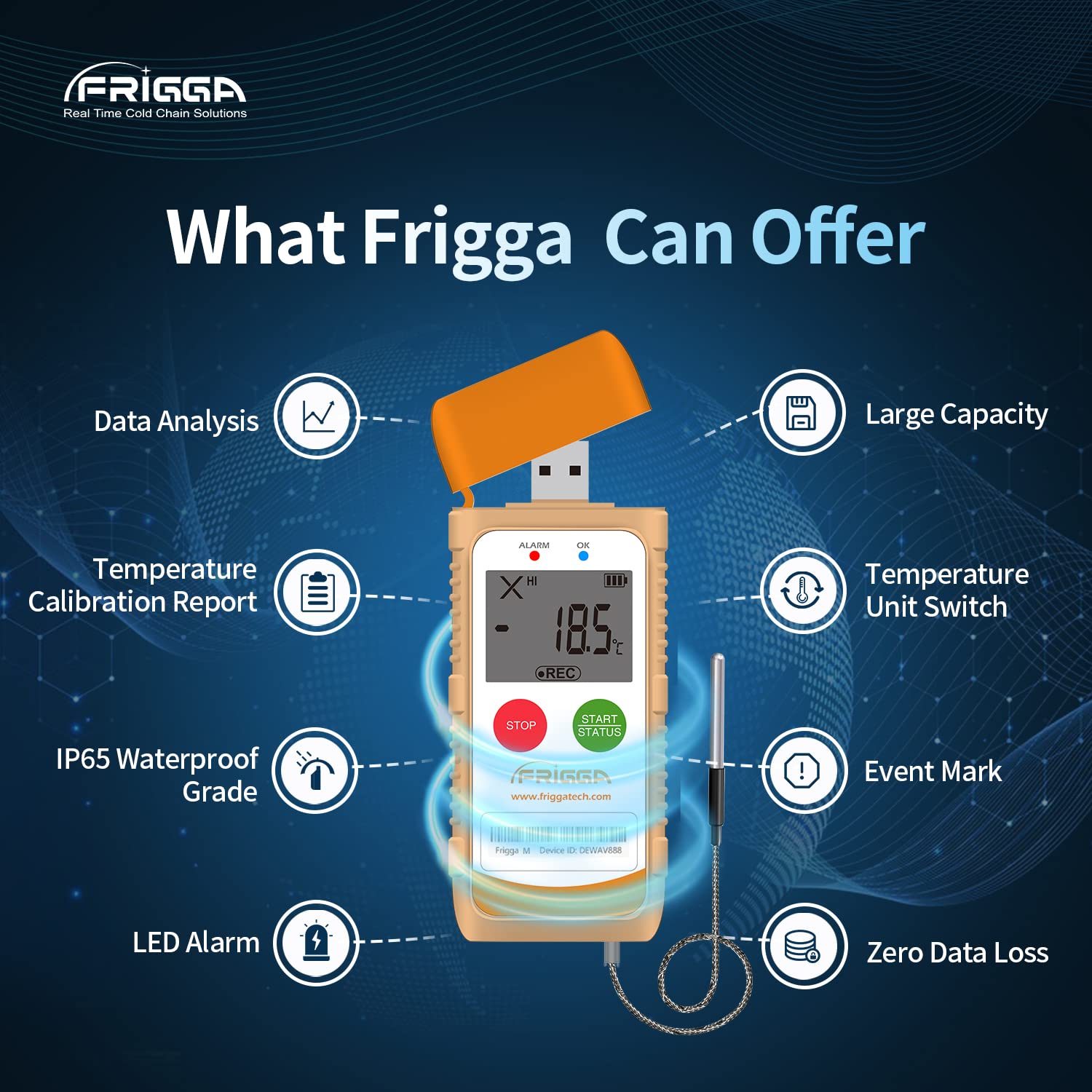
Зураг 5.1: Нэг гаруйview of the Frigga M1E's capabilities, including data analysis, temperature calibration report, IP65 waterproof rating, LED alarm, temperature unit switch, event mark, and zero data loss.
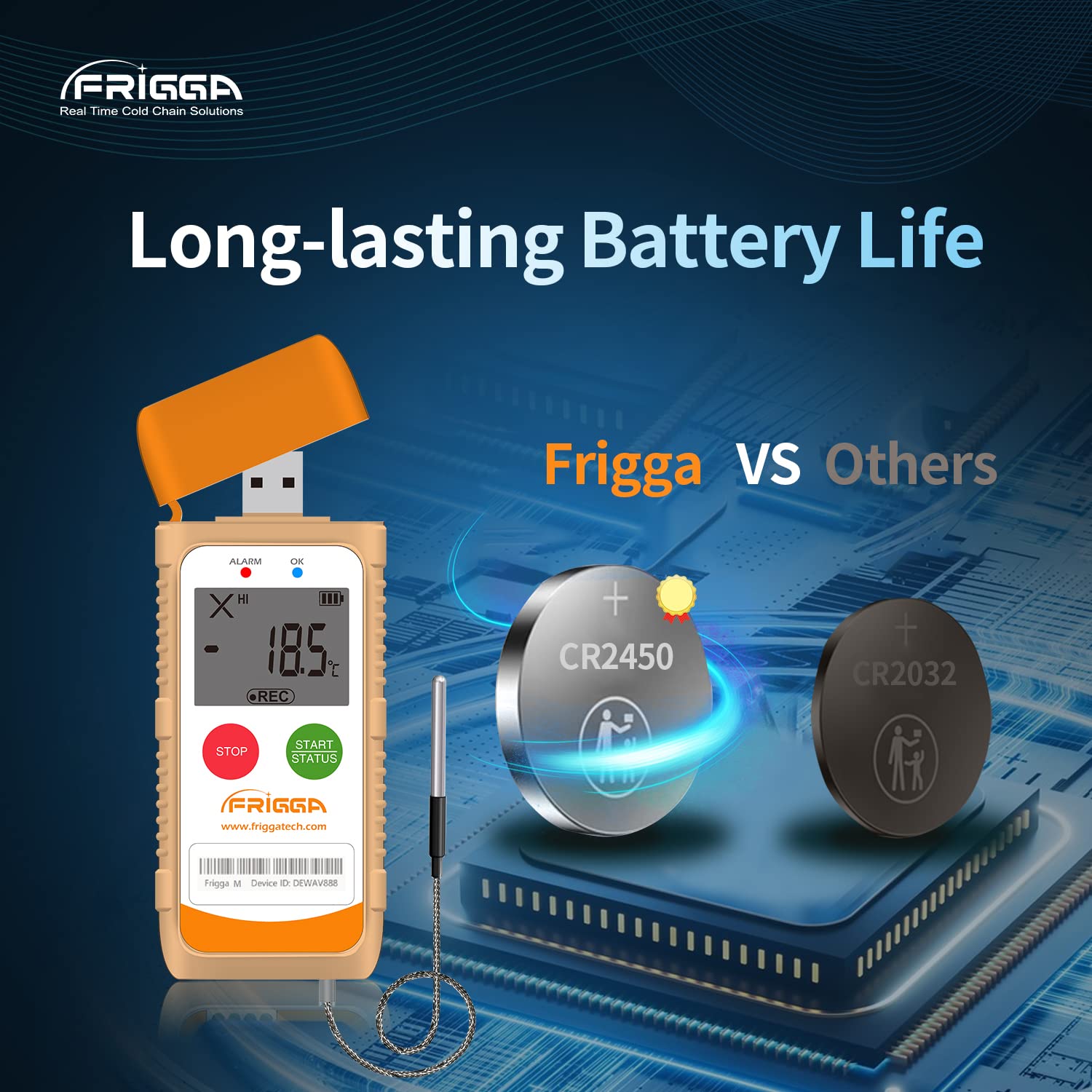
Зураг 5.2: This image highlights the long-lasting battery life of the Frigga M1E, featuring a CR2450 battery.
6. Техникийн үзүүлэлтүүд

Зураг 6.1: Detailed product parameters for the Frigga M1E, including measurement range, accuracy range, and memory capacity.
| Параметр | Дэлгэрэнгүй |
|---|---|
| Загварын нэр | M1E |
| Хэмжилтийн хүрээ | -40°C - 80°C (-40°F - 176°F) |
| Нарийвчлалын хүрээ | ±0.5℃ (-20℃ to +40℃); ±1℃ for other ranges |
| Санах ойн багтаамж | 14400 уншилт |
| Дахин ашиглах боломжтой | Нэг удаагийн хэрэглээ |
| Эрчим хүчний эх үүсвэр | 1 Lithium Ion CR2450 battery (included) |
| Холболтын технологи | USB |
| Дэлгэцийн төрөл | LCD |
| Онцлог шинж чанарууд | Alarm, Fast Reading System, High Accuracy, External Probe |
| Гаднах материал | Хуванцар |
| Бүтээгдэхүүнийг арчлах заавар | Цэвэрхэн арчина |
| Зүйлийн жин | 11.2 унц |
| Зүйлийн урт | 4 инч |
| Дотор/гадаа ашиглах | Дотор |
7. Засвар үйлчилгээ
The Frigga M1E is a single-use device and requires minimal maintenance. Follow these guidelines:
- Цэвэрлэгээ: Wipe the device clean with a dry or slightly damp даавуу. Хүчтэй химийн бодис, зүлгүүрийн цэвэрлэгч хэрэглэж болохгүй.
- Хадгалах: Store the device in a cool, dry place away from direct sunlight and extreme temperatures before activation.
- Зай: The device is equipped with a non-replaceable CR2450 battery designed to last for the entire 100-day recording period. No charging is required.
- Устгах: As a single-use device, dispose of the data logger responsibly according to local electronic waste regulations after use.
8. Алдаа засах
If you encounter issues with your Frigga M1E data logger, consider the following:
- Төхөөрөмж асахгүй байна: Ensure the "START" button is pressed and held for the required 5 seconds until the Blue LED blinks. If the device has been previously activated, it cannot be restarted.
- Өгөгдлийн тайлан үүсгээгүй байна:
- Verify the data logger is securely plugged into a functional USB port on your computer.
- Ensure the recording was properly stopped by long-pressing the "STOP" button until the Red LED blinks.
- Компьютероо шалгана уу file explorer for a new removable drive.
- Буруу уншилтууд:
- Ensure the external probe is correctly connected and positioned to accurately measure the desired temperature.
- Verify the device is operating within its specified measurement range.
- LED Alarm Not Functioning: Check that the device is actively recording and that the temperature has indeed exceeded the pre-set alarm thresholds.
For further assistance, please contact Frigga customer support.
9. Баталгаат хугацаа ба дэмжлэг
Frigga products are manufactured to high-quality standards. For specific warranty information, please refer to the documentation included with your purchase or visit the official Frigga website. For technical support, troubleshooting assistance, or any inquiries regarding your Frigga M1E data logger, please contact Frigga customer service through their official channels.
Дэлгэрэнгүй мэдээлэл болон холбоо барих хаягийг хаягаас авах боломжтой Frigga Brand Store on Amazon эсвэл үйлдвэрлэгчийн webсайт.


