Танилцуулга
This manual provides detailed instructions for the setup, operation, and maintenance of your VTech CS1550 DECT Cordless Phone with Answering Machine. Please read this manual thoroughly to ensure proper use and to take full advantagбүх шинж чанаруудын e.

Image: The VTech CS1550 DECT Cordless Phone, featuring a white handset and black base unit.
Багцын агуулга
Before beginning installation, ensure all items are present in your package:
- Утасгүй гар утас
- Үндсэн нэгж
- Суурийн төхөөрөмжийн цахилгаан адаптер
- Утасны шугамын утас
- Rechargeable NiMH Batteries (4x AAA size, typically)
- Хэрэглэгчийн гарын авлага (энэ баримт бичиг)
Тохиргоо
1. Зай суурилуулах
- Гар утасны арын хэсэгт зайны тасалгааг ол.
- Зайны тасалгааны тагийг нээ.
- Insert the supplied NiMH rechargeable batteries, observing the correct polarity (+ болон -).
- Зайны тасалгааны тагийг сайтар хаа.
2. Суурийн нэгжийн холболт
- Connect the power adapter to the base unit and plug it into a wall outlet.
- Утасны шугамын нэг үзүүрийг үндсэн төхөөрөмжтэй, нөгөө үзүүрийг утасны ханын залгууртай холбоно уу.
- Place the base unit in a central location for optimal signal range.
3. Гар утсыг анх цэнэглэх
Place the handset on the base unit to charge. The VTech CS1550 features a dual-charging design, allowing you to place the handset face down or face up. For initial use, charge the handset for at least 16 hours to ensure full battery capacity.
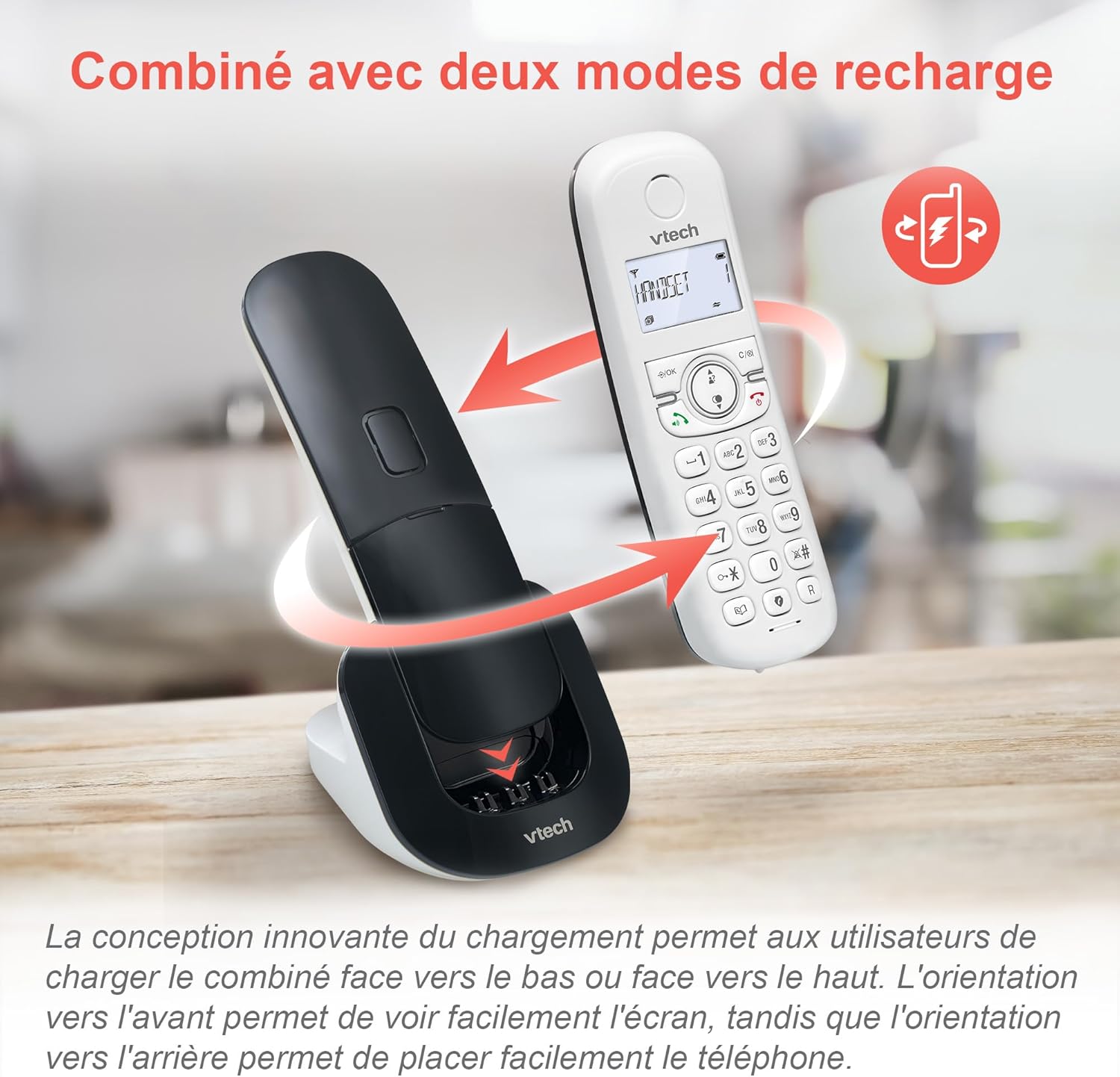
Image: The VTech CS1550 handset can be charged face down or face up on its base unit, offering flexible placement options.
4. Огноо ба цагийн тохиргоо
After initial charging, the handset will prompt you to set the date and time. Follow the on-screen instructions using the navigation and OK buttons.
Ашиглалтын заавар
Дуудлага хийх, хүлээн авах
- Дуудлага хийхийн тулд: дээр дарна уу Ярилц товчийг дараад, дараа нь дугаарыг залгаарай.
- Дуудлагад хариулахын тулд: дээр дарна уу Ярилц утас дуугарах үед товчлуур.
- Дуудлага дуусгахын тулд: дээр дарна уу Төгсгөл товч.
Чанга яригч функц
Дуудлагын үеэр Чанга яригч button to activate hands-free communication. Press it again to return to handset mode.
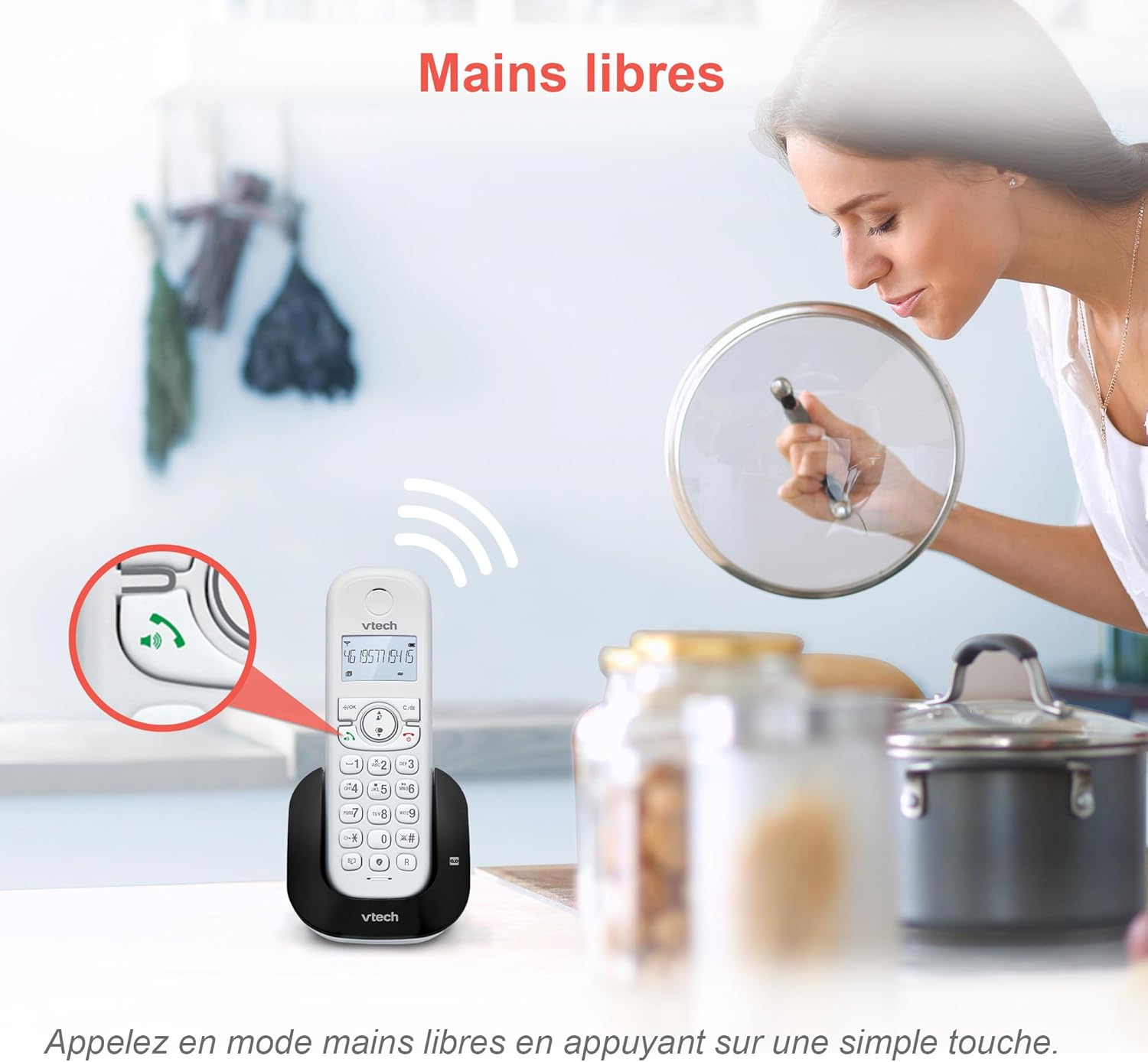
Image: The speakerphone button on the VTech CS1550 handset allows for hands-free calling.
Дуудлагын дугаар ба дуудлага хүлээж байна
The phone displays the name, number, time, and date of incoming calls. It stores up to 20 caller ID records. If you have Call Waiting service, the phone will alert you to a second incoming call.

Image: The handset display shows incoming caller ID details, including number, name, time, and date.
Дахин залгах функц
To redial one of the last 10 numbers called, press the Дахин залгах button and select the desired number from the list.
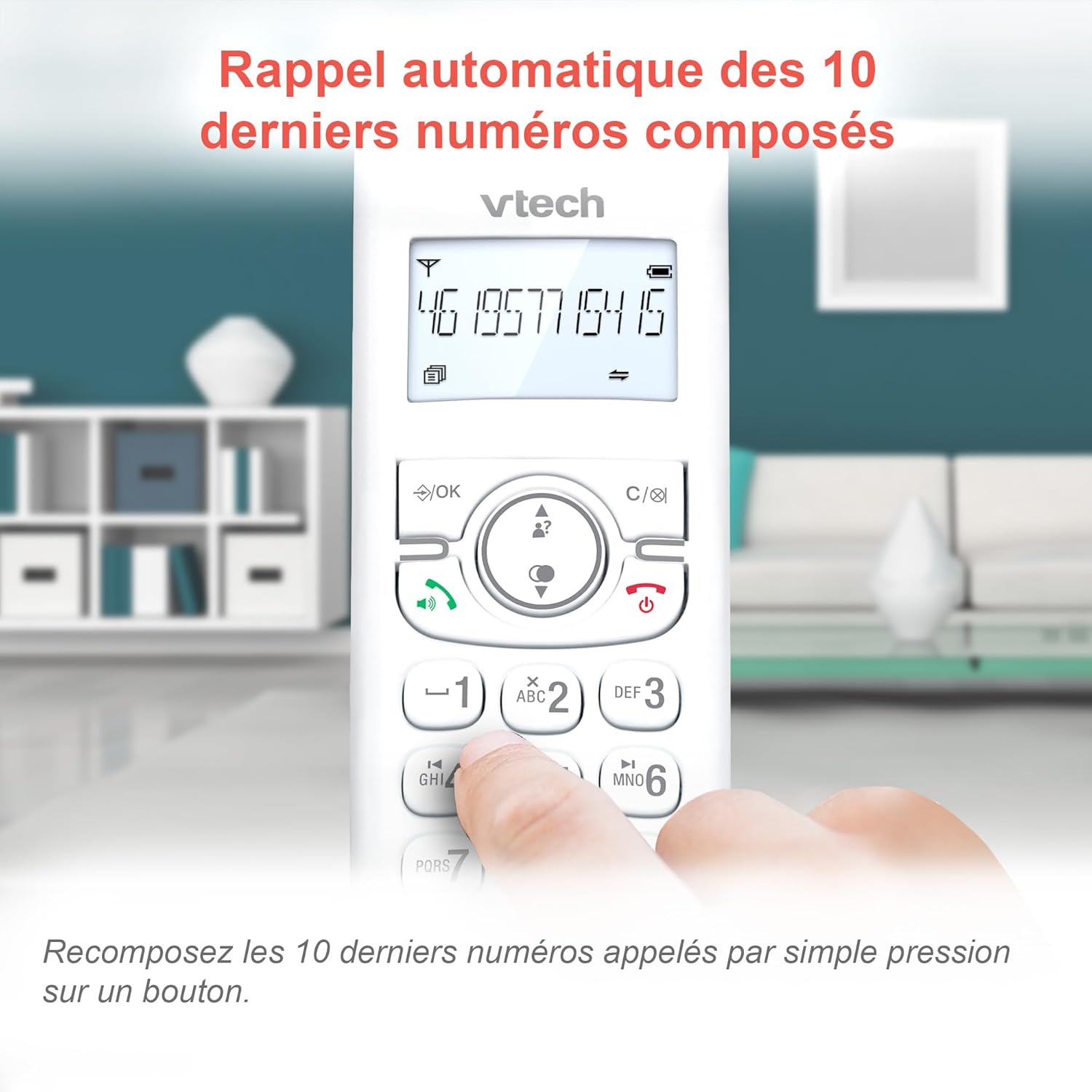
Image: Easily redial the last 10 numbers by pressing the dedicated redial button on the handset.
Утасны дэвтэр
The phonebook can store up to 60 names and numbers. Refer to the on-screen menu for instructions on adding, editing, and deleting entries.
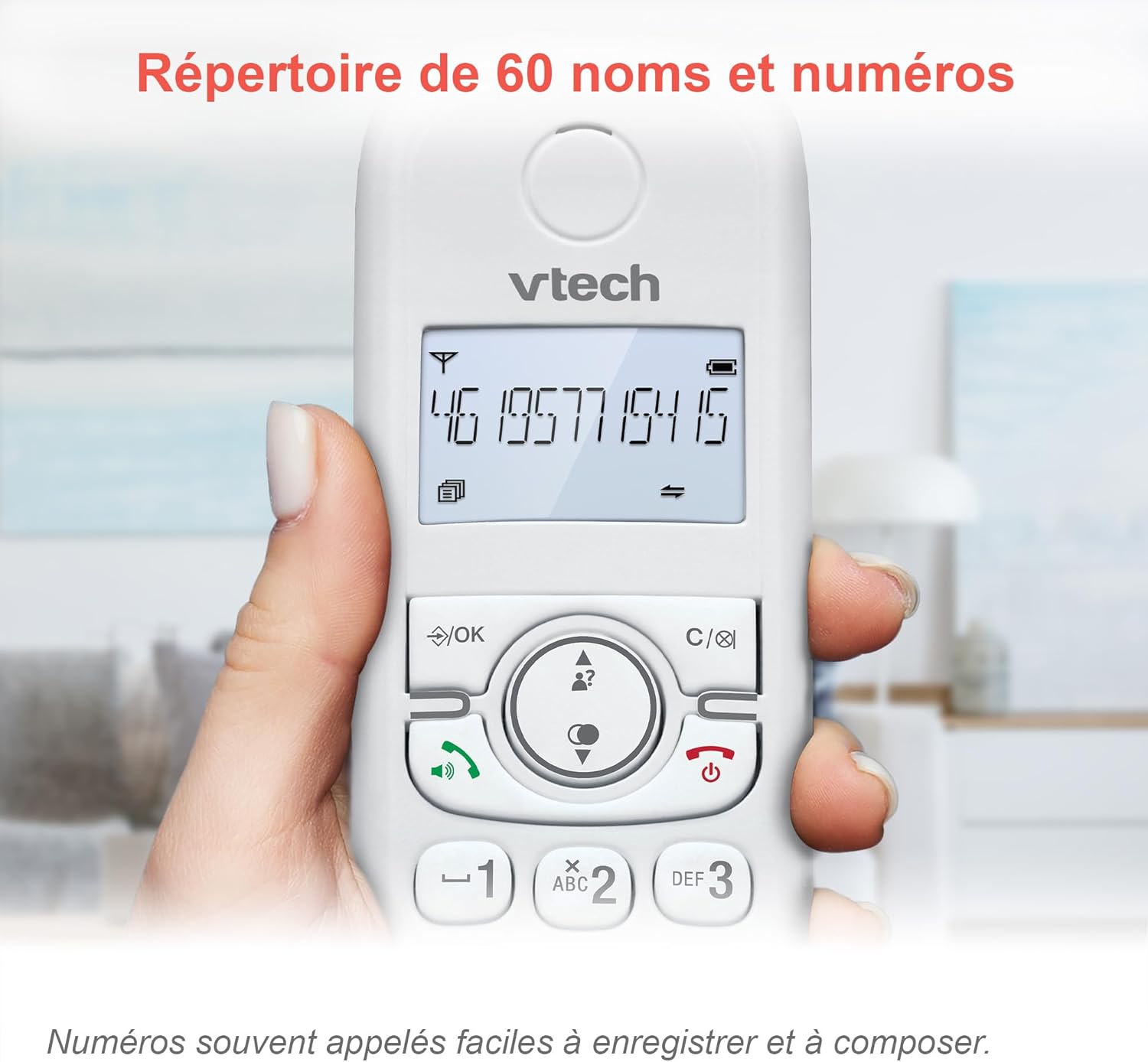
Image: The phonebook allows storage of up to 60 contacts for quick dialing.
Дижитал автомат хариулагч
The integrated answering machine records messages for up to 15 minutes. You can access messages from the handset or the base unit. Follow the menu prompts to set up your outgoing message and retrieve messages.

Image: The answering machine feature records messages for up to 15 minutes when you are unavailable.
Nuisance Call Blocker
Block unwanted calls by adding up to 60 numbers to the blacklist. This feature prevents blocked numbers from ringing your phone.

Image: The call blocker button allows you to add unwanted numbers to a blacklist, preventing future calls from ringing.
ЭКО горим
ECO mode automatically adjusts and minimizes the radio frequency power based on the distance between the handset and the base unit, optimizing energy consumption.
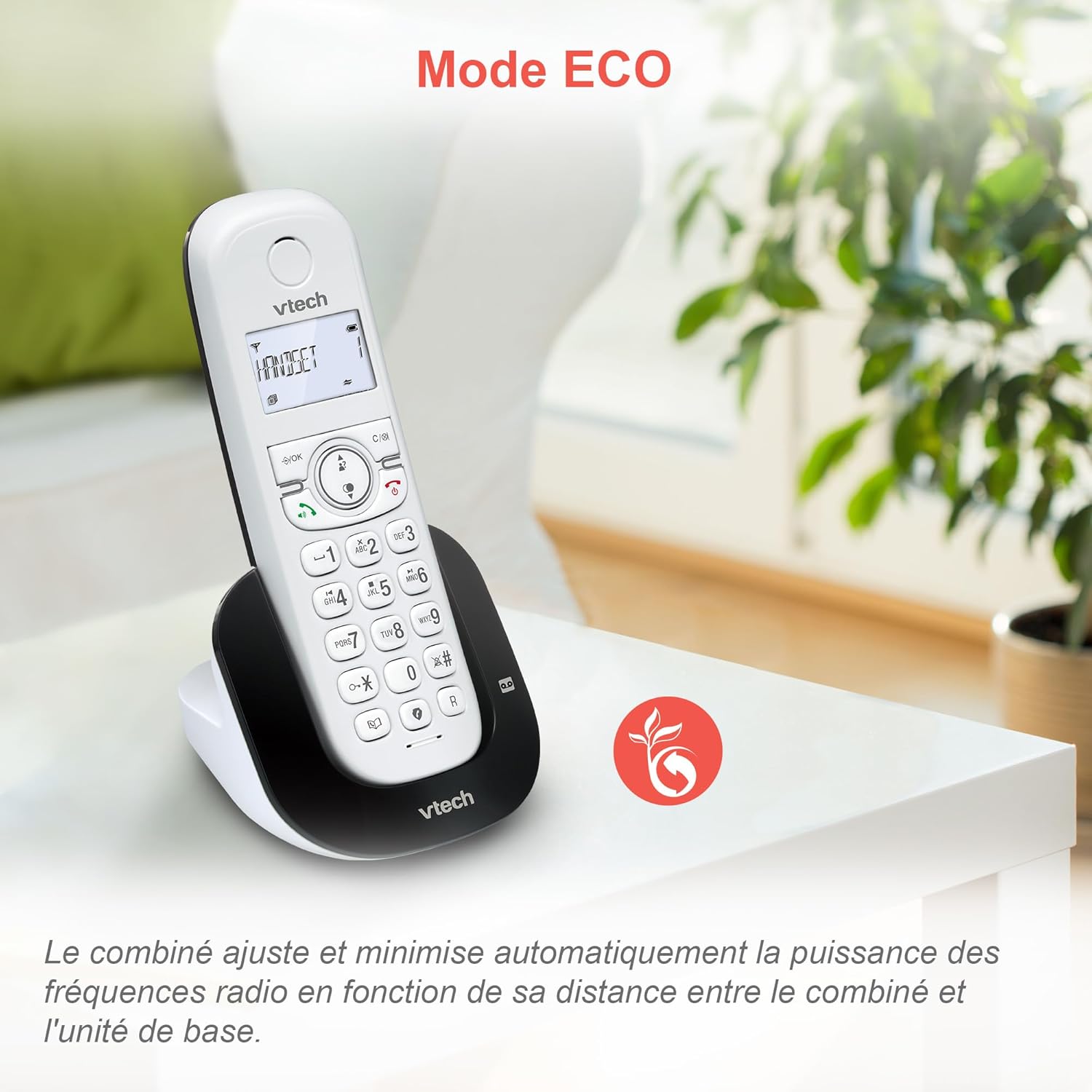
Image: ECO mode automatically reduces power consumption based on handset proximity to the base unit.
Alarm and Mute Functions
Set alarms directly on the handset. During a call, you can mute your microphone for privacy by pressing the mute button.

Image: The phone includes alarm functionality and a mute feature for calls, enhancing user convenience and privacy.
Adjustable Ringer Volume and Melodies
Customize your phone's ringing experience by adjusting the ringer volume and selecting from available melodies through the handset menu.

Image: Adjust the ringer volume and choose from various melodies to personalize your phone's alerts.
Арын гэрэлтүүлэгтэй дэлгэц ба товчлуур
The handset features a backlit LCD screen and keypad, ensuring clear visibility and ease of use even in low-light conditions.

Image: The backlit display and keypad provide enhanced visibility in dark environments.
Урт хугацааны хамрах хүрээ
The DECT technology provides reliable long-range coverage and clear audio quality throughout your home or office.

Image: The phone offers extended range and clear communication across various areas of your property.
Зайны ашиглалт
The handset provides up to 13 hours of talk time and up to 200 hours of standby time on a full charge.

Image: The VTech CS1550 offers up to 13 hours of continuous talk time.
Засвар үйлчилгээ
Утсаа цэвэрлэх
Утас болон үндсэн хэсгийг зөөлөн арчиж, damp cloth. Do not use cleaning sprays or harsh chemicals, as they may damage the finish or electrical components.
Батерейны арчилгаа
Use only the supplied rechargeable NiMH batteries. Do not use alkaline, manganese, or other non-rechargeable batteries. If the phone will not be used for an extended period, remove the batteries to prevent leakage.
Алдааг олж засварлах
If you experience issues with your VTech CS1550, try the following steps:
- Дууны ая байхгүй: Ensure the telephone line cord is securely connected to both the base unit and the wall jack. Check if other phones on the same line are working.
- Дуудлага хийх/хүлээн авах боломжгүй байна: Verify the power adapter is properly connected to the base unit and a working power outlet. Ensure the handset batteries are charged.
- Дууны чанар муу: Move the handset closer to the base unit. Check for interference from other electronic devices.
- Гар утас цэнэглэхгүй байна: Ensure the handset is correctly seated in the charging cradle. Clean the charging contacts on both the handset and base unit with a dry cloth.
- Хариулагч машин бичлэг хийхгүй байна: Check if the answering machine is turned on. Ensure there is sufficient recording time available.
For further assistance, refer to the detailed troubleshooting section in the full user manual or contact VTech customer support.
Үзүүлэлтүүд
| Брэнд | VTech |
| Загварын дугаар | CS1550 |
| Өнгө | Цагаан |
| Утасны төрөл | Cordless DECT |
| Тохиромжтой төхөөрөмжүүд | Switched telephone network (PSTN), potentially other analog telephone networks |
| Батерейны найрлага | NiMH (4x AAA size included) |
| Ярилцах цаг | 13 цаг хүртэл |
| Зогсоолын цаг | 200 цаг хүртэл |
| Хариулах машин бичих хугацаа | 15 минут |
| Утасны дэвтрийн багтаамж | 60 нэр, тоо |
| Call Blocker Capacity | 60 хүртэлх тоо |
| Caller ID Records | 20 бичлэг |
| Жин | 275 грамм |
| Материал | Хуванцар |
Баталгаат хугацааны мэдээлэл
Specific warranty details for the VTech CS1550 DECT Cordless Phone are typically provided with your purchase documentation. Please refer to the warranty card or contact your retailer for information regarding warranty coverage and terms. Information regarding spare parts availability and software updates is not available in the provided product data.
Хэрэглэгчийн дэмжлэг
For technical assistance, product inquiries, or service, please visit the official VTech website or contact VTech customer support directly. Contact information can usually be found on the VTech webсайт эсвэл баглаа боодлын материалд .


