1. Эхлэх (Тохируулга)
1.1 Хайрцагт юу байгаа вэ
- 1x EIGIIS Military Smart Watch for Men
- 1x цэнэглэх кабель
- 1x хэрэглэгчийн гарын авлага
1.2 Ухаалаг цагийг цэнэглэх
Before first use, fully charge your EIGIIS KE3 Smart Watch. Connect the magnetic charging cable to the charging contacts on the back of the watch and plug the USB end into a standard USB power adapter (not included). The watch will display a charging indicator. A full charge typically takes approximately 2 hours.

Image: The EIGIIS KE3 Smart Watch displaying its 300mAh battery capacity and charging status.
1.3 Installing the App (FitCloudPro)
To unlock the full potential of your smart watch, download the 'FitCloudPro' app on your smartphone. хайх 'FitCloudPro' in the Apple App Store (for iOS devices) or Google Play Store (for Android devices) and install it.
1.4 Утастайгаа хослуулах
Follow these steps to pair your EIGIIS KE3 Smart Watch with your smartphone via the FitCloudPro app:
- Ensure your watch is charged and Bluetooth is enabled on your smartphone.
- Open the 'FitCloudPro' app on your phone.
- Navigate to the 'Device' section and select 'Add Device' or 'Search Now'.
- The app will search for nearby devices. Select 'KE3' from the list.
- Хослуулах хүсэлтийг утас болон цаг дээрээ баталгаажуулна уу.
- Once paired, allow necessary permissions for notifications and call audio.
For a visual guide on connecting your watch, please refer to the video below:
Video: Instructions on how to connect the EIGIIS KE3 smartwatch to your phone.
2. Ухаалаг цагаа ажиллуулах
2.1 Үндсэн навигаци
The EIGIIS KE3 Smart Watch features a 1.45-inch HD full touch screen and a rotating crown for intuitive navigation. Swipe across the screen to access different menus and functions. Use the rotating crown to scroll through options or adjust settings.
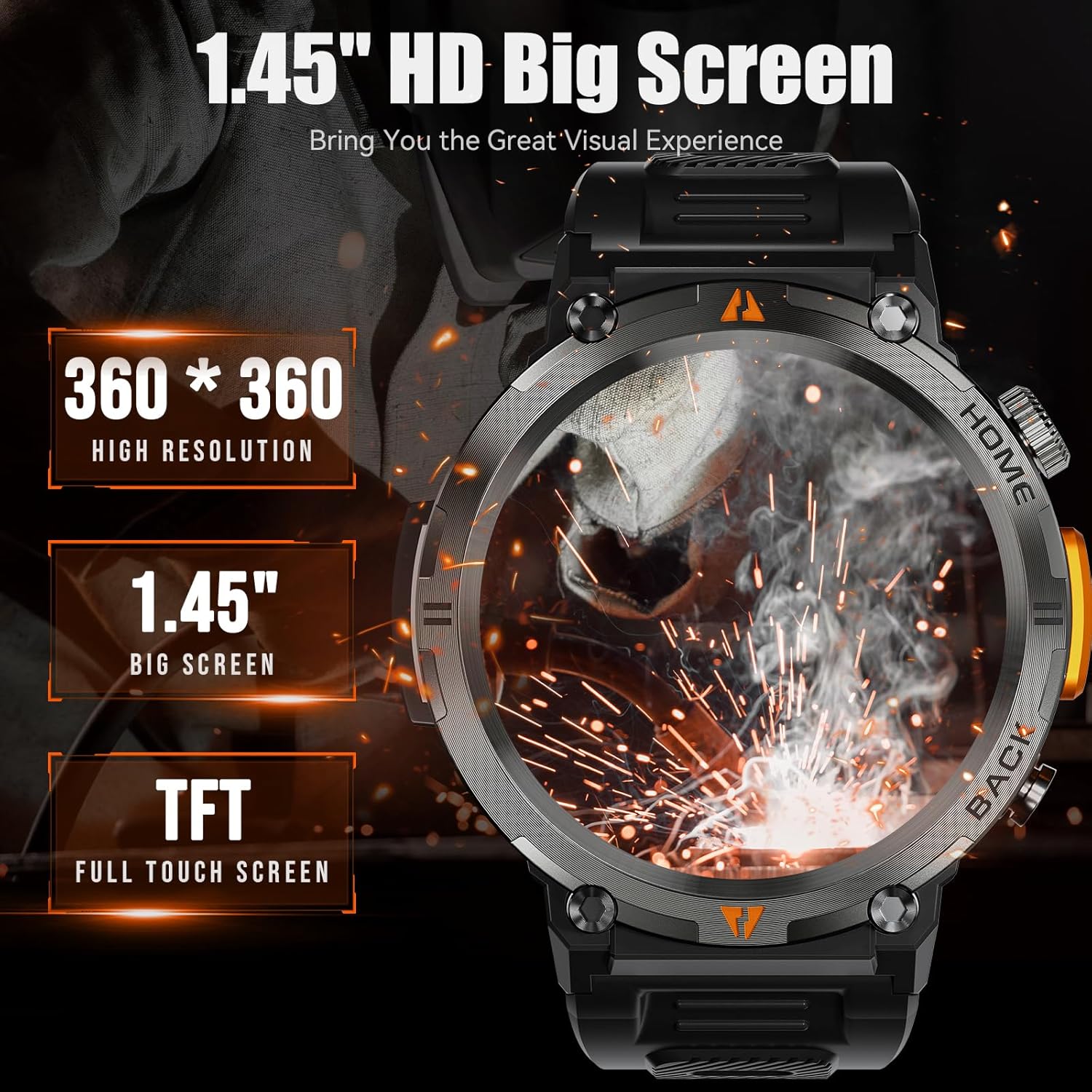
Image: The EIGIIS KE3 Smart Watch highlighting its 1.45-inch HD big screen with 360x360 resolution.
2.2 Дуудлага хийх, хүлээн авах
With its built-in speaker and 1-click connection technology, the EIGIIS KE3 allows you to make and answer calls directly from your wrist. Ensure the watch is paired correctly and the 'Call audio' setting is enabled in the FitCloudPro app.
Video: Demonstrating how to make and answer calls directly from the EIGIIS KE3 Smart Watch.
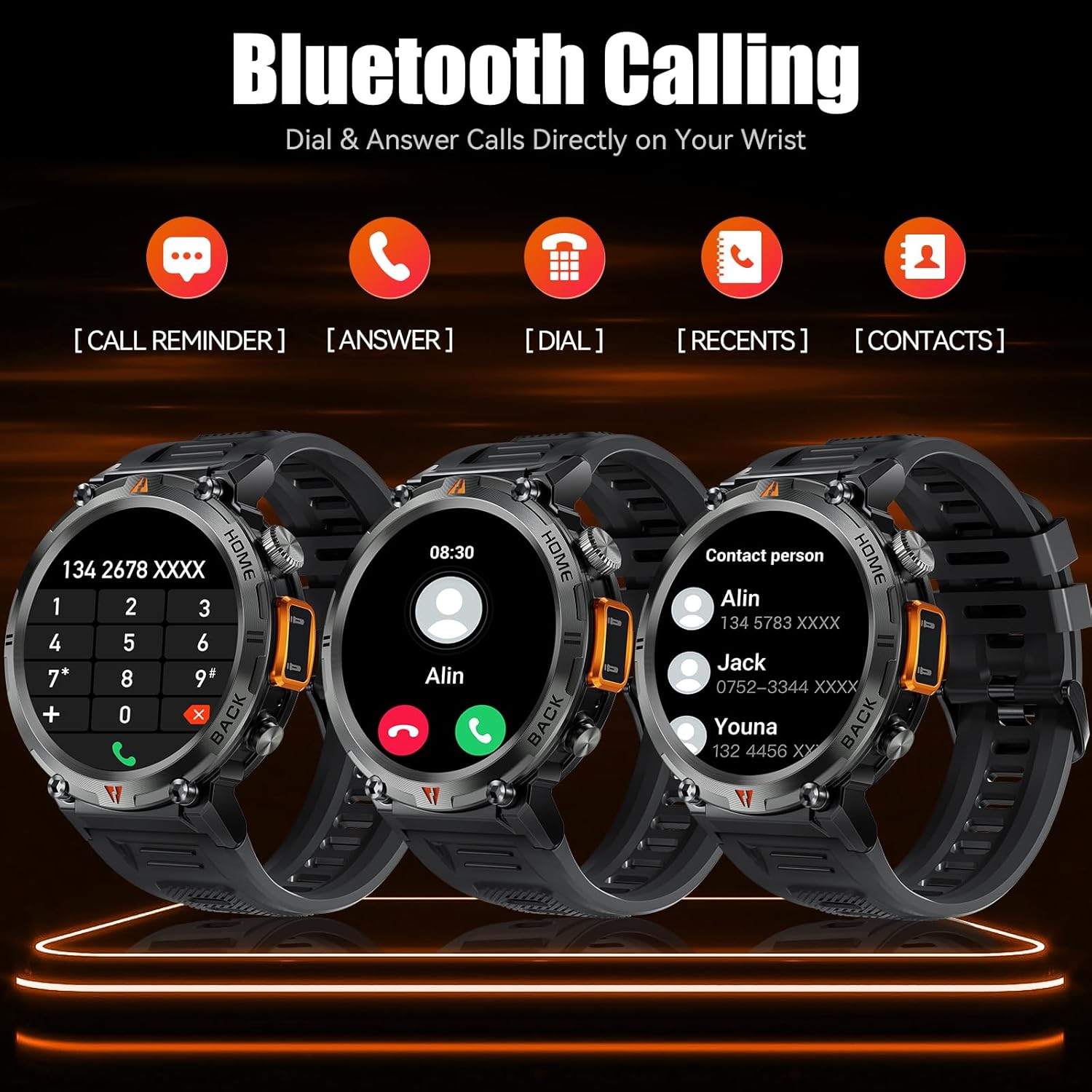
Image: The EIGIIS KE3 Smart Watch displaying its Bluetooth calling capabilities, including call reminders, answering, dialing, recent calls, and contacts.
2.3 Гар чийдэн ашиглах
The EIGIIS KE3 Smart Watch includes a convenient flashlight function. Access it from the control panel by swiping down on the watch face. Tap the flashlight icon to turn it on. You can also press and hold the lower right button for 3 seconds to activate a continuous flashing mode for emergencies.
Video: Demonstrating the flashlight feature of the EIGIIS KE3 Smart Watch, useful for outdoor activities.

Image: The EIGIIS KE3 Smart Watch with its built-in flashlight activated, illuminating the surroundings.
2.4 Мэдэгдэл
Stay connected by receiving calls, messages, and SNS notifications directly on your watch. Ensure the FitCloudPro app has the necessary permissions enabled on your phone to push notifications to the watch.
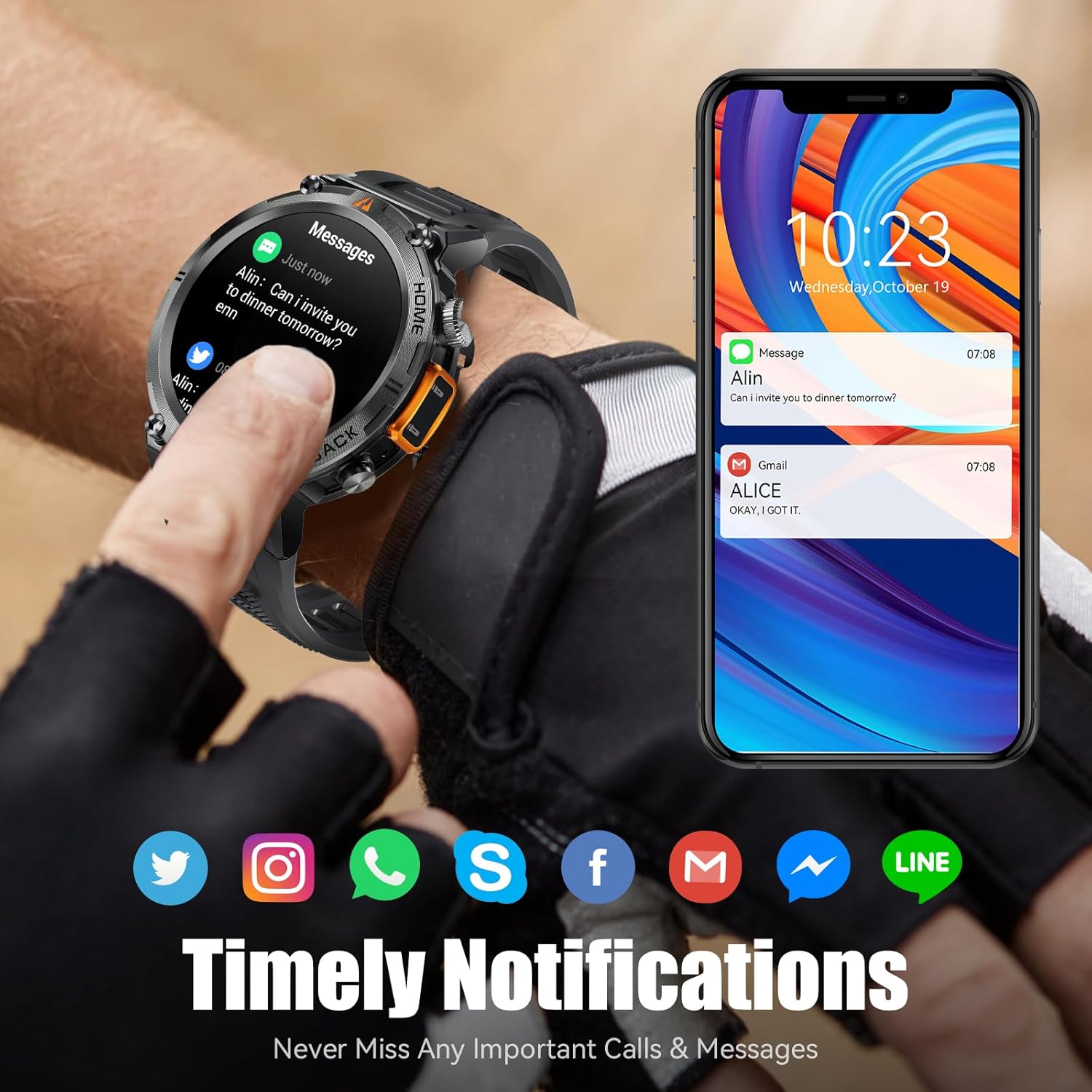
Image: The EIGIIS KE3 Smart Watch showing incoming messages and notifications from social media applications, mirrored on a smartphone.
2.5 Спортын горим
The EIGIIS KE3 Smart Watch offers 9 built-in sports modes and over 100 additional sports modes available through the FitCloudPro app. You can download and sync these training modes to your watch to track various activities.
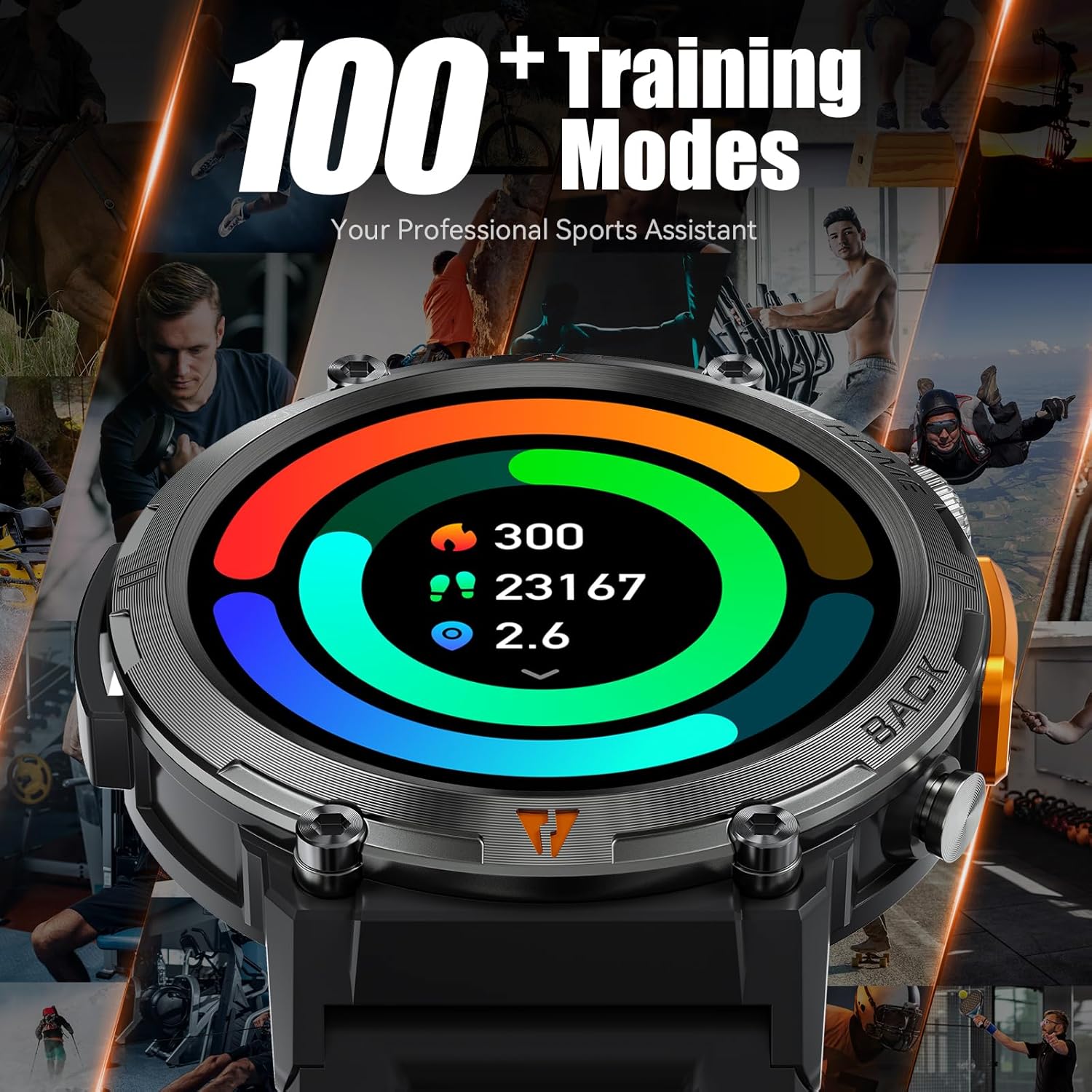
Image: The EIGIIS KE3 Smart Watch showing a colorful display of activity metrics, including steps, calories, and distance, against a collage of people engaged in different sports.
2.6 Эрүүл мэндийн хяналт
The watch supports continuous monitoring of heart rate, blood oxygen levels, and sleep patterns. This data helps you understand your physical condition and adjust your habits. Note: This device is a consumer electronic product and is not intended for medical use.

Image: The EIGIIS KE3 Smart Watch showing real-time heart rate data during an intense activity, with icons for heart rate, blood oxygen, and breath training.

Image: The EIGIIS KE3 Smart Watch showing a sleep tracking interface with data for deep sleep, light sleep, and awake periods, worn by a person sleeping.
2.7 Захиалгат залгуурууд
Personalize your watch face with over 100 dials available in the FitCloudPro app. You can also upload your favorite pictures to create unique custom dials.
2.8 Бусад функцууд
The EIGIIS KE3 Smart Watch offers a variety of additional features for daily convenience:
- Дуут туслах: Control your watch and phone with voice commands.
- Цаг агаар: Цаг агаарын мэдээг цаг тухайд нь аваарай.
- Секундомер ба цаг хэмжигч: For precise timing during activities.
- Сэрүүлэгтэй цаг: Сануулагчийн сэрүүлэг тохируулах.
- Хуанли: View dates and schedule.
- Тооцоологч: Perform basic calculations on your wrist.
- Утас хайх: Алдаатай ухаалаг гар утасныхаа байршлыг олоорой.
- Алсын камер: Утасныхаа камерыг алсаас удирдаарай.
- Хөгжмийн хяналт: Утсан дээрээ хөгжим тоглуулахыг удирдаарай.
Image: The EIGIIS KE3 Smart Watch showcasing a menu of its diverse functions, such as steps, breath training, voice assistant, and calculator.
3. Засвар үйлчилгээ, арчилгаа
3.1 Усны эсэргүүцэл
The EIGIIS KE3 Smart Watch is IP67 waterproof, meaning it is resistant to splashes, rain, and brief immersion in water. It is suitable for washing hands but not recommended for swimming, diving, or hot showers/saunas, as steam and hot water can damage the seals.
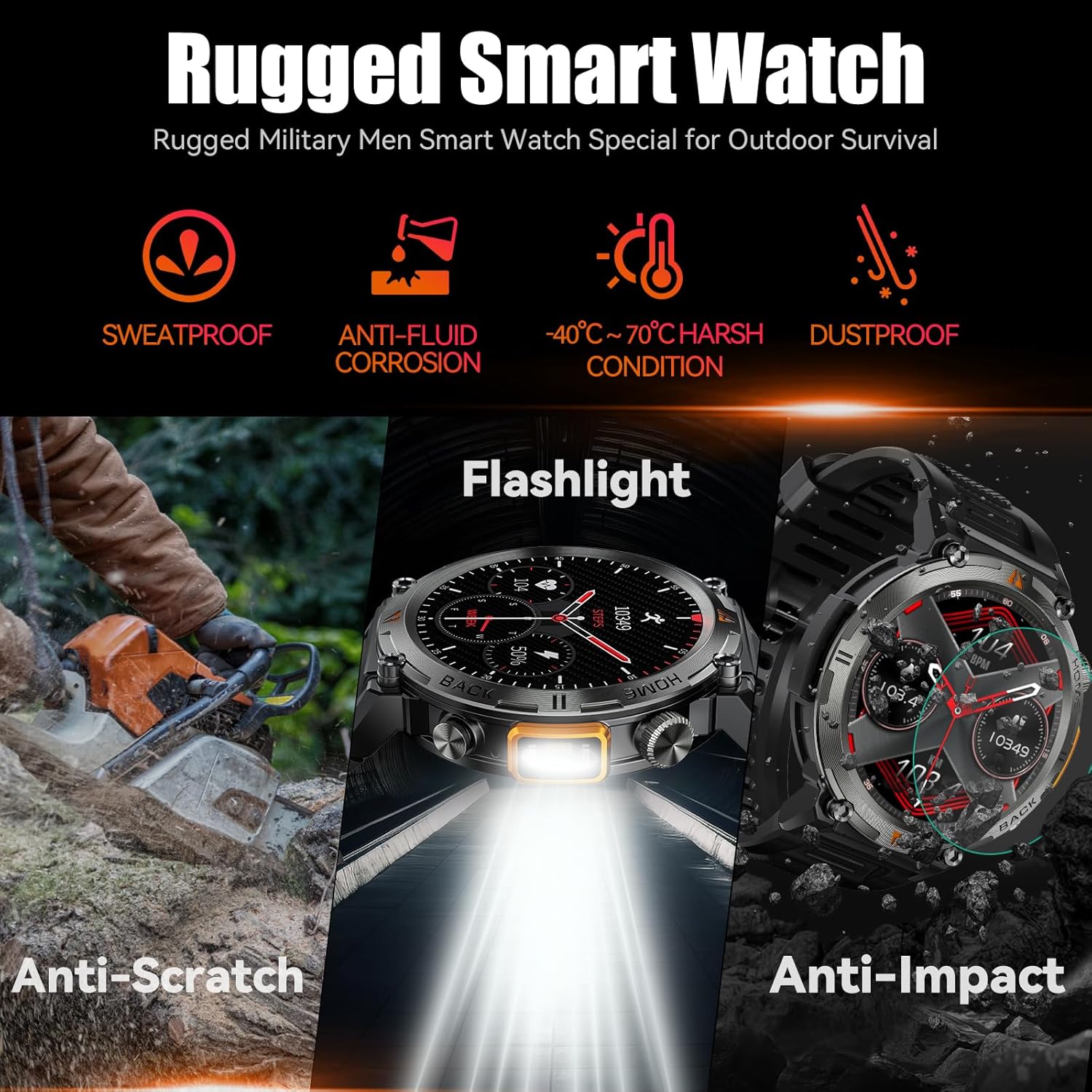
Image: The EIGIIS KE3 Smart Watch showcasing its rugged design and resistance to various environmental conditions, including sweat, corrosion, extreme temperatures, dust, scratches, and impacts.
3.2 Бат бөх чанар
Constructed from zinc alloy and tempered glass, the EIGIIS KE3 is designed for durability. It offers resistance to heat, cold, humidity, and salt spray, making it suitable for outdoor enthusiasts.
3.3 Батерейны ашиглалтын хугацаа
The 300mAh battery provides 3-5 days of typical usage and up to 25 days of standby time on a single charge. Charging takes approximately 2 hours.
3.4 Цэвэрлэгээ
Wipe the watch regularly with a soft, dry cloth. If necessary, use a slightly damp даавуу, дараа нь сайтар хатаана. Химийн хатуу бодис, зүлгүүрийн материал ашиглахаас зайлсхий.
4. Алдаа засах
4.1 Цаг асахгүй байна
- Цаг бүрэн цэнэглэгдсэн эсэхийг шалгаарай. Үүнийг дор хаяж 30 минутын турш цэнэглэгчтэй холбоно уу.
- Press and hold the power button (usually the top right button) for 5-10 seconds.
4.2 Хослуулах асуудал
- Таны утас болон цаг дээр Bluetooth идэвхжсэн эсэхийг шалгаарай.
- Ensure the watch is within range of your phone (typically 10 meters).
- Утас болон цагаа дахин эхлүүлнэ үү.
- Утасныхаа Bluetooth кэшийг цэвэрлээд (хэрэв байгаа бол) дахин холбож үзнэ үү.
- If previously paired, try unpairing and re-pairing the device in the FitCloudPro app and your phone's Bluetooth settings.
4.3 Call Function Not Working
- Verify that the watch is successfully paired for both data and call audio. Check the 'Call audio' setting in the FitCloudPro app.
- Ensure your phone's Bluetooth is connected to the watch for calls.
- Утасныхаа дууны тохиргоог шалгана уу.
4.4 Мэдэгдэл харагдахгүй байна
- Confirm that notification permissions are granted to the FitCloudPro app in your phone's settings.
- Ensure the app is running in the background and not being closed by battery optimization settings.
- Check the notification settings within the FitCloudPro app to ensure specific app notifications are enabled.
4.5 Эрүүл мэндийн мэдээлэл буруу
- Цагийг хэт бариу эсвэл хэт сул биш, бугуйндаа сайн зүүж байгаарай.
- Цагны арын хэсэгт мэдрэгчийг тогтмол цэвэрлэ.
- Remember that the watch is a consumer electronic device and not a professional medical instrument. Readings are for reference only.
5. Техникийн үзүүлэлтүүд
| Онцлог | Үнэ цэнэ |
|---|---|
| Брэнд | EIGIIS |
| Загварын дугаар | EIGIIS-KE3 |
| Дэлгэцийн хэмжээ | 1.45 инч |
| Дэлгэцийн төрөл | TFT Full Touch Screen |
| Хэлбэр | Дугуй |
| Зайны багтаамж | 300 саяamp Hours (300mAh) |
| Холболтын технологи | Bluetooth 5.0 |
| Үйлдлийн системийн нийцтэй байдал | Android 8.0 ба түүнээс дээш; iOS 10.0 ба түүнээс дээш |
| Усны эсэргүүцэл | IP67 (Splash, rain, and brief immersion resistant) |
| Онцлог шинж чанарууд | Flashlight, Bluetooth Call, Voice Assistant, Heart Rate, Blood Oxygen, Sleep Monitor, 100+ Sports Modes, Notifications, Weather, Stopwatch, Timer, Alarm Clock, Calendar, Calculator, Find Phone, Remote Camera |
| Зүйлийн жин | 200 грамм (7.1 унц) |
| Материал | Zinc alloy, Tempered glass |
6. Баталгаат хугацаа ба дэмжлэг
6.1 Баталгаат хугацааны мэдээлэл
EIGIIS products are covered by a manufacturer's warranty. For specific details regarding your warranty period and coverage, please refer to the warranty card included with your product or visit the official EIGIIS webсайт. Худалдан авалтын баримтаа худалдан авалтын баталгаа болгон хадгалаарай.
6.2 Хэрэглэгчийн дэмжлэг
If you encounter any issues or have questions about your EIGIIS KE3 Smart Watch, please contact EIGIIS customer support through the following channels:
- Онлайн дэмжлэг: Visit the EIGIIS official webТүгээмэл асуултууд, алдааг олж засварлах гарын авлага, холбоо барих маягтын сайт.
- Имэйл тусламж: Бүтээгдэхүүнийхээ сав баглаа боодол эсвэл албан ёсны төлөөлөгчөөс лавлана уу webхэрэглэгчийн үйлчилгээний цахим шуудангийн хаягийн сайт.
When contacting support, please provide your product model number (KE3) and a detailed description of the issue.