1. Танилцуулга
The JZAQ A13 Bluetooth Helmet Speakers and Intercom System provides wireless communication and audio playback for motorcycle riders, skiers, cyclists, and other sports enthusiasts. This system features Bluetooth 5.3 connectivity, two-way intercom functionality, noise cancellation, and a waterproof design for reliable performance in various conditions.

Image 1.1: JZAQ A13 Bluetooth Helmet Headset overview.
2. Багцын агуулга
Before installation, please verify that all items listed below are present in your package:
- JZAQ A13 Headphone Host
- Hard Earbuds
- Soft Earbuds
- Клипийн суурь
- Paste Base
- Horn Velcro
- TYPE-C цэнэглэгч кабель
- Hard and Soft Velcro Pads
- Хэрэглэгчийн гарын авлага

Image 2.1: All components included in the JZAQ A13 package.
3. Бүтээгдэхүүн дууссанview
Familiarize yourself with the main unit and its controls:
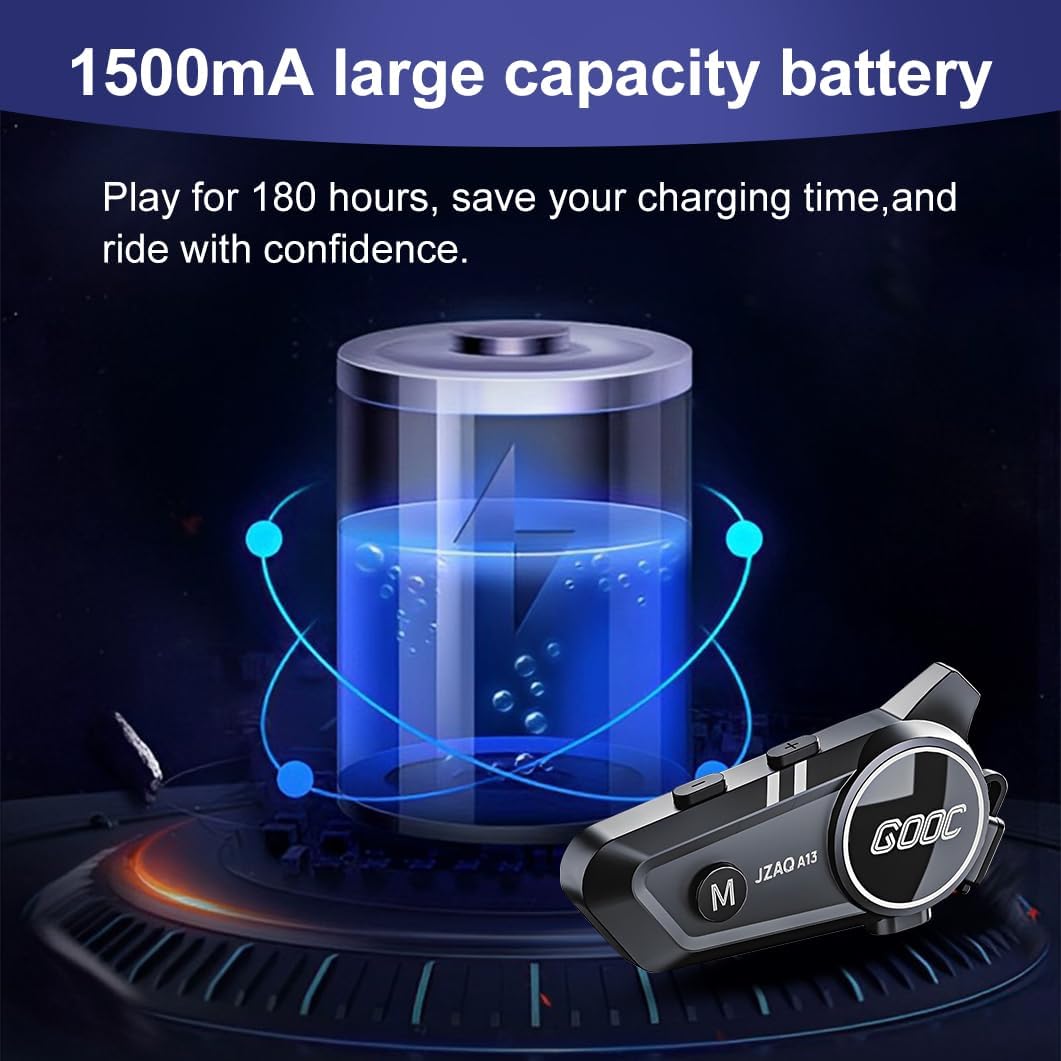
Image 3.1: Diagram illustrating the button functions and ports on the JZAQ A13 unit.
- Power On/Off/Pause/Play/Connect Button: Controls power, music playback, and Bluetooth connection.
- Volume Up/Next Song Button: Дууны хэмжээг нэмэгдүүлж, дараагийн дуу руу алгасах.
- Volume Down/Previous Song/Voice Assistant Button: Decreases volume, goes to the previous track, and activates the voice assistant.
- Цэнэглэх порт: Төхөөрөмжийг цэнэглэх зориулалттай USB Type-C порт.
- Чихэвчний Жак: Connects the speakers and microphone.
4. Тохиргоо ба суурилуулалт
4.1 Төхөөрөмжийг цэнэглэх
Before first use, fully charge the JZAQ A13 unit. Connect the provided TYPE-C charging cable to the charging port on the unit and a USB power source. A full charge typically takes approximately 2 hours. The device features a 1500mAh battery, providing up to 180 hours of continuous play time.

Image 4.1: Illustration of the 1500mAh large capacity battery.
4.2 Дуулга суурилуулах
The JZAQ A13 is designed to be compatible with various helmet types. The speakers are ultra-thin (10mm) to ensure comfort and avoid ear pressure.

Зураг 4.2: Жишээ ньamples of various helmet types compatible with the JZAQ A13.
Follow these steps to install the system in your helmet:
- Илтгэгчийн байршил: Identify suitable locations within your helmet for the speakers, typically in the ear recesses. Use the provided Velcro pads to secure the speakers.
- Микрофоны хавсралт: Choose between the hard or soft earbuds (microphones) based on your helmet type and preference. Attach the microphone using Velcro in a position that allows clear voice pickup without obstructing your vision or comfort.
- Main Unit Mounting: Use either the clip base or the paste base to attach the main JZAQ A13 unit to the side of your helmet. Ensure it is securely fastened and easily accessible for operation.
- Кабелийн менежмент: Таагүй байдал, хөндлөнгийн оролцооноос сэргийлэхийн тулд бүх кабелийг дуулганы дэвсгэр дотор сайтар байрлуул.

Image 4.3: Step-by-step visual guide for installing the JZAQ A13 system into a helmet.
5. Ашиглалтын заавар
5.1 Асаах/унтраах
- Асаах: Заагч гэрэл асах хүртэл Power товчийг ойролцоогоор 3 секундын турш барина уу.
- Унтраах: Заагч гэрэл унтрах хүртэл Power товчийг ойролцоогоор 3 секунд дарна уу.
5.2 Bluetooth холболт
The JZAQ A13 uses Bluetooth 5.3 for stable wireless connectivity.
- Төхөөрөмж унтарсан эсэхийг шалгана уу.
- Хослуулах горимыг илтгэх индикаторын гэрэл улаан, цэнхэр өнгөөр ээлжлэн анивчих хүртэл Асаах товчийг ойролцоогоор 5-7 секундын турш дарна уу.
- On your mobile phone or Bluetooth-enabled device, search for "JZAQ A13" in the Bluetooth settings.
- Select "JZAQ A13" to connect. Once paired, the indicator light will flash blue slowly.
5.3 Хөгжим тоглуулах
After successful Bluetooth pairing, you can play music from your connected device. The system features Hi-Fi stereo sound and DSP noise reduction technology for clear audio.

Image 5.1: The JZAQ A13 provides clear music playback with noise reduction.
- Тоглуулах/түр зогсоох: Цахилгаан товчийг нэг удаа дарна уу.
- Дууг нэмэгдүүлэх: Дууг нэмэгдүүлэх (+) товчийг дарна уу.
- Дууг багасгах: Дууг багасгах (-) товчийг дарна уу.
- Дараагийн дуу: Дууг нэмэгдүүлэх (+) товчийг удаан дар.
- Өмнөх дуу: Дууг багасгах (-) товчийг удаан дар.
5.4 Хоёр талын харилцаа холбоо
The JZAQ A13 supports two-way intercom communication between two riders within a range of up to 200 meters. The universal pairing function allows connection with other compatible intercom systems.

Image 5.2: Illustration of two-way intercom communication between riders.
- Интеркомыг эхлүүлэх: Consult the specific instructions for initiating intercom with another JZAQ A13 unit or a universally paired device.
- Интеркомын төгсгөл: Press the Power button once during an active intercom call.
5.5 Утасны дуудлага
The system supports hands-free calling with automatic answering and DSP noise reduction for clear voice communication.
- Дуудлагад хариулах: The system will automatically answer incoming calls after a few rings.
- Дуудлага дуусгах: Цахилгаан товчийг нэг удаа дарна уу.
- Дуудлагаас татгалзах: Power товчийг 2 секундын турш дарна уу.
5.6 Дуут туслах
Activate your smartphone's voice assistant (e.g., Siri) directly from the JZAQ A13.
- Дуут туслахыг идэвхжүүлэх: Press the Volume Down (-) button twice quickly.
6. Засвар үйлчилгээ
6.1 Ус үл нэвтрэх
The JZAQ A13 features IPX67 deep waterproof technology with Nano coating, making it suitable for use in rainy or snowy conditions and capable of operating in temperatures as low as -20°F.
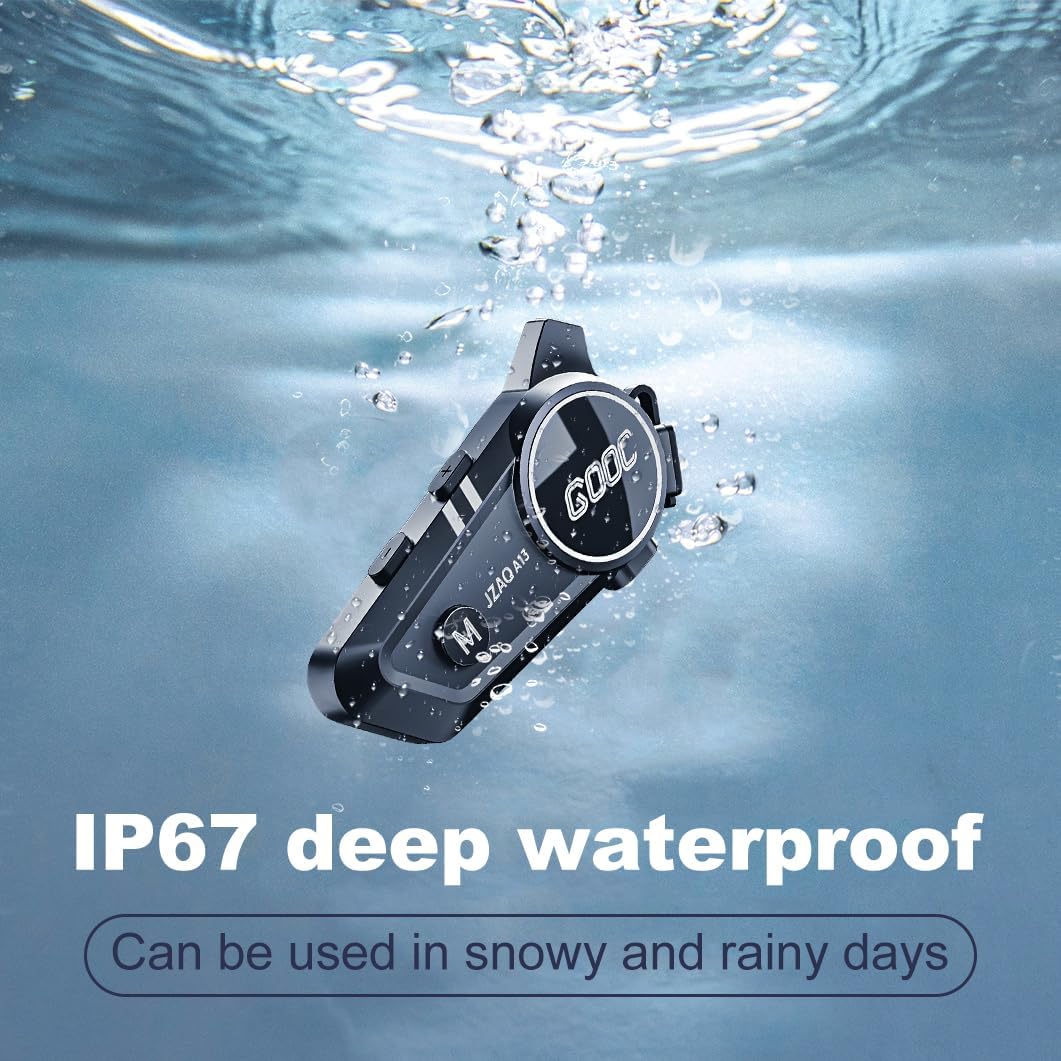
Image 6.1: The JZAQ A13 demonstrating its IP67 deep waterproof capability.
6.2 Цэвэрлэгээ ба хадгалах
- Төхөөрөмжийг зөөлөн арчиж арчихamp даавуу. Хүчтэй химийн бодис, зүлгүүрийн цэвэрлэгч хэрэглэхээс зайлсхий.
- Усны хамгаалалтыг хадгалахын тулд цэнэглэх портын тагийг найдвартай хаасан эсэхийг шалгаарай.
- Төхөөрөмжийг ашиглаагүй үед сэрүүн, хуурай газар хадгална.
7. Алдаа засах
If you encounter issues with your JZAQ A13, refer to the following common problems and solutions:
| Асуудал | Боломжит шалтгаан | Шийдэл |
|---|---|---|
| Төхөөрөмж асахгүй байна | Батерей бага байна; Төхөөрөмж гацсан | Charge the device fully; Perform a hard reset (if applicable, refer to manufacturer for specific steps). |
| Утастай холбох боломжгүй | Not in pairing mode; Bluetooth off on phone; Device already paired | Ensure device is in pairing mode (flashing red/blue); Turn on phone's Bluetooth; Forget previous connections on phone and re-pair. |
| Чанга яригчаас дуу гарахгүй | Volume too low; Speakers disconnected; Faulty connection | Increase volume on device and phone; Check speaker connections; Try re-plugging speakers into the main unit. |
| Домофон холбоогүй байна | Out of range; Incorrect pairing procedure | Ensure riders are within 200m range; Repeat intercom pairing steps for both units. |
| Poor voice quality during calls/intercom | Microphone position; Excessive wind noise | Adjust microphone closer to mouth; Ensure microphone is shielded from direct wind. |
8. Техникийн үзүүлэлтүүд
Key technical specifications for the JZAQ A13 Bluetooth Helmet Speakers & Intercom System:
| Онцлог | Тодорхойлолт |
|---|---|
| Загварын нэр | A13 |
| Брэнд | JZAQ |
| Холболтын технологи | Утасгүй (Bluetooth) |
| Bluetooth хувилбар | 5.3 |
| Зайны багтаамж | 1500 мАч |
| Батерейны ашиглалтын хугацаа (Тоглуулах хугацаа) | 180 цаг хүртэл |
| Цэнэглэх хугацаа | 2 цаг |
| Домофон холбооны хүрээ | Up to 200 meters (two-way) |
| Усны эсэргүүцлийн түвшин | IPX67 (Ус нэвтэрдэггүй) |
| Дуу чимээний хяналт | Sound Isolation, DSP Noise Reduction |
| Онцлог шинж чанарууд | Built-In Voice Assistant, Fast Charging, Includes microphone, Lightweight |
| Зүйлийн жин | 7.4 унц (0.21 килограмм) |
| Ашиглалтын температур | -20°F to (unspecified upper limit) |
9. Баталгаат хугацаа ба дэмжлэг
The JZAQ A13 Bluetooth Helmet Speakers & Intercom System comes with a 2 жилийн баталгаат хугацаа. For any product-related inquiries, technical assistance, or warranty claims, please contact JZAQ customer service through the Amazon Buyer Center. Our customer service team is available to assist you.


