1. Танилцуулга
The TCL S642W is a 2.1 channel soundbar system designed to significantly enhance your home audio experience. This system includes a main soundbar unit and a wireless subwoofer, delivering powerful sound with deep, resonant bass. With advanced connectivity options like Bluetooth 5.3 and HDMI ARC, and support for Dolby Audio, the S642W provides an immersive and high-quality audio environment for movies, music, and games.
2. Багцын агуулга
Дараах зүйлсийн багцад байгаа эсэхийг шалгана уу.
- TCL S642W Soundbar Unit
- Утасгүй сабвуфер
- Батерейтай алсын удирдлага
- Дууны самбарын цахилгаан кабель
- Сабвуферын цахилгаан кабель
- HDMI кабель
- Хананд холбох хэрэгсэл
- Хэрэглэгчийн гарын авлага (энэ баримт бичиг)
3. Тохиргоо
3.1 Байршил
Proper placement of the soundbar and subwoofer is crucial for optimal sound performance and an immersive audio experience.
- Дууны самбар: Position the soundbar centrally below your television. Ensure there are no obstructions in front of the soundbar that could block the sound.
- Утасгүй сабвуфер: The wireless subwoofer can be placed anywhere in the room, ideally near the soundbar, for enhanced bass. Avoid placing it in enclosed spaces that might muffle the sound.

Figure 1: Recommended placement of the soundbar and subwoofer in a living room environment.

Figure 2: Dimensions of the TCL S642W Soundbar (560mm x 62mm x 96.7mm) and Wireless Subwoofer (195mm x 320.4mm x 195mm).
3.2 холболт
Follow these steps to connect your soundbar system:
- Эрчим хүчний холболт: Connect the power cables to the soundbar and the wireless subwoofer, then plug them into a wall outlet. The subwoofer will automatically pair with the soundbar when both are powered on.
- HDMI ARC холболт (санал болгож байна): For the best audio quality and control, connect one end of the provided HDMI cable to the HDMI ARC port on your soundbar and the other end to the HDMI ARC/eARC port on your television. This allows your TV remote to control the soundbar's volume.
- Bluetooth холболт: To stream audio wirelessly from your smart device, ensure the soundbar is powered on. Press the Bluetooth button on the remote control or the soundbar unit. The Bluetooth indicator light will flash. On your smart device, search for Bluetooth devices and select 'TCL S642W' to pair.
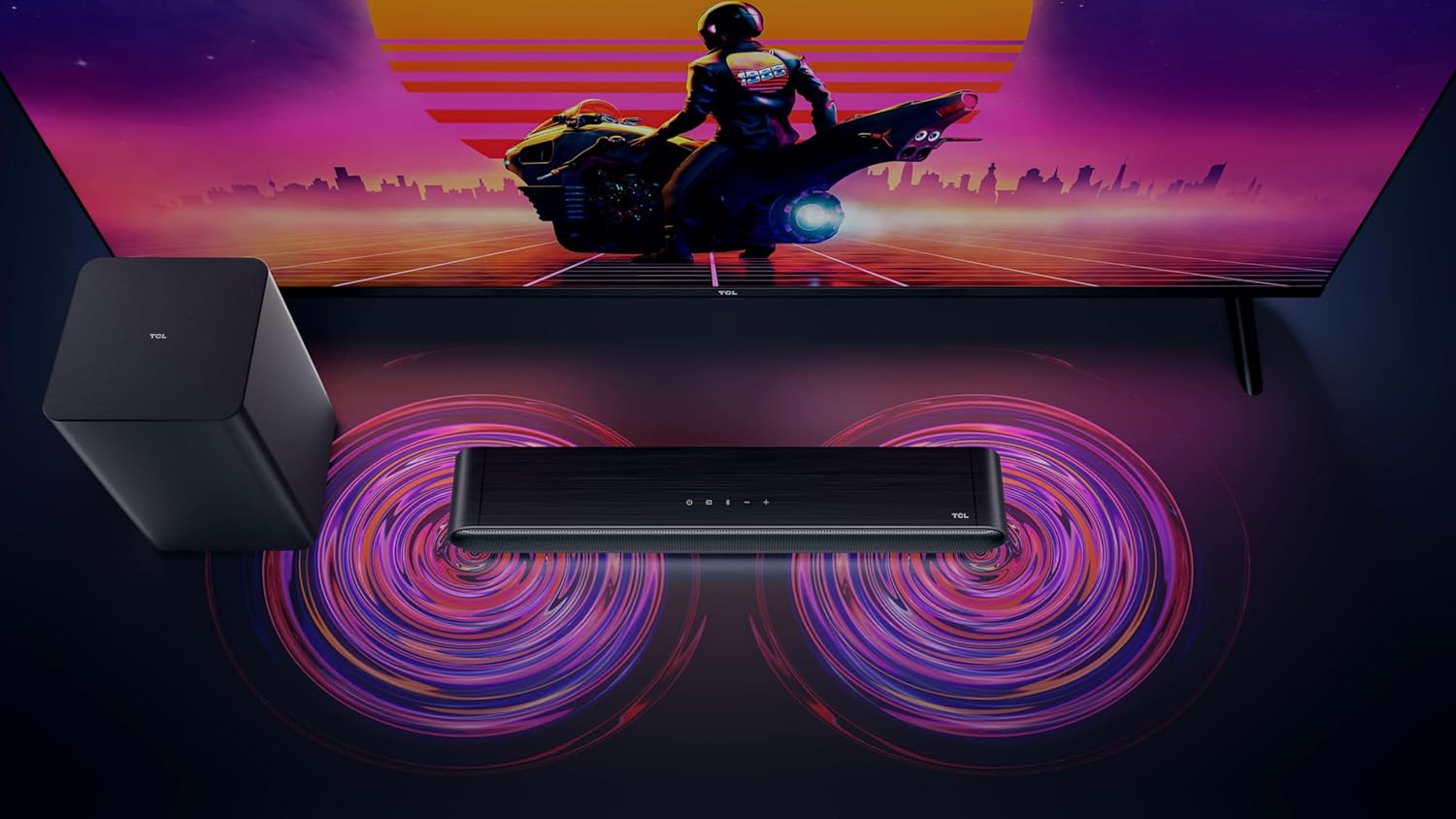
Figure 3: Connectivity options for the TCL S642W Soundbar, including Bluetooth 5.3 and HDMI.
4. Ашиглалтын заавар
4.1 Асаах/унтраах
дээр дарна уу Хүч button on the remote control or the soundbar unit to turn the system on or off.
4.2 Оролтын сонголт
дээр дарна уу Эх сурвалж or Оруулах button on the remote control to cycle through available input sources: HDMI ARC, Bluetooth.
4.3 Дууны хяналт
-г ашиглана уу Дууны хэмжээг нэмэгдүүлэх (+) болон Дууг багасгах (-) buttons on the remote control or the soundbar unit to adjust the volume. If connected via HDMI ARC, your TV remote may also control the soundbar volume.
4.4 Bluetooth холболт
Шинэ Bluetooth төхөөрөмжийг холбохын тулд:
- Ensure the soundbar is in Bluetooth mode (press the Bluetooth button).
- Ухаалаг төхөөрөмж дээрээ Bluetooth-г асаагаад боломжтой төхөөрөмжүүдийг хайгаарай.
- Select 'TCL S642W' from the list to connect. The Bluetooth indicator on the soundbar will stop flashing and remain solid once connected.
Figure 4: The included remote control for convenient operation of the soundbar.
5. Засвар үйлчилгээ
To ensure the longevity and optimal performance of your TCL S642W Soundbar system, follow these maintenance guidelines:
- Цэвэрлэгээ: Use a soft, dry, lint-free cloth to clean the surfaces of the soundbar and subwoofer. Do not use liquid cleaners, sprays, or abrasive materials, as these can damage the finish or internal components.
- Агааржуулалт: Ensure that the soundbar and subwoofer have adequate ventilation. Do not block any ventilation openings. Avoid placing the units in enclosed cabinets without proper airflow.
- Байгаль орчин: Системийг нарны шууд тусгал, дулааны эх үүсвэр, хэт их тоос шороо, чийг, хүчтэй соронзон орон зэргээс хол байлга.
- Эрчим хүч: Unplug the power cables from the wall outlet if the system will not be used for an extended period.
6. Алдаа засах
If you encounter issues with your soundbar, refer to the following troubleshooting guide:
| Асуудал | Боломжит шалтгаан | Шийдэл |
|---|---|---|
| Дууны самбараас дуу гарахгүй |
|
|
| Сабвуфер басс дуугарахгүй байна |
|
|
| Bluetooth холболтын асуудал |
|
|
7. Техникийн үзүүлэлтүүд
Key technical specifications for the TCL S642W Soundbar system:
- Брэнд: TCL
- Загварын нэр: S642W (2.1 Channel Soundbar with Wireless Subwoofer and HDMI ARC with Bluetooth 5.3 – Wall Mountable)
- Чанга яригчийн төрөл: Дууны самбар
- Чанга яригчийн гаралтын дээд чадал: 200 ватт
- Давтамжийн хариу: 10 кГц
- Холболтын технологи: HDMI, Bluetooth 5.3
- Аудио гаралтын горим: Dolby Audio, DTS Virtual X
- Суурилуулах төрөл: Хананд холбох боломжтой
- Материал: Хуванцар
- Онцлог шинж чанарууд: Bluetooth, USB Port, Portable
8. Аюулгүй байдлын мэдээлэл
Please read and follow these safety precautions to prevent damage and ensure safe operation:
- Төхөөрөмжийг бороо, чийг, дусал, ус цацаж болохгүй.
- Ваар зэрэг шингэнээр дүүрсэн зүйлийг төхөөрөмж дээр тавьж болохгүй.
- Агааржуулалтын нүхийг хааж болохгүй. Үйлдвэрлэгчийн зааврын дагуу суурилуулна.
- Радиатор, халаалтын төхөөрөмж, зуух болон бусад төхөөрөмж (үүнд ampөргөгч) дулаан үүсгэдэг.
- Цахилгааны утсыг гишгэх, хавчихаас хамгаалаарай, ялангуяа залгуур, залгуур, төхөөрөмжөөс гарах цэг дээр.
- Зөвхөн үйлдвэрлэгчээс заасан хавсралт/дагалдах хэрэгслийг ашиглана уу.
- Аянга шуурганы үед эсвэл удаан хугацаагаар ашиглаагүй үед энэ төхөөрөмжийг цахилгааны залгуураас салга.
9. Баталгаат хугацаа ба дэмжлэг
For detailed warranty information, terms, and conditions, please refer to the warranty card included with your product package. For technical support, product registration, or to find answers to frequently asked questions, please visit the official TCL support website or contact your local TCL customer service representative.
You can often find additional resources and contact information on the official TCL webсайт: www.tcl.com