1. Танилцуулга
This manual provides detailed instructions for the UGREEN 4-Port USB 3.0 Hub, model CM219-50985B. Please read this manual thoroughly before using the device to ensure proper operation and to maximize its lifespan. Keep this manual for future reference.
2. Бүтээгдэхүүн дууссанview
The UGREEN 4-Port USB 3.0 Hub expands a single USB port into four USB 3.0 ports, allowing connection of multiple USB devices simultaneously. It features a compact, lightweight design for portability and includes a Micro USB port for optional external power when connecting power-hungry devices.

Image: The UGREEN 4-Port USB 3.0 Hub connected to various peripherals like a hard drive, printer, mouse, keyboard, and flash drive, illustrating its multi-port functionality.
3. Онцлогууд
- 4-Port USB 3.0 Expansion: Converts one USB port into four USB 3.0 ports, eliminating the issue of insufficient USB interfaces.
- Супер хурдтай өгөгдөл дамжуулах: Supports data transfer speeds up to 5 Gbps, which is 10 times faster than USB 2.0 (480 Mbps). This allows for rapid transfer of large files and high-definition media.
- Буцах нийцтэй байдал: Fully compatible with USB 2.0 and USB 1.1 devices.
- Micro USB Power Input: Includes a Micro USB port for connecting an external power adapter (5V/2A recommended, not included) to provide additional power for high-power consumption devices like external hard drives and SSDs.
- Plug and Play: No driver installation required. Simply connect the hub to your device, and it's ready to use.
- Өргөн нийцтэй байдал: Works with Windows 10/8/8.1/7/Vista/XP, Mac OS X, Linux, and Chrome OS.
- Аюулгүй байдлын онцлогууд: Баригдсан хэт их ботьtage and over-current protection systems safeguard your connected devices and data. Multi-layer shielding prevents interference with Bluetooth and Wi-Fi signals.
- Авсаархан, зөөврийн дизайн: Slim and lightweight with a 16 cm integrated cable, making it easy to carry and ideal for travel.
- LED үзүүлэлт: A soft white LED indicates the hub's operational status.
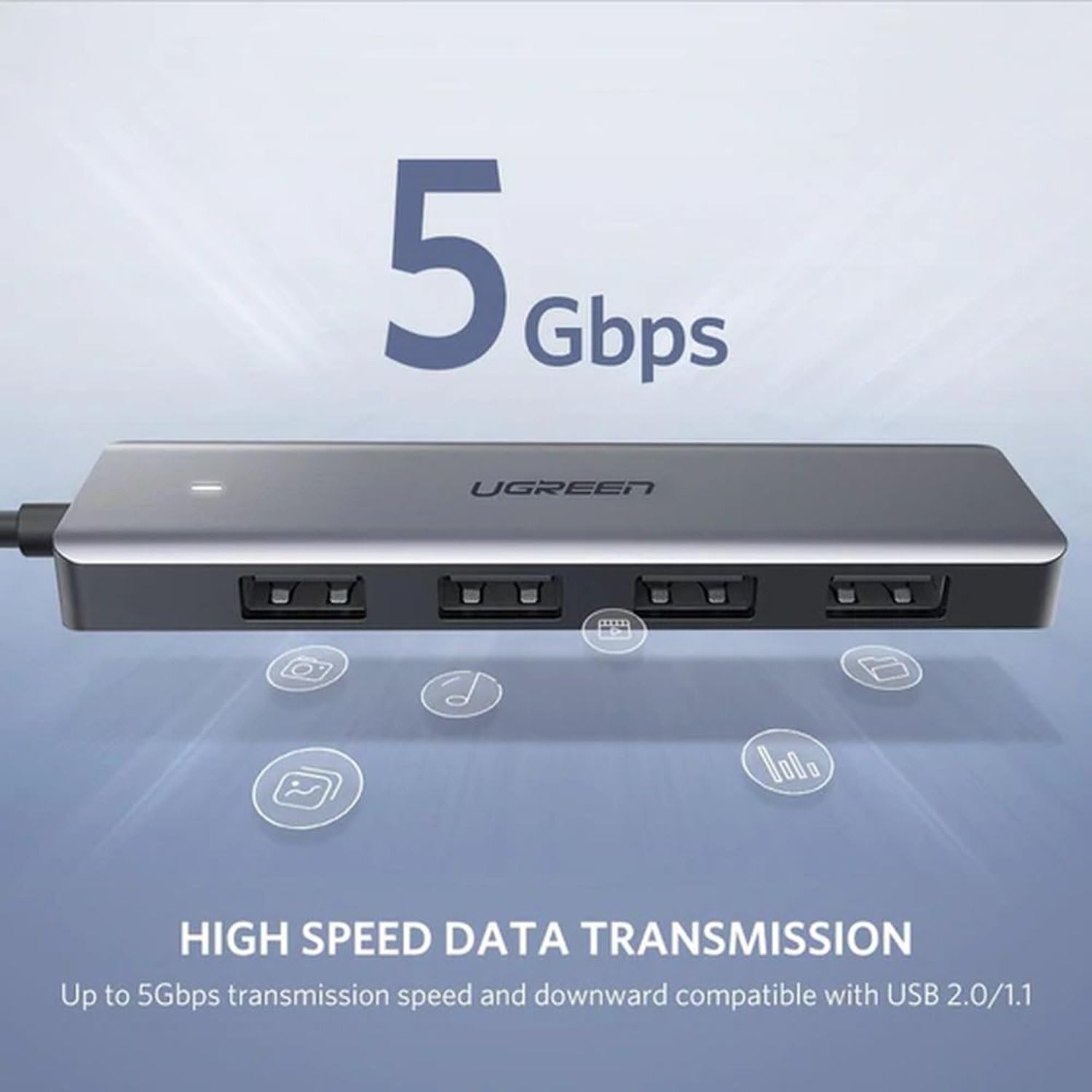
Image: The UGREEN USB 3.0 Hub highlighting its 5 Gbps high-speed data transmission capability, compatible with USB 2.0 and 1.1.
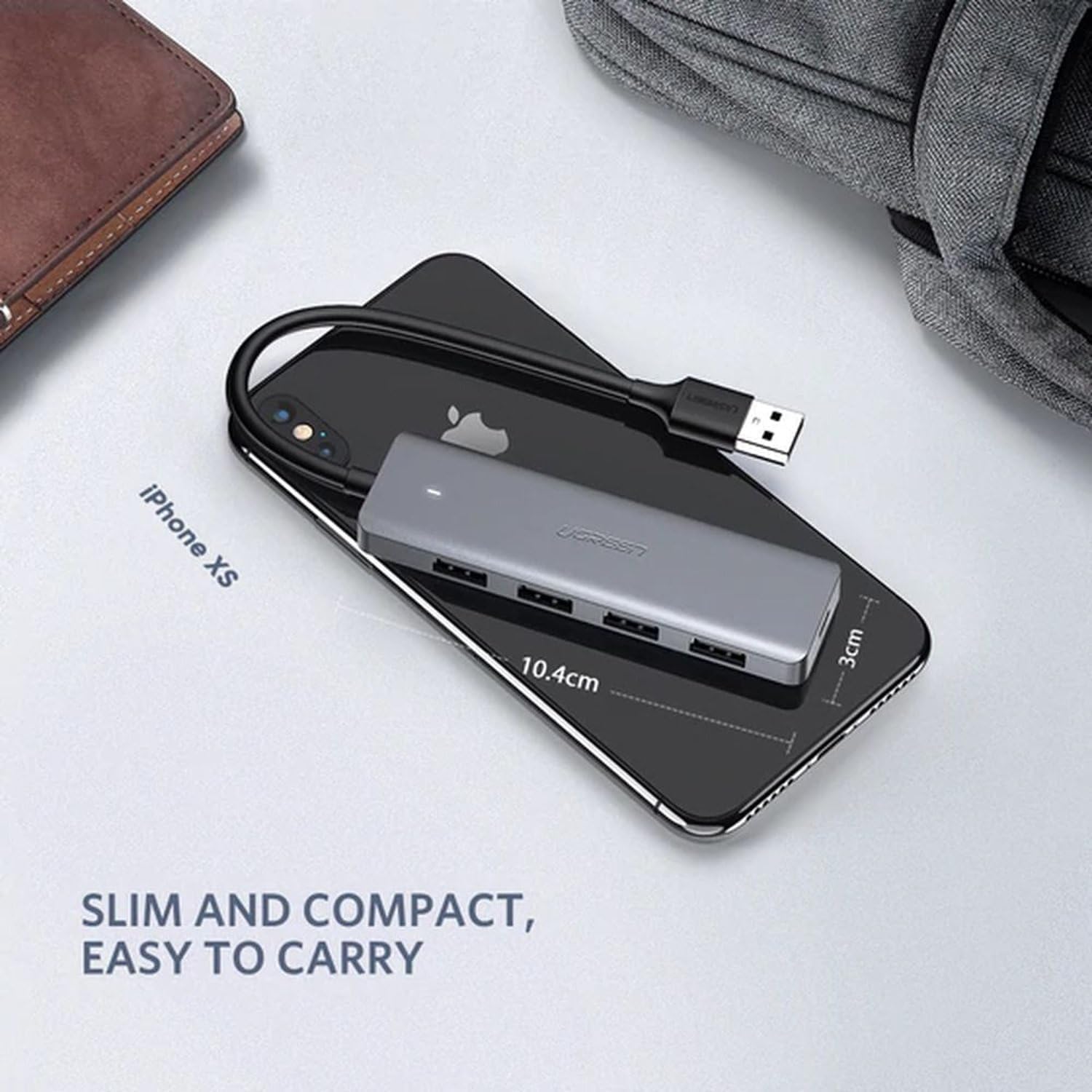
Image: The UGREEN USB 3.0 Hub placed on a smartphone, illustrating its slim and compact dimensions for easy portability.
4. Тохируулах заавар
- Хост төхөөрөмжид холбогдох: Plug the USB-A connector of the UGREEN 4-Port USB 3.0 Hub into an available USB port on your computer, laptop, PS4, or other compatible host device.
- Цахилгаан холболт (заавал биш): If you are connecting power-hungry devices (e.g., external hard drives, SSDs) that require more power than your host device can provide, connect a Micro USB power adapter (5V/2A recommended, not included) to the Micro USB port on the hub. This ensures stable performance for all connected devices.
- Дагалдах төхөөрөмжүүдийг холбох: Plug your USB devices (e.g., flash drives, mouse, keyboard, printer, external hard drives) into the four available USB 3.0 ports on the hub.
- Баталгаажуулалт: The white LED indicator on the hub will illuminate when it is powered and connected correctly. Your operating system should automatically detect the hub and any connected devices.
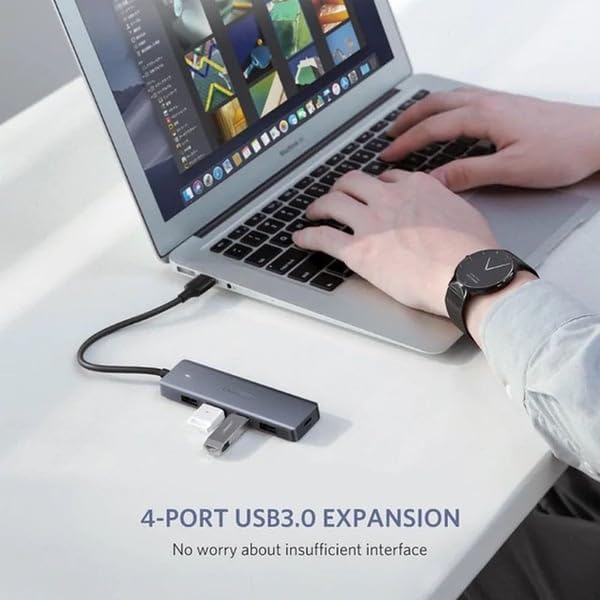
Image: The UGREEN 4-Port USB 3.0 Hub connected to a laptop, demonstrating its use for expanding USB ports for devices like a flash drive.
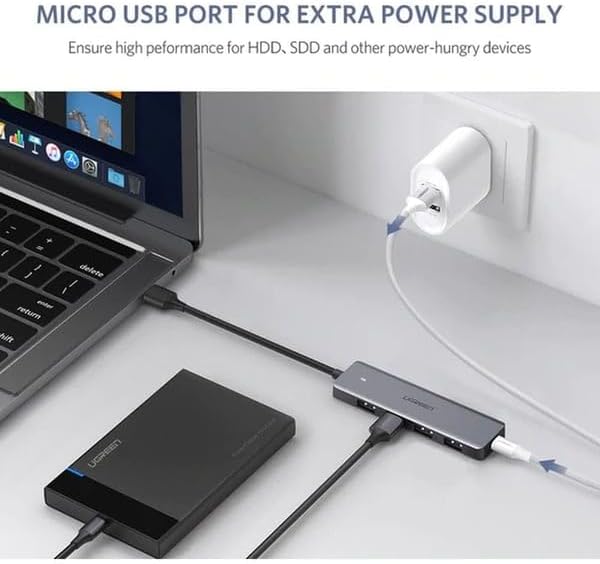
Image: The UGREEN USB 3.0 Hub connected to a laptop and an external hard drive, with its Micro USB port connected to a power adapter for additional power supply.
5. Ашиглалтын заавар
The UGREEN 4-Port USB 3.0 Hub operates on a plug-and-play basis. Once connected, you can use your USB devices as you normally would. All four USB 3.0 ports can be used simultaneously.
- Өгөгдөл дамжуулах: Insert your USB storage devices (e.g., flash drives, external hard drives) into any of the USB 3.0 ports for high-speed data transfer.
- Захын холболт: Connect your mouse, keyboard, printer, or other USB peripherals to the hub. They will function immediately without additional setup.
- Чухал тэмдэглэл: This hub is designed for data transfer and connecting peripherals. It is not intended for charging devices. For optimal performance, avoid using it solely for charging.
6. Засвар үйлчилгээ
- Цэвэрлэгээ: Төвийг цэвэрлэхдээ зөөлөн, хуурай даавуу ашиглаарай. Шингэн цэвэрлэгч эсвэл зүлгүүрийн материалаас зайлсхий.
- Хадгалах: Хабыг нарны шууд тусгал, хэт температураас хол, сэрүүн, хуурай газар хадгална.
- Харьцуулах: Avoid dropping the device or subjecting it to strong impacts. Do not attempt to disassemble or modify the hub, as this will void the warranty and may cause damage.
- Кабель арчилгаа: Do not bend the integrated cable excessively or pull it forcefully.
7. Алдаа засах
| Асуудал | Боломжит шалтгаан | Шийдэл |
|---|---|---|
| Компьютер төвийг танихгүй байна. | Loose connection, faulty USB port on host device, or incompatible operating system. |
|
| Connected devices are not working or disconnecting. | Insufficient power supply, faulty device, or excessive power draw. |
|
| Өгөгдөл дамжуулах хурд удаан. | Connected to a USB 2.0 port, or the connected device is USB 2.0. |
|
8. Техникийн үзүүлэлтүүд
| Атрибут | Дэлгэрэнгүй |
|---|---|
| Брэнд | UGREEN |
| Загварын дугаар | CM219-50985B |
| Өнгө | Саарал |
| Нийт USB портууд | 4 (USB 3.0) |
| Тоног төхөөрөмжийн интерфейс | USB 3.0, USB 2.0, USB 1.1 |
| Өгөгдөл дамжуулах хурд | 5 Gbps хүртэл |
| Онцлог шинж чанарууд | Plug and Play, Over-voltage Protection, Over-current Protection |
| Тохиромжтой төхөөрөмжүүд | Laptops, Desktops, PS4, External Hard Drives, SSDs, USB Flash Drives, Mouse, Keyboard, Printers, USB Headsets, Speakers, Card Readers, VR Devices |
| Үйлдлийн системүүд | Windows 10/8/8.1/7/Vista/XP, Mac OS X, Linux, Chrome OS |
| Материал | Хуванцар |
| Кабелийн урт | 16 см (нэгдсэн) |
| Хэмжээ (Бүтээгдэхүүн) | Ойролцоогоор 10.4 см (урт) x 3 см (өргөн) |
| Багцын хэмжээ | 17.4 x 9.8 x 5 см |
| Жин | 170 грамм (багцын жин) |
9. Баталгаат хугацаа ба дэмжлэг
UGREEN бүтээгдэхүүнүүд нь ихэвчлэн үйлдвэрлэгчийн стандарт баталгаатай ирдэг. Баталгаат хугацаа, бүртгэл эсвэл техникийн дэмжлэгийн талаар дэлгэрэнгүй мэдээлэл авахыг хүсвэл бүтээгдэхүүнтэйгээ хамт ирсэн баталгаат картыг үзэх эсвэл UGREEN-ий албан ёсны вэбсайтад зочилно уу. webсайт.
If you encounter any issues not covered in the troubleshooting section, please contact UGREEN customer support for assistance.