1. Танилцуулга
Thank you for choosing the SETTY Wireless Rechargeable Mouse. This manual provides essential information for setting up, operating, and maintaining your new mouse. Please read these instructions carefully before use to ensure optimal performance and longevity of your device.
2. Багцын агуулга
- 1 x SETTY Wireless Rechargeable Mouse
- 1 x 2.4 GHz USB Receiver
- 1 x USB Charging Cable (25 cm)

Image 1: SETTY Wireless Rechargeable Mouse and its retail packaging.
3. Бүтээгдэхүүн дууссанview
The SETTY Wireless Rechargeable Mouse is designed for comfort and efficiency in both office and home environments. It features a slim, ergonomic design, adjustable DPI settings, RGB lighting, and dual-mode connectivity (2.4 GHz and Bluetooth).
Гол онцлогууд:
- Хос горимын холболт: Supports 2.4 GHz wireless via USB receiver and Bluetooth 5.1.
- Тохируулах DPI: Three sensitivity levels (800, 1200, 1600 DPI) for precise control.
- Эргономик дизайн: Comfortable for extended use.
- Цэнэглэдэг батерей: Built-in 500 mAh lithium battery.
- RGB гэрэлтүүлэг: Dynamic LED lighting for enhanced aesthetics.
- 6 Товчлуур: Including left, right, scroll wheel, DPI switch, and two side buttons.
- One-Click Desktop Function: Quickly minimize all windows.
- Silent Click Design: Үйл ажиллагааны дуу чимээг бууруулдаг.

Image 2: The ergonomic shape of the mouse designed for comfortable hand placement.
4. Тохиргоо
4.1. Хулгана цэнэглэж байна
Before first use, it is recommended to fully charge the mouse. Connect the provided USB charging cable to the charging port on the front of the mouse and the other end to a USB power source (e.g., computer USB port, USB wall adapter). The RGB lighting will indicate charging status and turn off when fully charged.
- Цэнэглэх хугацаа: Ойролцоогоор 2 цаг.
- Ажлын цаг: Бүрэн цэнэглээд 150 цаг хүртэл ажиллана.

Image 3: The mouse being charged via its USB cable.
4.2. Хулгана холбох
The SETTY mouse offers two connection methods: 2.4 GHz wireless via USB receiver or Bluetooth 5.1.
4.2.1. 2.4 GHz утасгүй холболт
- Ихэвчлэн хулганын доод талд байрлах тасалгаанд хадгалагддаг USB хүлээн авагчийг олоорой.
- USB хүлээн авагчийг компьютер дээрээ байгаа USB порт руу холбоно уу.
- Хулганы доод талд байрлах цахилгаан товчийг ашиглан хулганыг асаана уу.
- Хулгана таны компьютерт автоматаар холбогдох ёстой.
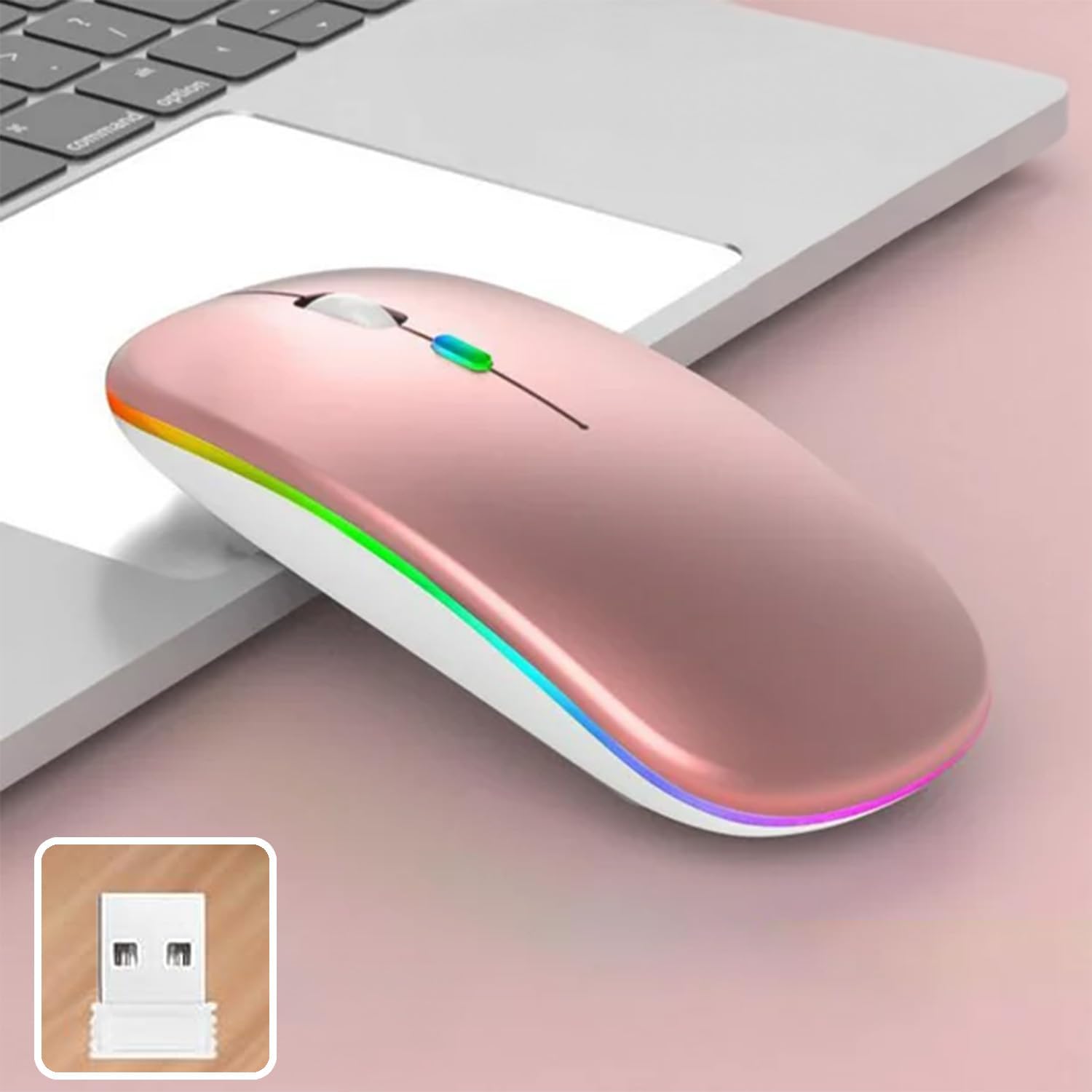
Image 4: The mouse and its 2.4 GHz USB receiver.
4.2.2. Bluetooth 5.1 холболт
- Цахилгаан унтраалга ашиглан хулганаа асаана уу.
- Press and hold the Bluetooth pairing button (often located on the underside or a dedicated button) until the indicator light starts flashing, indicating pairing mode.
- On your device (Windows, Mac OS, Android), go to Bluetooth settings and search for new devices.
- Select "SETTY Mouse" or a similar name from the list of available devices to pair.
- Once paired, the indicator light on the mouse will stop flashing.
4.3. Тохиромжтой байдал
The SETTY Wireless Rechargeable Mouse is compatible with a wide range of operating systems and devices:
- Windows үйлдлийн системүүд
- Mac OS
- Android төхөөрөмжүүд
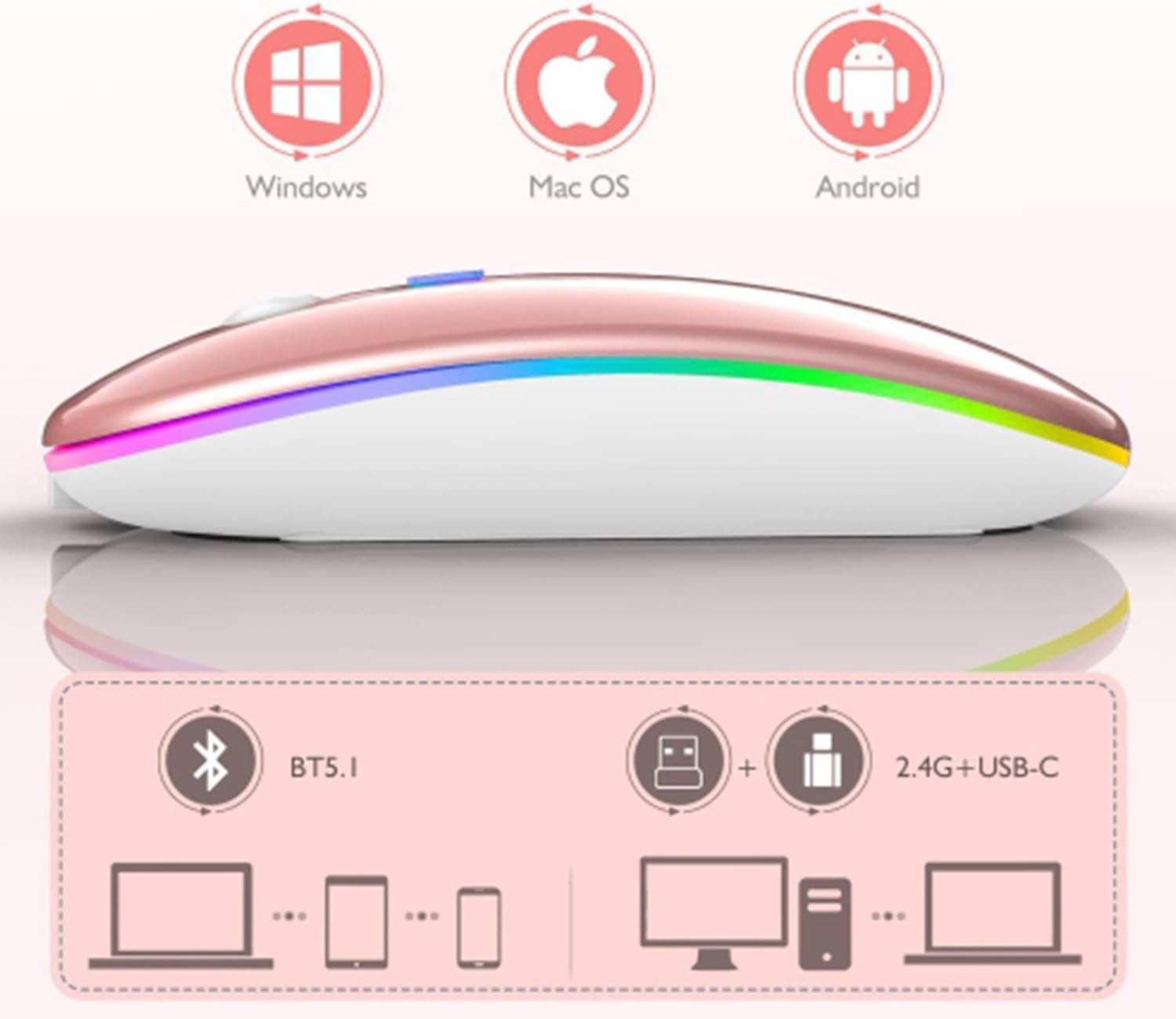
Image 5: Visual representation of the mouse's compatibility with various operating systems and connection types.
5. Ашиглалтын заавар
5.1. DPI тохируулга
The mouse features three adjustable DPI (Dots Per Inch) settings to suit your preference for cursor speed and precision. Press the DPI button (usually located behind the scroll wheel) to cycle through the settings:
- 800 DPI: Lower sensitivity for precise tasks.
- 1200 DPI: Standard sensitivity (default setting).
- 1600 DPI: Курсорыг илүү хурдан хөдөлгөхөд илүү өндөр мэдрэмжтэй.
5.2. RGB гэрэлтүүлэг
The mouse is equipped with dynamic RGB LED lighting. The lighting activates when the mouse is in use and enters power-saving modes when idle.
5.3. Power Saving Modes
To conserve battery life, the mouse implements a three-level power-saving system:
- 1-р түвшний унтах: After 3 seconds of inactivity, the mouse enters a light sleep mode, indicated by a continuously flashing light.
- 2-р түвшний унтах: After approximately 1 minute of inactivity, the mouse enters a deeper sleep mode, indicated by intermittently flashing lights.
- 3-р түвшний унтах: After 8 minutes of inactivity, the mouse enters its deepest sleep mode, and the lights turn off completely. To wake the mouse, simply move it or click any button.
5.4. One-Click Desktop Function
The mouse includes a dedicated button (often a side button) that, when pressed, instantly minimizes all open windows, allowing you to quickly access your desktop.
6. Засвар үйлчилгээ
To ensure the longevity and optimal performance of your SETTY Wireless Rechargeable Mouse, follow these maintenance guidelines:
- Цэвэрлэгээ: Хулганы гадаргууг зөөлөн, хуурай даавуугаар арчина. Зөрүүд шороонд бага зэрэг dampУс эсвэл зөөлөн цэвэрлэгээний уусмалаар даавууг арчина. Хүчтэй химийн бодис эсвэл зүлгүүрийн материал хэрэглэхээс зайлсхий.
- Хадгалах: Удаан хугацаагаар ашиглаагүй бол хулганыг сэрүүн, хуурай газар хадгална.
- Батерейны арчилгаа: Avoid fully discharging the battery frequently. Charge the mouse when the low battery indicator appears.
- Онцгой нөхцөл байдлаас зайлсхийх: Хулганыг хэт өндөр температур, нарны шууд тусгал, хэт их чийгэнд бүү тавь.
7. Алдаа засах
If you encounter issues with your SETTY Wireless Rechargeable Mouse, please refer to the following common solutions:
- Хулгана хариу өгөхгүй байна:
- Хулгана асаалттай байгаа эсэхийг шалгаарай.
- Зайны түвшинг шалгаж, шаардлагатай бол хулганаа цэнэглэ.
- 2.4 GHz холболтын хувьд USB хүлээн авагч нь ажиллаж байгаа USB порт руу найдвартай залгагдсан эсэхийг шалгаарай. Өөр USB порт ашиглаж үзнэ үү.
- For Bluetooth connection, ensure Bluetooth is enabled on your device and the mouse is properly paired. Try re-pairing the mouse.
- Move the mouse closer to the receiver/device to ensure it's within the 15m wireless range.
- Курсорын хөдөлгөөн тогтворгүй эсвэл удаан байна:
- Хулганы доод талд байрлах оптик мэдрэгчийг цэвэрлэ.
- Та хулганыг тохиромжтой гадаргуу дээр (тусгалдаггүй, тунгалаг) ашиглаж байгаа эсэхээ шалгаарай.
- Adjust the DPI setting to a higher value if the cursor is too slow.
- RGB гэрэлтүүлэг ажиллахгүй байна:
- The lighting may be off due to power-saving mode. Move or click the mouse to wake it up.
- Хулгана хангалттай цэнэглэгдсэн эсэхийг шалгаарай.
8. Техникийн үзүүлэлтүүд
| Онцлог | Тодорхойлолт |
|---|---|
| Загвар | GSM111404 |
| Холболтын технологи | 2.4 GHz Wireless, Bluetooth 5.1 |
| Утасгүй сүлжээ | 15 метр хүртэл |
| DPI тохиргоо | 800 / 1200 / 1600 DPI (Default: 1200 DPI) |
| Товчлуурын тоо | 6 |
| Хөдөлгөөн илрүүлэх технологи | Оптик |
| Зайны төрөл | Built-in 500 mAh Lithium-ion Rechargeable Battery |
| Цэнэглэх хугацаа | Ойролцоогоор 2 цаг |
| Ажлын цаг | Ойролцоогоор 150 цаг |
| Үнэлгээтэй ботьtagд / Одоогийн | 3.7 V / 18 мА |
| Түлхүүр амьдрал | 5 сая товшилт |
| Материал | ABS + Metal parts |
| Бүтээгдэхүүний хэмжээ (L x W x H) | 11.3 x 5.7 x 2.5 см |
| Цэнэглэх кабелийн урт | 25 см |
| Тохиромжтой үйлдлийн системүүд | Windows, Mac OS, Android |
9. Баталгаат хугацаа ба дэмжлэг
For warranty information or technical support, please refer to the documentation provided at the point of purchase or contact SETTY customer service. Keep your proof of purchase for warranty claims.


