1. Танилцуулга
This manual provides instructions for the iTOMA Model CKS507 Clock Radio. This device combines an alarm clock with a large LED display, FM radio, dual alarms, two USB charging ports, a night light, and both automatic and manual dimmer functions. It also features APP control for enhanced functionality and ease of use.

Figure 1: iTOMA CKS507 Clock Radio overview.
2. Үндсэн шинж чанарууд
- Ultra Clear 1.4-inch White LED Display: Large numbers for easy readability from any angle, with 4-level manual and auto brightness adjustment.
- APP хяналт: Manage alarms, radio, and other settings via the dedicated iTOMA App for iOS and Android.
- Хос дохиолол: Set two independent alarms with customizable wake-up modes (radio or buzzer) and 4 alarm week modes (Every day, single day, weekdays, weekends).
- FM радио: Digital tuning with memory storage for up to 20 programmable stations (87.5-108MHz). Features a sleep-to-music timer (10-90 minutes).
- Bluetooth холболт: Bluetooth-тэй төхөөрөмжөөсөө дууг утасгүй дамжуулаарай.
- Two USB Charging Ports: Includes one USB Type-A and one USB Type-C port (2.1A 5V) for charging mobile devices.
- Шөнийн гэрэл: Two-level night light for ambient illumination.
- Залгах функц: 9-minute snooze, up to 6 times.
- Crescendo Wake-up Control: Сэрүүлгийн дууны хэмжээ аажмаар нэмэгддэг.
3. Багцын агуулга
Бүх зүйл багцад байгаа эсэхийг шалгана уу:
- 1 x iTOMA CKS507 Clock Radio
- 1 x тэжээлийн адаптер
- 1 x User Manual (Six languages)
4. Тохиргоо
4.1 Эрчим хүчний холболт
- Unpack the iTOMA CKS507 Clock Radio and its power adapter.
- Connect the power adapter to the DC input port on the back of the clock radio.
- Plug the power adapter into a standard electrical outlet. The clock will automatically set itself to the correct year, month, date, day, and time upon initial power-up and after any power interruption.
4.2 Аппликейшн удирдлагын тохиргоо
The iTOMA App provides convenient control over various clock functions.
- Апп татаж авах: хайх "iTOMA" in the App Store (iOS) or Google Play Store (Android) and download the application.
- Power On and Bluetooth Activation: Ensure the clock radio is powered on. Press the BT button on the clock. The Bluetooth indicator on the clock display should flash, indicating it is in pairing mode.
- Аппликешнээр холбогдоно уу:
- Open the iTOMA App on your mobile device.
- Tap "Connect" within the App.
- In the pop-up interface, select "Settings" and then connect to the Bluetooth device named "507".
- Баталгаажуулалт: A successful connection will be indicated by an audible tone from the clock. The App and Bluetooth indicator lights on the clock will remain steadily on.
- Холболтын алдааг олж засварлах: If the App cannot connect, ensure your mobile device's Bluetooth is enabled and the clock's Bluetooth is active (indicator flashing or steady).

Figure 2: Steps for connecting the iTOMA App.
5. Ашиглалтын заавар
5.1 Цаг, огнооны тохиргоо
The clock automatically sets the time upon power-up. Manual adjustment is also possible.
- Гараар тогтоосон цаг: -г ашиглана уу ЦАГ ТОНОГЛОХ button to adjust the year, date, day of the week, and time. Refer to the detailed instructions in the included multi-language manual for specific button sequences.
- Цагийн бүс: Adjust the time zone according to your location.
- 12/24 цагийн формат: Select your preferred time display format.
Сэрүүлгийн 5.2 функц
Цагны радио нь хоёр бие даасан дохиололтой.

Figure 3: Dual alarm clock functionality.
- Сэрүүлгийг тохируулах: Use the dedicated alarm buttons or the iTOMA App to set Alarm 1 and Alarm 2.
- Сэрүүлгийн горимууд: Choose to wake up to the FM radio or a buzzer sound.
- Долоо хоногийн сэрүүлгийн горимууд: Select from four options: Every day, single day only, weekdays only, or weekends only.
- Сэрүүлгийн дууны хэмжээ: Adjust the alarm volume (16 levels). The alarm sound will gradually increase (crescendo wake-up).
- Түр хойшлуулах: Сэрүүлэг дуугарах үед товчийг дарна уу УНТАХ button to temporarily silence it for 9 minutes. This can be repeated up to 6 times.
- Сэрүүлгийг идэвхгүй болгож байна: To turn off an alarm, use the physical alarm switch on the back of the unit or disable it via the App. Remember to re-enable it for the next day if needed.
5.3 FM радио
Enjoy your favorite radio stations with digital tuning.

Figure 4: FM Radio tuning and presets via App.
- тааруулах: Use the tuning controls on the unit or the App to find FM stations (87.5-108MHz).
- Урьдчилан тохируулсан зүйлс: Store up to 20 favorite radio stations for quick access.
- Эзлэхүүн: Adjust the radio volume from 0-16 levels.
- Антен: Ensure the external cable antenna is properly extended for optimal reception.
- Унтах цаг: Set a programmable sleep-to-music timer (10-90 minutes) to fall asleep to your chosen radio station. The radio will automatically turn off after the set duration.
5.4 Bluetooth аудио дамжуулалт
Connect your mobile device to stream music wirelessly.

Figure 5: Bluetooth music streaming.
- дээр дарна уу BT button on the clock radio to enter Bluetooth pairing mode. The Bluetooth indicator will flash.
- On your mobile device, go to Bluetooth settings and select "507" from the list of available devices to pair.
- Once paired, the Bluetooth indicator on the clock will stop flashing and remain steady. You can now stream audio from your device to the clock radio.
5.5 Дэлгэцийн бүдэгрүүлэгч
Adjust the display brightness for comfort.

Figure 6: Display brightness levels and auto dimmer.
- Manual Dimmer: -г ашиглана уу ДИММЕР button to cycle through 4 brightness levels (L-1, L-2, L-3, OFF).
- Auto Dimmer: The clock features an auto-dimmer function that adjusts the display brightness based on ambient light conditions, reducing brightness for uninterrupted sleep.
5.6 Шөнийн гэрэл
Нэгдсэн шөнийн гэрэл нь зөөлөн гэрэлтүүлэг өгдөг.
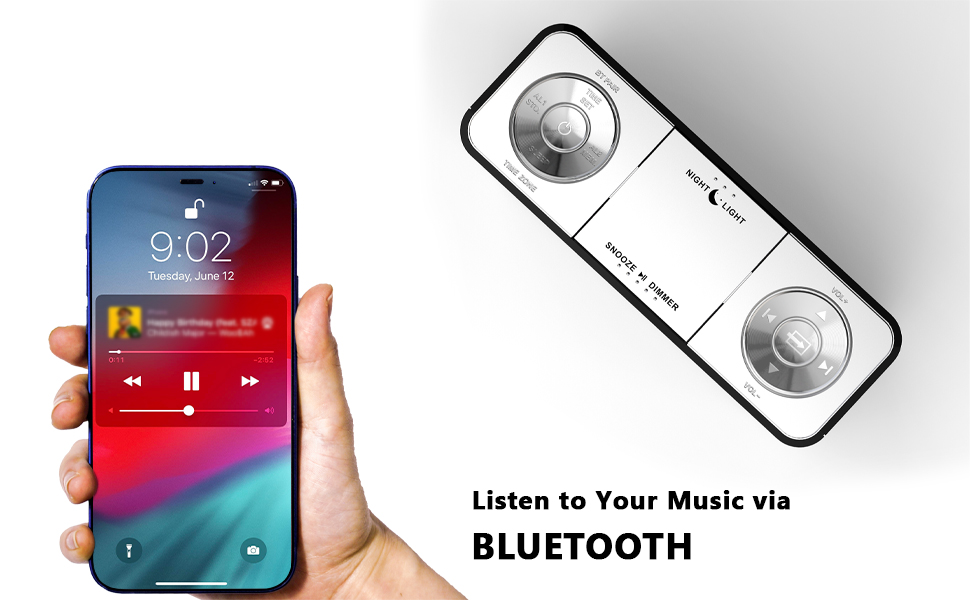
Figure 7: Night light feature.
- дээр дарна уу ШӨНИЙН ГЭРЭЛ button to activate or adjust the two-level night light.
5.7 USB цэнэглэгч порт
Charge your mobile devices conveniently.
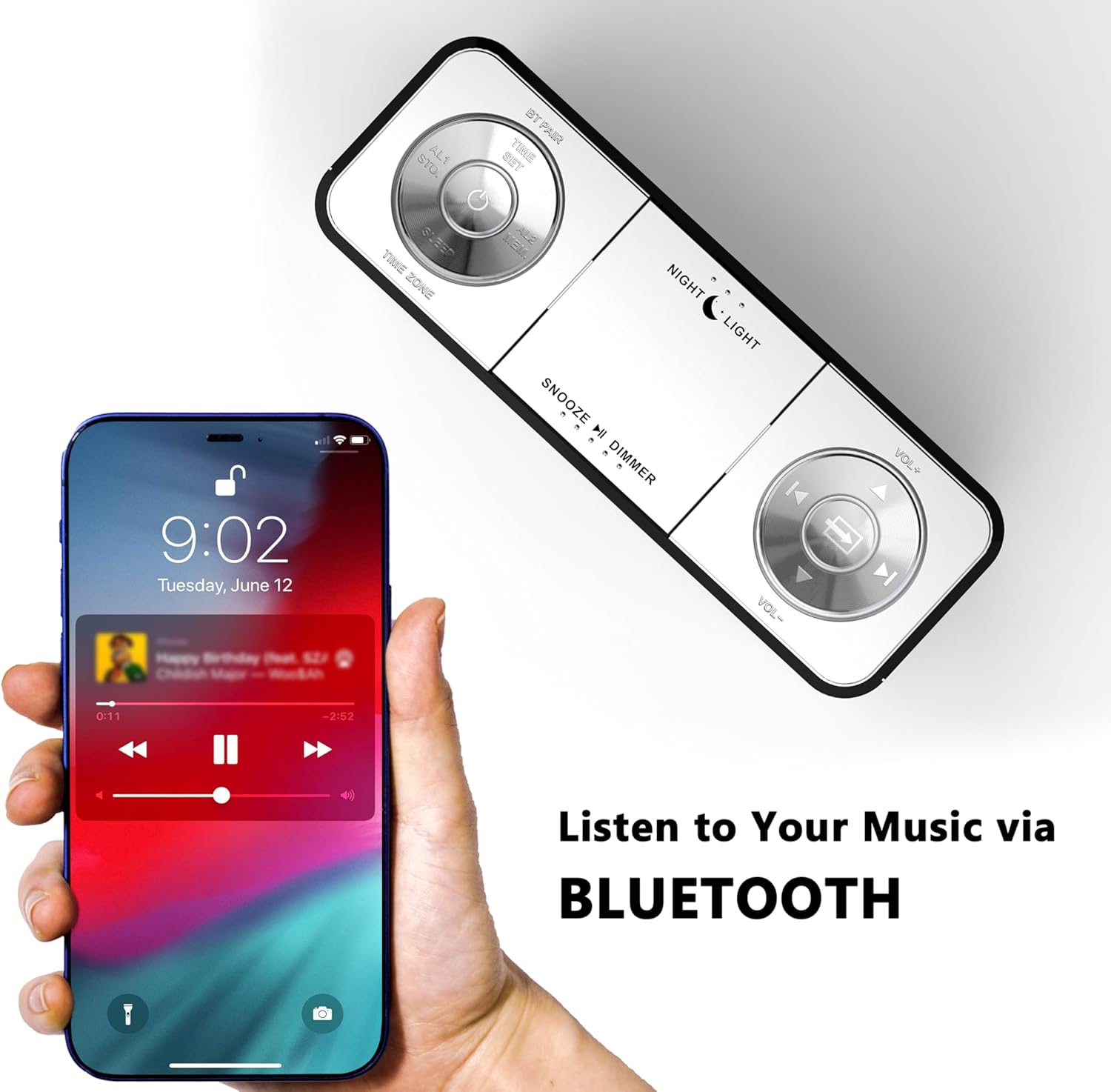
Figure 8: USB charging ports in use.
- The clock radio includes one USB Type-A and one USB Type-C charging port (2.1A 5V total output).
- Connect your mobile phone, tablet, or other USB-powered devices to these ports for charging.
6. Засвар үйлчилгээ
- Цэвэрлэгээ: Төхөөрөмжийг зөөлөн, хуурай даавуугаар арчина. Зүлгүүрийн цэвэрлэгч, уусгагчийг бүү ашигла.
- Эрчим хүчийг салгах: Хэрэв төхөөрөмжийг удаан хугацаагаар ашиглахгүй бол тэжээлийн адаптерийг ханын залгуураас салга.
- Байршил: Place the clock radio on a stable, flat surface away from direct sunlight, heat sources, and moisture.
7. Алдаа засах
| Асуудал | Боломжит шалтгаан | Шийдэл |
|---|---|---|
| Цагийн дэлгэц хоосон эсвэл ажиллахгүй байна. | No power or power interruption. | Цахилгаан адаптерийг цаг болон ажиллаж байгаа цахилгаан залгуурт найдвартай залгасан эсэхийг шалгаарай. |
| Time/Date is incorrect after power interruption. | No battery backup for settings. | The clock automatically resets time upon power restoration. If manual settings were lost, re-enter them using the TIME SET button or App. |
| Cannot connect to the iTOMA App. | Bluetooth is off on the clock or mobile device; incorrect pairing process. | Ensure Bluetooth is enabled on your mobile device. Press the BT button on the clock to activate pairing mode. Follow App connection steps carefully. |
| FM радио хүлээн авах чадвар муу. | Антен сунгагдаагүй эсвэл дохионы талбай муу байна. | Fully extend the external cable antenna. Try repositioning the antenna or the clock radio for better signal. |
| Сэрүүлэг дуугарахгүй байна. | Alarm is not set, turned off, or volume is too low. | Verify alarm settings (time, mode, active days) via the clock or App. Ensure alarm volume is set to an audible level. Check the physical alarm switch on the back. |
| USB цэнэглэгч ажиллахгүй байна. | Device not compatible or cable faulty. | Ensure your device is compatible with 5V USB charging. Try a different USB cable. Confirm the clock radio is powered on. |
8. Техникийн үзүүлэлтүүд
| Брэнд | iTOMA |
| Загварын дугаар | CKS507 дугаартай |
| Өнгө | Цагаан LED |
| Дэлгэцийн төрөл | Дижитал LED |
| Бүтээгдэхүүний хэмжээс | 6.22"Өргөн x 3.54"Өндөр (158мм x 90мм) |
| Эрчим хүчний эх үүсвэр | Утастай цахилгаан |
| Хүрээний материал | Хуванцар |
| Зүйлийн жин | 1.19 фунт |
| FM давтамжийн хүрээ | 87.5-108 МГц |
| USB цэнэглэх гаралт | 2.1A 5V (Type-A and Type-C ports) |

Зураг 9: Бүтээгдэхүүний хэмжээ.
9. Хэрэглэгчийн дэмжлэг
For further assistance, troubleshooting, or warranty information, please contact iTOMA customer support.
- Үйлдвэрлэгч: iTOMA
- Онлайн дэмжлэг: Refer to the official iTOMA webхамгийн сүүлийн үеийн дэмжлэгийн сувгуудын талаарх мэдээллийг авахын тулд вэбсайт эсвэл бүтээгдэхүүний савлагаанд байгаа холбоо барих мэдээлэлд хандана уу.


