Танилцуулга
This manual provides detailed instructions for the safe and effective use of your TCKN USB Type-C Charging and Data Cable. This 2-in-1 cable is designed for both power charging and data transfer, offering reliable performance for a wide range of compatible devices. Please read this manual thoroughly before use to ensure optimal functionality and longevity of your cable.
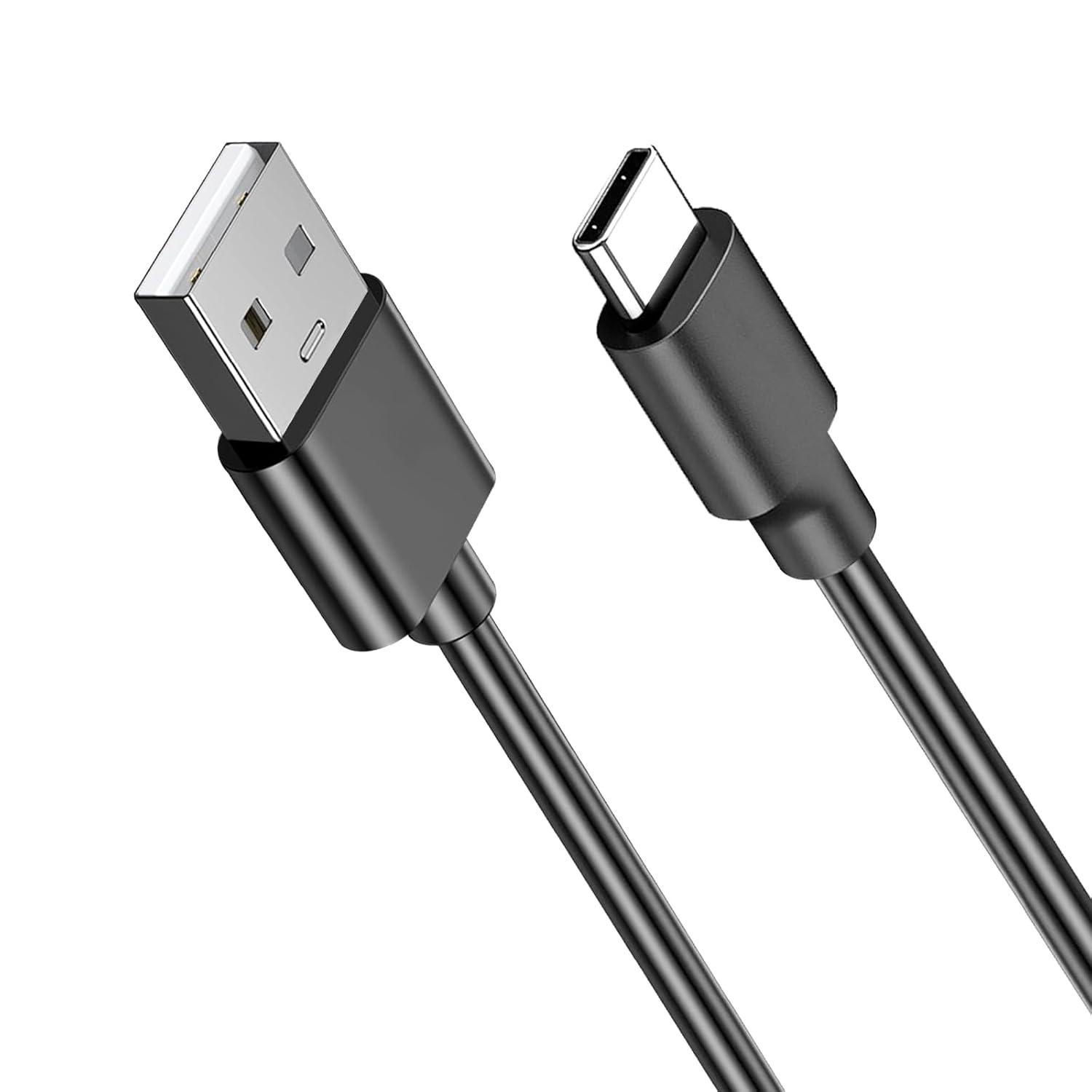
Image: The TCKN USB Type-C Charging and Data Cable, featuring a USB-A connector on one end and a USB-C connector on the other, designed for versatile connectivity.
Тохиргоо ба холболт
The TCKN USB Type-C cable is designed for plug-and-play functionality. No special software or drivers are required for basic charging and data transfer.
Цэнэглэхийн тулд холбож байна:
- Identify the USB-A end of the cable. This end typically connects to a power source.
- Insert the USB-A end into a compatible USB wall adapter, power bank, computer USB port, or other charging device.
- Identify the USB Type-C end of the cable. This end connects to your device.
- Insert the USB Type-C end into the charging port of your compatible device (e.g., keyboard, mouse, headset, smartphone, tablet).
- Хоёр холболт хоёулаа найдвартай байгаа эсэхийг шалгаарай. Таны төхөөрөмж цэнэглэж байгааг харуулах ёстой.
Өгөгдөл дамжуулахаар холбогдож байна:
- Insert the USB-A end into a USB port on your computer or host device.
- Insert the USB Type-C end into the USB-C port of your compatible device (e.g., smartphone, tablet, external hard drive).
- Once connected, your computer should recognize the device, allowing for data transfer operations. Follow your device's specific instructions for accessing and managing files.
Ашиглалтын заавар
The TCKN USB Type-C cable functions as a reliable conduit for both power and data. Its operation is straightforward, requiring only proper connection to compatible devices.
Цэнэглэх функц:
When connected to a power source and a compatible device, the cable facilitates efficient power delivery. The cable supports fast charging protocols, enabling quicker replenishment of battery life for supported devices. Charging speed may vary based on the power source and the device's charging capabilities.

Image: A smartphone connected to a laptop via the TCKN USB Type-C cable, illustrating high-speed charging with an 80% charge achieved in 1 hour, demonstrating efficient power delivery.
Data Transfer Functionality:
Beyond charging, this cable also supports data synchronization. This allows you to transfer files, photos, videos, and other data between your computer and compatible USB-C devices. The data transfer speed will depend on the USB standard supported by both the host device and the connected peripheral (e.g., USB 2.0, USB 3.0).

Image: A smartphone connected to a laptop, demonstrating the cable's dual functionality for both charging and data transfer, highlighting its versatility.
Тохиромжтой байдал
The TCKN USB Type-C Charging and Data Cable is designed for broad compatibility with devices featuring a USB Type-C port for charging and data transfer. Key compatible devices include:
- Logitech G733 Headsets
- Turtle Beach Stealth 600 Gen 2 Headsets
- Turtle Beach Stealth 700 Gen 2 Headsets
- Logitech MX Keys Advanced Keyboard
- Logitech MX Master 3/3S Mouse
- Logitech MX Vertical Mouse
- Logitech Anywhere 3/3S Mouse
- Other USB-C port mice and keyboards
- Various smartphones, tablets, and other electronic devices with a USB Type-C charging port.
Note: Please verify the charging port type of your device before purchasing нийцтэй байдлыг хангах.

Image: An array of devices including tablets, Bluetooth headsets, PS5/Xbox Series controllers, and phones, demonstrating the universal compatibility of the TCKN USB Type-C cable.
Гол онцлогууд
- 2-ын-1 функциональ байдал: Supports both fast charging and data synchronization simultaneously.
- Өргөтгөсөн урт: The cable measures 6.6 feet (2 meters), providing ample reach for convenient use in various environments such as living rooms, bedrooms, offices, or vehicles.

Image: Various devices like game controllers, portable consoles, and laptops surrounding the 6.6-foot TCKN USB Type-C cable, illustrating its extended length and ease of use.
- Бат бөх чанар: Constructed with high-quality materials, the cable is rigorously tested to withstand over 10,000 bending and insertion cycles, ensuring a long service life and resistance to tensile stress.

Image: An illustration showing the cable's flexibility and durability, with a text overlay indicating "10000+ Bend Lifespan," highlighting its robust construction.
- Аюулгүй байдлын онцлогууд: Includes built-in short circuit protection to safeguard your devices during charging.
- Зөөврийн дизайн: Lightweight and easy to carry, making it ideal for travel and daily use.
Засвар үйлчилгээ, арчилгаа
Proper care and maintenance will extend the lifespan of your TCKN USB Type-C cable.
- Хадгалах: When not in use, coil the cable loosely. Avoid tight coiling or sharp bends, which can damage the internal wires. Store in a cool, dry place away from direct sunlight.
- Цэвэрлэгээ: If the cable or connectors become dirty, gently wipe them with a soft, dry, lint-free cloth. Do not use liquid cleaners or abrasive materials.
- Харьцуулах: Always grasp the connector head when plugging or unplugging the cable. Avoid pulling directly on the cable itself, as this can strain the connection points and lead to damage.
- Байгаль орчны нөхцөл: Do not expose the cable to extreme temperatures, humidity, or corrosive substances.
Алдааг олж засварлах
If you encounter issues with your TCKN USB Type-C cable, please refer to the following common solutions:
| Асуудал | Боломжит шалтгаан | Шийдэл |
|---|---|---|
| Төхөөрөмжийг цэнэглэхгүй байна. |
|
|
| Удаан цэнэглэж байна. |
|
|
| Өгөгдөл дамжуулалт ажиллахгүй байна. |
|
|
If the problem persists after trying these steps, please contact TCKN customer support for further assistance.
Үзүүлэлтүүд
| Загварын дугаар | TCKN USB Charger Cable Cord |
| Холбогч төрөл | USB төрөл А-аас USB төрөл C |
| Кабелийн урт | 6.6 фут (2 метр) |
| Үйл ажиллагаа | Цэнэглэх, өгөгдөл дамжуулах |
| Онцлог шинж чанарууд | Fast Charging, Data Transfer, Short Circuit Protection, Easy to Carry |
| Материал | Durable construction for long lifespan (10000+ bend lifespan) |
| Багцын агуулга | 1x 6.6 Feet Type C Charging Cord |
Баталгаат болон дэмжлэг
TCKN is committed to providing high-quality products and excellent customer service.
Хэрэглэгчийн дэмжлэг:
If you have any questions, concerns, or require assistance with your TCKN USB Type-C Charging and Data Cable, please do not hesitate to contact our customer service team. We provide 24-hour online service to assist you.
For inquiries, please refer to the contact information provided with your purchase or visit the official TCKN store on Amazon:
Visit the TCKN Store on Amazon
Баталгаат мэдээлэл:
Specific warranty details may vary. Please retain your proof of purchase for any warranty claims. TCKN stands behind the quality of its products and will provide support for manufacturing defects.


