1. Танилцуулга
Thank you for choosing the COCOCAM 5MP Indoor Security Camera. This device is designed to provide reliable surveillance for your indoor spaces, offering high-resolution video, advanced motion detection, two-way audio communication, and flexible storage options. This manual will guide you through the installation, operation, and maintenance of your new security camera to ensure optimal performance and peace of mind.
2. Багцын агуулга
Дараах зүйлсийн багцад байгаа эсэхийг шалгана уу.
- COCOCAM 5MP Indoor Security Camera (Model: PK323)
- Эрчим хүчний адаптер
- USB кабель
- Mounting Accessories (Screws, Wall Plugs)
- Хэрэглэгчийн гарын авлага (Энэ баримт бичиг)
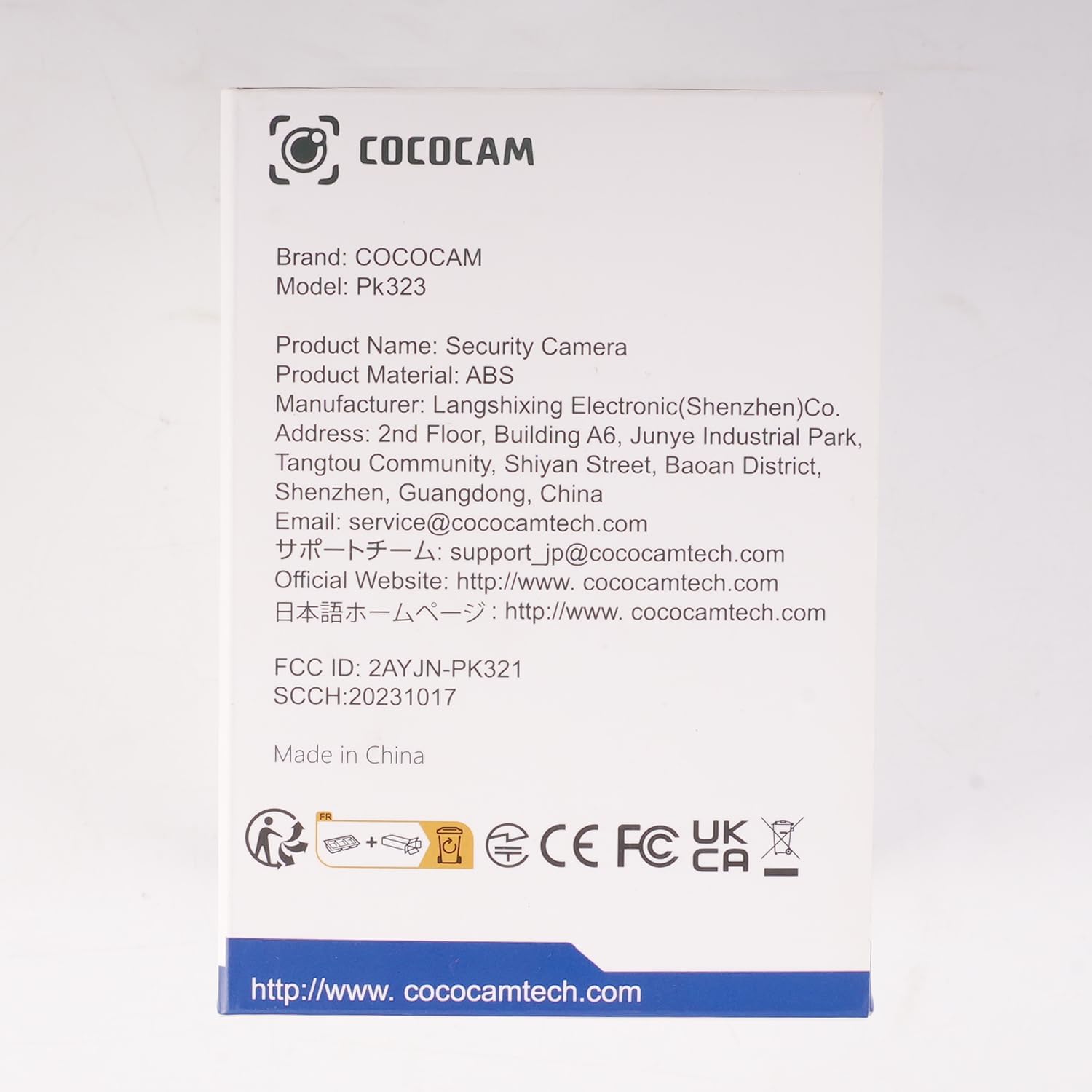
Зураг: Урд view of the COCOCAM Security Camera retail box.
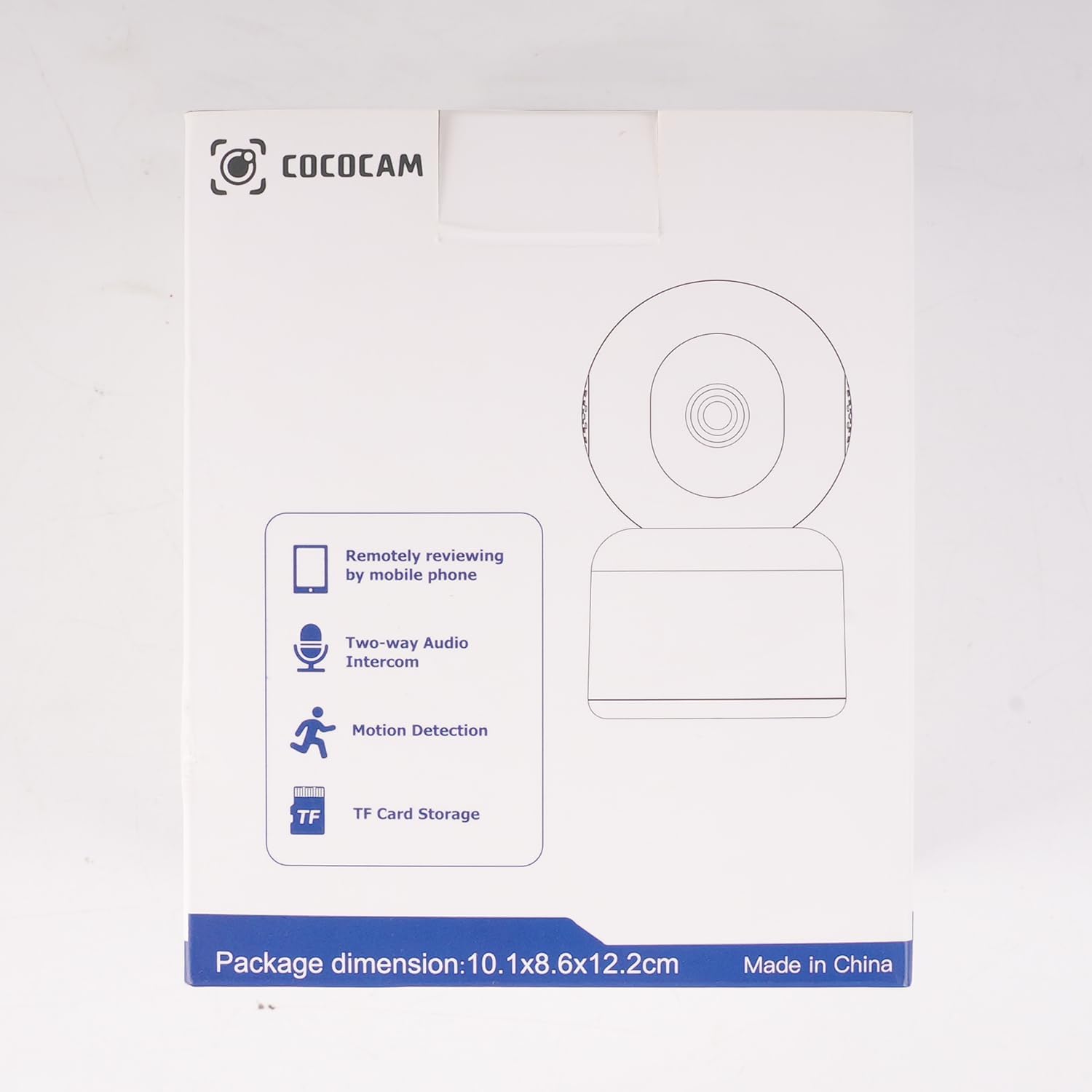
Зураг: хажуу тал view of the COCOCAM Security Camera retail box highlighting features like remote viewing, two-way audio, motion detection, and TF card storage.
3. Бүтээгдэхүүн дууссанview
The COCOCAM PK323 is a versatile indoor security camera designed for comprehensive monitoring. It features a compact design and robust capabilities.
Гол онцлогууд:
- 5MP нягтрал: Хоол хүнсийг тодорхой, нарийвчилсан байдлаар буулгадагtage.
- Пан & хазайлт: 355° horizontal pan and 80° vertical tilt for wide coverage.
- Хос зурвасын Wi-Fi: Supports both 2.4GHz and 5GHz Wi-Fi networks for stable connection.
- Хоёр талын аудио: Бодит цагийн харилцаа холбооны зориулалттай суурилуулсан микрофон болон чанга яригч.
- AI Motion Detection & Auto Tracking: Intelligently detects human and pet movement and tracks the subject.
- HD IR Night Vision: Provides clear video monitoring even in low-light conditions, visible up to 15 meters (50 ft).
- Уян хатан хадгалах: Орон нутгийн TF картын хадгалалт (128GB хүртэл) болон үүлэн хадгалалтын сонголтуудыг дэмждэг.
- Alexa интеграци: Works with Amazon Alexa for voice control and live view нийцтэй төхөөрөмжүүд дээр.
Физик бүрэлдэхүүн хэсгүүд:
- Камерын линз: Main video capture component.
- IR гэрэл: Infrared lights for night vision.
- Микрофон: Аудио оролтын хувьд.
- Илтгэгч: For audio output (two-way audio).
- Эрчим хүчний порт: Цахилгаан адаптерийг холбоход зориулагдсан.
- Дахин тохируулах товч: Камерыг үйлдвэрийн тохиргоонд нь дахин тохируулахад ашигладаг.
- TF картын оролт: For inserting a microSD card for local storage.

Image: The COCOCAM 5MP Indoor Camera alongside a smartphone displaying its live video feed, highlighting its 5MP and dual-band Wi-Fi capabilities.
4. Тохируулах гарын авлага
Follow these steps to set up your COCOCAM security camera:
4.1 Аппыг татаж авах
- хайх нь "CloudEdge" app in your smartphone's app store (App Store for iOS or Google Play Store for Android).
- Програмыг татаж аваад суулгана уу.
- Шинэ акаунтаар бүртгүүлэх эсвэл хэрэв танд бүртгэл байгаа бол нэвтэрнэ үү.
4.2 Камерыг асаана уу
- Connect the provided USB cable to the camera's power port and the power adapter.
- Цахилгаан адаптерийг ханын залгуурт холбоно уу.
- Wait for the camera to power on. You will hear a prompt indicating it's ready for setup.
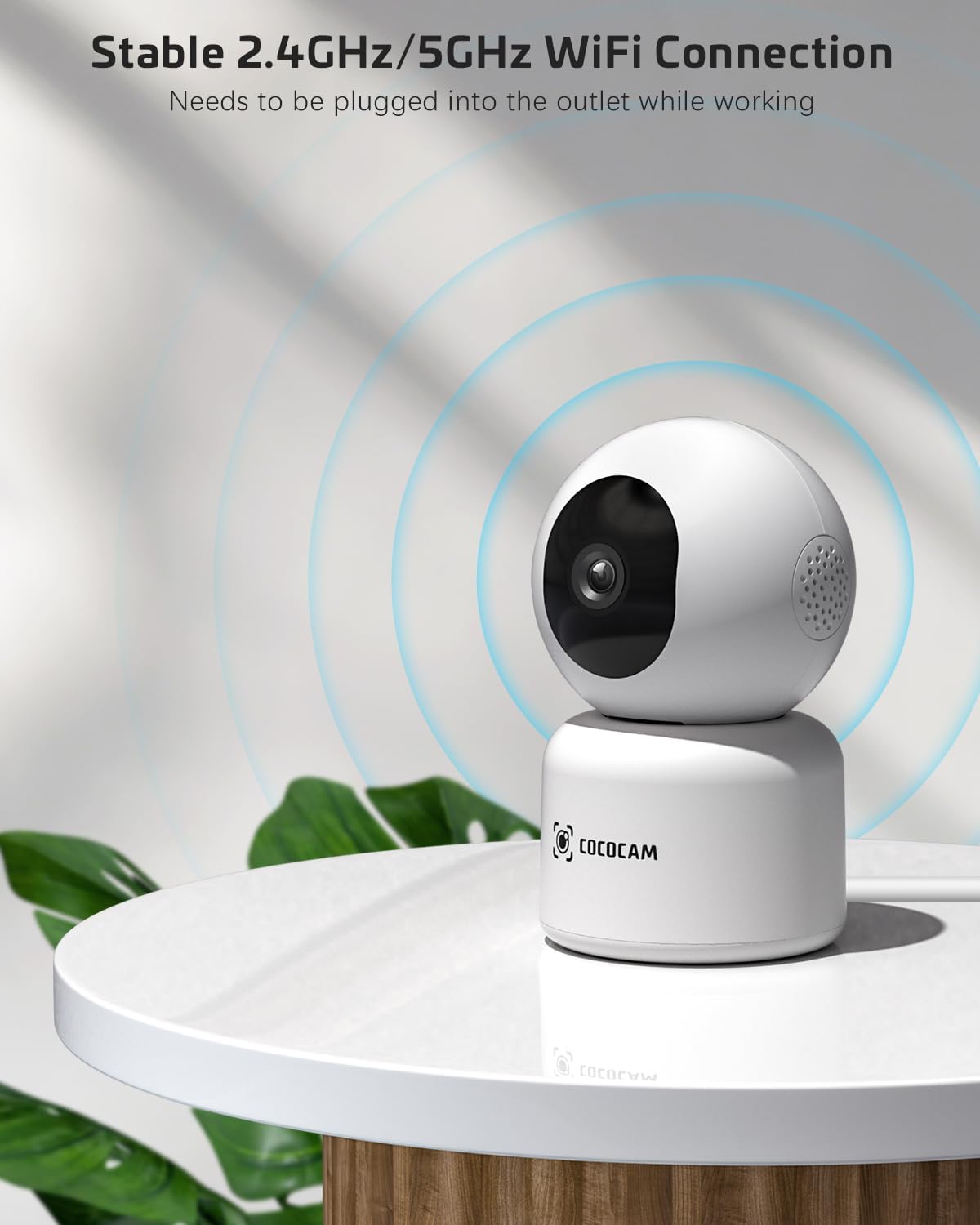
Image: The COCOCAM camera plugged into an outlet, illustrating its stable 2.4GHz/5GHz Wi-Fi connection capability.
4.3 Wi-Fi-д холбогдоно уу
- Open the CloudEdge app.
- Tap the "+" icon or "Add Device" to add a new camera.
- Select your camera model from the list (e.g., Smart Camera or PTZ Camera).
- Follow the on-screen instructions to connect the camera to your Wi-Fi network. Ensure your phone is connected to the same Wi-Fi network (2.4GHz or 5GHz).
- The app will display a QR code. Hold your phone's screen in front of the camera lens (approx. 15-20 cm or 6-8 inches away) until you hear a confirmation sound from the camera.
- Once connected, the camera's indicator light will turn solid blue, and you will receive a "Connection successful" message in the app.

Image: A sequence of screenshots from the CloudEdge app demonstrating the step-by-step process for setting up and connecting the camera to a Wi-Fi network.
4.4 Install TF Card (Optional)
If you wish to use local storage, insert a TF (microSD) card (up to 128GB) into the camera's TF card slot. Ensure the camera is powered off before inserting or removing the card. Format the card through the app settings after insertion for proper functionality.
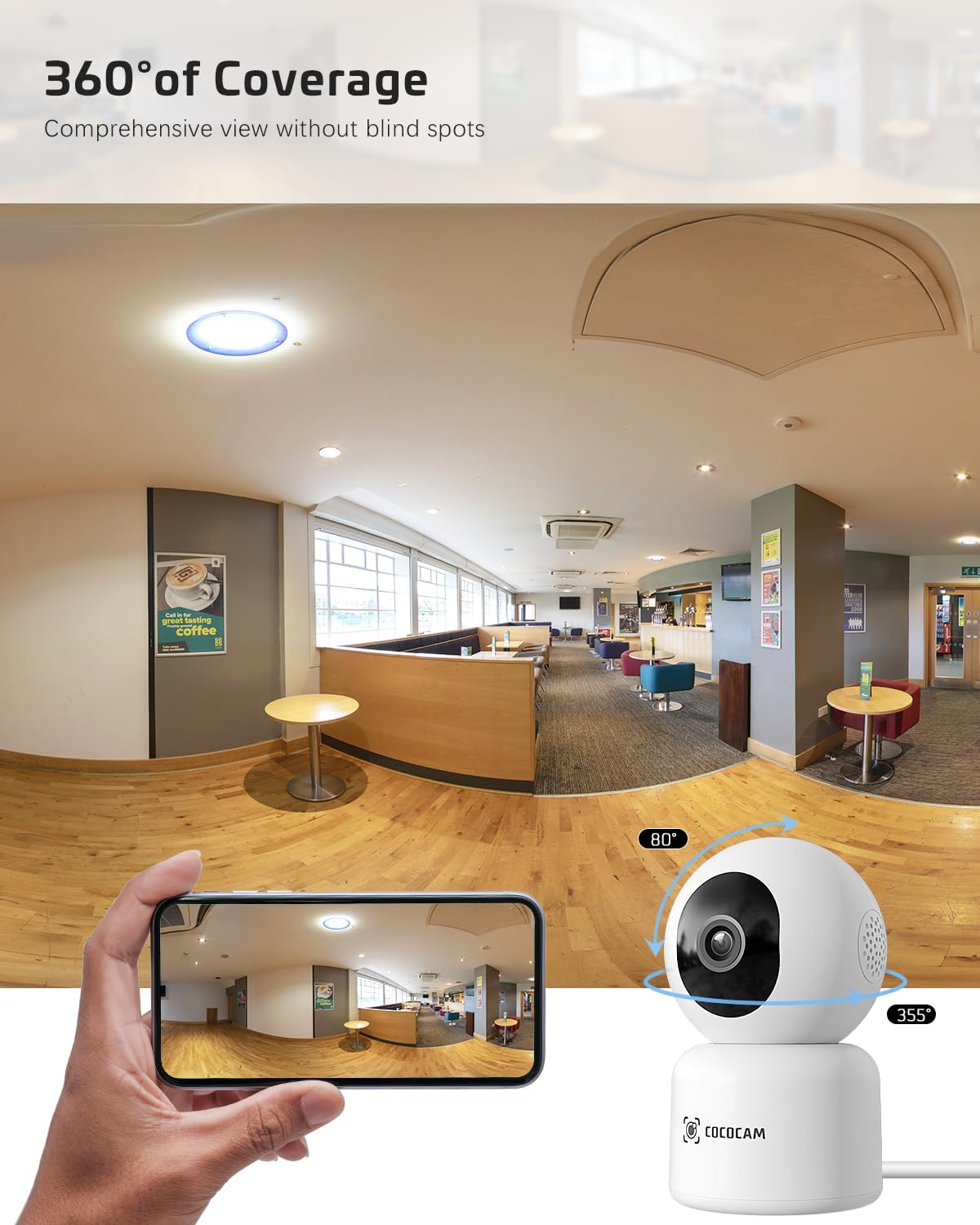
Image: The COCOCAM camera with icons representing cloud storage and TF card storage, emphasizing its safe and stable storage options.
5. Ашиглалтын заавар
Once set up, you can utilize the camera's features via the CloudEdge app.
5.1 Амьд View & Бичлэг
- Шууд нэвтрүүлэгт хандахын тулд CloudEdge аппликейшнийг нээгээд төхөөрөмжийн жагсаалтаас камераа сонгоно уу view.
- You can manually record video or capture screenshots directly from the live view интерфейс.
- The camera supports 24/7 continuous recording to a TF card or cloud storage (subscription may apply for extended cloud features).
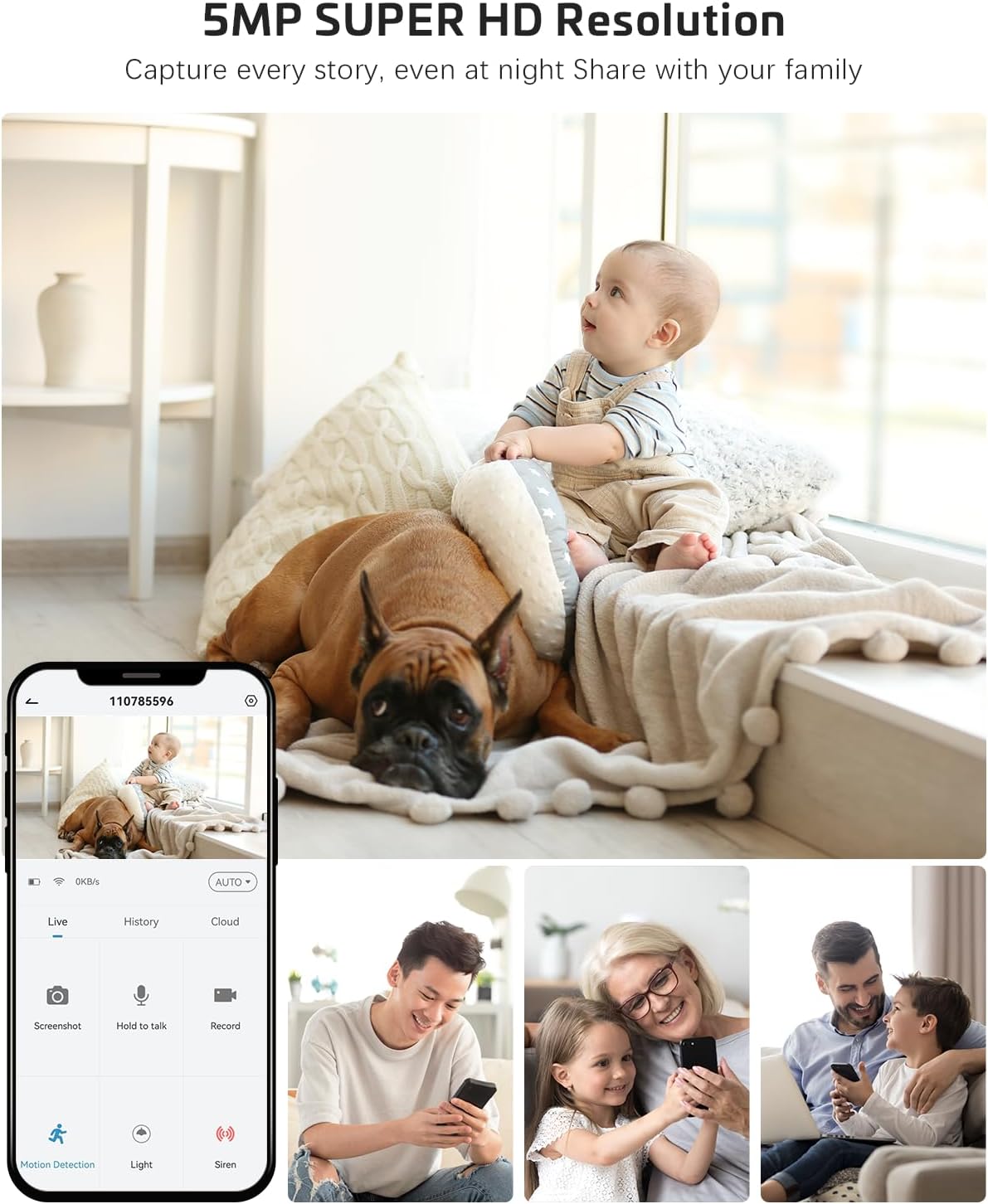
Image: The COCOCAM camera app interface displaying a live view of a baby and dog, with options for screenshot, hold to talk, record, and motion detection, alongside images of family members sharing access.
5.2 Хоёр талын аудио
- Шууд нэвтрүүлгээс view, tap the microphone icon to enable two-way audio.
- Press and hold the talk button to speak through the camera's speaker. Release to listen.
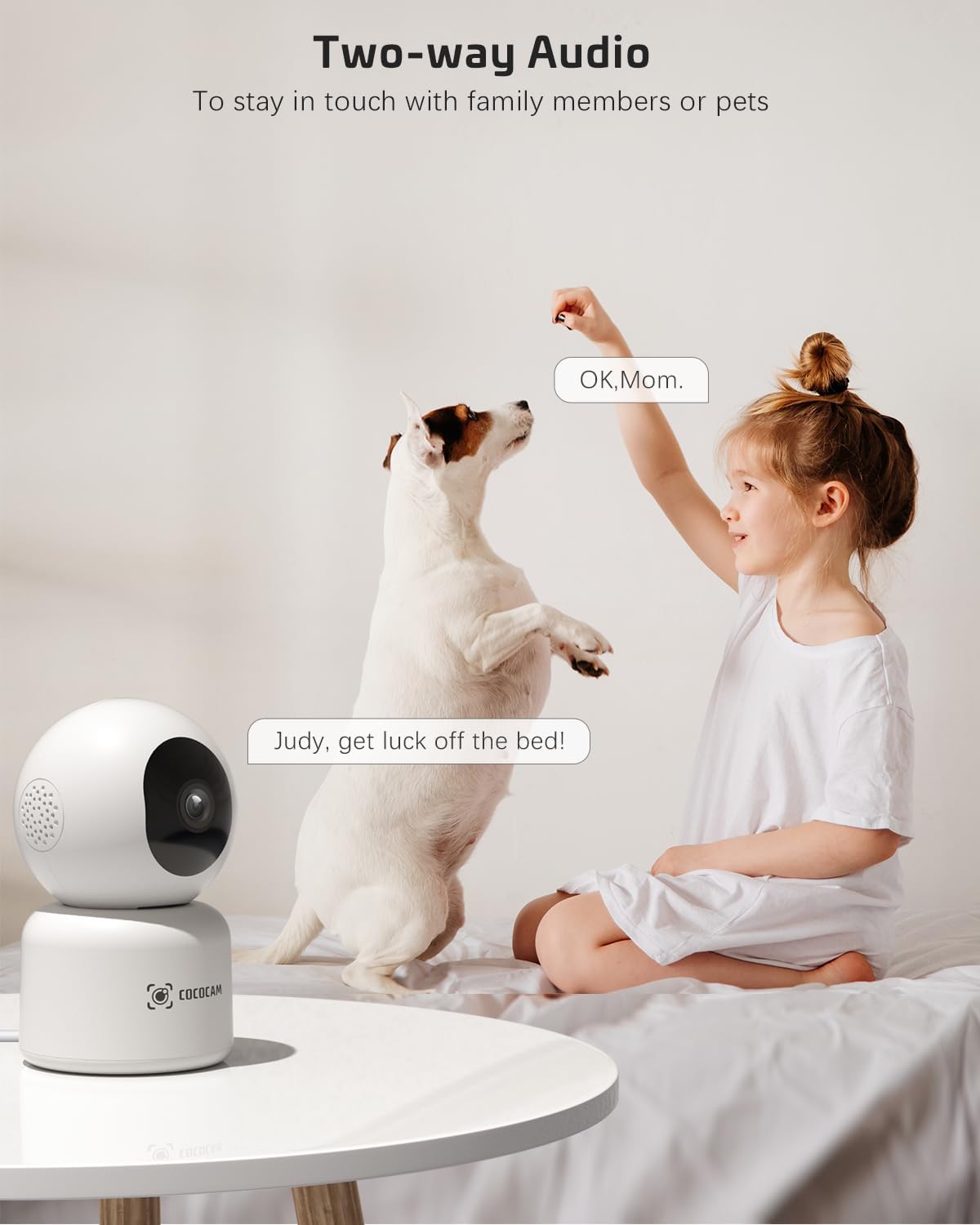
Image: A child and a dog interacting, illustrating the two-way audio feature of the COCOCAM camera, allowing communication with family members or pets.
5.3 Пан, Хазайлгах, Томруулах (PTZ)
- Шууд нэвтрүүлэг дээр view screen, use the directional controls to pan the camera horizontally (355°) and tilt it vertically (80°).
- Pinch to zoom in or out on the video feed.
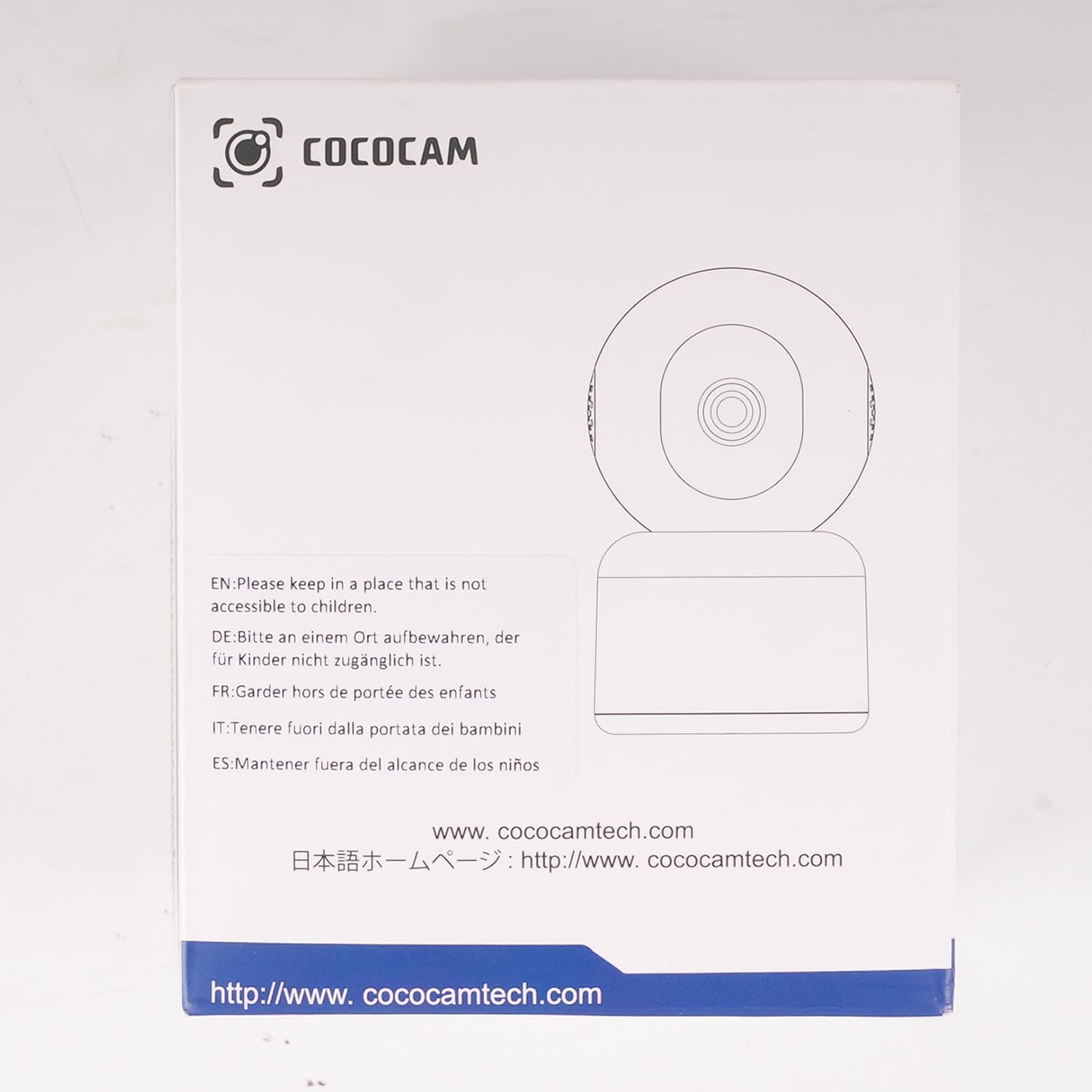
Image: The COCOCAM camera demonstrating its 360° coverage capability, providing a comprehensive view without blind spots, with a smartphone displaying the panoramic view.
5.4 AI Motion Detection & Auto Tracking
- Enable motion detection in the app settings. You can adjust sensitivity (Low, Medium, High) and set specific detection zones.
- The camera will send real-time alerts to your phone when motion is detected.
- With auto-tracking enabled, the camera will automatically follow detected movement within its field of view.
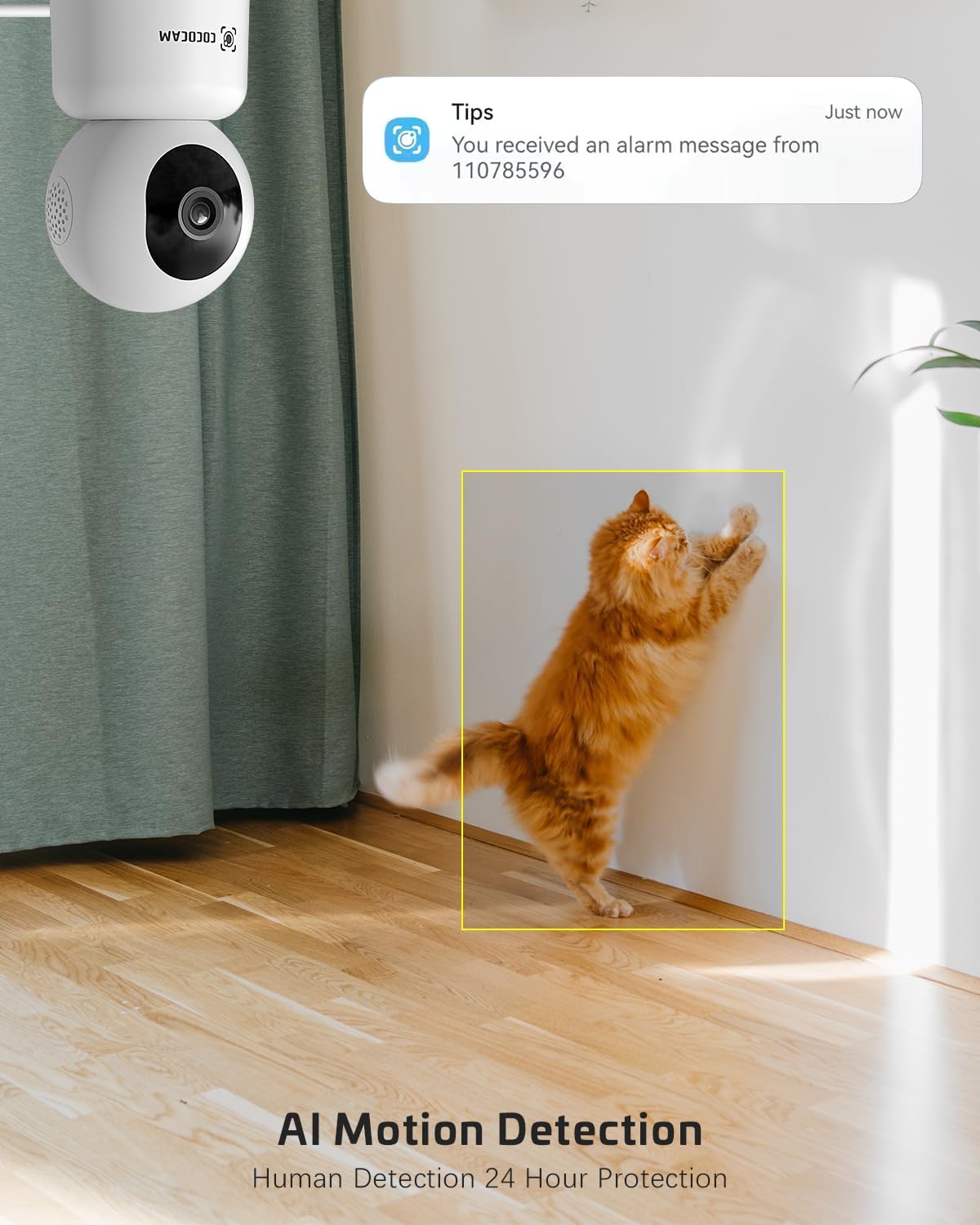
Image: The COCOCAM security camera detecting motion, with a notification pop-up on a phone screen, demonstrating its AI motion detection capabilities for human and pet activity.

Image: A screenshot of the CloudEdge app's motion detection settings, showing options to enable/disable motion detection, adjust sensitivity, set recording time, alarm interval, alert plan, and alarm area.
5.5 HD IR Night Vision
- Гэрэл багатай нөхцөлд камер автоматаар шөнийн харааны горимд шилждэг.
- Infrared LEDs provide clear black-and-white video up to 15 meters (50 ft) in complete darkness.
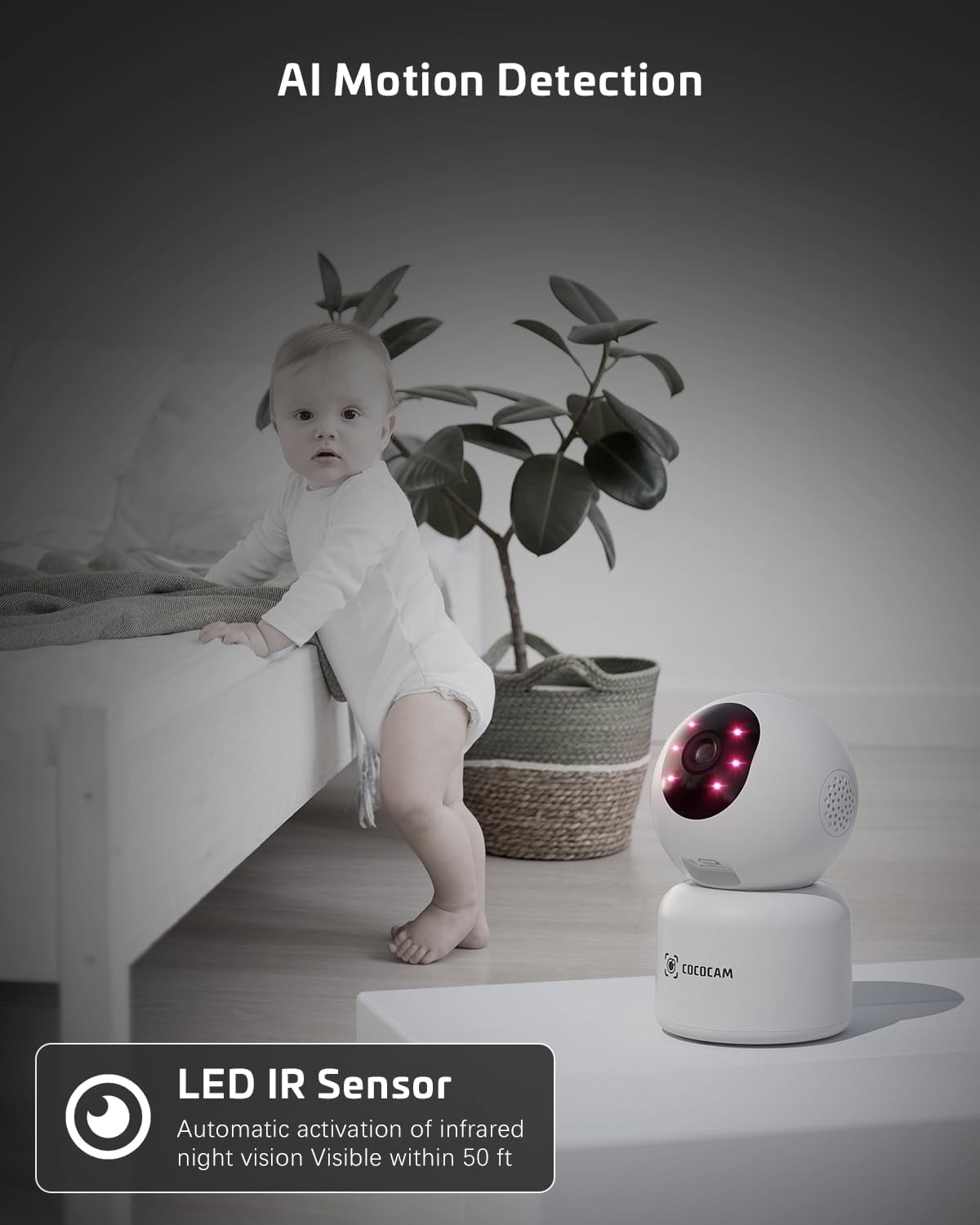
Image: The COCOCAM camera with its infrared LEDs active, providing clear night vision in a dimly lit room, suitable for monitoring a baby.
5.6 Camera Sharing
- You can share access to your camera's live feed with family members or trusted individuals through the CloudEdge app.
- Go to the camera settings and find the "Share Device" option to invite others.

Image: Multiple family members viewing the camera feed on various devices (smartphone, tablet, laptop), illustrating the multi-user sharing feature.
5.7 Works with Alexa
- Integrate your COCOCAM camera with Amazon Alexa for convenient voice control.
- Enable the CloudEdge skill in the Alexa app and link your accounts.
- You can then use voice commands like "Alexa, show me the front door" (if named accordingly) to view the live feed on compatible Echo Show devices.

Image: An Amazon Echo Show device displaying the live feed from the COCOCAM camera, demonstrating its compatibility with Alexa for voice-controlled viewing.
6. Засвар үйлчилгээ
To ensure the longevity and optimal performance of your COCOCAM camera, follow these maintenance tips:
- Цэвэрлэгээ: Камерын линз болон их биеийг зөөлөн, хуурай даавуугаар зөөлөн арчина. Хүчтэй химийн бодис эсвэл зүлгүүрийн цэвэрлэгч хэрэглэхээс зайлсхий.
- Байршил: Камерыг нарны шууд тусгал, хэт өндөр температур, өндөр чийгшилээс хол, тогтвортой байршилд байрлуулсан эсэхийг шалгаарай.
- Програм хангамжийн шинэчлэлтүүд: Regularly check the CloudEdge app for available firmware updates to ensure your camera has the latest features and security enhancements.
- Эрчим хүчний хангамж: Зөвхөн камерт дагалдсан анхны тэжээлийн адаптерийг ашиглана уу.
7. Алдаа засах
Хэрэв та COCOCAM камертайгаа холбоотой асуудалтай тулгарвал дараах нийтлэг асуудал болон шийдлүүдийг үзнэ үү.
| Асуудал | Боломжит шалтгаан | Шийдэл |
|---|---|---|
| Камер офлайн байна | Цахилгаангүй, Wi-Fi тасарсан, Wi-Fi дохио муу байна. | Check power connection. Restart camera and router. Ensure camera is within Wi-Fi range. Reconnect camera in app. |
| Wi-Fi-д холбогдох боломжгүй байна | Incorrect Wi-Fi password, wrong Wi-Fi band (only 2.4GHz/5GHz supported), too far from router. | Verify Wi-Fi password. Ensure you are connecting to a 2.4GHz or 5GHz network. Move camera closer to router. Reset camera and try again. |
| Зургийн чанар муу байна | Бохир линз, гэрэлтүүлэг хангалтгүй, сүлжээний зурвасын өргөнтэй холбоотой асуудлууд. | Clean the camera lens. Ensure adequate lighting or check night vision settings. Check your internet speed. |
| Хөдөлгөөний сэрэмжлүүлэг хүлээн аваагүй | Motion detection disabled, app notifications off, incorrect sensitivity settings. | Enable motion detection in app. Check phone notification settings for CloudEdge app. Adjust motion detection sensitivity. |
| TF card not recording | Card full, card not formatted, faulty card. | Format the TF card in the app. Replace with a new TF card if necessary. Ensure continuous recording is enabled. |
8. Техникийн үзүүлэлтүүд
| Онцлог | Тодорхойлолт |
|---|---|
| Загвар | PK323 |
| Видео бичлэгийн нягтрал | 5 МП (1440p) |
| Тойрог/Найлтын муж | 355° Пан, 80° Налуу |
| Утасгүй холбоо | Bluetooth, Wi-Fi (2.4GHz/5GHz) |
| Шөнийн харааны хүрээ | 15 метр (50 фут) |
| Хадгалах сонголтууд | TF карт (128GB хүртэл), Үүлэн хадгалалт |
| Эрчим хүчний эх үүсвэр | Утастай цахилгаан (5 вольт, 3 ватт) |
| Материал | Акрилонитрил бутадиен стирол (ABS) |
| Хэмжээ (L x W x H) | 7.8 x 7.8 x 11.5 см |
| Жин | 300 гр |
| Тохиромжтой үйлдлийн систем | iOS, Android |
| Зөвлөмж болгож буй хэрэглээ | Дотоод аюулгүй байдал |
9. Баталгаат хугацаа ба дэмжлэг
COCOCAM нь өндөр чанартай бүтээгдэхүүн, маш сайн харилцагчийн үйлчилгээ үзүүлэхийг зорьдог.
9.1 Lifetime Warranty
Your COCOCAM camera comes with a lifetime warranty, ensuring long-term peace of mind. Please retain your proof of purchase for warranty claims.
9.2 Хэрэглэгчийн дэмжлэг
For any technical assistance, questions, or concerns, please contact COCOCAM customer support. We offer 24/7 professional technical support to address your needs promptly.
- Имэйл: service@cococamtech.com
- Албан ёсны Webсайт: www.cococamtech.com
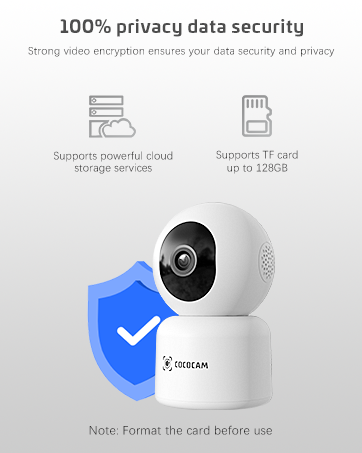
Image: A smiling customer service representative wearing a headset, symbolizing COCOCAM's commitment to customer support.

Image: An illustration emphasizing 100% privacy data security with strong video encryption, supported by powerful cloud storage services and TF card storage up to 128GB.


