1. Танилцуулга
Thank you for choosing the SYLVOX 43-inch Deck Pro 2.0 Outdoor Smart TV. This manual provides essential information for the safe and efficient use of your new television. Designed for partial sun outdoor areas, this TV features 4K resolution, HDR 10 support, 1000 nits brightness, and a weatherproof design, ensuring a high-quality viewing experience in various outdoor conditions.
Төхөөрөмжийг ажиллуулахаасаа өмнө энэхүү гарын авлагыг сайтар уншиж, ирээдүйд лавлах зорилгоор хадгална уу.
Аюулгүй байдлын мэдээлэл
- Ensure the TV is installed by qualified personnel according to local electrical codes.
- Do not attempt to repair the TV yourself. Refer all servicing to authorized service personnel.
- Цахилгааны утсыг дулааны эх үүсвэр болон хурц ирмэгээс хол байлга.
- Агааржуулалтын нүхийг хааж болохгүй.
- Although weatherproof, avoid direct high-pressure water jets on the screen or ports.
2. Хайрцагт юу байна
Carefully unpack your SYLVOX Outdoor TV and check that all items are present. If any items are missing or damaged, please contact your retailer.
- SYLVOX 43-inch Outdoor TV
- Waterproof Voice Remote Control
- Power Cable (59 inches)
- Хэрэглэгчийн гарын авлага
- Баталгаат карт
- AAA Batteries (x2) for remote
- Screws for mounting (if included with specific mounting hardware)

Image: Contents of the SYLVOX Outdoor TV box, showing the waterproof voice remote, power cable, user manual, and warranty card.
3. Тохиргоо
3.1 Физик суурилуулалт
The SYLVOX Outdoor TV is designed for outdoor use in partial sun areas. Ensure the mounting location is secure and can support the TV's weight (approximately 51.9 lbs).
- Суурилуулалт: Use a compatible outdoor TV mount (not included) that can withstand outdoor elements. Follow the mount manufacturer's instructions for installation.
- Байршил: Position the TV in a location that minimizes direct sunlight exposure to the screen for optimal viewing. The TV is weatherproof, but protection from extreme weather conditions is recommended for longevity.
- Агааржуулалт: Ensure adequate airflow around the TV. Do not install in enclosed spaces without proper ventilation.

Image: The SYLVOX 43-inch Outdoor TV, showcasing түүний дизайн ба үндсэн шинж чанарууд.
3.2 Эрчим хүчний холболт
- Connect the provided power cable to the TV's power input port.
- Plug the other end of the power cable into a grounded outdoor-rated electrical outlet.
3.3 Анхдагч асаалт ба сүлжээний тохиргоо
- Алсын удирдлага эсвэл ТВ дээрх цахилгаан товчийг дарж асаана уу.
- Follow the on-screen instructions to complete the initial setup, including language selection and time zone.
- Сүлжээний холболт: Select your Wi-Fi network from the list and enter the password. The TV supports both 2.4G and 5G Wi-Fi for stable connectivity. Alternatively, connect an Ethernet cable to the LAN port for a wired connection.
- Блютүүт хослуулах: The TV supports Bluetooth 5.0. You can pair Bluetooth devices like soundbars or headphones during setup or later in the settings menu.

Image: The TV supports both 2.4G and 5G Wi-Fi, and Bluetooth 5.0 for enhanced connectivity.
3.4 Google TV Account Setup
Your SYLVOX Outdoor TV runs on the Google TV system. You will be prompted to sign in with your Google account to access smart features, apps, and personalized content.
- Follow the on-screen prompts to sign in or create a new Google account.
- You can set up multiple family accounts to personalize watchlists and recommendations for each user.

Image: The Google TV interface provides access to a wide range of entertainment.
4. Ашиглалтын заавар
4.1 Алсын удирдлагын функцууд
The included waterproof voice remote control allows for easy navigation and interaction with your TV.
- Цахилгаан товч: ТВ-г асаах эсвэл унтраана.
- Навигацийн самбар: Use the directional buttons to move through menus and select options.
- Дуут туслах товчлуур: Press and hold to activate Google Assistant for voice commands.
- Дууны товчлуурууд: ТВ-ийн дууг тохируулна уу.
- Сувгийн товчлуурууд: Change channels (for broadcast TV, if connected).
- Програмын товчлолын товчлуурууд: Алдартай стриминг үйлчилгээнд хурдан нэвтрэх.
- Дэлгэцийн зургийн товчлуур: Capture screenshots of the TV display.

Image: The waterproof voice remote control with Google Assistant for convenient operation.
4.2 Navigating the Smart TV System
The Google TV interface organizes your content for easy access.
- Үндсэн дэлгэц: Displays personalized recommendations, installed apps, and live TV options.
- Програмууд: Access a wide range of streaming applications from the Google Play Store.
- Номын сан: Find your purchased movies and shows.
- Ажиглалтын жагсаалт: Add movies and TV shows you want to watch later. This can be synchronized across your Google devices.

Image: The Personal Watchlist feature allows for customized content tracking for different users.
4.3 Гадаад төхөөрөмжүүдийг холбох
The TV offers multiple connectivity options for external devices.
- HDMI портууд: Connect gaming consoles (Playstation, Xbox), Blu-ray players, or other HDMI-enabled devices.
- USB портууд: Connect USB drives for media playback or to power streaming devices.
- Bluetooth: Pair Bluetooth sound systems, headphones, or other compatible accessories.
- Ethernet: Тогтвортой утастай интернет холболтын хувьд.

Image: The TV supports various connectivity options for external devices.
4.4 Зураг болон дууны тохиргоо
Өөрийгөө оновчтой болго viewТВ-ийн тохиргооны цэсээр дамжуулан сонсох, сонсох боломжтой.
- Зургийн горимууд: Adjust brightness, contrast, color, and sharpness. The 1000 nits brightness ensures a clear, vibrant picture even in outdoor lighting.
- 4K нягтрал: Enjoy ultra-high-definition content with 3840x2160 pixels.
- HDR 10: Experience enhanced contrast and a wider range of colors with HDR 10 support.
- Dolby Atmos: The TV supports Dolby Atmos for immersive audio. For optimal sound, consider connecting an external sound system.
- Дуу чимээг бууруулах: This feature helps to reduce visual noise for clearer images.
- Өргөн Viewөнцөг 178 ° өргөн viewing angle ensures consistent picture quality from various positions.

Image: The 1000 nits high brightness ensures visibility even in bright outdoor environments.
4.5 Онцлог шинж чанарууд
- Chromecast суурилуулсан: Контентыг тохирох ухаалаг утас эсвэл таблетаасаа ТВ рүү шууд дамжуулаарай.
- Тоглоомын горим: Optimize settings for gaming to reduce input lag.
- ТВ-д хуваалцах: Easily share content from your mobile device to the TV screen.

Image: The 'Share to TV' feature allows for easy content mirroring from mobile devices.
5. Засвар үйлчилгээ
5.1 ТВ цэвэрлэх
Тогтмол цэвэрлэгээ хийх нь ТВ-ийн гадаад байдал, гүйцэтгэлийг хадгалахад тусалдаг.
- Дэлгэц: Зөөлөн, хөвөнгүй даавуугаар дэлгэцийг зөөлөн арчина. Зөрүүд тэмдгийн хувьд бага зэрэг dampдаавуунд ус эсвэл зөөлөн, зүлгүүргүй дэлгэц цэвэрлэгчээр угаана. Дэлгэц рүү шууд шингэн цацаж болохгүй.
- Хүрээ ба ар тал: Зөөлөн ашиглах, damp cloth to wipe the frame and back of the TV. Avoid harsh chemicals or abrasive cleaners.
- Портууд: Ensure all port covers are securely closed when not in use to maintain waterproofing.

Image: The TV's waterproof design allows for easy cleaning and resilience against splashes.
5.2 Цаг агаарын хамгаалалт
While the SYLVOX Outdoor TV is designed to be weatherproof, proper care can extend its lifespan.
- Ensure all cables are properly connected and sealed to prevent water ingress.
- In extreme weather conditions (e.g., heavy storms, prolonged freezing temperatures), consider using a protective cover or temporarily relocating the TV if possible.
6. Алдаа засах
If you encounter issues with your SYLVOX Outdoor TV, refer to the following common problems and solutions.
| Асуудал | Боломжит шалтгаан | Шийдэл |
|---|---|---|
| Хүч чадалгүй | Power cable disconnected, outlet issue, remote batteries dead. | Check power cable connection, test outlet, replace remote batteries. |
| Зураг/дуу байхгүй | Incorrect input source, external device off, cable issue. | Verify input source, ensure external devices are on, check HDMI/audio cables. |
| Алсын удирдлага хариу өгөхгүй байна | Batteries dead, obstruction, remote not paired. | Replace batteries, remove obstructions, re-pair remote if necessary (refer to TV settings). |
| Wi-Fi холболт тогтворгүй байна | Router distance, interference, incorrect password. | Move router closer, reduce interference, re-enter Wi-Fi password, try Ethernet connection. |
| Picture quality issues (e.g., lines on screen) | Hardware defect, external interference. | Perform a factory reset (if software related). If persistent, contact customer support. |
If the problem persists after attempting these solutions, please contact SYLVOX customer support for further assistance.
7. Техникийн үзүүлэлтүүд
Detailed technical specifications for the SYLVOX 43-inch Deck Pro 2.0 Outdoor Smart TV.
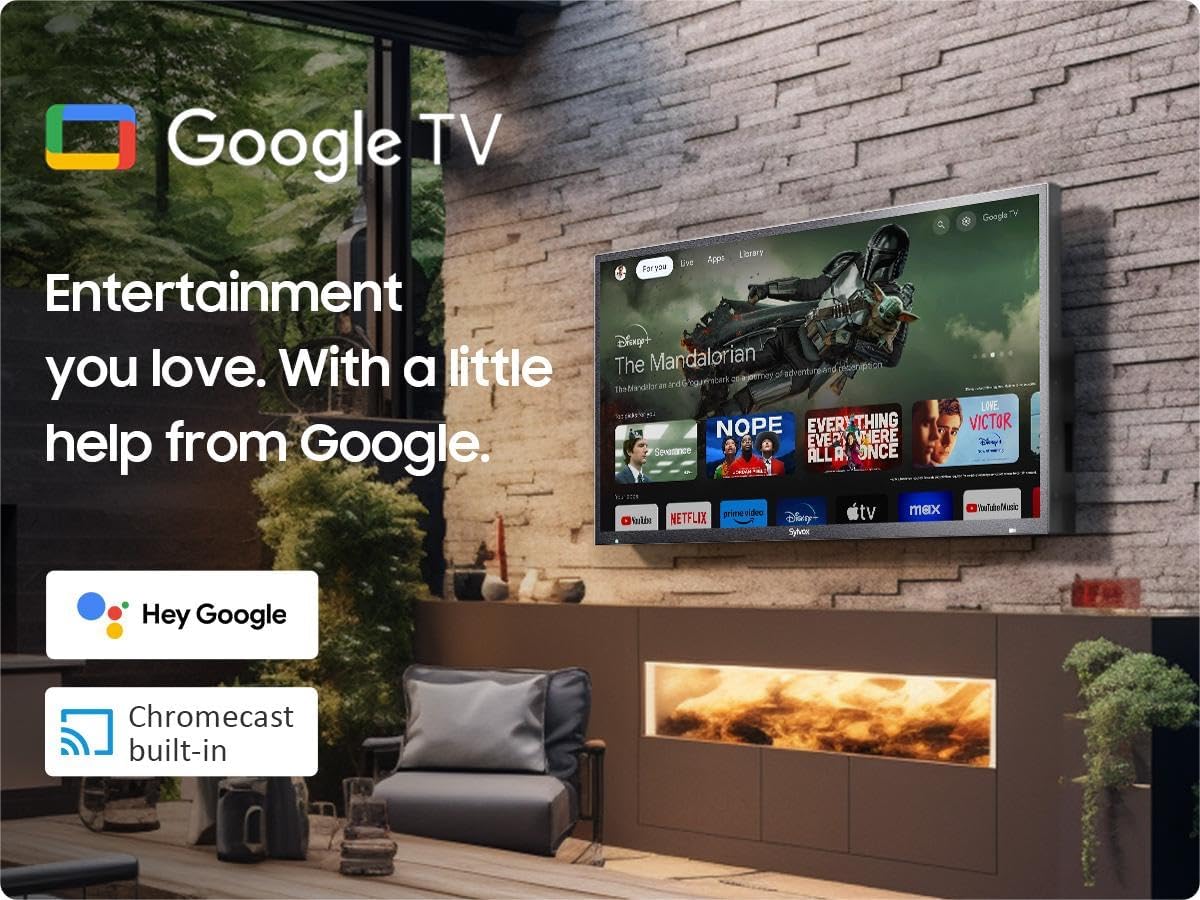
Image: Dimensions of the SYLVOX 43-inch Deck Pro 2.0 Outdoor TV.
| Онцлог | Тодорхойлолт |
|---|---|
| Брэнд | СИЛВОКС |
| Загварын дугаар | SYLVOX-Deck-020 |
| Дэлгэцийн хэмжээ | 43 инч (110 см харагдах диагональ) |
| Дэлгэцийн технологи | LED |
| Шийдвэр | 4K (3840 x 2160) |
| Сэргээх хурд | 60 Гц |
| Гэрэлтүүлэг | 1000 нит |
| Ялгаатай харьцаа | 3000:1 |
| Viewing өнцөг | 178° |
| Онцлог шинж чанарууд | Chromecast, Waterproof, Weatherproof, High Brightness, Wide Viewing Angle, HDR 10, Dolby Atmos, Noise Reduction, Game Mode |
| Холболтын технологи | Ethernet, Wi-Fi (2.4G/5G), Bluetooth 5.0, HDMI (multiple), USB (multiple) |
| Үйлдлийн систем | Google TV |
| Бүтээгдэхүүний хэмжээ (D x W x H) | 3.44 x 38.41 x 22.64 инч |
| Зүйлийн жин | 51.9 фунт |
| Батерей | 2 AAA батерей (алсын удирдлагад багтсан) |
8. Баталгаат хугацаа ба дэмжлэг
8.1 Баталгаат хугацааны мэдээлэл
Your SYLVOX Outdoor TV comes with a 12-month free defect protection худалдан авсан өдрөөс. Энэхүү баталгаа нь ердийн ашиглалтын үеийн үйлдвэрлэлийн согогийг хамарна. Баталгаат заргад зориулж худалдан авалтаа нотлох баримтаа үлдээнэ үү.
8.2 Буцаах бодлого
SYLVOX offers 30 хоногийн ямар ч асуудалгүй буцаах for quality issues. Original packaging is required for all returns. Free returns are provided for quality-related issues.
8.3 Хэрэглэгчийн дэмжлэг
For technical assistance, troubleshooting, or warranty inquiries, please contact SYLVOX customer support. Refer to the warranty card or the SYLVOX official webхолбоо барих мэдээллийг авах сайт.