Танилцуулга
Худалдан авалт хийсэнд баярлалааasing the ZEBRONICS Zeb-Escape 10 Wireless BT Earphone. This manual provides essential information for setting up, operating, and maintaining your device. Please read it carefully before use to ensure optimal performance and longevity of your earphones.
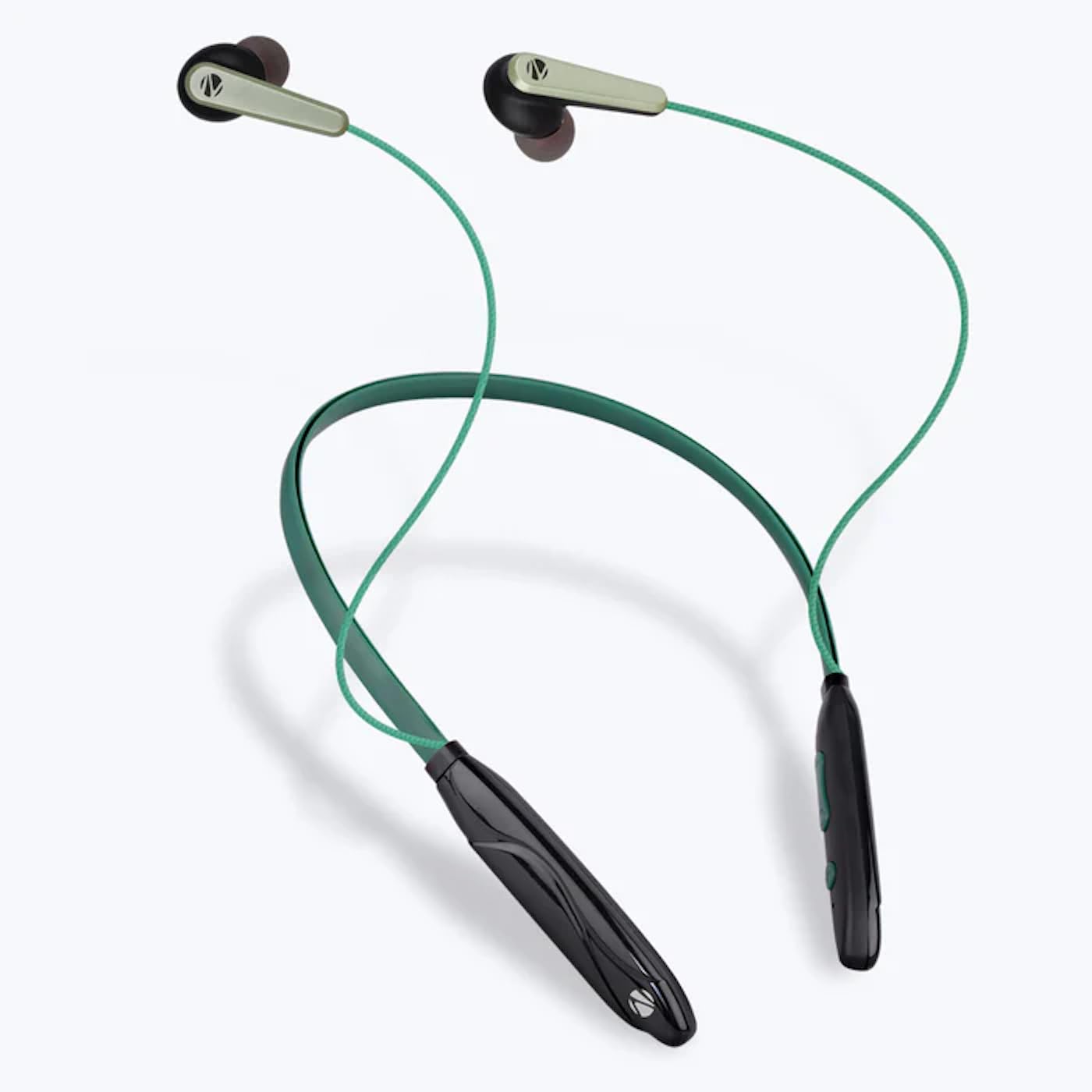
Image: The ZEBRONICS Zeb-Escape 10 Wireless BT Earphone, featuring a green and black neckband design with in-ear earbuds.
Багцын агуулга
Таны бүтээгдэхүүний багцад дараах зүйлс багтсан болно.
- 1 U Neckband Earphone
- 1 U Charging Cable (Type-C)
- 1 U QR Code Guide
Тохиргоо
1. Чихэвч цэнэглэх
Before first use, fully charge the earphone. Use the provided Type-C charging cable to connect the earphone to a USB power source (e.g., computer USB port, wall adapter). The LED indicator will show the charging status.
- Цэнэглэх хугацаа: Ойролцоогоор 1.5 цаг.

Image: The earphone's control module with a Type-C charging port, showing a charging cable connected.
2. Bluetooth хослол
To connect your earphone to a Bluetooth-enabled device:
- Чихэвчийг цэнэглэж, унтраасан эсэхийг шалгаарай.
- Press and hold the multi-function button on the earphone until the LED indicator flashes red and blue, indicating it is in pairing mode.
- Төхөөрөмж дээрээ (ухаалаг утас, таблет гэх мэт) Bluetooth-ийг идэвхжүүлж, боломжтой төхөөрөмжүүдийг хайж олоорой.
- Select "ZEB-ESCAPE 10" from the list of found devices.
- Once connected, the LED indicator will flash blue slowly or turn off, depending on the model.

Image: A smartphone display illustrating the Bluetooth pairing process, showing the earphone model 'ZEB-ESCAPE 10' as connected.
Ашиглалтын заавар
Асаах/унтраах
- Асаах: LED индикатор асах хүртэл олон үйлдэлт товчлуурыг удаан дарна уу.
- Унтраах: LED индикатор унтрах хүртэл олон үйлдэлт товчлуурыг удаан дарна уу.
Volume and Media Control
The earphone features integrated controls for managing audio playback and volume.
- Дууг нэмэгдүүлэх: '+' товчийг дарна уу.
- Дууг багасгах: '-' товчийг дарна уу.
- Тоглуулах/түр зогсоох: Олон үйлдэлт товчлуурыг нэг удаа дарна уу.
- Дараагийн дуу: '+' товчийг удаан дар.
- Өмнөх бичлэг: '-' товчийг удаан дар.
Дуудлагын функц
Manage calls directly from your earphone.
- Дуудлагад хариулах: Олон үйлдэлт товчлуурыг нэг удаа дарна уу.
- Дуудлага дуусгах: Дуудлагын үеэр олон үйлдэлт товчлуурыг нэг удаа дар.
- Дуудлагаас татгалзах: Олон үйлдэлт товчлуурыг удаан дар.
- Сүүлийн дугаарыг дахин залгах: Олон үйлдэлт товчлуурыг давхар дар.
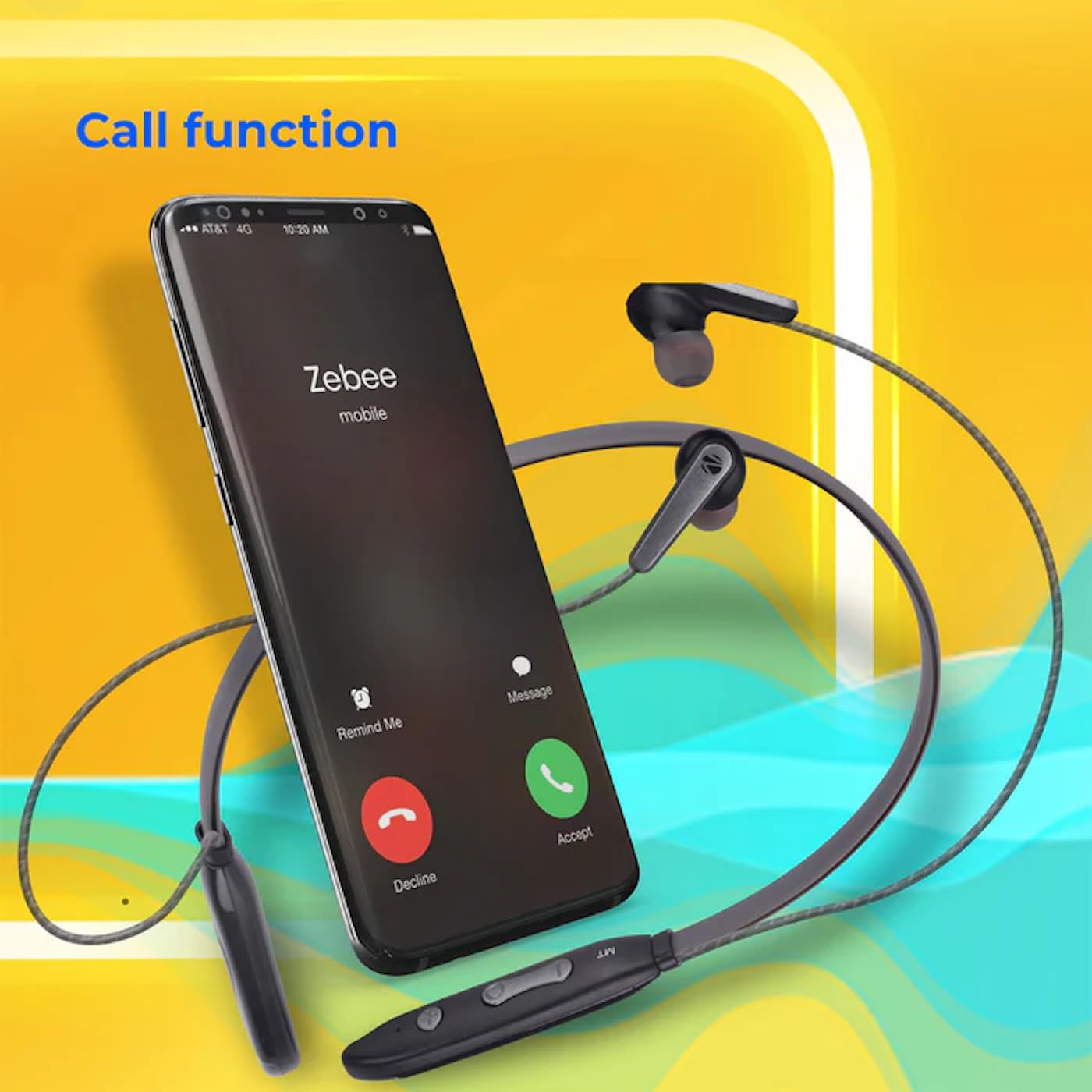
Image: A smartphone showing an incoming call interface, indicating the earphone's call handling capability.
Дуут туслахын дэмжлэг
Activate your device's voice assistant (e.g., Google Assistant, Siri) by triple-pressing the multi-function button.
Соронзон чихэвч
The earpieces are magnetic, allowing them to securely attach to each other when not in use, preventing tangling and ensuring they stay in place around your neck.

Зураг: Нарийвчилсан view of an earbud, illustrating its design for a stable and comfortable fit.
Засвар үйлчилгээ
To ensure the longevity and optimal performance of your ZEBRONICS Zeb-Escape 10 earphones, follow these maintenance guidelines:
- Цэвэрлэгээ: Чихэвчийг цэвэрлэхдээ зөөлөн, хуурай даавуу ашиглаарай. Хүчтэй химийн бодис эсвэл зүлгүүрийн материал бүү хэрэглээрэй.
- Хадгалах: Чихэвчийг нарны шууд тусгал, хэт температураас хол, сэрүүн, хуурай газар хадгална.
- Усны эсэргүүцэл: The earphones are water resistant. Avoid submerging them in water or exposing them to heavy rain.
- Цэнэглэж байна: Only use the provided charging cable or a certified Type-C cable. Avoid overcharging.
Алдааг олж засварлах
If you encounter issues with your earphone, refer to the following common problems and solutions:
| Асуудал | Боломжит шийдэл |
|---|---|
| Чихэвч асахгүй байна. | Ensure the earphone is fully charged. |
| Төхөөрөмжтэй хослуулах боломжгүй. | Ensure the earphone is in pairing mode (flashing red/blue). Turn off and on Bluetooth on your device. Move closer to the earphone. |
| Дуу байхгүй эсвэл дуу багатай. | Check volume levels on both the earphone and your connected device. Ensure the earphone is properly paired. |
| Дуудлагын чанарын асуудал. | Ensure you are within Bluetooth range. Check for obstructions between the earphone and your device. |
Үзүүлэлтүүд
Technical specifications for the ZEBRONICS Zeb-Escape 10 Wireless BT Earphone:
| Онцлог | Дэлгэрэнгүй |
|---|---|
| Загварын нэр | ZEB-NBI 5 |
| Bluetooth хувилбар | v5.3 |
| BT Pro-г дэмждэгfiles | HSP / HFP / A2DP / AVRCP |
| Жолоочийн хэмжээ | 10 мм |
| Чанга яригчийн эсэргүүцэл | 16 Ом |
| Тоглуулах хугацаа | 20 цаг хүртэл (50% эзлэхүүнтэй) |
| Ярилцах цаг | 20 цаг хүртэл |
| Цэнэглэх хугацаа | 1.5 цаг |
| Зогсоолын цаг | 200 цаг |
| Цэвэр жин | 26 гр |
| Хяналтын төрөл | Хэвлэл мэдээллийн хяналт, хүрнэ үү |
| Усны эсэргүүцлийн түвшин | Усны хамгаалалттай |
| Онцлог шинж чанарууд | Fast Charging, Foldable, Microphone Included, Sweatproof |

Image: Visual representation of the earphone's 20-hour playback capability.
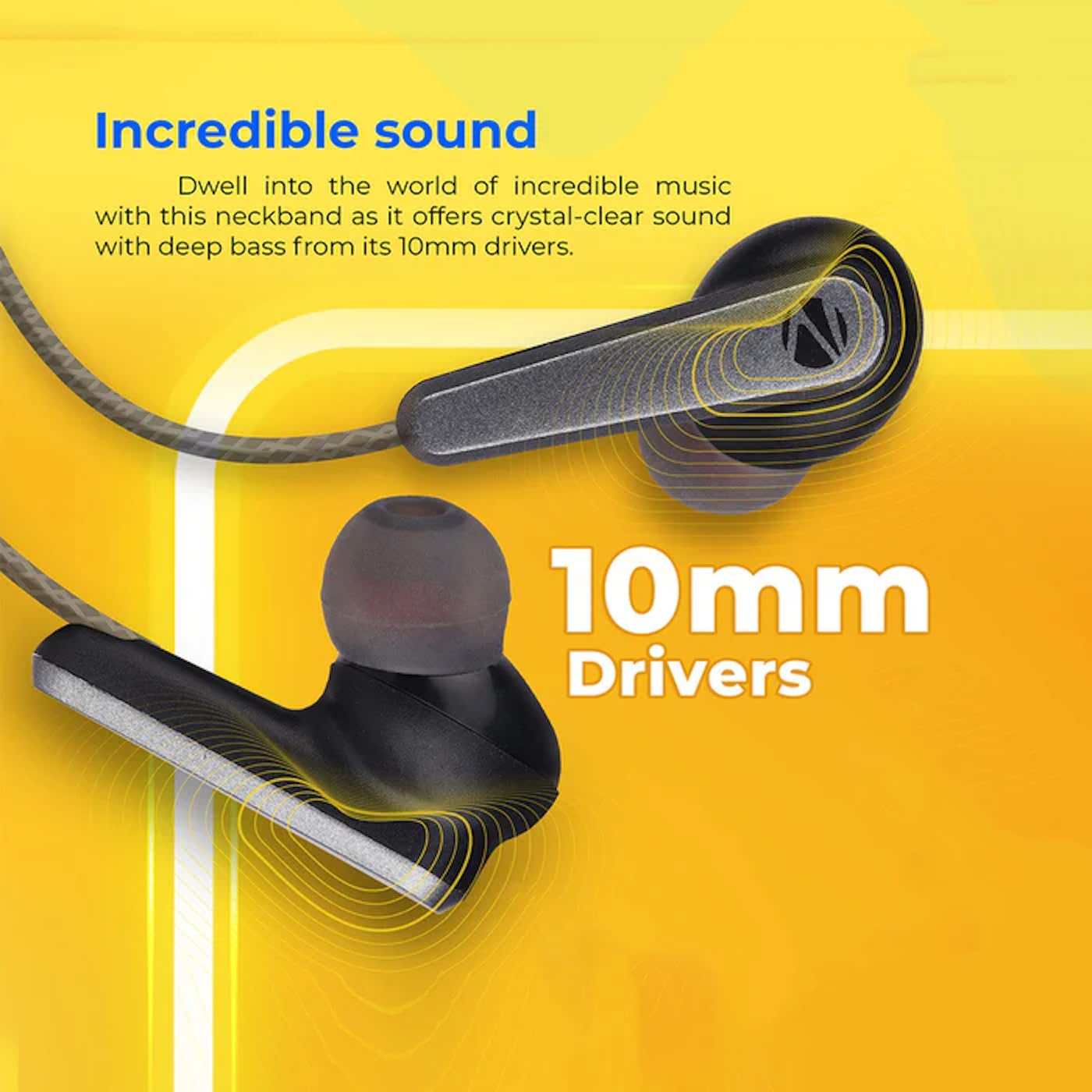
Image: A close-up of an earbud, highlighting the 10mm audio drivers responsible for sound output.
Баталгаат хугацааны мэдээлэл
The ZEBRONICS Zeb-Escape 10 Wireless BT Earphone comes with a 6 сарын баталгаат хугацаа from the date of purchase. This warranty covers manufacturing defects. Please retain your purchase receipt as proof of purchase for warranty claims. The warranty does not cover damage caused by misuse, accidents, unauthorized modifications, or normal wear and tear.
Хэрэглэгчийн дэмжлэг
For further assistance, technical support, or warranty claims, please contact ZEBRONICS customer service. Refer to the QR code guide included in your package or visit the official ZEBRONICS webхолбоо барих мэдээллийг авах сайт.


