1. Танилцуулга
This manual provides detailed instructions for the installation, setup, operation, and maintenance of your ASD 2 Pack 2x4 Smart RGBW LED Flat Panel Lights. Please read this manual thoroughly before installation and retain it for future reference.
The ASD Smart RGBW LED Flat Panel Light offers versatile lighting solutions with selectable color temperatures (3500K, 4000K, 5000K), full RGB color control, and smart app integration for convenient management via Wi-Fi, Alexa, and Google Assistant.
2. Аюулгүй байдлын мэдээлэл
- Цахилгааны аюулгүй байдал: Installation must be performed by a qualified electrician in accordance with national and local electrical codes. Ensure power is disconnected at the circuit breaker before installation or maintenance.
- Ботьtage: This fixture operates on 120-277V. Verify your supply voltage нь бэхэлгээний шаардлагад нийцдэг.
- Зөвхөн дотор ашиглах: This product is designed for indoor use in dry and damp байршил. Ус эсвэл хэт их чийгэнд бүү өрт.
- Харьцуулах: Handle the LED panel with care to avoid damage to the light source or housing.
- Дулаан: Do not cover the fixture with insulating material. Ensure adequate ventilation around the fixture.
3. Багцын агуулга
Таны багц дараах зүйлсийг агуулсан байх ёстой.
- 2 x ASD 2x4 Smart RGBW LED Flat Panel Lights
- 1 x Зааварчилгааны гарын авлага
- Necessary mounting hardware for recessed installation
Note: Additional accessories for surface mount or suspended installation (e.g., ASD Surface Mounting Frame, suspension kits) are sold separately.
4. Техникийн үзүүлэлтүүд
| Онцлог | Тодорхойлолт |
|---|---|
| Загварын дугаар | A-BLP-24D40SM-RGB |
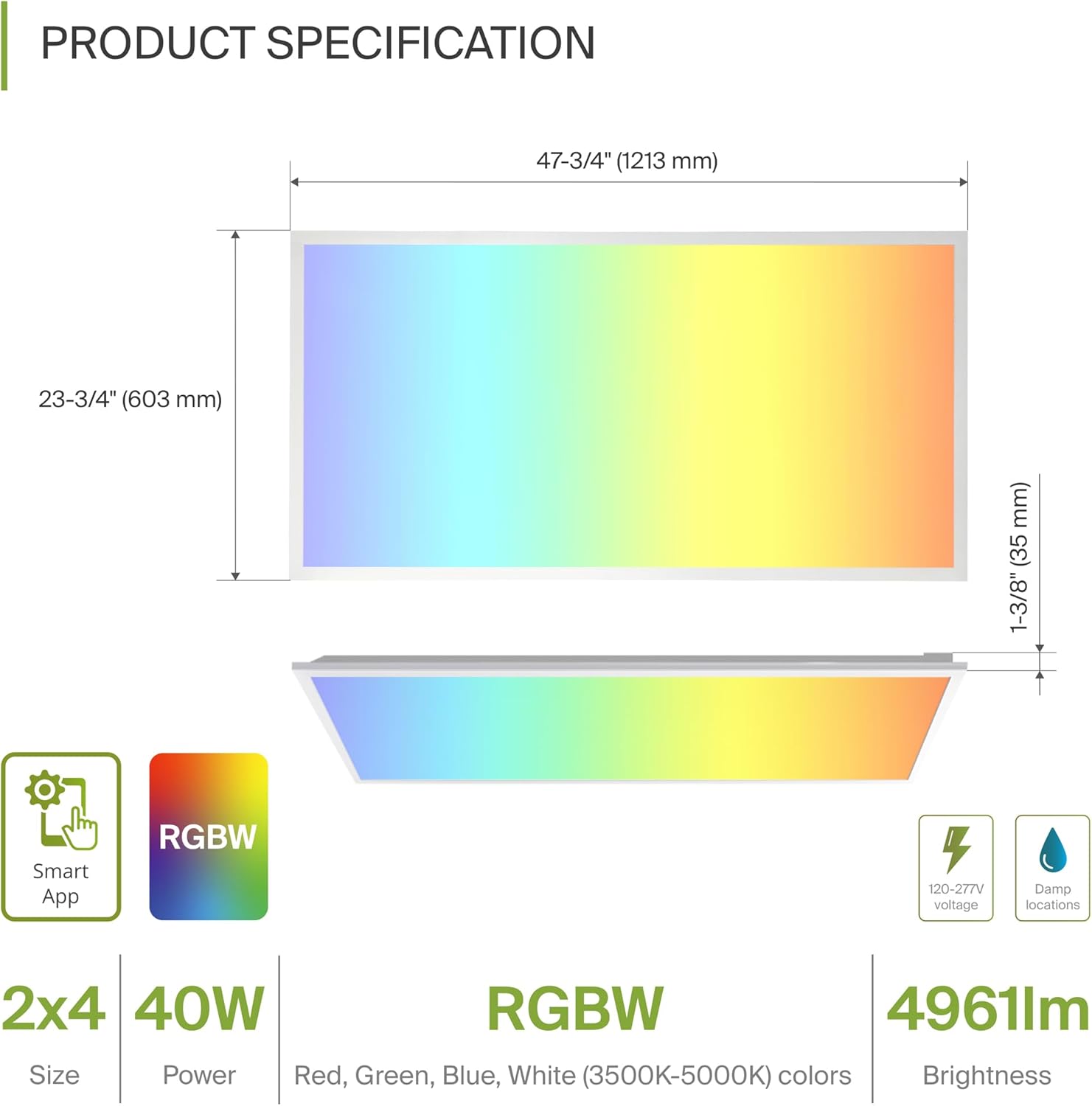
| Хэмжээ (L x W x H) | 47.74" x 23.74" x 1.37" (1213мм x 603мм x 35мм) |
| Ватtage | 40 ватт |
| Гэрэлтүүлэг | 4961 люмен |
| Өнгөний температур | 3500K, 4000K, 5000K Selectable (White Light) |
| Өнгөний сонголтууд | RGBW (16.7 million colors) |
| Ботьtage | 120-277 вольт |
| Хяналтын арга | ASD Smart App (Wi-Fi), Alexa, Google Assistant |
| Материал | Aluminum, Iron, Polycarbonate |
| Амьдрах хугацаа | 54,000 цаг |
| Гэрчилгээ | UL, DLC Premium |
5. Суурилуулалт
The ASD Smart RGBW LED Flat Panel Light supports three primary mounting options: recessed, surface, and suspended. Ensure all electrical connections are made safely and securely.
5.1 Mounting Options Overview
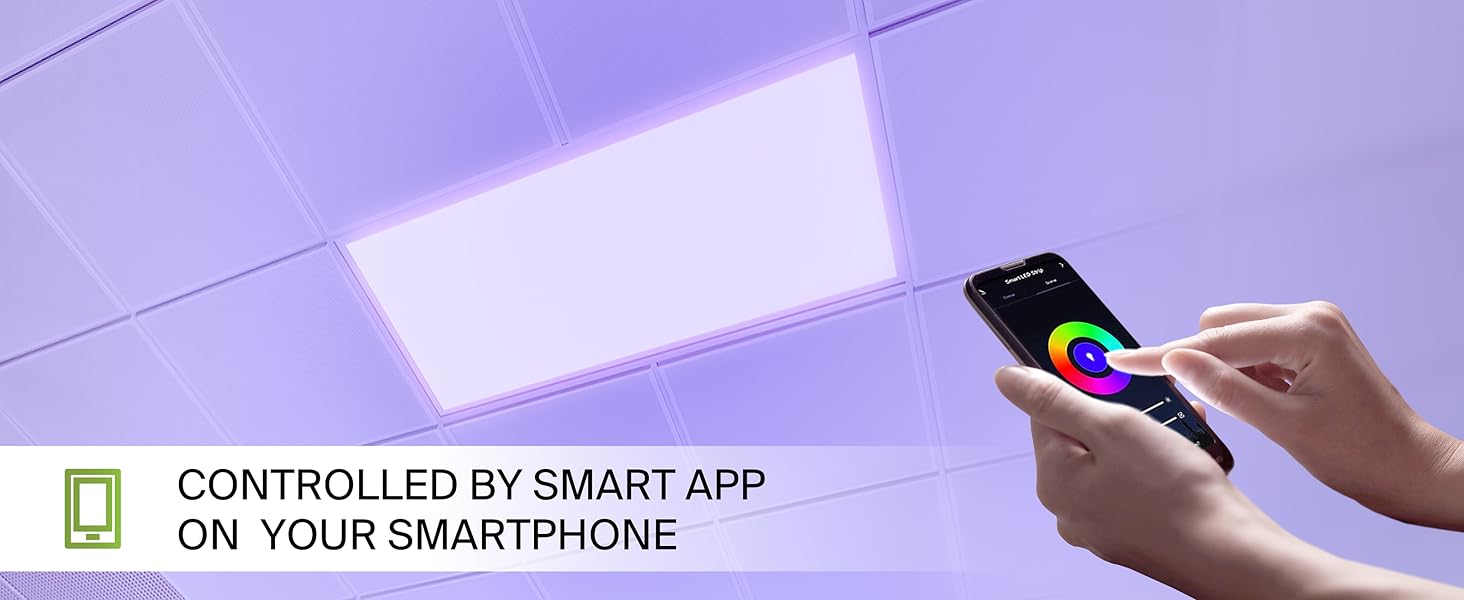
- Суурилуулсан бэхэлгээ: For installation into standard T-bar grid ceilings.
- Гадаргуугийн бэхэлгээ: Requires an ASD Surface Mounting Frame (ASIN: B07GGMMJCV), sold separately.
- Түдгэлзүүлсэн бэхэлгээ: Requires a suspension kit (e.g., ASD-CHS4), sold separately.
5.2 Recessed Installation Steps
Follow these steps for recessed installation in a T-bar grid ceiling:
- Нээлтийн үйл ажиллагааг бэлтгэх: Ensure the ceiling grid opening is appropriate for a 2x4 panel.
- Lift Mounting Clips: Lift all mounting clips along the edges of the panel. Turn the mounting clip head outwards.
- Утас холбох: Connect the electrical wires (Neutral, Live, Ground) from your building's power supply into the junction box on the back of the panel. Ensure wire colors match (N, L, G) and use appropriate wire nuts for secure connections.
- Байршлын самбар: Carefully place the panel into the ceiling grid opening.
- Аюулгүй клипүүд: Adjust the panel into place, ensuring the mounting clips are securely fastened to the ceiling's T-bar grid.
6. Setup: Smart App Control
The ASD Smart RGBW LED Flat Panel Light is controlled via the ASD Smart App, compatible with Wi-Fi, Alexa, and Google Assistant.
6.1 Download the ASD Smart App
Scan the QR codes below or visit your app store to download the ASD Smart App:
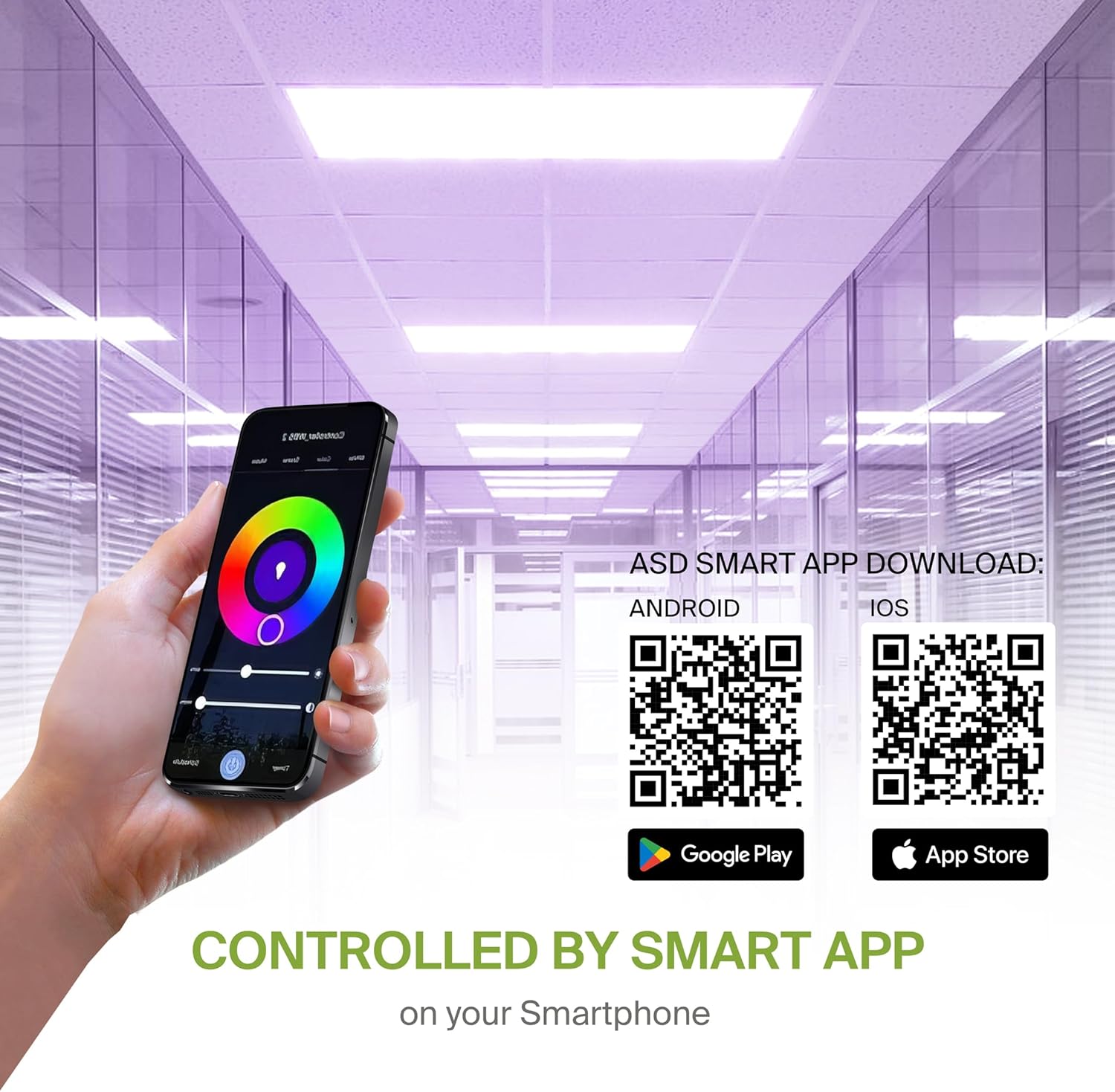
- Android: Google Play Store
- iOS: Apple App Store
6.2 Wi-Fi Connection and Pairing
After downloading the app, follow the in-app instructions to create an account and connect your LED panel to your Wi-Fi network. A stable 2.4GHz Wi-Fi connection is required for smart functionality.
6.3 Дуут туслахыг нэгтгэх
The fixture is compatible with Alexa and Google Assistant. Refer to the ASD Smart App's integration guide to link your lighting system with your preferred voice assistant for voice control.
7. Ашиглалтын заавар
Utilize the ASD Smart App to access the full range of features for your LED panel.
7.1 Color Changing and CCT Tuning
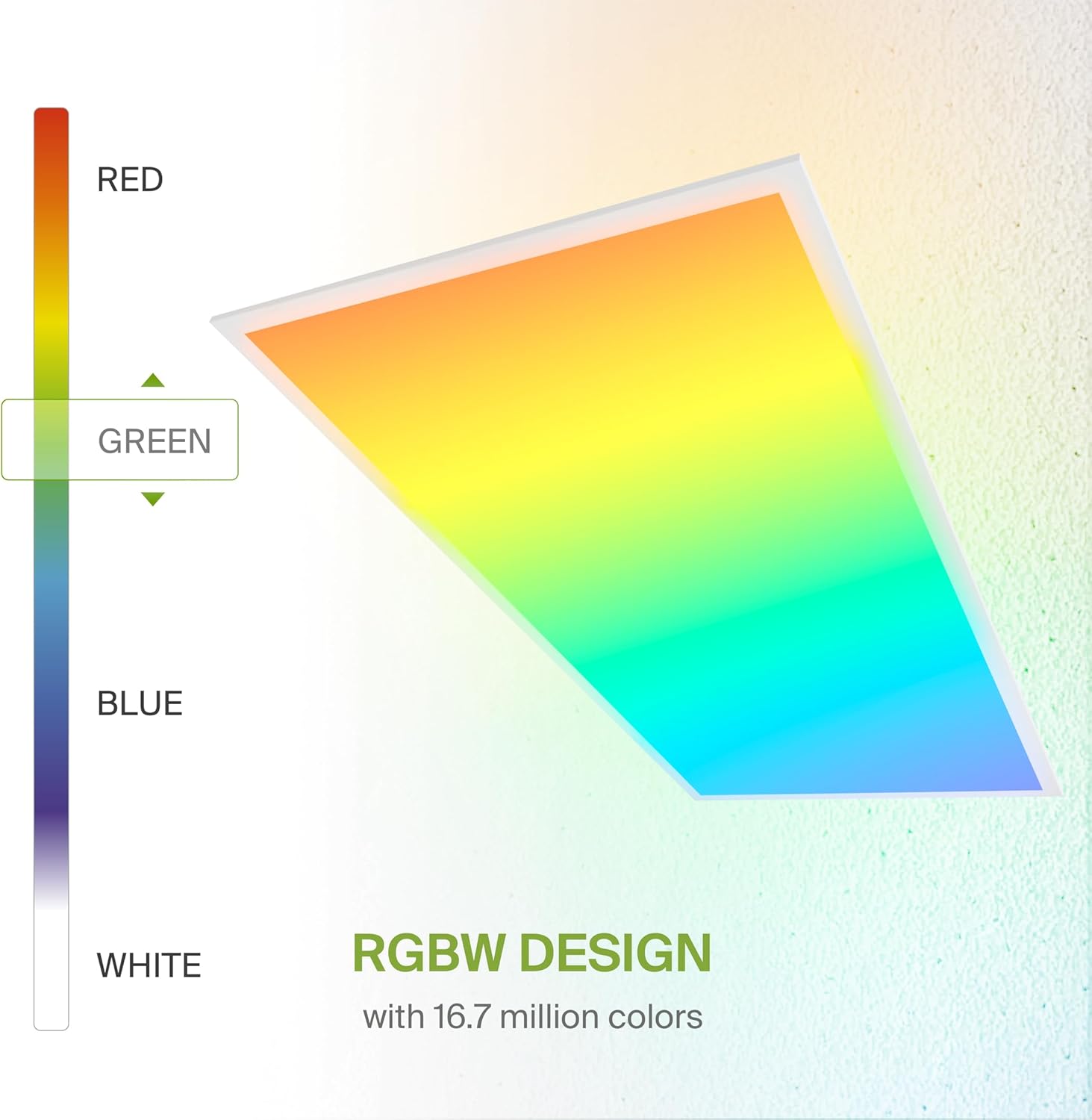
- RGB өнгөнүүд: Select from 16.7 million colors to create custom ambiances.
- White Light (CCT): Adjust the white light color temperature between 3500K (Warm White), 4000K (Cool White), and 5000K (Daylight).
7.2 Бүдгэрүүлэх
Smoothly dim the light output from 0-100% using the app or voice commands to achieve desired brightness levels.
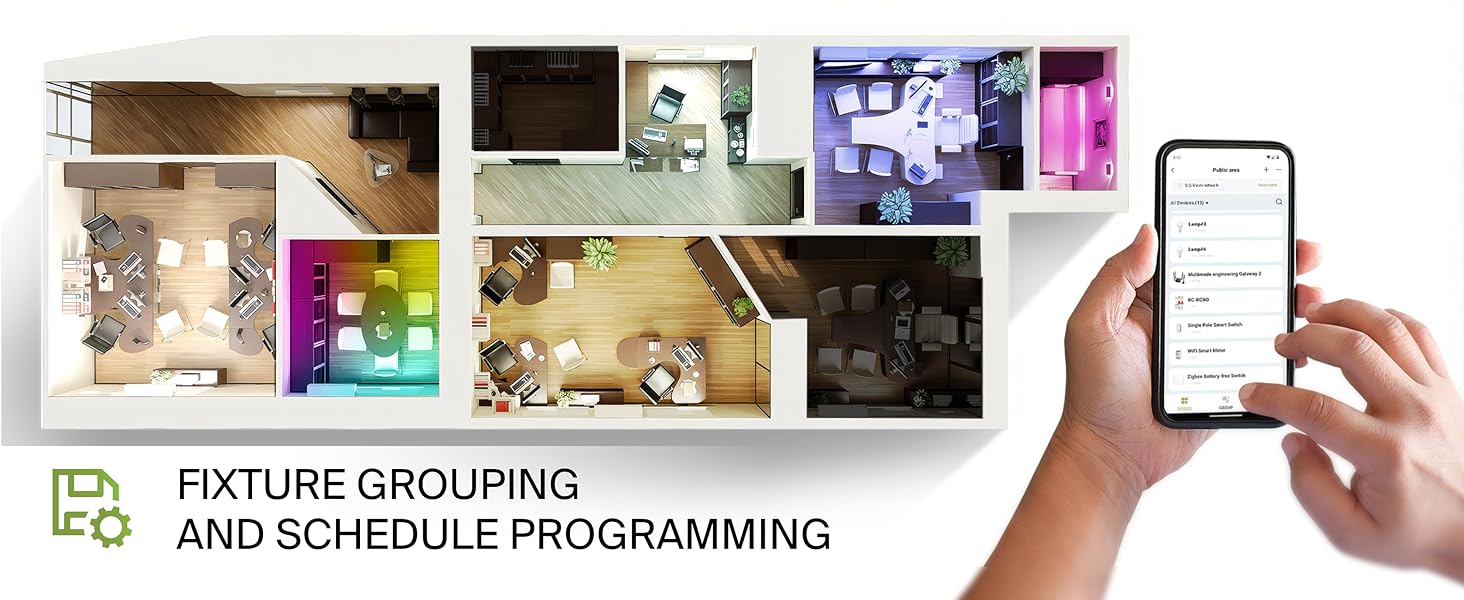
7.3 Fixture Grouping and Scheduling
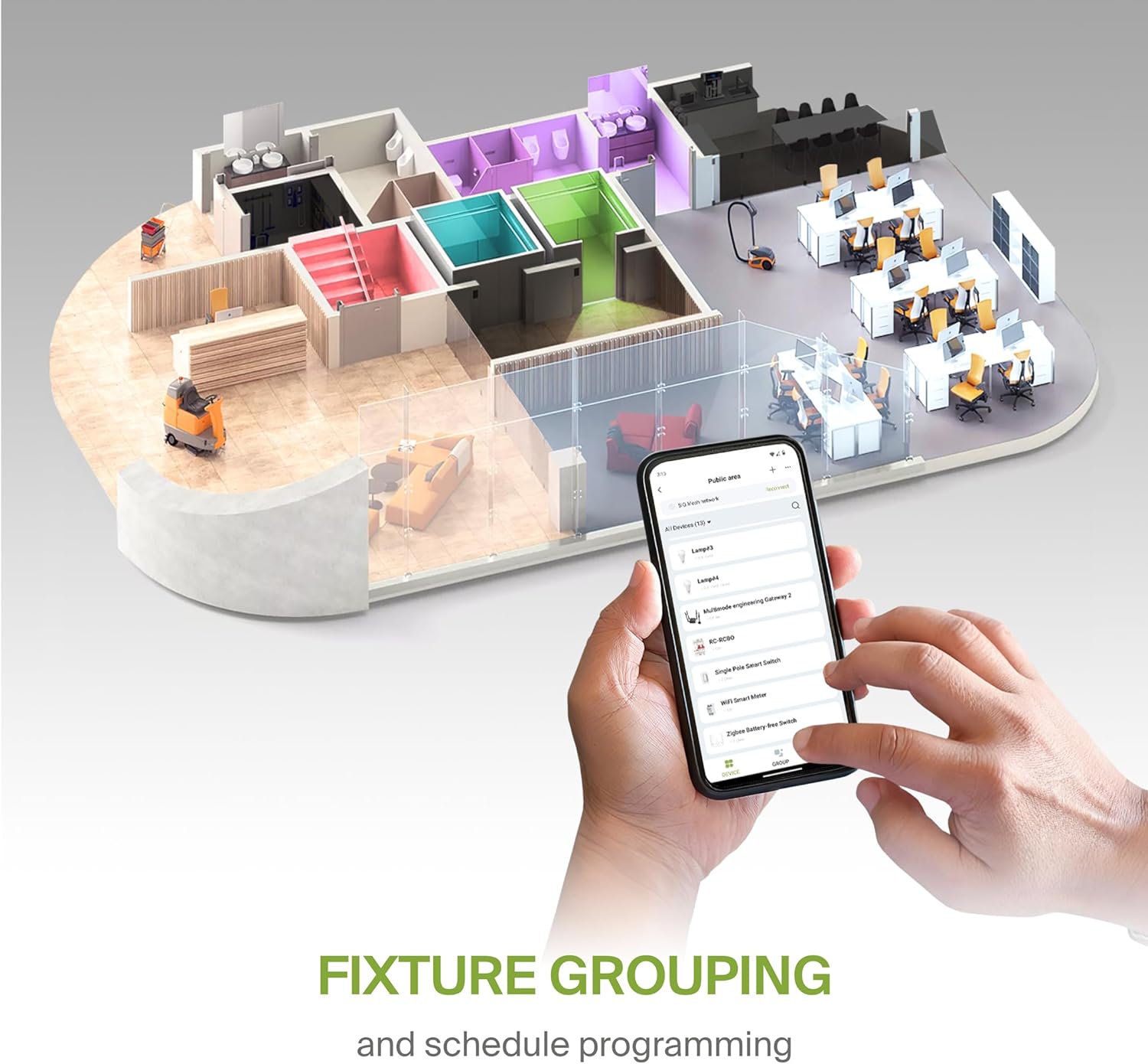
- Бүлэглэх: Combine multiple ASD Smart LED panels to control them simultaneously.
- Хуваарь: Set automated on/off times, color changes, and dimming levels based on your daily routine or specific events.
8. Засвар үйлчилгээ
To ensure optimal performance and longevity of your LED panel, follow these simple maintenance guidelines:
- Цэвэрлэгээ: Цэвэрлэхийн өмнө цахилгааныг салга. Зөөлөн, хуурай эсвэл бага зэрэг хуурай цэвэрлэгч ашиглана уу.amp cloth to wipe the surface of the panel. Avoid abrasive cleaners or solvents that could damage the finish or lens.
- Шалгалт: Periodically inspect the wiring and mounting for any signs of wear or damage. Address any issues promptly.
9. Алдаа засах
If you encounter issues with your ASD Smart RGBW LED Flat Panel Light, refer to the following common troubleshooting steps:
- Гэрэл асахгүй байна:
- Тоног төхөөрөмжид тэжээл өгч байгаа эсэхийг шалгахын тулд хэлхээний таслагчийг шалгана уу.
- Бүх утас холболтууд найдвартай, зөв эсэхийг шалгана уу.
- Ensure the light switch (if applicable) is in the ON position.
- Апп холболтын асуудал:
- Ensure your Wi-Fi network is active and stable (2.4GHz band).
- Restart your Wi-Fi router and the LED panel (by cycling power).
- Confirm your smartphone is connected to the same Wi-Fi network as the light.
- Try re-pairing the device through the ASD Smart App.
- Inconsistent Color/Brightness:
- Аппликешныг хамгийн сүүлийн хувилбар болгон шинэчилсэн эсэхийг шалгаарай.
- Check for any interference with the Wi-Fi signal.
- If controlling multiple lights, verify they are correctly grouped in the app.
For further assistance, please contact ASD customer support.
10. Баталгаат хугацаа ба дэмжлэг
ASD хангадаг 5 жилийн хязгаарлагдмал баталгаат хугацаа for this product, covering defects in materials and workmanship under normal use. Please retain your proof of purchase for warranty claims.
For technical support, warranty inquiries, or additional information, please visit the official ASD webсайт эсвэл харилцагчийн үйлчилгээний хэлтэстэй холбогдоно уу.


