Танилцуулга
Black-г сонгосон танд баярлалааview AirBuds 7 Wireless Earbuds. This manual provides essential information for setting up, operating, and maintaining your earbuds. Please read it carefully before use to ensure optimal performance and longevity of your device.
Багцын агуулга
Доор жагсаасан бүх зүйл таны багцад байгаа эсэхийг шалгаарай.
- Харview AirBuds 7 Earbuds (Left and Right)
- Цэнэглэх хайрцаг
- USB цэнэглэгч кабель
- Хэрэглэгчийн гарын авлага
Видео: Хайрцаг задлах болон дуусахview Хар арьстныview AirBuds 7, showing the package contents including the earbuds, charging case, USB cable, and user manual.
Бүтээгдэхүүн дууссанview
Харview AirBuds 7 feature a compact design with a charging case that includes an LED display for battery status. The earbuds are designed for comfortable in-ear fit and deliver clear audio.
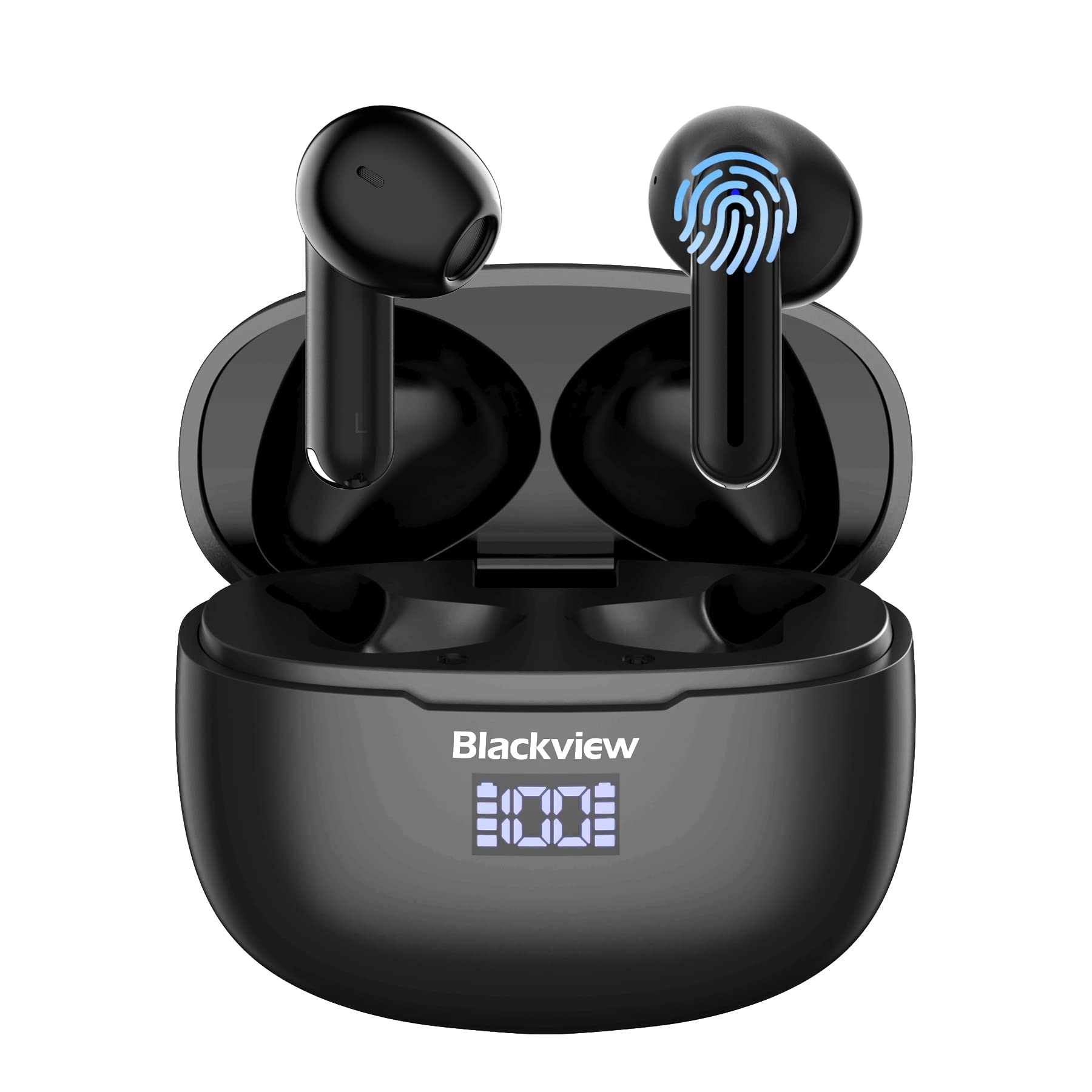
Зураг: Харview AirBuds 7 wireless earbuds and their charging case, showcasing the digital power display.

Зураг: Хар өнгийн ойрын зурагview AirBuds 7 charging case, highlighting the digital LED power display for both the case and individual earbuds.
Тохируулга ба хослуулах
Follow these steps to connect your AirBuds 7 to your device:
- Чихэвч цэнэглэх: Анх хэрэглэхээсээ өмнө чихэвч болон цэнэглэгчийг бүрэн цэнэглэсэн эсэхийг шалгаарай.
- Хослуулах горимыг идэвхжүүлэх: Цэнэглэх хайрцгийг нээж, чихэвчийг хоёуланг нь салга. Тэд автоматаар хослуулах горимд орно.
- Bluetooth-г идэвхжүүлэх: Ухаалаг утас эсвэл бусад Bluetooth идэвхжүүлсэн төхөөрөмж дээрээ Bluetooth тохиргоо руу очно уу.
- Хайж холбох: хайх available devices and select "AirBuds 7" from the list.
- Баталгаажуулалт: Холбосны дараа та аудио сануулга сонсох бөгөөд чихэвч ашиглахад бэлэн болно.
After the initial pairing, the earbuds will automatically connect to your device when removed from the charging case, provided Bluetooth is enabled on your device.

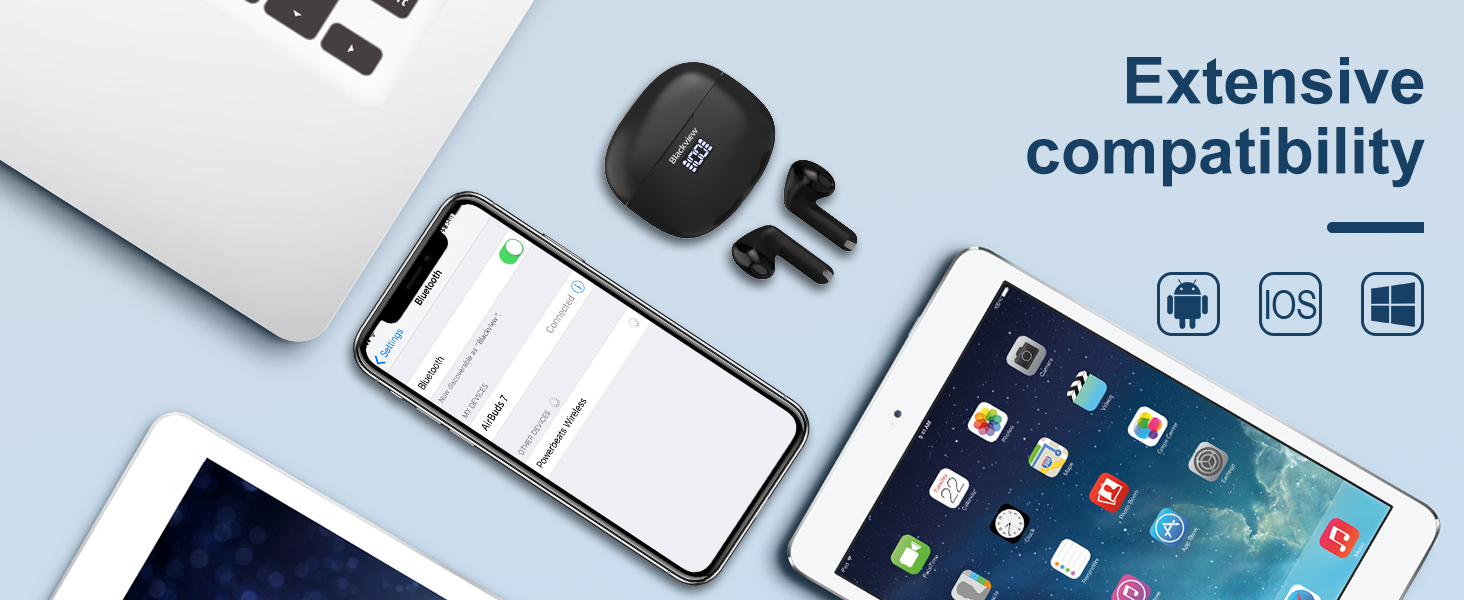
Зураг: A smartphone displaying its Bluetooth settings, showing a successful connection to 'AirBuds 7', with the charging case and earbuds nearby.
Цэнэглэж байна
The AirBuds 7 charging case features both USB-C and wireless charging capabilities. The LED display on the case indicates the battery level of both the case and the earbuds.
- Чихэвч цэнэглэх: Чихэвчийг цэнэглэгч хайрцагт буцааж хийнэ үү. Тэд автоматаар цэнэглэж эхэлнэ.
- Гэр цэнэглэх (USB-C): Connect the provided USB charging cable to the USB-C port on the charging case and to a power source.
- Гэр цэнэглэх (Утасгүй): Цэнэглэх хайрцгийг тохирох утасгүй цэнэглэгч дээр байрлуул.
A full charge for the earbuds provides up to 6 hours of music playback. The charging case provides an additional 4-5 charges, extending total playtime to approximately 30 hours. The charging time for the case is approximately 75 minutes.

Зураг: Харview AirBuds 7 charging case being charged wirelessly on a pad, also showing the option for USB-C cable charging.
Ашиглалтын заавар
Ухаалаг мэдрэгчтэй удирдлага
The AirBuds 7 feature intuitive touch controls on each earbud. Refer to the diagram below for specific functions:

Зураг: A visual guide to the touch controls on the Blackview AirBuds 7, detailing actions for music playback, calls, and volume.
- Тоглуулах/түр зогсоох: Double tap Left (L) or Right (R) earbud.
- Дуудлагад хариулах/тасах: Double tap Left (L) or Right (R) earbud.
- Өмнөх дуу: Triple tap Left (L) earbud.
- Дараагийн дуу: Triple tap Right (R) earbud.
- Эзлэхүүнийг нэмэгдүүлэх: Single tap Right (R) earbud.
- Эзлэхүүнийг бууруулах: Single tap Left (L) earbud.
Усны эсэргүүцэл (IPX7)
Харview AirBuds 7 are rated IPX7 waterproof, meaning they can withstand immersion in water up to 1 meter for 30 minutes. This protection makes them suitable for use during workouts or in light rain. However, the charging case is not waterproof. Avoid exposing the charging case to water.
Зураг: A person being splashed with water, demonstrating the IPX7 waterproof capability of the AirBuds 7 earbuds, protecting them from sweat and raindrops.
Байгаль орчны дуу чимээг бууруулах (ENC)
The AirBuds 7 incorporate Dual-Mic Environmental Noise Cancellation (ENC) technology and a Dialogue Noise Cancellation (DNS) algorithm. This system automatically activates during calls to reduce background noise, ensuring clearer conversations even in noisy environments like public transport or busy streets.

Зураг: A graph illustrating the effectiveness of environmental noise cancellation, showing how noise is suppressed while vocal clarity is maintained.
Засвар үйлчилгээ
- Цэвэрлэгээ: Чихэвч болон цэнэглэгчийн хайрцгийг зөөлөн, хуурай, хөвөнгүй даавуугаар тогтмол цэвэрлэ. Химийн хатуу бодис, зүлгүүрийн материалыг бүү ашигла.
- Чихний зөвлөмж: Ensure ear tips are clean and free of earwax buildup for optimal sound quality and hygiene.
- Хадгалах: Ашиглаагүй үед чихэвчийг хамгаалж, цэнэгтэй байлгахын тулд цэнэглэгчдээ хадгалаарай.
- Онцгой нөхцөл байдлаас зайлсхийх: Do not expose the earbuds or case to extreme temperatures, humidity, or direct sunlight for extended periods.
Алдааг олж засварлах
| Асуудал | Шийдэл |
|---|---|
| Чихэвчийг хослуулахгүй байна | Ensure earbuds are charged. Turn off and on Bluetooth on your device. Forget "AirBuds 7" in Bluetooth settings and re-pair. |
| Зөвхөн нэг чихэвч ажиллаж байна | Place both earbuds back in the case, close it, then open and remove them again. Check battery levels for both earbuds. |
| Дууны хэмжээ бага эсвэл дууны чанар муу | Clean earbud tips and speaker mesh. Adjust volume on your device. Ensure earbuds are properly seated in your ears. |
| Цэнэглэх хайрцаг цэнэглэхгүй байна | Check USB cable connection and power source. Ensure wireless charging pad is active and case is correctly placed. |
Үзүүлэлтүүд
| Онцлог | Дэлгэрэнгүй |
|---|---|
| Загварын нэр | Airbuds 7 |
| Брэнд | Харview |
| Холболтын технологи | Утасгүй (Bluetooth 5.3) |
| Аудио драйверын төрөл | Динамик драйвер |
| Аудио драйверын хэмжээ | 13 миллиметр |
| Батерейны хугацаа (чихэвч) | 6 цаг хүртэл |
| Нийт тоглох хугацаа (Тоглоомтой хамт) | 30 цаг хүртэл |
| Цэнэглэх хугацаа (цэнэг) | 75 минут |
| Усны эсэргүүцлийн түвшин | IPX7 (Зөвхөн чихэвч) |
| Дуу чимээний хяналт | Adaptive Noise Cancellation (ENC) |
| Микрофон | Оруулсан |
| Цэнэглэх интерфейс | USB-C, утасгүй цэнэглэгч |
| Материал | Хуванцар, Полиуретан (PU) |
| Зүйлийн жин | 5.3 унц |
| UPC | 810175522289 |
Аюулгүй байдлын мэдээлэл
- Чихэвч эсвэл цэнэглэгч гэрийг задалж эсвэл өөрчилж болохгүй.
- Хүүхэд, тэжээвэр амьтдын гар хүрэхгүй газар хадгална уу.
- Сонсголыг гэмтээхгүйн тулд өндөр дуугаар удаан хугацаагаар сонсохоос зайлсхий.
- Do not use the earbuds in situations where you need to hear your surroundings, such as driving or cycling.
- Орон нутгийн дүрэм журмын дагуу бүтээгдэхүүнийг хариуцлагатайгаар устгана уу.
Баталгаат болон дэмжлэг
Харview products come with a standard manufacturer's warranty. For detailed warranty information, technical support, or service inquiries, please refer to the warranty card included in your package or visit the official Blackview webсайт. Баталгаат заргад зориулж худалдан авалтаа нотлох баримтаа үлдээнэ үү.
Official Blackview Webсайт: www.blackview.hk


