Тавтай морил
Thank you for choosing the boAt Nirvana Crystl True Wireless Earbuds. This manual provides essential information for setting up, operating, and maintaining your earbuds. Please read it carefully to ensure optimal performance and longevity of your device.
Бүтээгдэхүүн дууссанview
Видео: Дууслааview of the boAt Nirvana Crystl True Wireless Earbuds, showcasing тэдгээрийн дизайн болон гол онцлогууд.
Гол онцлогууд
- Up to 32 dB Active Noise Cancellation for an immersive audio experience.
- boAt 360° Spatial Audio for captivating, cinematic sound.
- Цэнэглэгчтэй хамт нийт 100 цаг хүртэл тоглуулах боломжтой.
- Quad Mics with ENx Technology for crystal-clear calls.
- boAt Hearables App compatibility for personalized settings and controls.
- Bluetooth v5.3 for stable and efficient wireless connectivity.
- Multipoint Connectivity to seamlessly switch between two devices.
- boAt Adaptive EQ by Mimi for tailored listening based on your hearing profile.
- In-Ear Detection for automatic play/pause functionality.
- Google Fast Pair for quick and easy initial setup.
Хайрцагт юу байна
- TWS чихэвч
- Цэнэглэх кабель
- Additional Earbuds (Eartips)
- Хэрэглэгчийн гарын авлага
Эхлэх
Чихэвч болон гэрийг цэнэглэж байна
Before first use, fully charge your boAt Nirvana Crystl earbuds and charging case. Connect the provided USB cable to the charging port on the case and a compatible power source. The charging time is approximately 2.5 hours for a full charge. A 10-minute charge provides up to 220 minutes of playback.
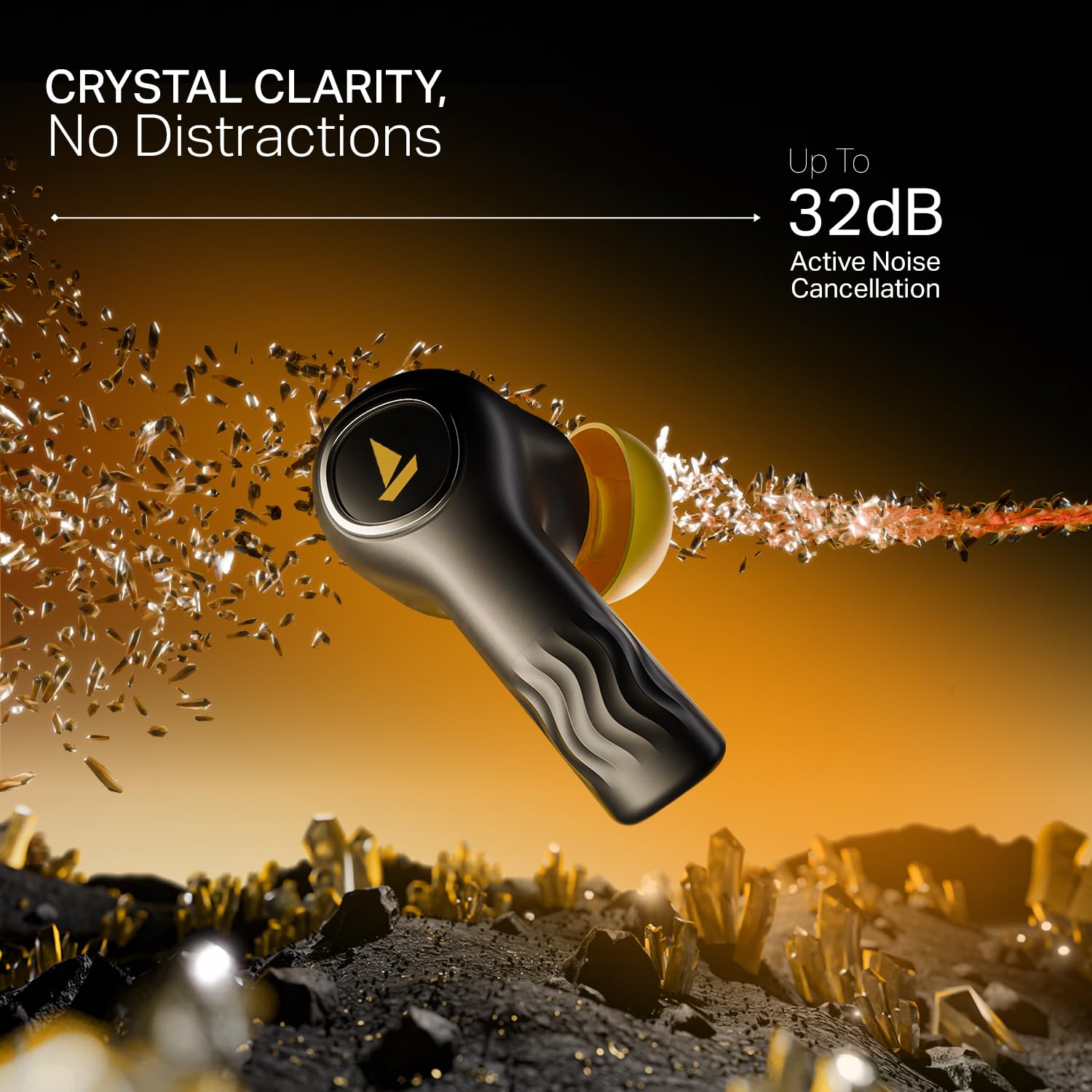
Image: The boAt Nirvana Crystl earbuds and case, illustrating the 100-hour playback and fast charging capabilities.
Таны чихэвчийг хослуулж байна
Initial Pairing (Google Fast Pair):
- Цэнэглэх хайрцгийг нээнэ үү. Чихэвч автоматаар хослуулах горимд орно.
- On your Android device, a Google Fast Pair notification will appear. Tap to connect.
- For other devices, go to your device's Bluetooth settings and select "Nirvana Crystl" from the available devices.
Дахин холбох: The earbuds will automatically connect to the last paired device when taken out of the case.
boAt Hearables App Compatibility
Download the boAt Hearables App from your device's app store. The app allows you to customize touch functions, enable Spatial Audio, adjust the equalizer with boAt Adaptive EQ by Mimi, view battery levels, and manage connectivity status.
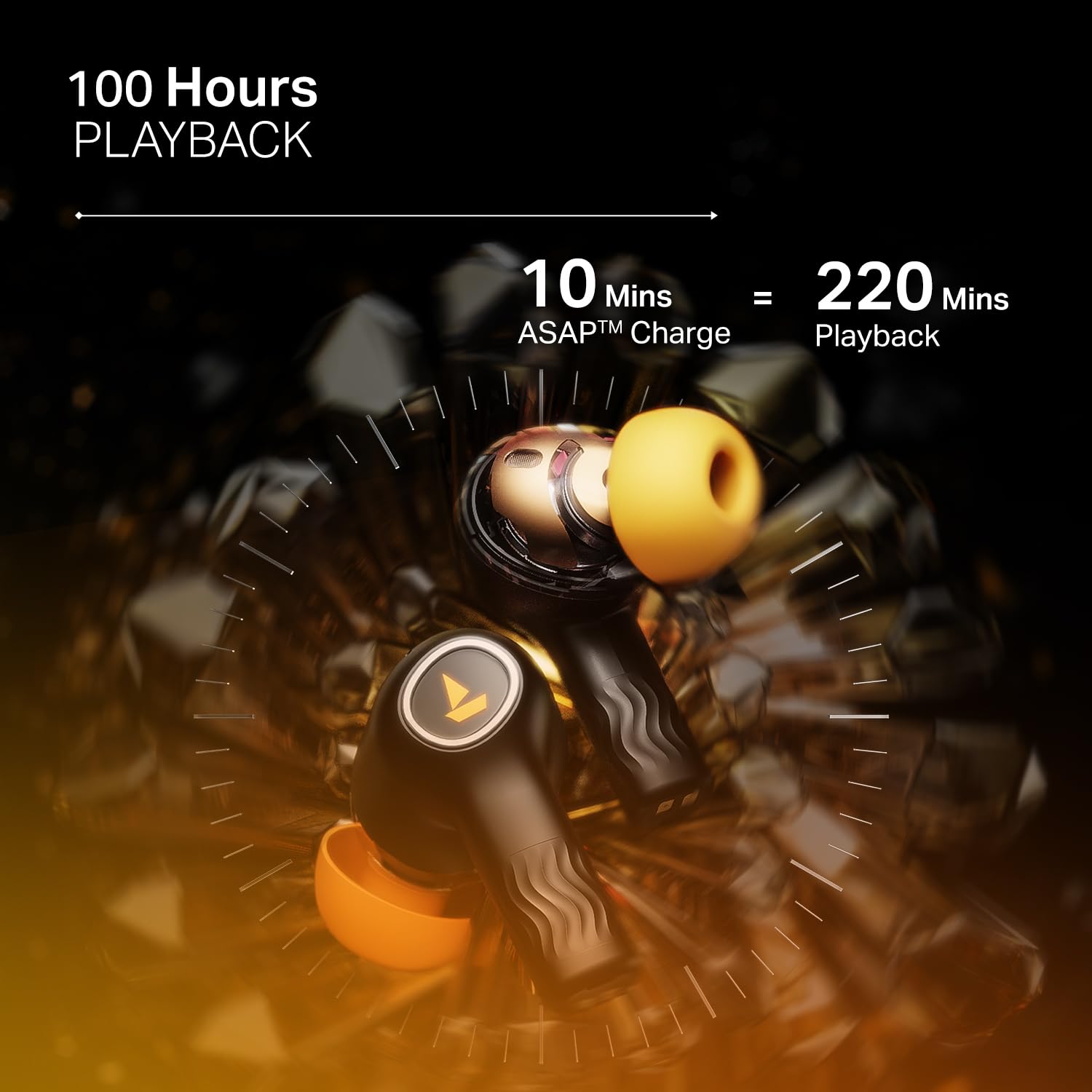
Image: The boAt Hearables App interface, demonstrating options for noise cancellation, equalizer, and spatial audio settings.
Чихэвчээ ажиллуулах
Идэвхтэй дуу чимээг цуцлах (ANC)
The Nirvana Crystl earbuds feature Active Noise Cancellation up to 32 dB, allowing you to minimize ambient sounds and focus on your audio. Activate or deactivate ANC through the boAt Hearables App or via the earbud touch controls.

Image: A boAt Nirvana Crystl earbud depicted with visual effects representing the active noise cancellation feature.
boAt 360° Spatial Audio
Experience immersive audio with boAt 360° Spatial Audio, creating a rich, multi-dimensional soundscape for music, movies, and games. This feature can be enabled via the boAt Hearables App.

Image: A person experiencing immersive sound with boAt Nirvana Crystl earbuds, illustrating the 360° Spatial Audio feature.
Quad Mics with ENx Technology
The earbuds are equipped with four microphones and ENx Technology to ensure enhanced clarity during calls, effectively reducing background noise for clear communication.
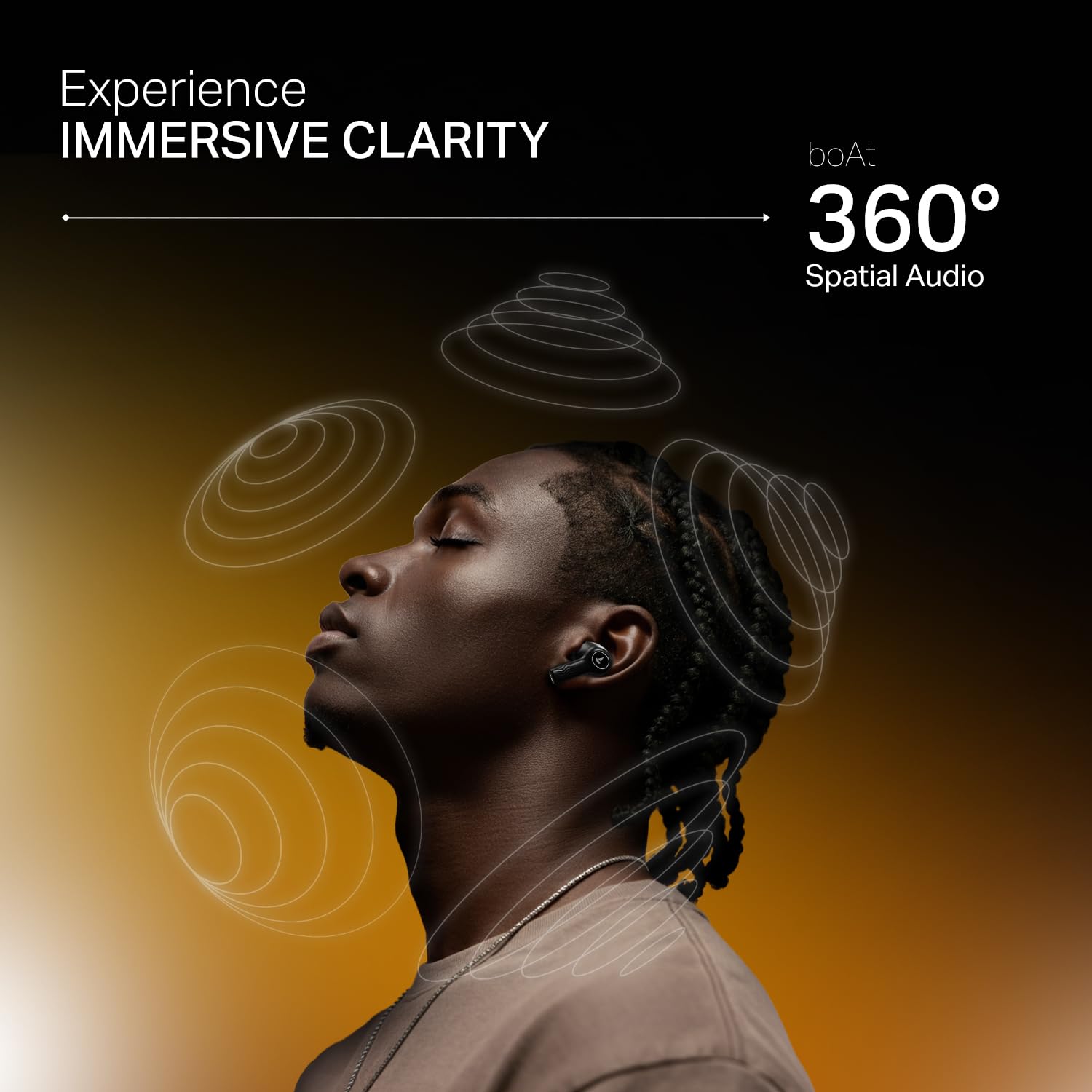
Image: A person making a call with boAt Nirvana Crystl earbuds, emphasizing the clarity provided by 4-mic ENx Technology.
Олон цэгийн холболт
Connect your Nirvana Crystl earbuds to two devices simultaneously and switch between them seamlessly without re-pairing. For example, you can listen to music on your tablet and answer calls on your phone.
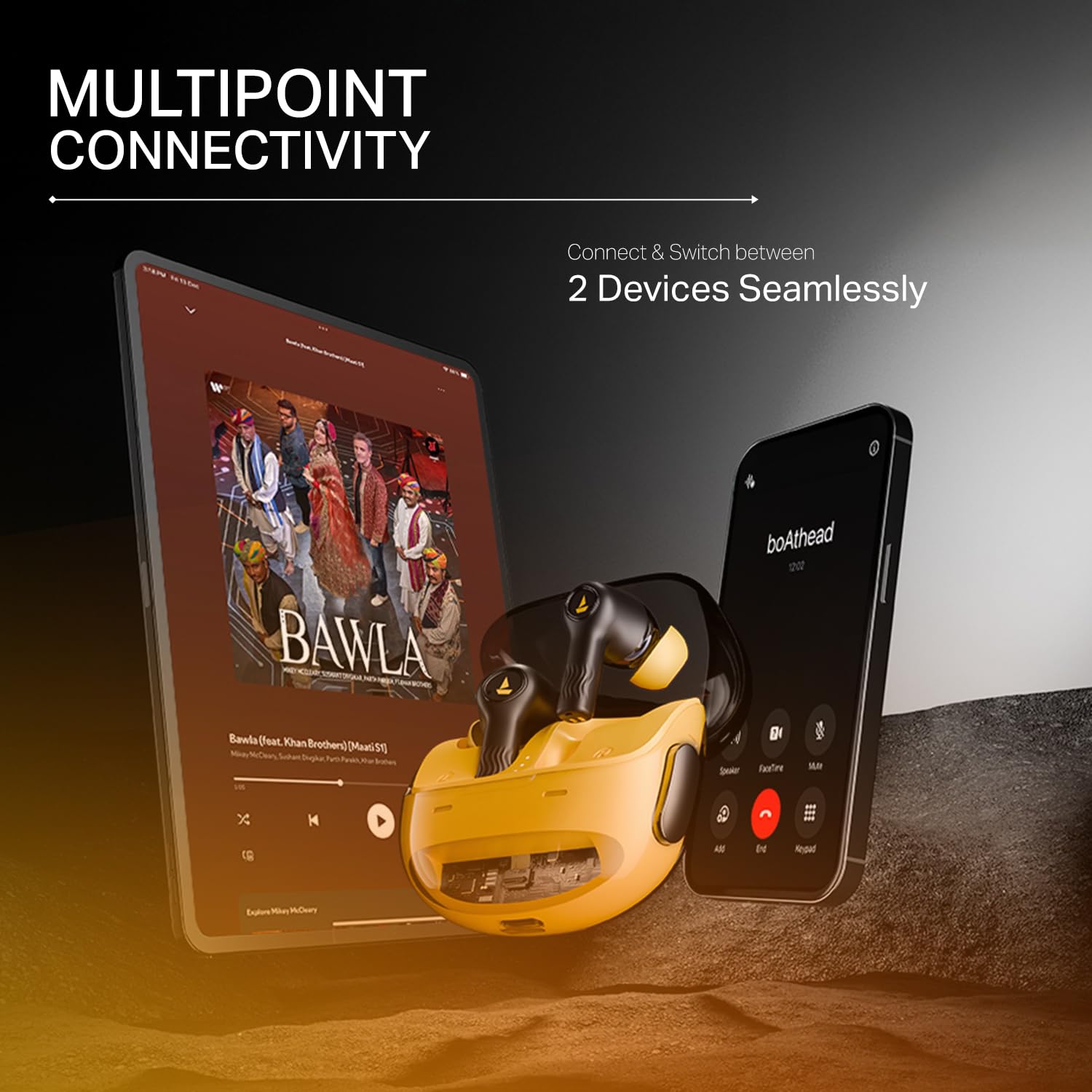
Image: The boAt Nirvana Crystl earbuds shown connected to both a smartphone and a tablet, illustrating multipoint connectivity.
Чихний доторх илрүүлэлт
The earbuds feature in-ear detection. Music or video playback will automatically pause when you remove an earbud and resume when you place it back in your ear.
Удирдлагад хүрнэ үү
The earbuds feature intuitive touch controls for managing playback, calls, and activating features. These controls can be customized through the boAt Hearables App to suit your preferences.
Арчилгаа, засвар үйлчилгээ
- Цэвэрлэгээ: Чихэвч болон цэнэглэгчийн хайрцгийг зөөлөн, хуурай даавуугаар тогтмол цэвэрлэ. Химийн хатуу бодис, зүлгүүрийн материал ашиглахаас зайлсхий.
- Хадгалах: Чихний чихэвчийг хамгаалж, цэнэгтэй байлгах үүднээс ашиглаагүй үед нь цэнэглэх хайрцагтаа хадгал.
- Усны эсэргүүцэл: The earbuds are water-resistant. However, they are not waterproof. Avoid submerging them in water or exposing them to heavy rain. Dry them thoroughly if they get wet.
- Температур: Чихэвчийг хэт өндөр температурт (халуун эсвэл хүйтэн) байлгахаас зайлсхий, энэ нь батерейны ашиглалт болон гүйцэтгэлд сөргөөр нөлөөлж болзошгүй.
Алдааг олж засварлах
- Чихэвчийг хослуулахгүй байна: Хоёр чихэвчийг цэнэглэх хайрцагт байгаа эсэхийг шалгаад, тагийг нь нээгээд хослуулах горимыг эхлүүлнэ үү. Төхөөрөмжийнхөө Bluetooth тохиргоог шалгана уу.
- Зөвхөн нэг чихэвч ажиллаж байна: Place both earbuds back in the case, close the lid, wait a few seconds, then open it again. This often resets the connection.
- Дууны чанар муу: Ensure the earbuds are properly seated in your ears and try different sized eartips for a better seal. Check the audio source and app equalizer settings.
- Чихэвч цэнэглэхгүй байна: Ensure the charging cable is securely connected to both the case and the power source. Check for any debris in the charging port.
- Холболтын асуудал: Move closer to your paired device. Ensure there are no major obstructions between the earbuds and your device.
Техникийн үзүүлэлтүүд
| Онцлог | Тодорхойлолт |
|---|---|
| Загварын нэр | Nirvana Crystl |
| Дуу чимээний хяналт | Идэвхтэй дуу чимээг арилгах (32 дБ хүртэл) |
| Холболтын технологи | Bluetooth v5.3 |
| Зайны ашиглалт | 100 Hours (Total Playback) |
| Цэнэглэх хугацаа | 2.5 цаг |
| Микрофонууд | Quad Mics with ENx Technology |
| Хяналтын арга | Хүрэх |
| Усны эсэргүүцлийн түвшин | Усны хамгаалалттай |
| Тохиромжтой төхөөрөмжүүд | Гар утас, зөөврийн компьютер, таблет |
| Материал | Хуванцар |
| Зүйлийн жин | 120 грамм |
| Бүтээгдэхүүний хэмжээс | 6 x 2 x 5 см |
| Үйлдвэрлэгч | Imagine Marketing ХХК |
Баталгаат болон дэмжлэг
For detailed warranty information, product registration, and customer support, please visit the official boAt website or contact their customer service directly. You can reach the manufacturer at info@imaginemarketingindia.com.
Үйлдвэрлэгч: Imagine Marketing ХХК
Имэйл: info@imaginemarketingindia.com


