1. Танилцуулга
Welcome to the Alta Labs Route10 instruction manual. The Alta Labs Route10 is a high-performance 10 Gigabit wired router engineered for advanced home, business, and enterprise network environments. It features a powerful quad-core Qualcomm processor, hardware-accelerated VPN, and versatile port configurations to deliver fast, reliable, and secure network connectivity. This manual will guide you through the setup, operation, maintenance, and troubleshooting of your Route10 router.
2. Бүтээгдэхүүн дууссанview
Гол онцлогууд
- Professional 10Gbps Wired Routing: Designed for advanced home, business, and enterprise networks. Note: This router does not broadcast Wi-Fi; wireless coverage requires pairing with Wi-Fi access points.
- Quad-Core Qualcomm Network Accelerator: Ensures high throughput, fast packet processing, low latency, and consistent multi-gigabit performance for routing, firewall rules, VPN traffic, and VLAN segmentation.
- Integrated PoE+ Output: Select Ethernet ports provide Power over Ethernet Plus (PoE+) support to power compatible access points or network devices directly.
- Enterprise-Grade Routing, Firewall, and Network Control: Supports advanced features including VLAN tagging, QoS traffic prioritization, NAT port forwarding, firewall rules, DHCP services, and professional network segmentation.
- Real-Time Network Monitoring: Provides live network statistics, bandwidth usage, connected devices, WAN/LAN traffic, and system performance for effective network management.
- Multi-WAN Internet Support with Failover: Designed for network reliability with support for DHCP, static IP, PPPoE, and multi-WAN configurations, enabling failover and load balancing.
- VPN and Advanced Security Capabilities: Supports secure remote access and site-to-site connectivity with VPN protocols like IPsec and WireGuard for encrypted traffic and secure remote management.
- Seamless Integration with Alta Labs Network Ecosystem: Works natively with Alta Labs switches, access points, and controllers for centralized network management.
Багцын агуулга
- Alta Labs Route10 Router
- Эрчим хүчний хангамж
- Ханын бэхэлгээ
- Хананд суурилуулах тоног төхөөрөмж
Бүрэлдэхүүн хэсгүүдийг тодорхойлох
Familiarize yourself with the ports and indicators on your Route10 router.

Зураг 1: Урд view of the Alta Labs Route10 router, highlighting its various ports including 2.5 Gbps RJ45 ports, SFP+ ports, and LED indicators for power and activity.
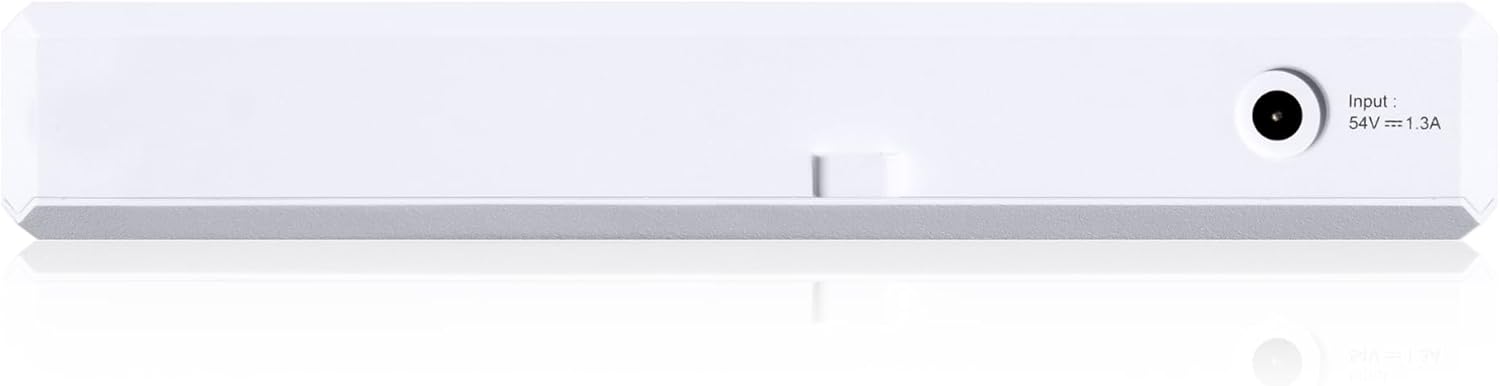
Зураг 2: Арын view of the Alta Labs Route10 router, showing the power input port (54V === 1.3A).
3. Тохиргоо
Физик суурилуулалт
- Суулгах (заавал биш): Use the provided wall mount and hardware to secure the Route10 to a wall or other suitable surface. Ensure adequate ventilation around the device.
- Эрчим хүчний холболт: Connect the included power supply to the router's power input port and then to a power outlet. The router will power on automatically.
Сүлжээний холболтууд
The Route10 is designed for high-speed wired networks. It does not broadcast Wi-Fi. For wireless coverage, connect to compatible Wi-Fi Access Points.

Зураг 3: Setup diagram illustrating connections for the Alta Labs Route10. The router connects to the ISP via an SFP+ port (up to 10 Gbps) and powers access points via PoE+ enabled Ethernet ports (up to 2.5 Gbps).
- Connect to ISP: Connect your Internet Service Provider's (ISP) modem or fiber optic terminal to one of the 10 Gbps SFP+ ports or 2.5 Gbps RJ45 ports designated as WAN.
- Орон нутгийн төхөөрөмжүүдийг холбох: Connect your computers, switches, or Alta Labs Access Points to the remaining LAN ports. Ports 2 and 3 support PoE+ for powering compatible devices.
Анхны тохиргоо
The Alta Labs Route10 is managed through the Alta platform, which can be cloud-based or run locally via a VM/Docker image.
- Create Alta Account: If you don't have one, create an account on the Alta Labs platform.
- Adopt Router: Connect your Route10 to the internet. Log into your Alta account and enter the router's serial number to adopt it into your network.
- Сүлжээний үндсэн тохиргоо: Configure basic network settings such as WAN type (DHCP, Static IP, PPPoE), LAN IP address, and DHCP server settings through the Alta platform interface.
4. Ашиглалтын заавар
Network Management with Alta Platform
The Alta platform provides a centralized interface for managing your Route10 and other Alta Labs devices.
- Хяналтын самбар: View real-time network statistics, connected devices, and traffic flow.
- VLAN тохиргоо: Create and manage VLANs for network segmentation.
- QoS (Үйлчилгээний чанар): Prioritize traffic for critical applications.
- Галт ханын дүрэм: Configure security policies to protect your network.
- VPN: Set up IPsec or WireGuard VPN for secure remote access or site-to-site connectivity.
- Multi-WAN & Load Balancing: Configure multiple WAN connections for redundancy and improved bandwidth utilization.
- NAT (Сүлжээний хаягийн орчуулга): Manage port forwarding and other NAT settings.
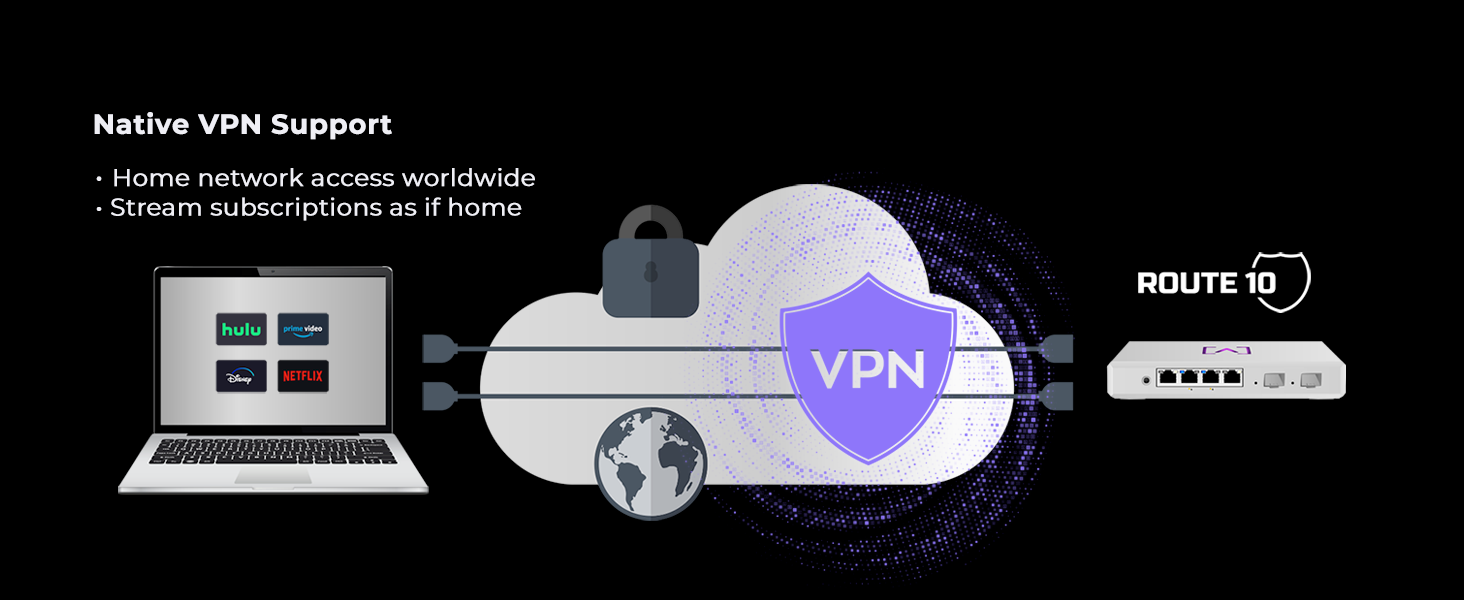
Зураг 4: Illustration of Native VPN Support on the Alta Labs Route10, enabling secure home network access worldwide and streaming subscriptions as if at home.
Видео 1: Нэг гаруйview of the Alta Labs Home Network, demonstrating how the Route10 integrates with other Alta Labs devices to create a comprehensive and managed network solution.
5. Засвар үйлчилгээ
- Програм хангамжийн шинэчлэлтүүд: Alta Labs regularly releases firmware updates to enhance features and improve security. Ensure your Route10 is always running the latest firmware through the Alta platform.
- Тогтмол хяналт: Periodically check the network monitoring dashboard for any unusual activity or performance issues.
- Биеийн үзлэг: Ensure the router is in a well-ventilated area and free from dust accumulation.
6. Алдаа засах
Нийтлэг асуудал ба шийдэл
- Интернет холболт байхгүй:
- Verify that your ISP modem is working correctly.
- Check WAN cable connections on the Route10.
- Confirm WAN settings (DHCP, Static IP, PPPoE) in the Alta platform.
- Сүлжээний хурд удаан:
- Check network utilization in the Alta platform dashboard.
- Ensure all cables are securely connected and are of appropriate category (e.g., Cat6 for 10Gbps).
- Review QoS settings to ensure critical traffic is prioritized correctly.
- Төхөөрөмж холбогдоогүй байна:
- Verify physical cable connection to the LAN port.
- Check DHCP server settings to ensure IP addresses are being assigned.
- If using PoE+, ensure the device is compatible and receiving power.
- Чиглүүлэгч хариу өгөхгүй байна:
- Чиглүүлэгчийг 10 секундын турш салгаад дахин залгах замаар асаа.
- If issues persist, perform a factory reset using the reset button (refer to the device diagram for location). Note: A factory reset will erase all configurations.
For further assistance, consult the Alta Labs support forums or contact customer service.
7. Техникийн үзүүлэлтүүд
| Онцлог | Дэлгэрэнгүй |
|---|---|
| Бүтээгдэхүүний хэмжээс | 9.5 x 9.5 x 2 инч |
| Зүйлийн жин | 1.5 фунт |
| Загварын дугаар | Маршрут 10 |
| Брэнд | Alta Labs |
| Онцлог шинж чанар | Internet Security, LED Indicator, Parental Control, Remote Access |
| Давтамжийн зурвасын ангилал | Нэг хамтлаг |
| Утасгүй холбооны стандарт | 802.11ax (Note: Router does not broadcast Wi-Fi, this refers to compatible APs) |
| Тохиромжтой төхөөрөмжүүд | Хувийн компьютер |
| Бүтээгдэхүүний ашиглахыг зөвлөж байна | Бизнес |
| Холболтын технологи | Ethernet |
| Өнгө | Цагаан |
8. Баталгаат хугацаа ба дэмжлэг
Хамгаалах төлөвлөгөө
Optional protection plans are available for your Alta Labs Route10 router:
- 3 жилийн хамгаалалтын төлөвлөгөө
- 4 жилийн хамгаалалтын төлөвлөгөө
- Бүрэн хамгаалах (эрхтэй худалдан авалтыг хамарсан сарын төлөвлөгөө)
For details on these plans, please refer to the product's purchase page or contact your retailer.
Буцаах бодлого
The standard return policy allows for a refund/replacement within 30 days of purchase.
Техникийн дэмжлэг
For technical assistance, firmware updates, or to access community forums, please visit the official Alta Labs website or contact their customer support directly. Active software updates are regularly provided to enhance functionality and address issues.


