Танилцуулга
This manual provides detailed instructions for the KINMATES TikTok Scrolling Ring and Page Turner, Model T01. This device offers hands-free control for various applications, including social media scrolling, e-book page turning, and remote camera operation. Please read this manual thoroughly before using your device.
Бүтээгдэхүүн дууссанview
The KINMATES T01 is a compact, wearable Bluetooth remote designed to enhance your digital experience. Its ergonomic ring design ensures comfortable use for extended periods.
- Hands-Free Scrolling: Effortlessly navigate TikTok and other video apps.
- E-Book Page Turning: Conveniently turn pages in compatible e-reading applications on iPads and Android tablets.
- Камерын удирдлага: Capture photos and videos remotely.
- Цэнэглэдэг: Long-lasting battery with quick recharging.
- Зөөврийн дизайн: Lightweight and comfortable for on-the-go use.
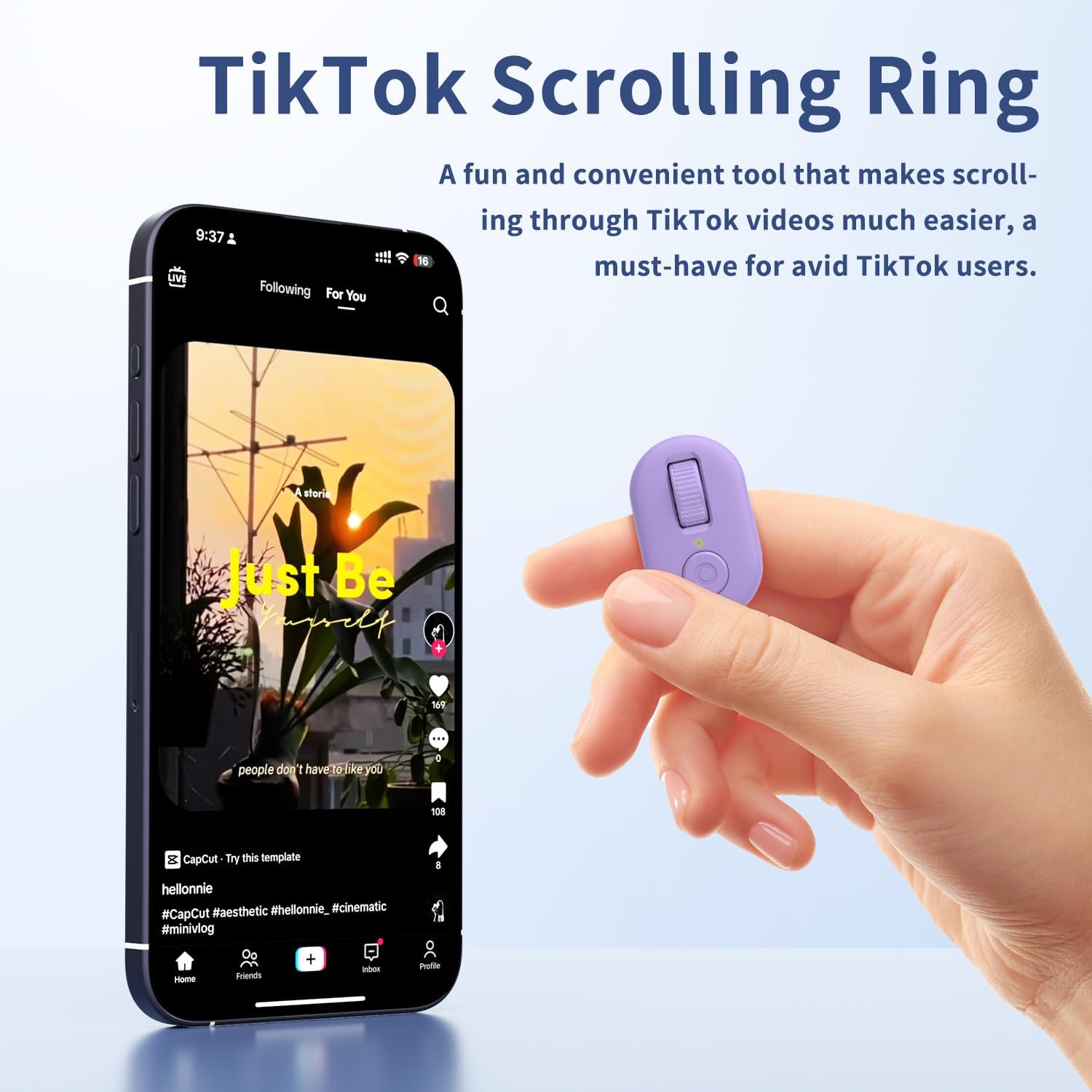
Image: The KINMATES TikTok Scrolling Ring, showing its compact size and accompanying charging case. The ring features a scroll wheel and a button.
Хайрцагт юу байна
- KINMATES TikTok Scrolling Ring (Model T01)
- Цэнэглэх хайрцаг
- USB-C цэнэглэгч кабель
- Хэрэглэгчийн гарын авлага
Тохиргоо
1. Төхөөрөмжийг цэнэглэж байна
Before first use, fully charge the scrolling ring. Place the ring into its charging case and connect the USB-C cable to a power source. The indicator light on the case will show charging status.

Image: Illustration showing the KINMATES Scrolling Ring in its charging case, connected via USB-C cable, with battery indicators. The text highlights fast charging and ultra-long battery life.
2. Bluetooth хослол
- Ensure your device (smartphone or tablet) has Bluetooth enabled.
- Take the scrolling ring out of its charging case. It will automatically enter pairing mode.
- On your device, go to Bluetooth settings and select "T01" or a similar name to connect.
- For iOS devices, ensure AssistiveTouch is enabled for full functionality:
- руу оч Тохиргоо > Хүртээмжтэй байдал > Хүрэх > AssistiveTouch.
- Сэлгэх AssistiveTouch ON руу.

Image: A smartphone screen displaying Bluetooth settings with the KINMATES T01 device listed as connected, alongside the scrolling ring and its charging case.

Image: Screenshots illustrating the steps to enable AssistiveTouch on iOS devices: Settings > Accessibility > Touch > AssistiveTouch.
3. Горим солих
The KINMATES T01 supports different operating modes. If your device is not responding as expected, you may need to switch modes. Long-press the up and down buttons simultaneously until the indicator light flashes purple three times. This action cycles through available modes.
Video: A setup guide for the KINMATES T01 Scrolling Ring, demonstrating how to pair the device and switch between different operating modes for optimal functionality.
Ашиглалтын заавар
The KINMATES T01 features a roller design for intuitive control. Wear the ring comfortably on your finger.

Зураг: Ойрын зураг view of the KINMATES Scrolling Ring, highlighting its ergonomic ring design and the scroll wheel for easy operation.
1. TikTok and Short Video Scrolling
- Дээш/Доош гүйлгэх: Use the scroll wheel to move through videos.
- Like/Interact: Press the main button (often a double-tap or single press depending on app settings) to like videos or interact with posts.
- Дууны хяналт: Use the side button for adjusting media volume.

Image: A person relaxing while using the KINMATES Scrolling Ring to navigate TikTok videos on a smartphone, demonstrating hands-free operation.
2. E-Book Page Turning
The ring functions as a page turner for compatible e-book applications on iPad and Android tablets. Note: Not suitable for Kindle devices (e.g., Paperwhite, Oasis, Scribe).
- Turn Page Forward/Backward: Use the scroll wheel to navigate through pages.
- Дууг хаах функц: The mute button ensures quiet operation, ideal for reading without disturbing others.

Image: A person comfortably reading an e-book on a tablet, using the KINMATES Scrolling Ring for hands-free page turning.
3. Камерын алсын удирдлага
Use the ring to remotely trigger your device's camera for photos and videos.
- Зураг авах: Үндсэн товчийг нэг удаа дар.
- Видео бичлэгийг эхлүүлэх/ зогсоох: Press and hold the main button (functionality may vary by app).

Image: A family on a beach taking a group photo using the KINMATES Scrolling Ring as a remote camera control, illustrating its use for selfies and group shots.
Засвар үйлчилгээ
1. Цэнэглэх
The ring and its charging case are equipped with rechargeable batteries. The charging box can fully charge the ring approximately 5 times. Once fully charged, the ring can operate for up to 12 hours.
- Connect the provided USB-C cable to the charging case and a compatible power adapter.
- Ensure the ring is properly seated in the charging case for optimal charging.
2. Цэвэрлэгээ ба арчилгаа
- Төхөөрөмжийг зөөлөн, хуурай даавуугаар арчина.
- Avoid exposing the device to extreme temperatures, moisture, or harsh chemicals.
- Төхөөрөмжийг ашиглахгүй байх үед цэнэглэгч хайрцагт нь хийж, хамгаалж, цэнэгтэй байлгаарай.
Алдааг олж засварлах
| Асуудал | Шийдэл |
|---|---|
| Төхөөрөмж асахгүй эсвэл хариу өгөхгүй. | Ensure the device is charged. Place it in the charging case and connect to power. |
| Bluetooth-ээр хослуулах боломжгүй байна. |
|
| Scrolling or button functions not working on iOS. | Verify that AssistiveTouch is enabled in your iOS Accessibility settings (Settings > Accessibility > Touch > AssistiveTouch). |
| Device performs unexpected actions (e.g., makes calls). | The device might be in an incorrect mode. Long-press the up and down buttons simultaneously until the indicator light flashes purple three times to switch modes. |
| Page turning not working on Kindle. | The KINMATES T01 is not compatible with Kindle devices. It works with e-book apps on iPads and Android tablets. |
Үзүүлэлтүүд
| Загварын дугаар | T01 |
| Брэнд | ХАМТ ОЛОНТОЙ |
| Холболт | Bluetooth |
| Тохиромжтой төхөөрөмжүүд | Smartphones, Tablets (iOS 14.8 or later for iPhone/iPad) |
| Онцлог шинж чанарууд | TikTok Scrolling, E-book Page Turning, Remote Camera Control |
| Зүйлийн жин | 3.52 унц |
| Эрчим хүчний эх үүсвэр | Цэнэглэдэг батерей (USB-C) |
| Battery Life (Ring) | Нэг цэнэглэлтээр 12 цаг хүртэл ажиллана |
| Цэнэглэх хайрцагны багтаамж | Provides up to 5 full charges for the ring |
Баталгаат болон дэмжлэг
For warranty information and customer support, please refer to the documentation included with your product or visit the official KINMATES webсайт. Баталгаат зардлаа авахын тулд худалдан авалтын баримтаа хадгална уу.


