Танилцуулга
This manual provides detailed instructions for the operation and maintenance of your Fockety MP3 MP4 Player. Please read this manual thoroughly before using the device to ensure proper functionality and to maximize your user experience.
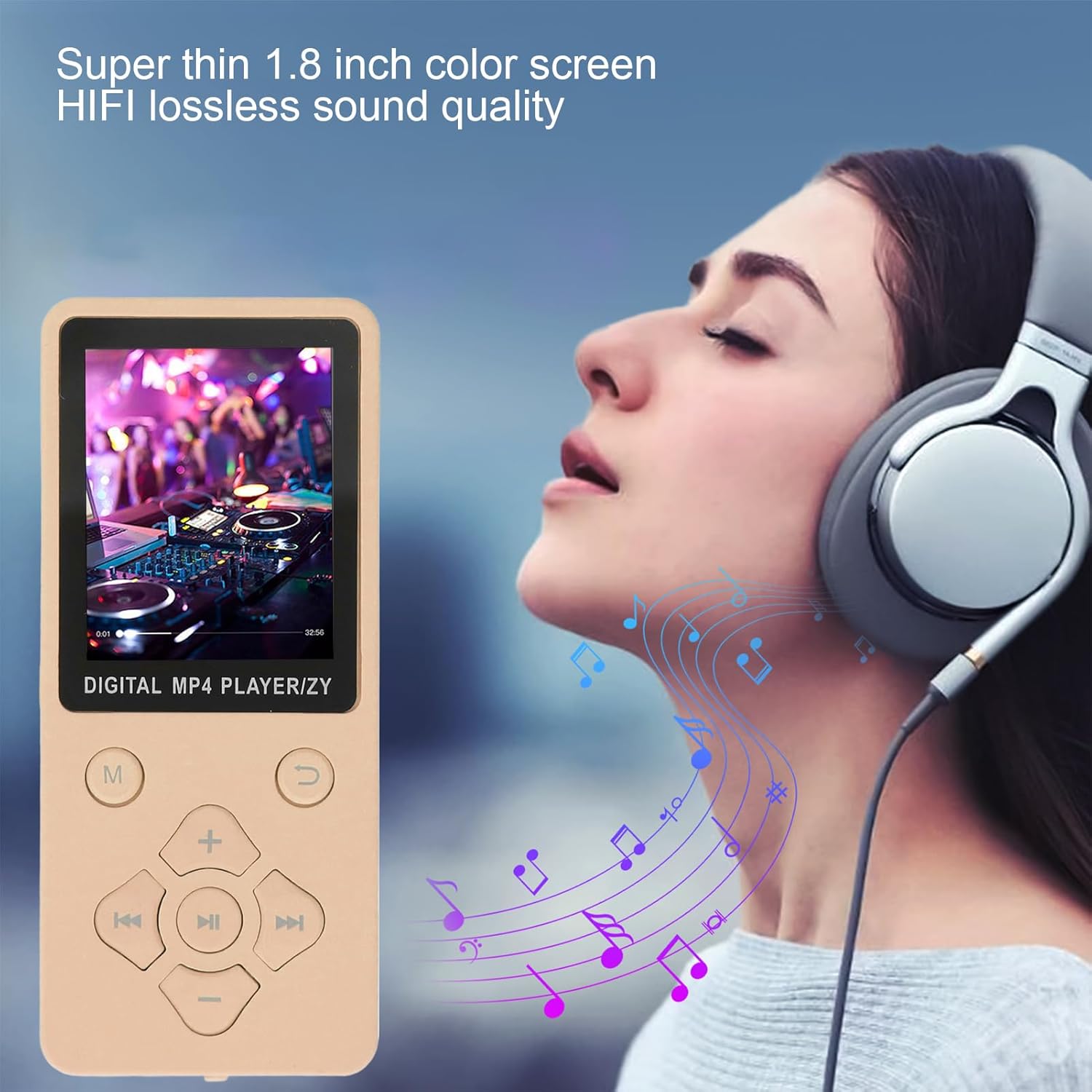
The Fockety MP3 MP4 Player features a super thin design and a 1.8-inch color screen, delivering HIFI lossless sound quality.
Гол онцлогууд:
- Bluetooth 5.0 холболт: Equipped with an updated Bluetooth 5.0 chip for stable connection and easy pairing with Bluetooth headphones or speakers. Note: Cannot pair with computer or phone Bluetooth.
- Олон үйлдэлт төхөөрөмж: Supports MP3 music playback, voice recording, e-books (TXT format), photo viewing, and video playback (AMV format). Features an independent volume control for ease of use.
- High-Speed USB 2.0: Functions as a card reader or file storage. Easily transfer music files or folders by dragging and dropping when connected to a computer.
- HIFI Lossless Sound: Enjoy crisp and rich audio through the powerful built-in speaker. Compatible with various formats including MP3, WMA, APE, FLAC, WAV, and OGG.
- Өргөтгөх санах ой: Supports a small memory card up to 128GB (not included), allowing storage for over 10,000 songs and numerous e-books.
Тохиргоо
1. Хайрцагнаас задлах ба бүрэлдэхүүн хэсгүүд
Carefully unpack your MP3 MP4 Player. Ensure all components are present:
- Fockety MP3 MP4 Player
- USB мэдээллийн кабель
- Чихэвч
- Хэрэглэгчийн гарын авлага
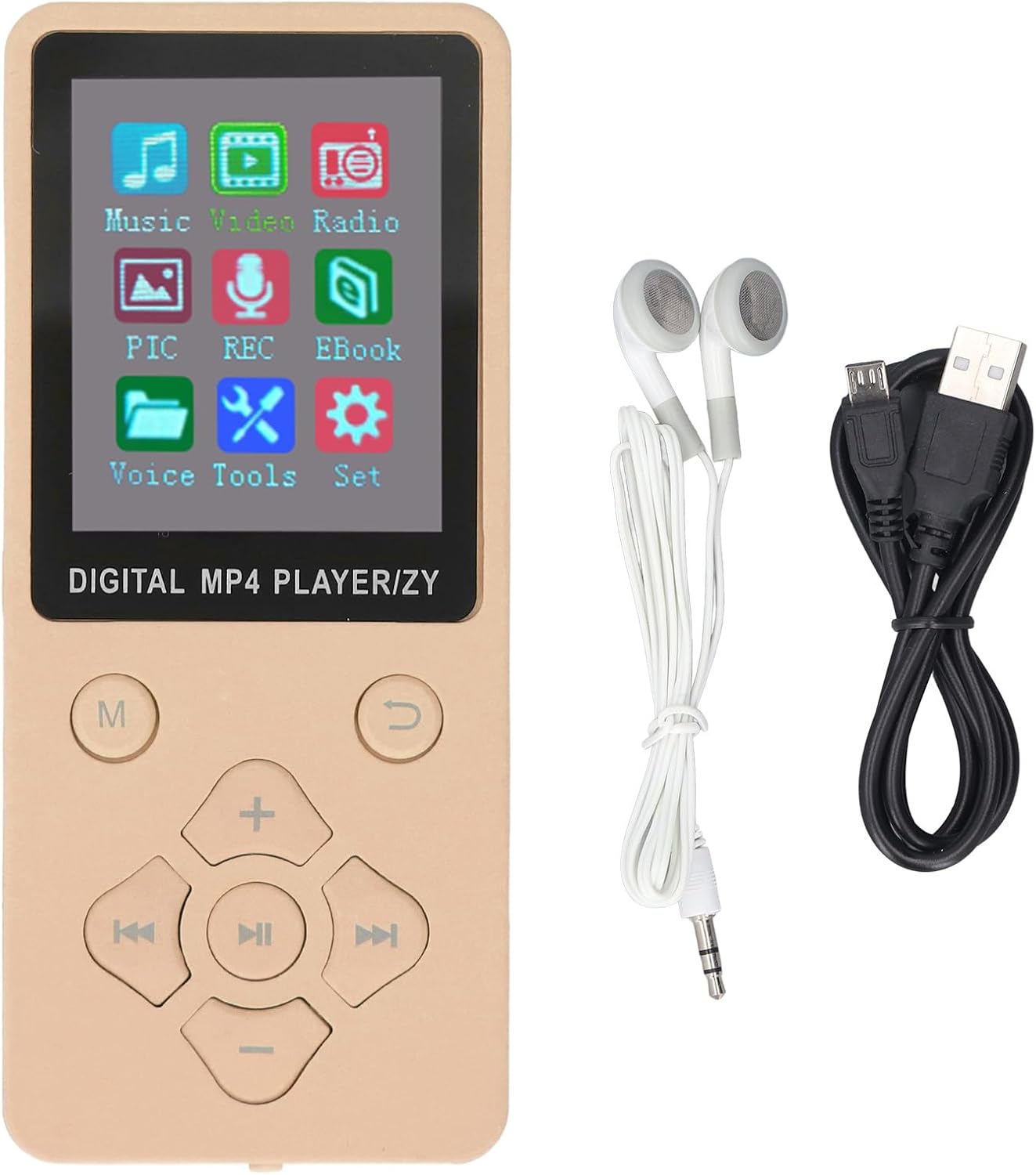
The MP3 MP4 Player comes with essential accessories for immediate use.
2. Төхөөрөмжийг цэнэглэж байна
- Connect the small end of the USB data cable to the player's USB port.
- Connect the larger end of the USB data cable to a USB power adapter (not included) or a computer's USB port.
- The device will indicate charging status on the screen. A full charge typically takes 1 to 2 hours.
3. Санах ойн карт оруулах
The device supports a small memory card (TF card) up to 128GB for expanded storage. The memory card is not included.
- Locate the TF-CARD slot on the side or back of the player.
- Санах ойн картыг үүрэнд нь товших хүртэл зөөлөн оруулаарай. Картыг зөв чиглүүлсэн эсэхийг шалгаарай.
- Авахын тулд картыг гарч иртэл дотогшоо зөөлөн түлхэнэ үү.
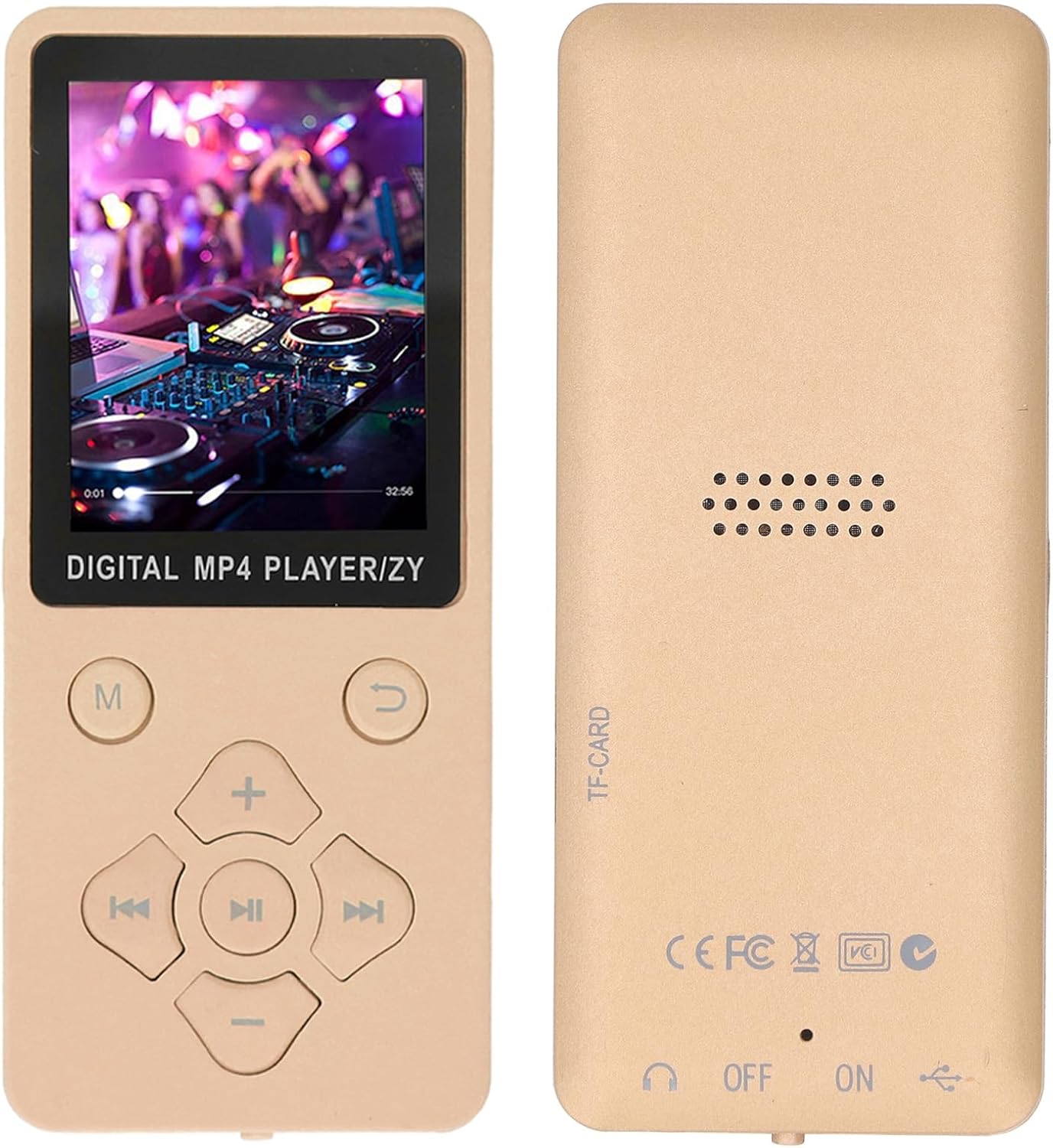
The back of the player indicates the TF-CARD slot for expandable memory.
4. Асаах/унтраах
- Асаахын тулд ON/OFF товчлуурыг 'ON' байрлалд гулсуулна уу.
- Унтраахын тулд ON/OFF товчлуурыг 'OFF' байрлалд гулсуулна уу.
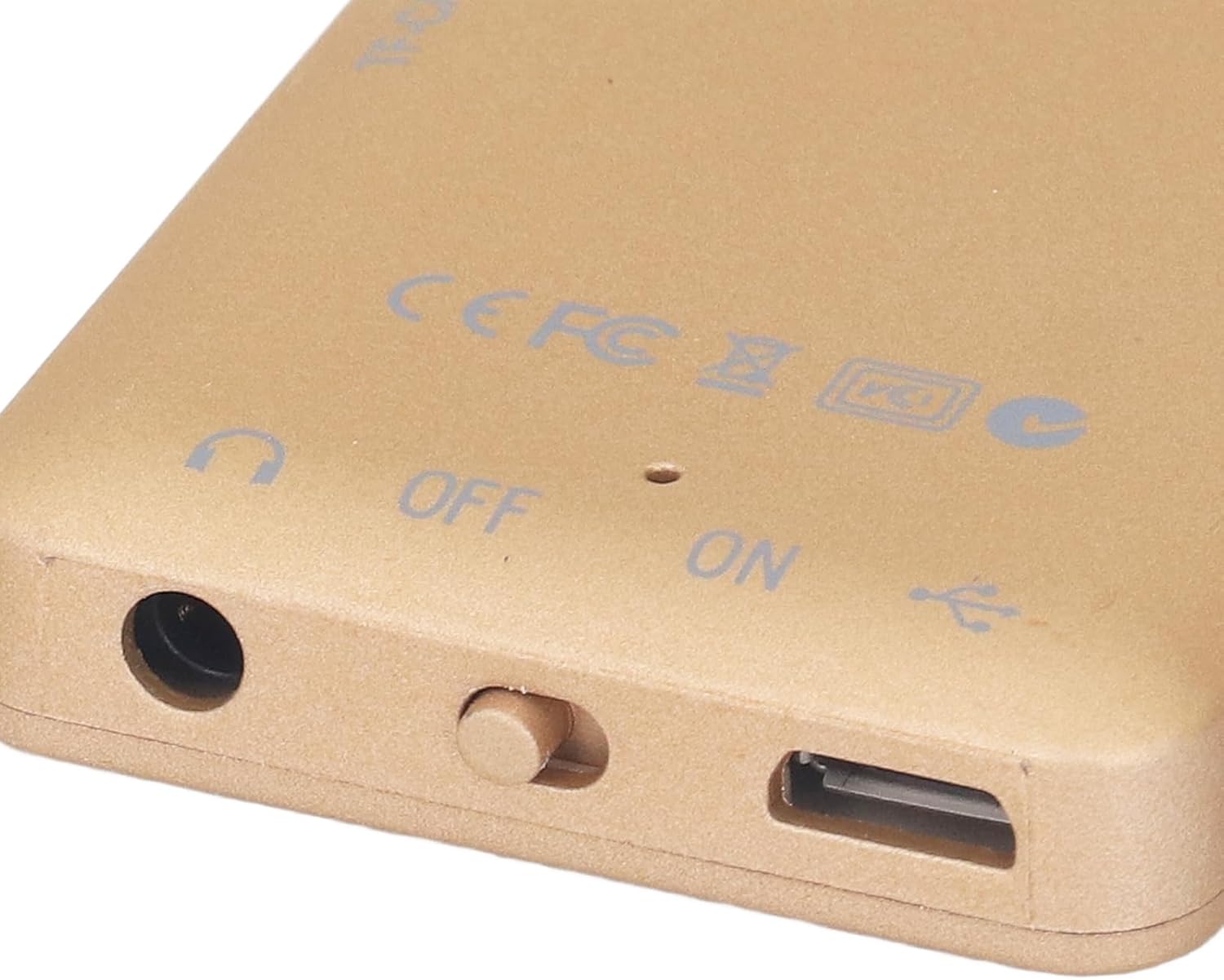
The ON/OFF switch is located on the bottom edge of the device, next to the headphone jack and USB port.
Ашиглалтын заавар
1. Үндсэн навигаци
The player features a set of physical buttons for navigation and control:
- M (Цэс) Товч: Access the main menu or return to the previous menu.
- Тоглуулах/Түр зогсоох товчлуур (Төв): Тоглуулахыг эхлүүлэх эсвэл түр зогсоох.
- Өмнөх/Дараах товчлуурууд: Navigate through lists or skip tracks/chapters.
- Volume Up (+) / Volume Down (-) Buttons: Дууны түвшинг тохируулна уу.
- Return Button (U-turn arrow): Өмнөх дэлгэц эсвэл цэс рүү буцна уу.

The main menu provides access to all functions of the player.
2. Хөгжим тоглож байна
- Үндсэн цэснээс 'Хөгжим'-ийг сонгоно уу.
- Browse your music library by artist, album, genre, or all songs.
- Select a song and press the Play/Pause button to begin playback.
- Use the Previous/Next buttons to skip tracks and the Volume buttons to adjust audio levels.
3. Playing Videos
The player supports AMV video format. Videos in other formats may need to be converted before playback.
- Үндсэн цэснээс "Видео" хэсгийг сонгоно уу.
- Видеог сонгоно уу file Та тоглохыг хүсч байна.
- Press the Play/Pause button to start the video.
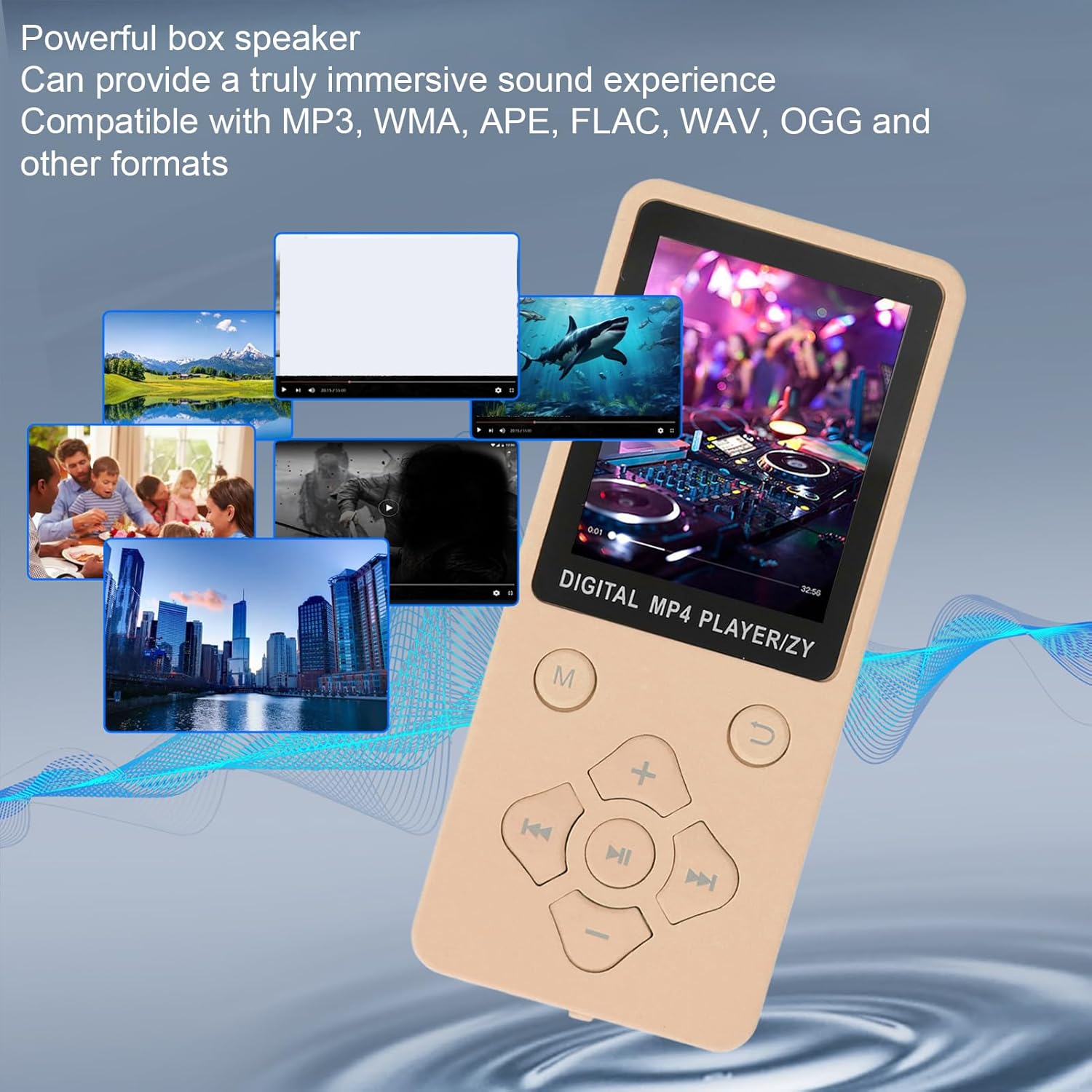
The player supports various media types, including video playback.
4. Bluetooth ашиглах
- From the main menu, navigate to 'Settings' and then 'Bluetooth'.
- Bluetooth-г 'Асаах'.
- Тоглогч боломжтой Bluetooth төхөөрөмжүүдийг сканнердах болно.
- Хослуулахын тулд жагсаалтаас Bluetooth чихэвч эсвэл чанга яригчаа сонгоно уу.
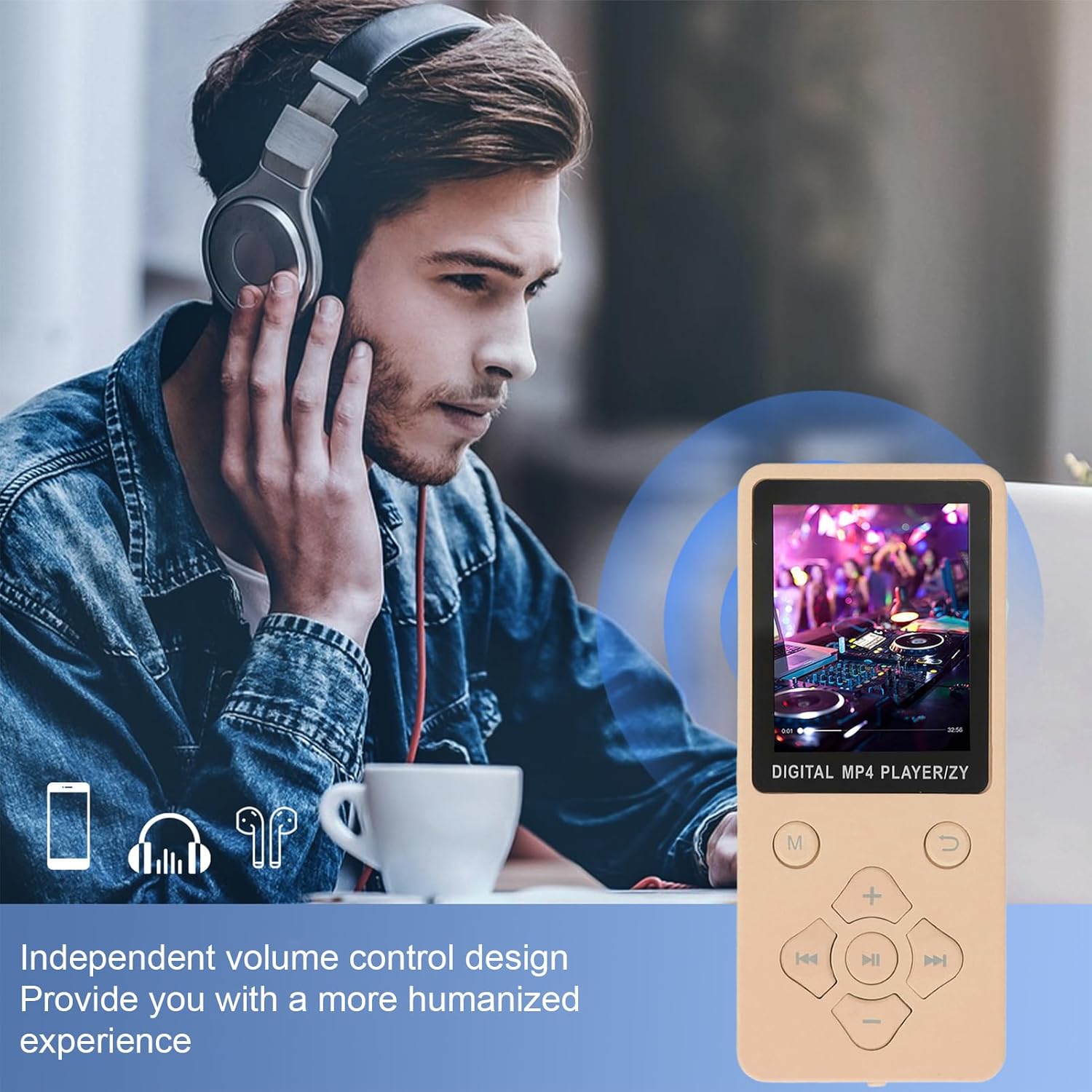
The player offers independent volume control for a personalized audio experience, especially when using Bluetooth headphones.
5. FM радио
- Connect wired earphones to the player; they act as the antenna for the FM radio.
- From the main menu, select 'Radio'.
- Навигацийн товчлууруудыг ашиглан станцуудыг хайх эсвэл давтамжийг гараар тохируулна уу.
6. Дуу хураагч
- From the main menu, select 'REC' (Record).
- Press the Play/Pause button to start recording.
- Press it again to stop and save the recording.
7. Цахим ном уншигч
The player supports TXT format e-books.
- From the main menu, select 'Ebook'.
- Choose your desired TXT file нээж унших.
Засвар үйлчилгээ
1. Цэвэрлэгээ
- Төхөөрөмжийн дэлгэц болон их биеийг цэвэрлэхийн тулд зөөлөн, хуурай, хөвөнгүй даавуу ашиглаарай.
- Avoid using liquid cleaners, aerosols, or harsh chemicals, as they may damage the surface or internal components.
2. Зайны арчилгаа
- Зайны ашиглалтын хугацааг уртасгахын тулд зайгаа ойр ойрхон бүрэн цэнэггүй болгохоос зайлсхий.
- Төхөөрөмжийг удаан хугацаагаар ашиглаагүй бол сэрүүн, хуурай газар хадгална.
- Төхөөрөмжийг хэт өндөр температурт бүү гарга.
3. Програм хангамжийн шинэчлэлтүүд
Үйлдвэрлэгчийг үе үе шалгаж байгаарай webоновчтой гүйцэтгэл болон шинэ функцуудад хандах боломжийг хангахын тулд боломжтой програм хангамжийн шинэчлэлтүүдийг үзэх сайт.
Алдааг олж засварлах
If you encounter issues with your Fockety MP3 MP4 Player, please refer to the following common solutions:
- Төхөөрөмж асахгүй байна: Ensure the battery is charged. Connect the player to a power source using the USB cable and try again. Check the ON/OFF switch is in the 'ON' position.
- Bluetooth-д холбогдох боломжгүй: Ensure Bluetooth is enabled on both the player and the target device (headphones/speaker). Make sure the target device is in pairing mode. Remember, the player cannot pair with computer or phone Bluetooth.
- Music/Video fileтоглохгүй байна: гэдгийг баталгаажуулна уу files are in a supported format (MP3, WMA, APE, FLAC, WAV, OGG for music; AMV for video). Ensure the files are properly transferred to the device or memory card.
- Дуу алга: Check the volume level. Ensure earphones are properly connected or Bluetooth audio device is paired and connected.
- Дэлгэц хариу өгөхгүй эсвэл царцсан: Try restarting the device by sliding the ON/OFF switch to 'OFF' and then 'ON' again.
- Санах ойн карт илрээгүй: Ensure the memory card is inserted correctly and fully. Try reinserting the card or using a different compatible memory card.
For further assistance, please refer to the 'Support' section.
Үзүүлэлтүүд
| Загвар | Fockety8smuh0ixfe-14 |
| Дэлгэц | 1.8 инчийн өнгөт дэлгэц |
| Bluetooth хувилбар | 5.0 |
| Зайны төрөл | 180mAh лити-ион зай |
| Цэнэглэх хугацаа | 1-2 цаг |
| Хөгжим тоглуулах цаг | Up to 10 hours (lossless music) |
| Өргөтгөх санах ой | Supports up to 128GB small memory card (not included) |
| Дэмжигдсэн хөгжмийн форматууд | MP3, WMA, OGG, APE, FLAC, WAV |
| Дэмжигдсэн видео форматууд | AMV (converted video) |
| Дэмжигдсэн зургийн формат | JPG, JPEG, BMP/GIF |
| Дэмжигдсэн цахим номын формат | TXT |
| Материал | ABS |
| Бүтээгдэхүүний жин | 76 гр |
| Багцын хэмжээ | 17 x 8 x 2 см |
Баталгаат хугацааны мэдээлэл
This product is covered by a standard manufacturer's warranty. Please retain your proof of purchase for any warranty claims. For specific warranty terms and conditions, refer to the documentation provided at the time of purchase or contact your retailer.
Хэрэглэгчийн дэмжлэг
If you have any questions, require technical assistance, or need further support regarding your Fockety MP3 MP4 Player, please contact your point of purchase or refer to the official Fockety webхолбоо барих мэдээлэл авах сайт.


